跳转到内容
View in the app

A better way to browse. Learn more.

彼岸论坛

A full-screen app on your home screen with push notifications, badges and more.

To install this app on iOS and iPadOS
  1. Tap the Share icon in Safari
  2. Scroll the menu and tap Add to Home Screen.
  3. Tap Add in the top-right corner.
To install this app on Android
  1. Tap the 3-dot menu (⋮) in the top-right corner of the browser.
  2. Tap Add to Home screen or Install app.
  3. Confirm by tapping Install.
游客用户下载速度限制128kb免费注册后解除限速

Photoshop Express(安卓PS高级版) 破解版 v16.9.272 b1953

(0篇 评论)

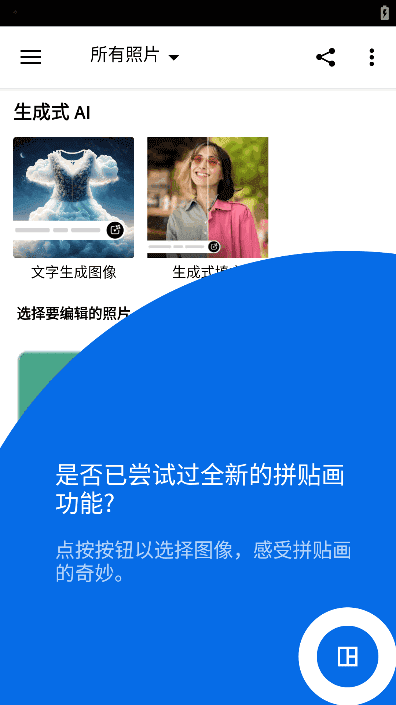
1张 截图

Adobe Photoshop Express中文版(安卓PS手机版安卓PS高级版)是一款Adobe公司推出的移动端照片编辑器拼贴画制作软件及图片调色工具的手机图像处理软件,除了图片编辑基本功能,同时具备专业的图像处理功能,例如:AI自动修复,图像校正,瑕疵移除,大量特效滤镜和个性化效果,导入编辑Raw文件及TIFF图像等.
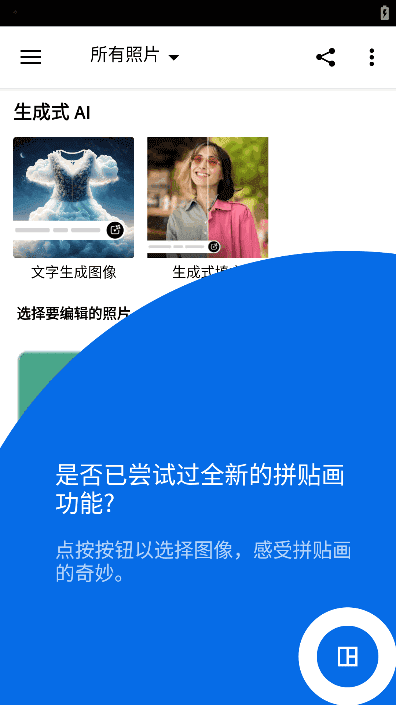
image.thumb.png.98c8c2ca5c4259977b9632655139c2f8.png

特点描述

by Balatan
- 解锁订阅高级功能,免登陆账户
- 切断谷歌Play商店检查更新提示
- 删除所有广告元素及相关代码、统计分析、错误报告
- 禁用且移除了不必要的权限、服务、接收器、提供器
- 清理应用不必要图形资源文件、对齐优化、压缩打包

隐藏

提取码:roxv


用户反馈

您只能在下载文件后才能提供评论.

没有评论可显示.

Configure browser push notifications

Chrome (Android)
  1. Tap the lock icon next to the address bar.
  2. Tap Permissions → Notifications.
  3. Adjust your preference.
Chrome (Desktop)
  1. Click the padlock icon in the address bar.
  2. Select Site settings.
  3. Find Notifications and adjust your preference.