跳转到内容
View in the app

A better way to browse. Learn more.

彼岸论坛

A full-screen app on your home screen with push notifications, badges and more.

To install this app on iOS and iPadOS
  1. Tap the Share icon in Safari
  2. Scroll the menu and tap Add to Home Screen.
  3. Tap Add in the top-right corner.
To install this app on Android
  1. Tap the 3-dot menu (⋮) in the top-right corner of the browser.
  2. Tap Add to Home screen or Install app.
  3. Confirm by tapping Install.
游客用户下载速度限制128kb免费注册后解除限速

AIDA64 系统检测 单文件便携商业版 7.50.7200

(0篇 评论)

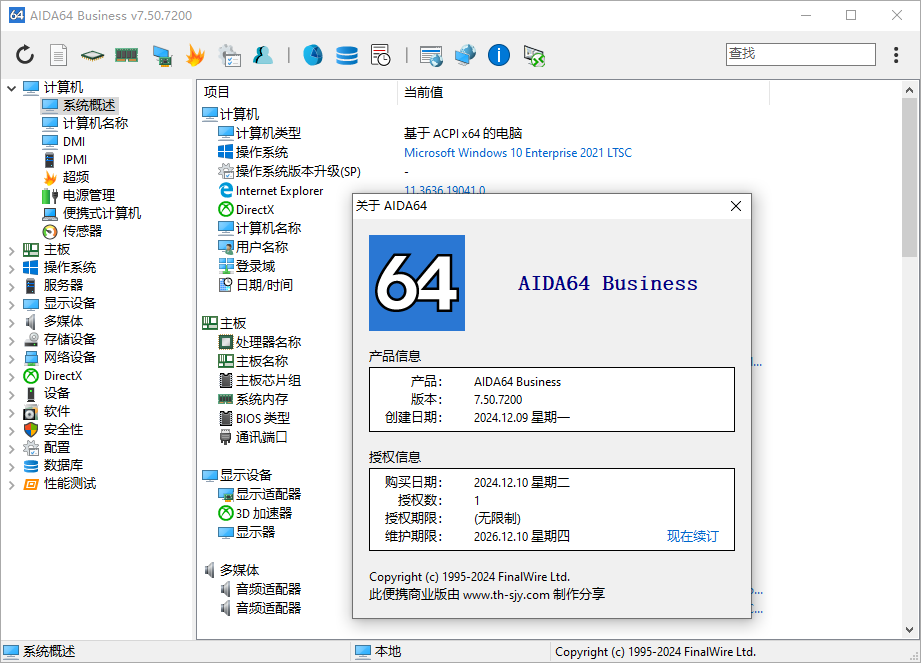
1张 截图

AIDA64 是一款功能强大的实用工具,用于识别和测试计算机上的几乎所有的组件,可提供有关硬件和软件的详细信息。此外,用于测试和校准的内置模块可进一步测试计算机的各个子系统。显示在您系统上安装的所有硬件和软件的信息。

在系统优化和调整方面它提供了基本的系统和超频信息,先进的硬件监控和诊断,以评估使用者或其它设置的影响。基准 CPU 模块浮点和内存,用来衡量实际的系统性能和比较以前的状态或其它的系统。此外,完整的软件,操作系统和安全产品 AIDA64 转化为全面的系统诊断工具,它提供超过 100 页有关您计算机的信息。
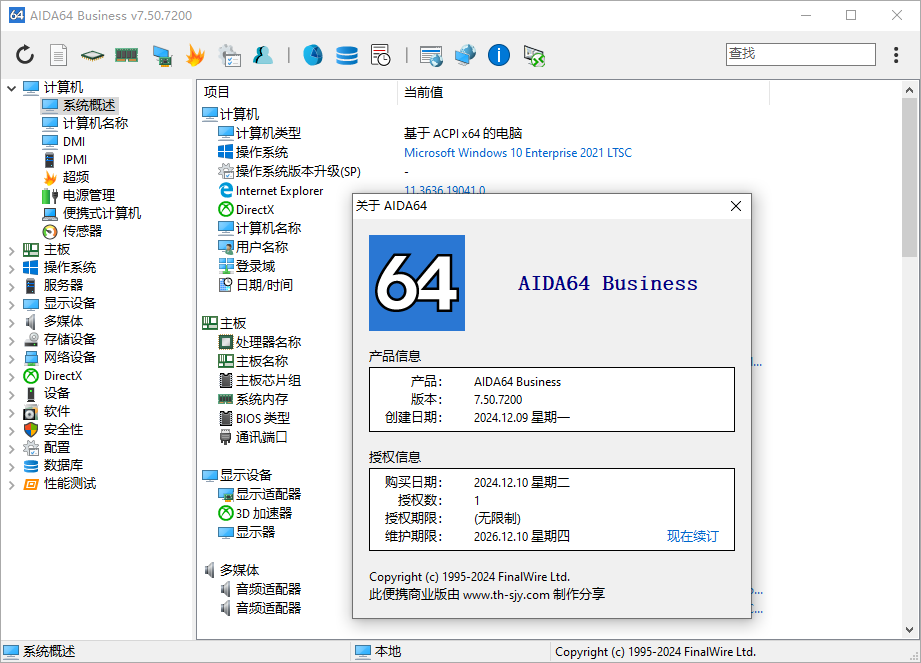
image.thumb.png.e7e14b584bca18fe98798af4f735d3be.png

特点:
关于主板和 CPU 的级别信息
视频驱动程序和显示器的详细信息
所有存储设备的信息
关于网络适配器、多媒体和输入设备的详细信息
关于其它设备的信息 (PCI、PNP、PCMCIA、USB)
Windows 的详细信息,包括安装日期、许可证密钥和更多
关于网络共享、用户和组列表,以及更多信息
关于网络状态、远程访问、网络资源和网络设置的大量信息
关于已安装程序、计划任务和启动程序的详细信息
关于操作系统安全性的信息
防火墙、反间谍软件和防病毒软件列表
系统稳定性测试
CPUID 面板
硬件监控
CPU 和 FPU 基准测试
内存测试
驱动器模块性能测试
检测硬件和软件的配置错误和兼容性问题
报告向导
邮件和打印

支持系统:Windows 95/98/Me、Windows NT4/2000、Windows XP、Windows PE、Windows Server 2003、Windows Vista、Windows Server 2008、Windows 7、Windows Server 2008 R2、Windows 8、Windows Server 2012、Windows 8.1、Windows Server 2012 R2、Windows 10、Windows Server 2016

v7.50.7200 版本更新:2024年12月10日
更新日志:https://www.aida64.com/news

用户反馈

您只能在下载文件后才能提供评论.

没有评论可显示.

Configure browser push notifications

Chrome (Android)
  1. Tap the lock icon next to the address bar.
  2. Tap Permissions → Notifications.
  3. Adjust your preference.
Chrome (Desktop)
  1. Click the padlock icon in the address bar.
  2. Select Site settings.
  3. Find Notifications and adjust your preference.