
.webp.ca16e3874fe29b4547d7df85f60ed04f.webp)
.webp.0a795201061e1377c36b61e7bb19d9c3.webp)

.webp.4ac81bfc44e836059e9d0d9c6d727144.webp)
简介
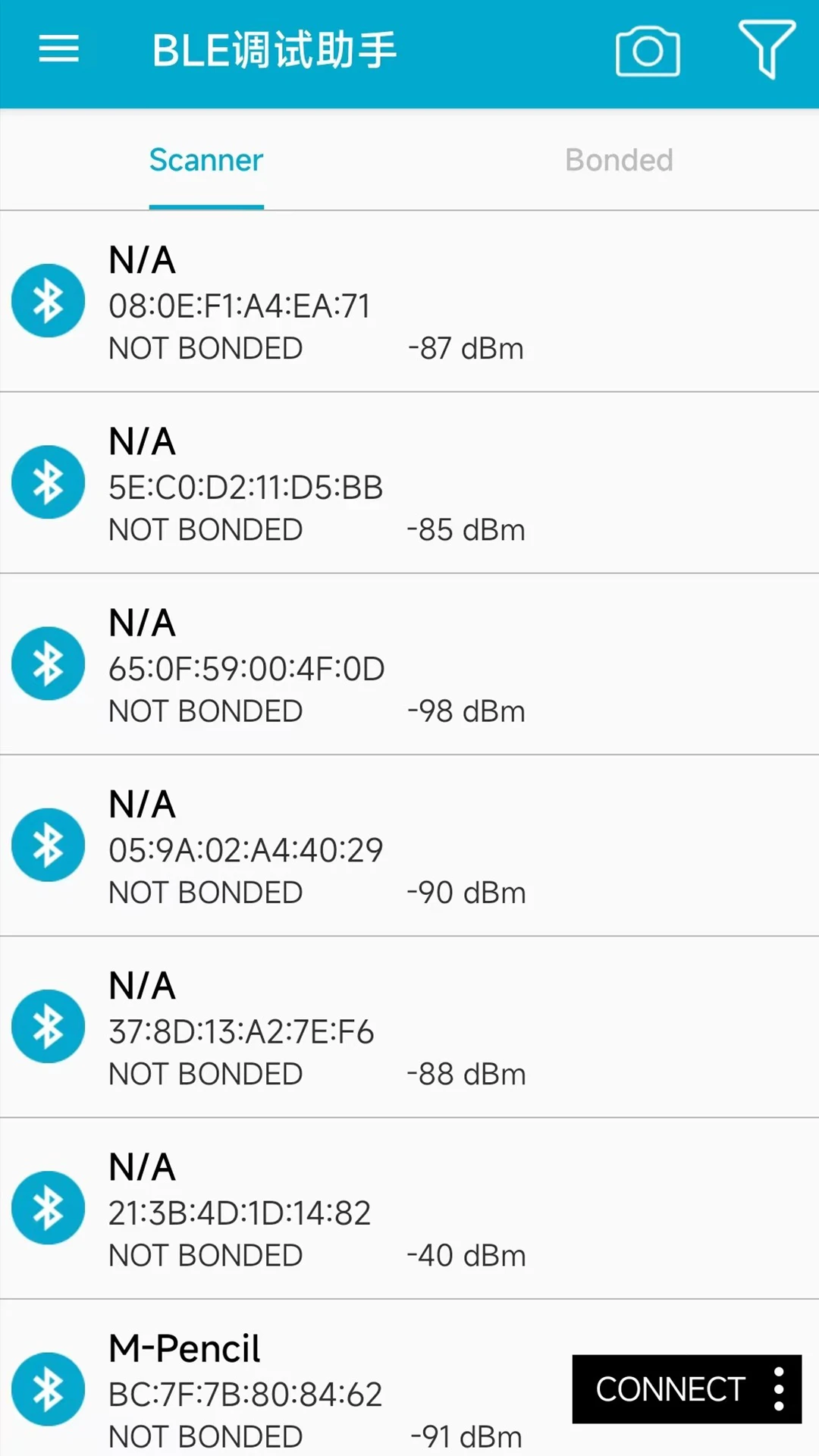
1.支持BLE4.0及以上蓝牙外设通讯 2.实时扫描蓝牙设备并显示信号强度,连接后自动枚举服务与特征值,支持特征值读写,支持notification开启和关闭 3.增加显示蓝牙设备广播包的可解析内容,包括Manufacturer Specific Data、Flags等。 4.增加切换到从机模式功能,即手机可以发送广播,作为外设供其他主机连接。 5.增加收藏选项,更快发现目标设备,可以随时取消收藏。 6.通过扫描BLE蓝牙设备mac地址对应的二维码,可以快速连接到设备 7.支持数据发送配置,支持单次发送、定时发送、连续发送以及文件发送 8.支持数据接收配置,支持实现显示、实时保存至文件,文件路径可自定义 9.日志功能,查看蓝牙连接与通讯日志,支持邮件发送日志 10.通讯配置参数持久保存,打开应用会默认加载上次配置
.webp.f9e698b88299dcbd4aedb98acf0eca36.webp)
.webp.87f06b5db677eaa9275df1904be477ea.webp)
.webp.85492715700e52273936b80a1b5d31e0.webp)
您只能在下载文件后才能提供评论.
没有评论可显示.