

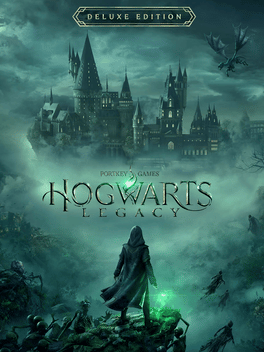
名称:Hogwarts Legacy Trainer
版本:v1.0-v20240606+
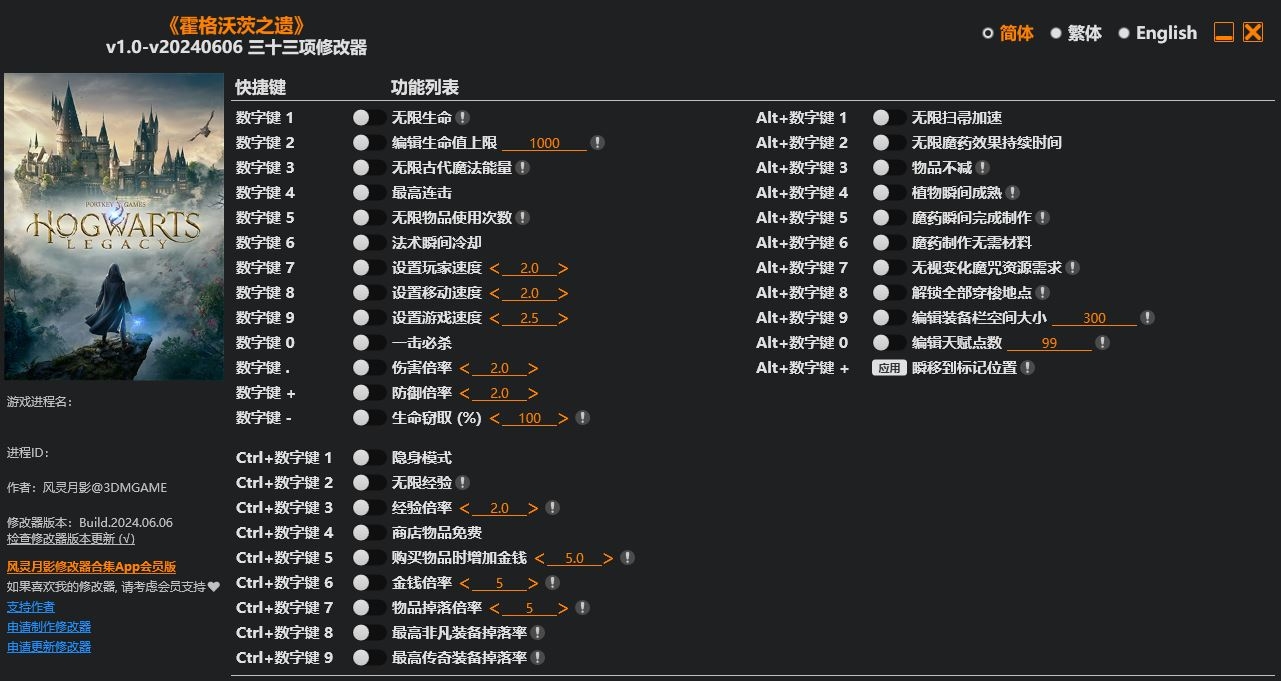
Num 1 – Infinite Health
Num 2 – Edit Max Health
Num 3 – Infinite Ancient Magic Energy
Num 4 – Max Combo
Num 5 – Infinite Item Usage
Num 6 – Spells Instant Cooldown
Num 7 – Set Player Speed
Num 8 – Set Movement Speed
Num 9 – Set Game Speed
Num 0 – One Hit Kills
Num . – Damage Multiplier
Num + – Defense Multiplier
Num – – Life Leech (%)
Ctrl+Num 1 – Stealth Mode
Ctrl+Num 2 – Infinite Exp
Ctrl+Num 3 – Exp Multiplier
Ctrl+Num 4 – Shop Items Cost 0 Money
Ctrl+Num 5 – Gain Money When Buying Items
Ctrl+Num 6 – Money Multiplier
Ctrl+Num 7 – Loots Multiplier
Ctrl+Num 8 – Max Extraordinary Gear Drop Rate
Ctrl+Num 9 – Max Legendary Gear Drop Rate
Alt+Num 1 – Infinite Broom Boost
Alt+Num 2 – Infinite Potion Effect Duration
Alt+Num 3 – Items Won’t Decrease
Alt+Num 4 – Instant Grow Plants
Alt+Num 5 – Instant Brew Potions
Alt+Num 6 – No Brew Potion Requirements
Alt+Num 7 – Ignore Conjuration Requirements
Alt+Num 8 – Unlock All Fast Travel Locations
Alt+Num 9 – Edit Max Gear Slot Count
Alt+Num 0 – Edit Talent Points
Alt+Num + – Teleport To Waypoint
您只能在下载文件后才能提供评论.
没有评论可显示.