

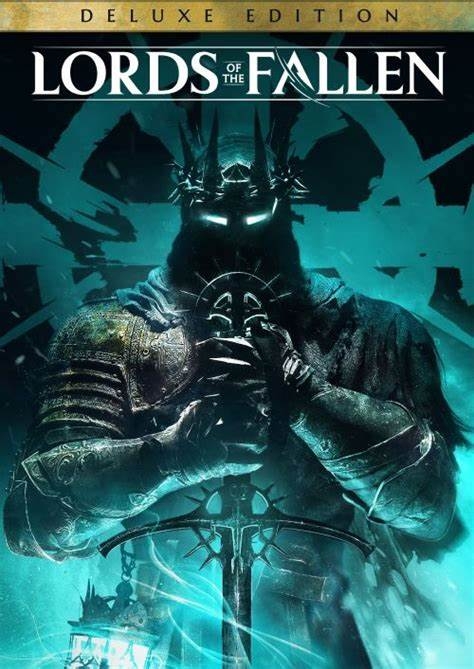
名称:Lords of the Fallen Trainer
版本: v1.0-v1.5+

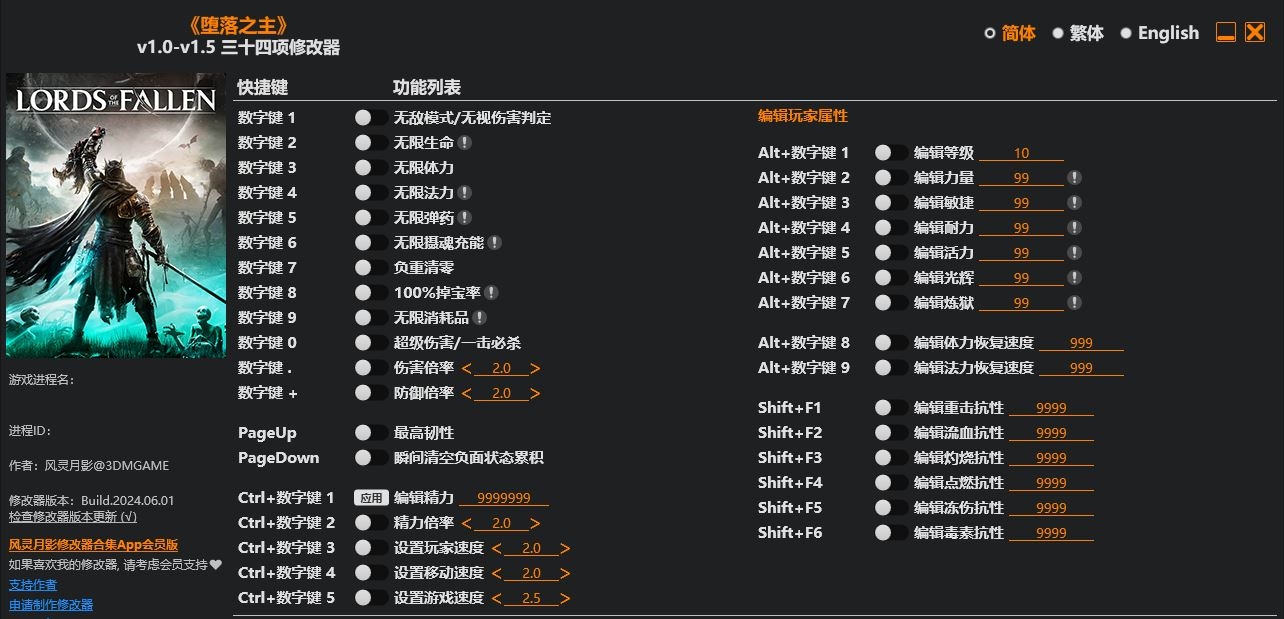
Num 1 – God Mode/Ignore Hits
Num 2 – Infinite Health
Num 3 – Infinite Stamina
Num 4 – Infinite Mana
Num 5 – Infinite Ammo
Num 6 – Infinite Soulflay Charges
Num 7 – Zero Weight
Num 8 – 100% Drop Rate
Num 9 – Infinite Consumables
Num 0 – Super Damage/One Hit Kills
Num . – Damage Multiplier
Num + – Defense Multiplier
PageUp – Max Poise
PageDown – Instant Clear Negative Status Buildup
Ctrl+Num 1 – Edit Vigor
Ctrl+Num 2 – Vigor Multiplier
Ctrl+Num 3 – Set Player Speed
Ctrl+Num 4 – Set Movement Speed
Ctrl+Num 5 – Set Game Speed
Edit Player Stats
Alt+Num 1 – Edit Level
Alt+Num 2 – Edit Strength
Alt+Num 3 – Edit Agility
Alt+Num 4 – Edit Endurance
Alt+Num 5 – Edit Vitality
Alt+Num 6 – Edit Radiance
Alt+Num 7 – Edit Inferno
Alt+Num 8 – Edit Stamina Regen Rate
Alt+Num 9 – Edit Mana Regen Rate
Shift+F1 – Edit Smite Resistance
Shift+F2 – Edit Bleed Resistance
Shift+F3 – Edit Burn Resistance
Shift+F4 – Edit Ignite Resistance
Shift+F5 – Edit Frostbite Resistance
Shift+F6 – Edit Poison Resistance
SPECIAL NOTES
This game uses EasyAntiCheat protection, in order to launch this game without EAC, please follow these instructions:
Steam/Epic Games Version:
1. Copy “LOTF2.exe” to the game folder and replace the original file (backup the original file if needed).
2. Start the game.
Game Pass Version:
1. Launch the game and trainer. Trainer will display an error message regarding anti-cheat and close itself.
2. Close the game.
3. Launch the trainer again. You should see a “Launch Game Pass Version” button on the trainer, click this button to launch the game.
You should only need to perform step 1 and step 2 once. You can launch the Game Pass version directly from the trainer afterward.
这款游戏使用EasyAntiCheat反作弊保护,要使用修改器需禁用EAC,请按照以下步骤运行游戏:
Steam版:
1. 复制”LOTF2.exe”到游戏目录中覆盖。
2. 运行游戏
Game Pass版:
1. 运行游戏和修改器,修改器会出现关于反作弊的错误提示并自动退出。
2. 退出游戏。
3. 重新运行修改器,修改器上会出现一个 “运行 Game Pass 版本” 按钮,点击该按钮运行游戏。
第1和第2步只需进行一次(让修改器检测到Game Pass版本游戏路径),以后直接通过修改器运行Game Pass版本游戏即可。
您只能在下载文件后才能提供评论.
没有评论可显示.