跳转到内容
View in the app

A better way to browse. Learn more.

彼岸论坛

A full-screen app on your home screen with push notifications, badges and more.

To install this app on iOS and iPadOS
  1. Tap the Share icon in Safari
  2. Scroll the menu and tap Add to Home Screen.
  3. Tap Add in the top-right corner.
To install this app on Android
  1. Tap the 3-dot menu (⋮) in the top-right corner of the browser.
  2. Tap Add to Home screen or Install app.
  3. Confirm by tapping Install.
游客用户下载速度限制128kb免费注册后解除限速

KMS激活工具 HEU_KMS_Activator 42.0.4 42.0.4

(0篇 评论)

2张 截图

KMS激活工具

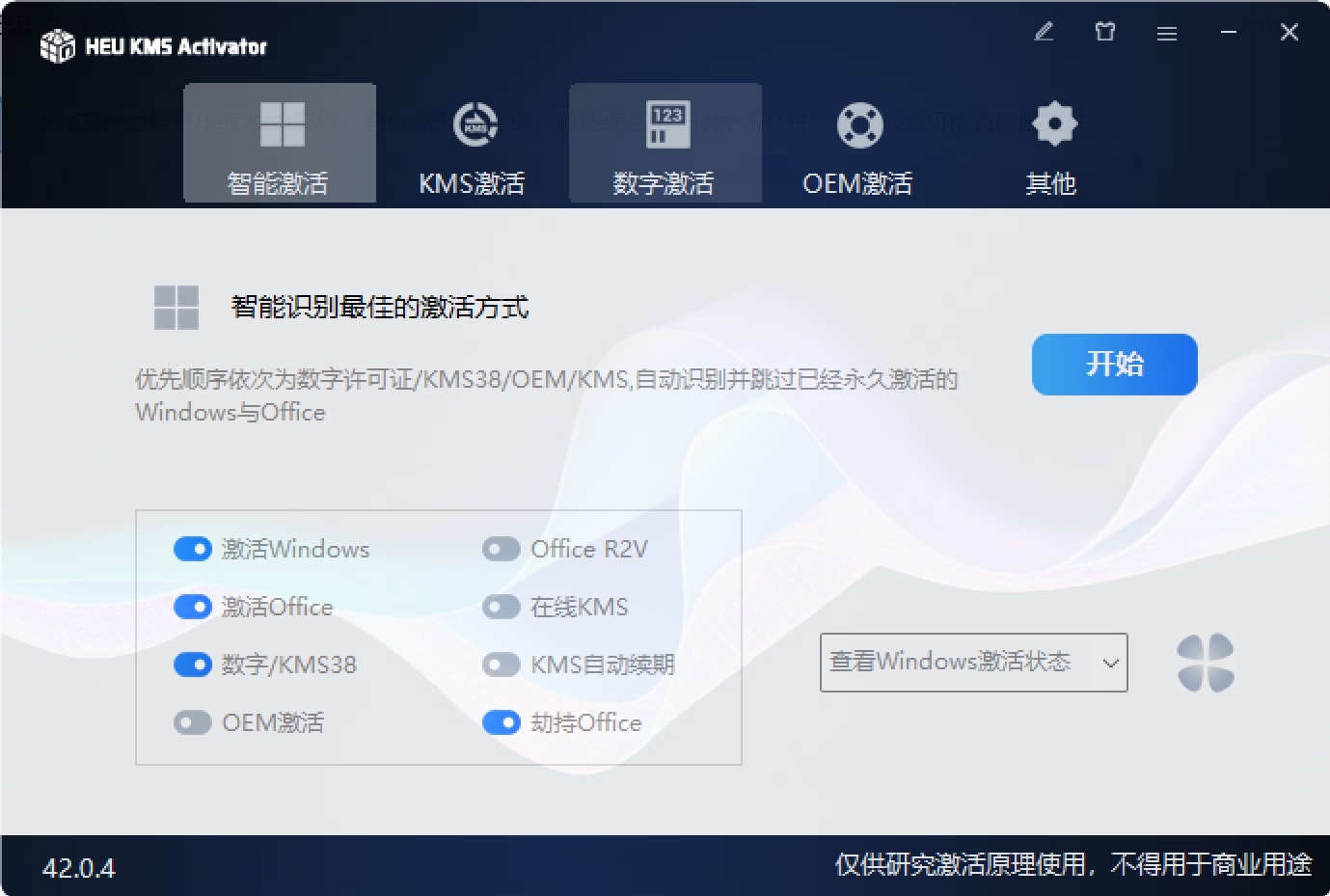
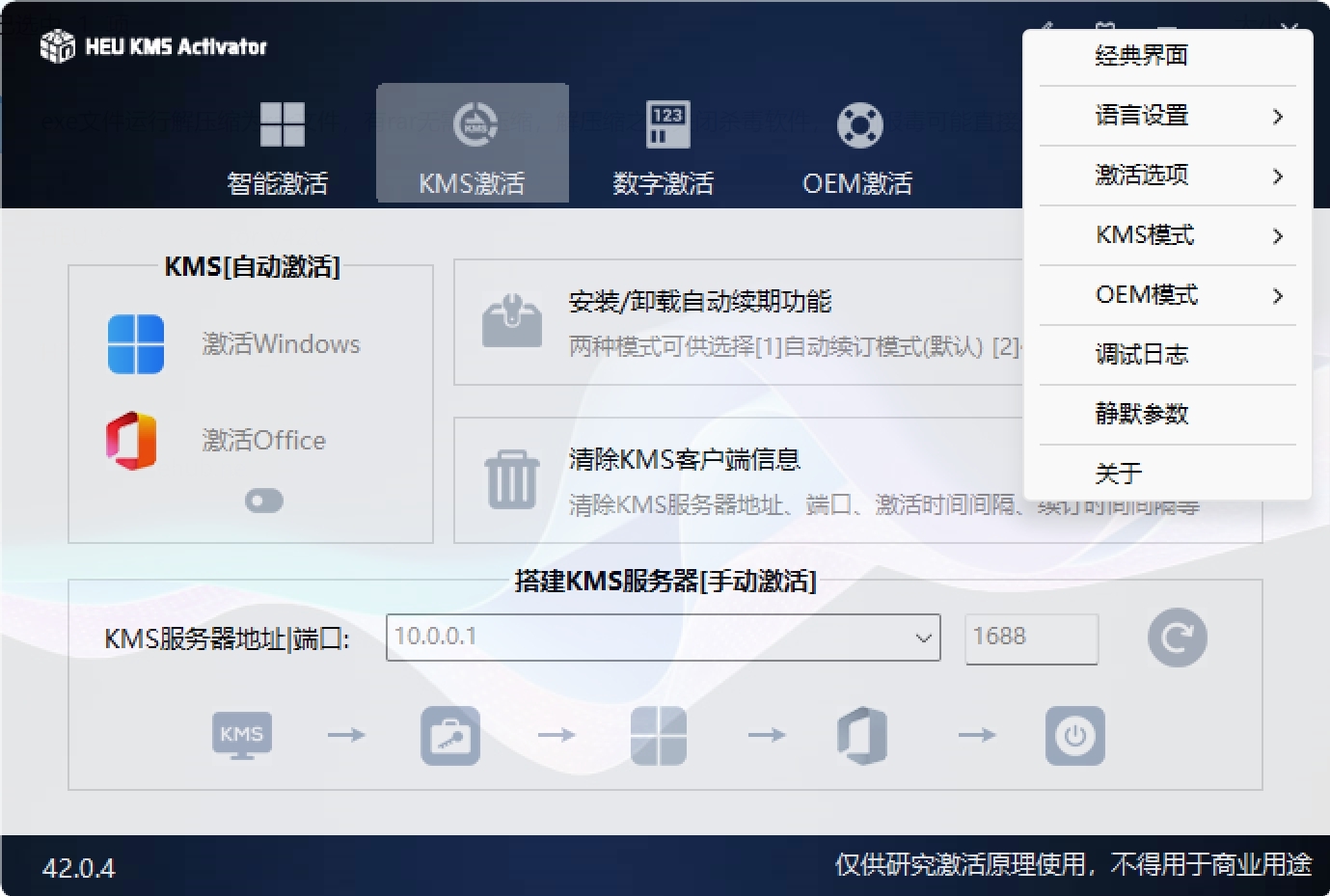
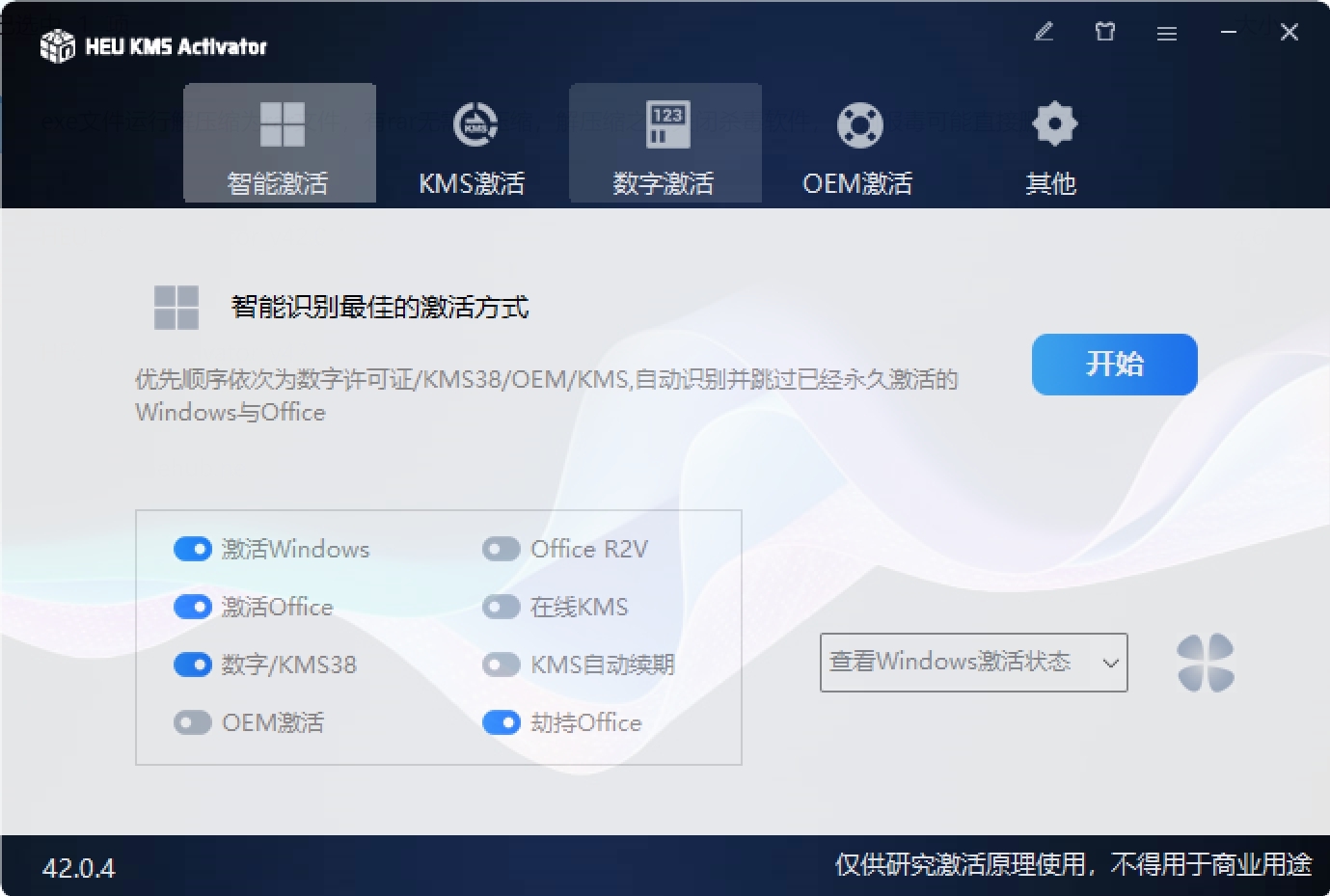
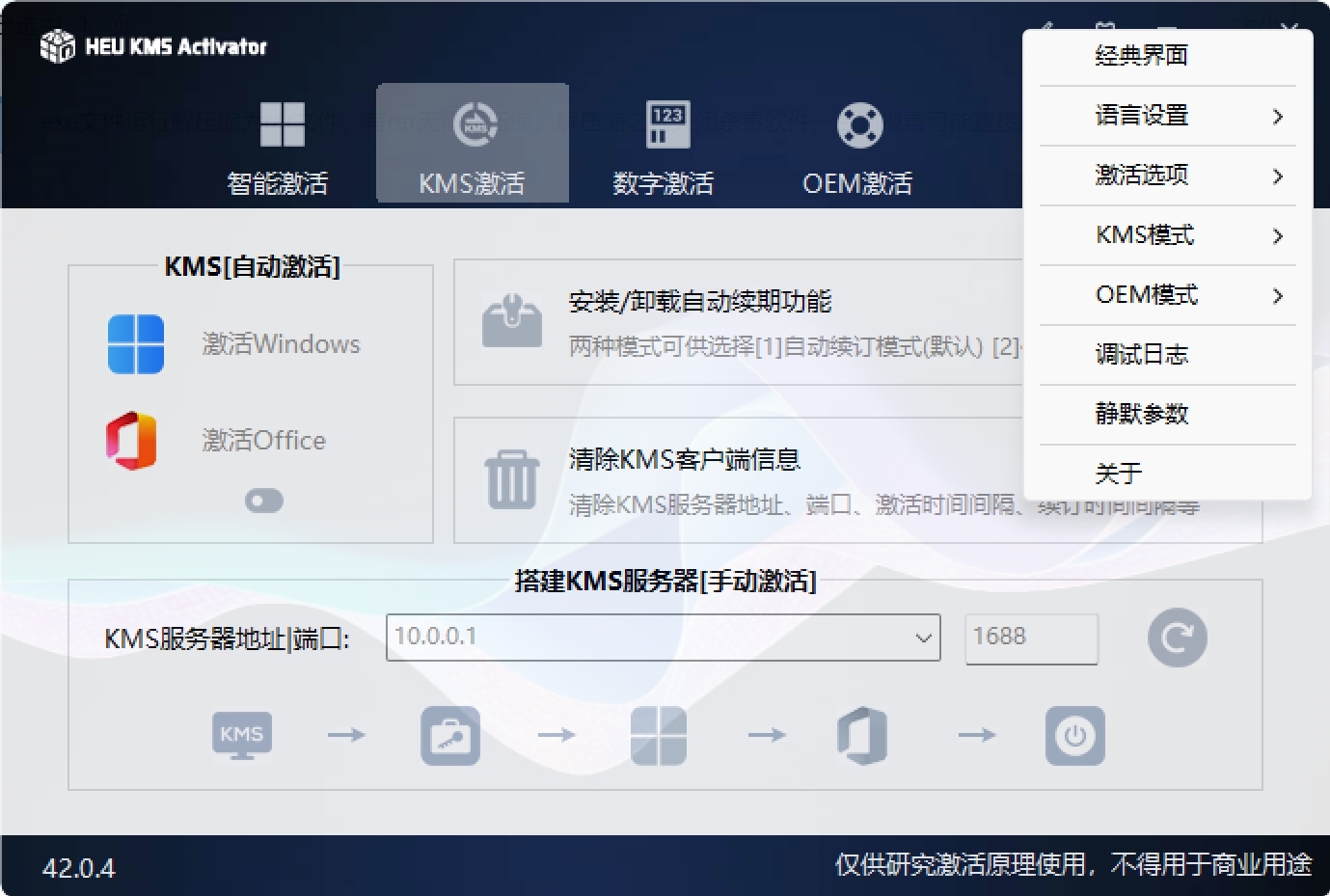
HEU_KMS_Activator ,一款KMS激活工具,适用于 Windows、Office 及 VL 版本,无需联网即可一键激活,离线全自动激活软件。KMS 服务是微软公司对 Windows 以及 Office 等的批量授权服务,可以利用 KMS 激活局域网中的产品。而这款工具是利用在系统内部搭建 KMS 服务器,因此无论是 Windows 还是 Office 都可轻易进行激活。A姐体验了一下,可能某些电脑会报毒,介意的勿用,或者使用数字权利激活工具。

HEU_KMS_Activator界面截图
HEU_KMS_Activator_v42.0.42.pngHEU_KMS_Activator_v42.0.41.png

用户反馈

您只能在下载文件后才能提供评论.

没有评论可显示.

Configure browser push notifications

Chrome (Android)
  1. Tap the lock icon next to the address bar.
  2. Tap Permissions → Notifications.
  3. Adjust your preference.
Chrome (Desktop)
  1. Click the padlock icon in the address bar.
  2. Select Site settings.
  3. Find Notifications and adjust your preference.