
跳转到内容
View in the app

A better way to browse. Learn more.

彼岸论坛

A full-screen app on your home screen with push notifications, badges and more.

To install this app on iOS and iPadOS
  1. Tap the Share icon in Safari
  2. Scroll the menu and tap Add to Home Screen.
  3. Tap Add in the top-right corner.
To install this app on Android
  1. Tap the 3-dot menu (⋮) in the top-right corner of the browser.
  2. Tap Add to Home screen or Install app.
  3. Confirm by tapping Install.
游客用户下载速度限制128kb免费注册后解除限速

Bypass_1.16.32铁路12306自动抢票,支持抢候补票,自动付款 1.16.32

(0篇 评论)

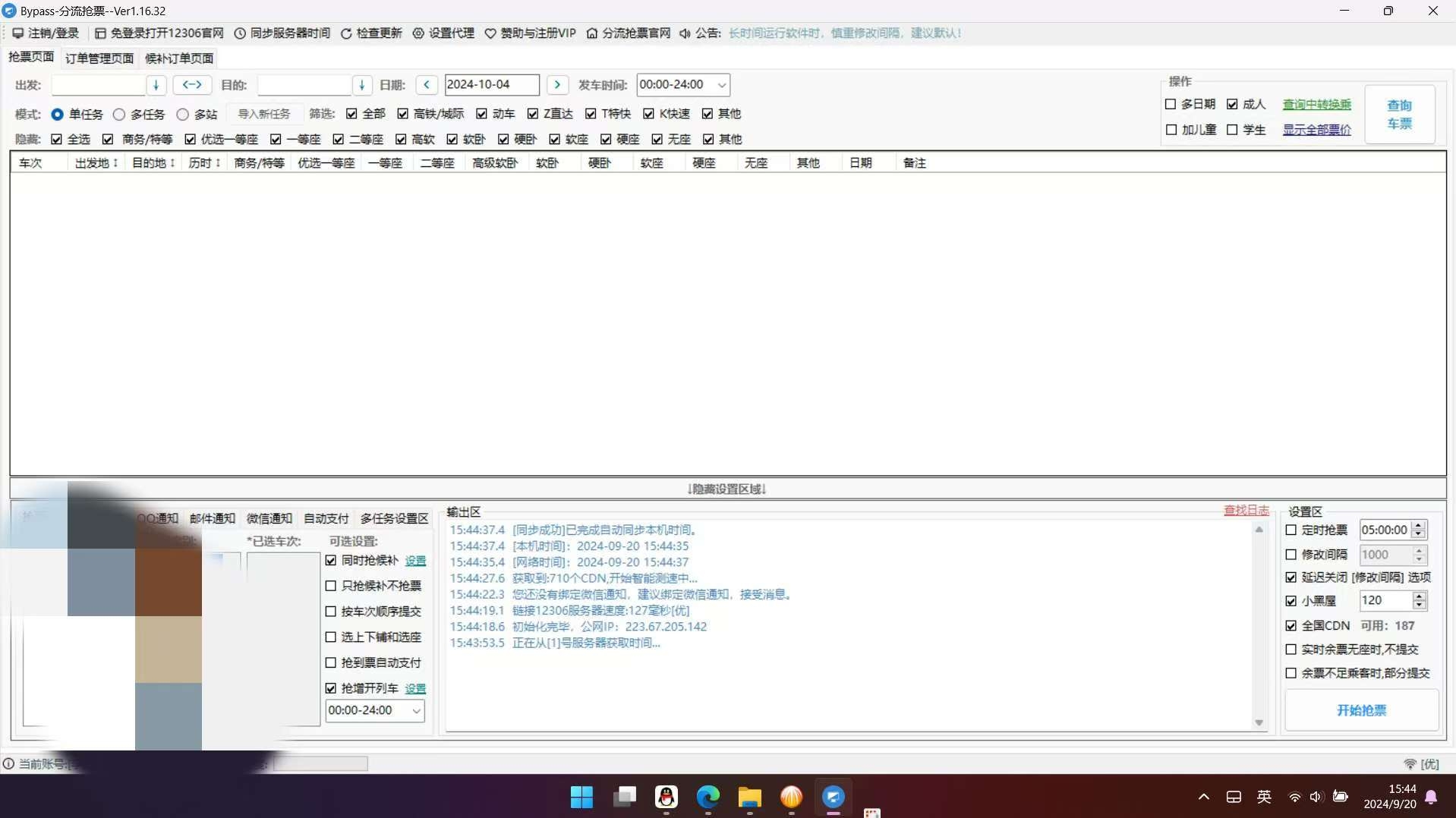
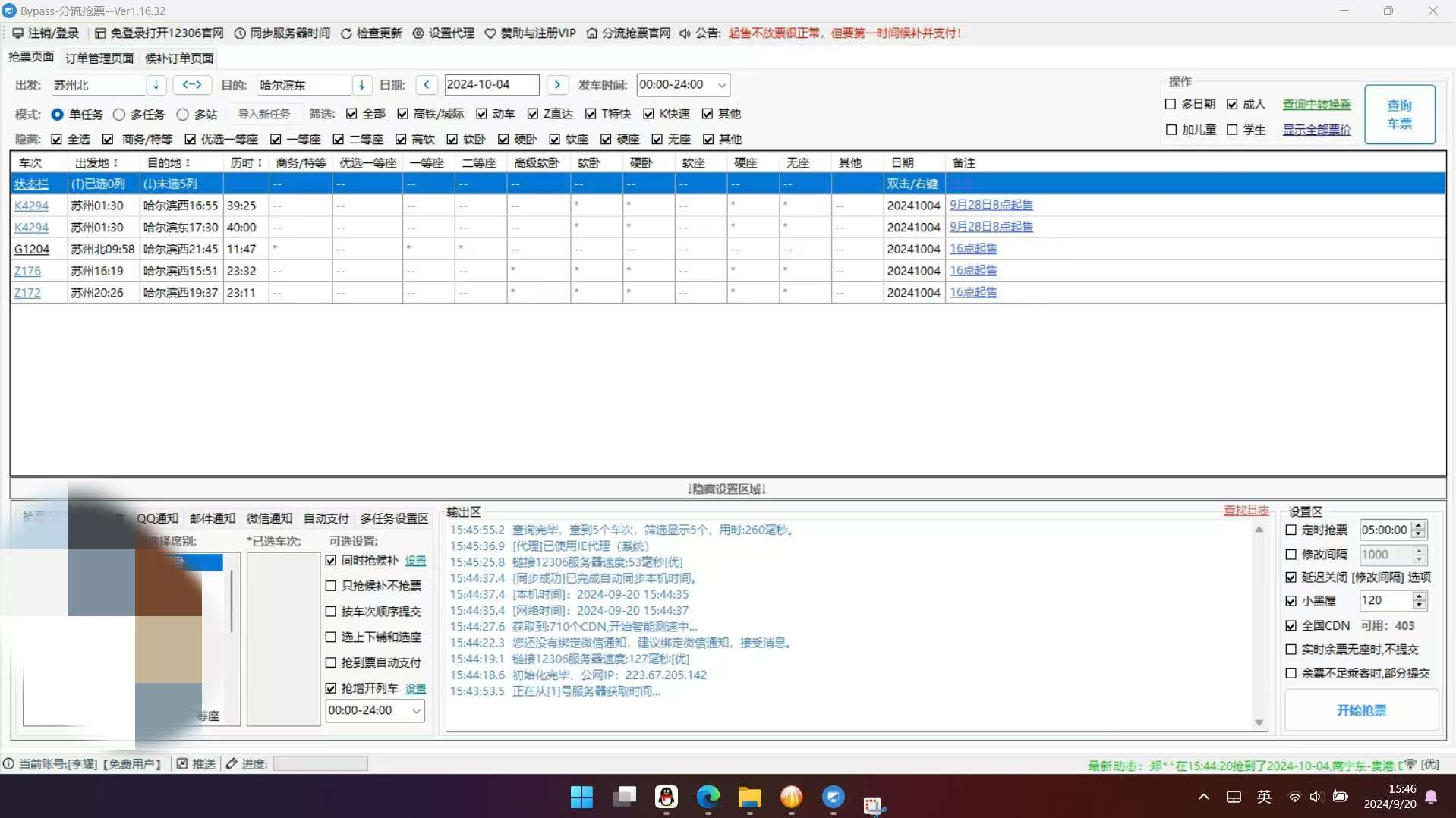
3张 截图

【应用名称】Bypass 分流抢票
【应用版本】1.16.32
【软件大小】4m
【适用平台】pc
【应用简介】十一要来了,火车票难买到,即便官网候选订票也要看运气,推荐使用这个靠谱的自动抢票软件,
该工具是目前市面上最好用口碑最好的电脑抢票软件,从13年到现在,作者依旧在更新,可以自动识别12306验证码,支持抢候补票、自动付款。
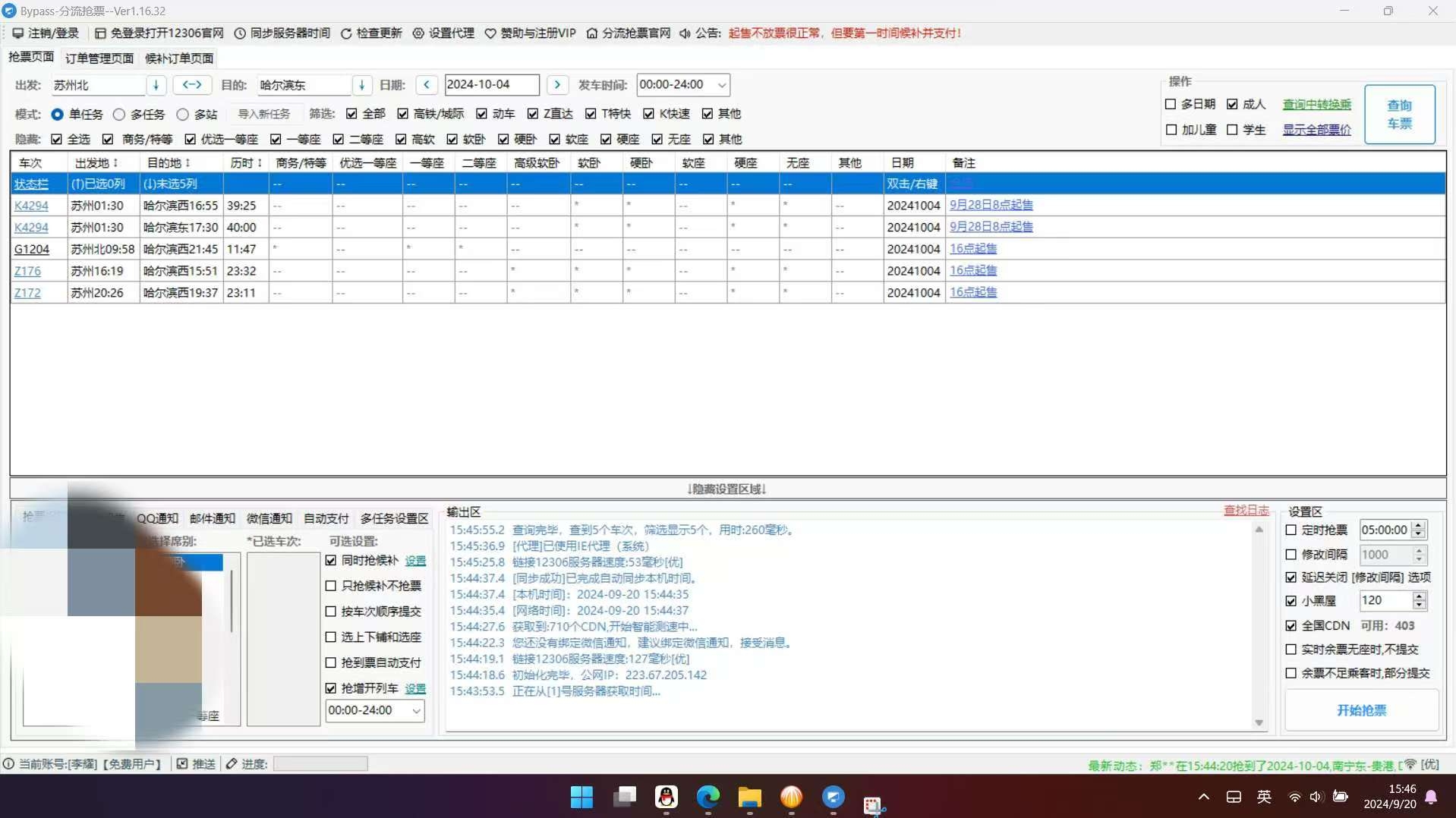
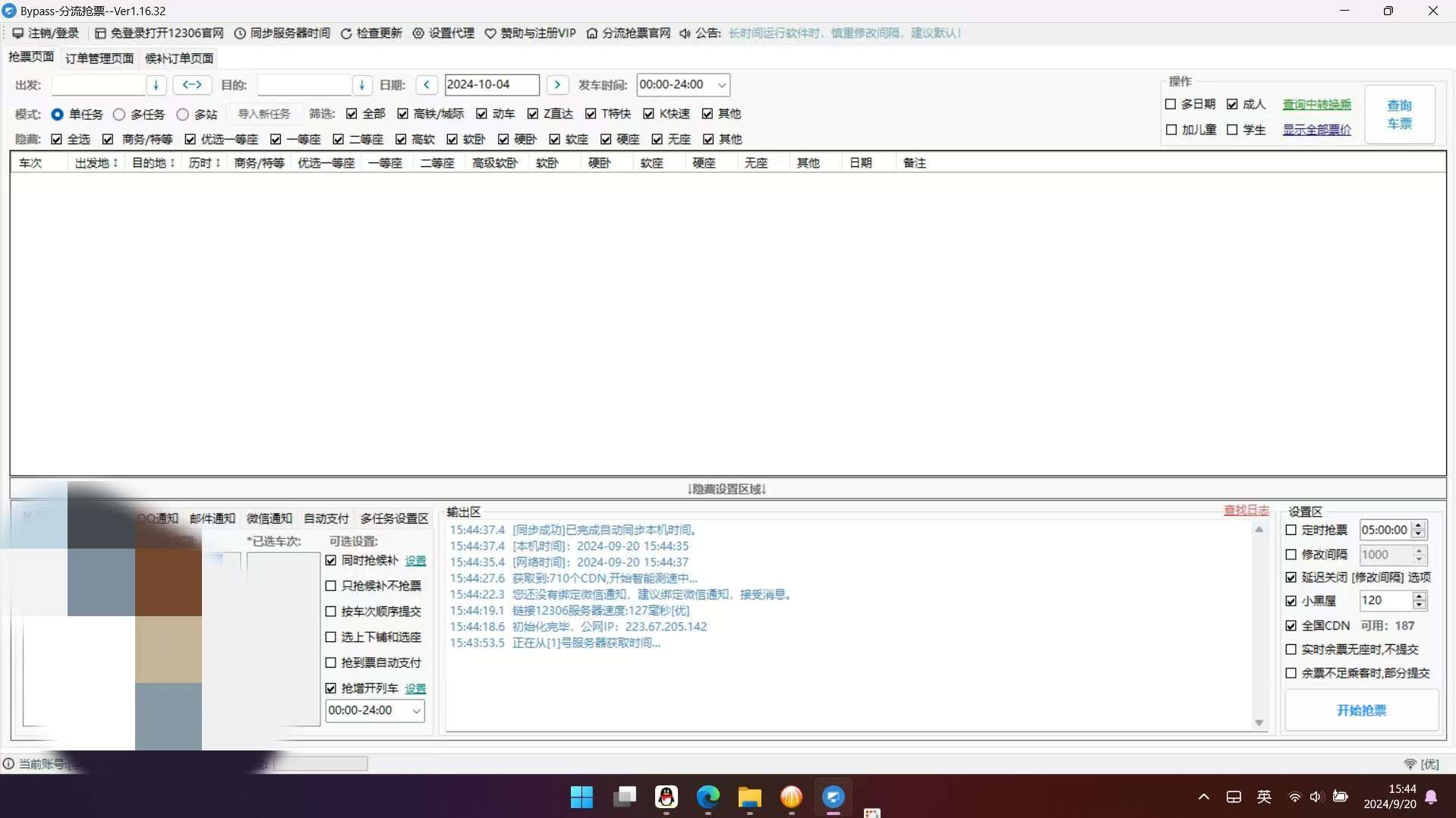
image.jpeg

image.jpeg

用户反馈

您只能在下载文件后才能提供评论.

没有评论可显示.

Configure browser push notifications

Chrome (Android)
  1. Tap the lock icon next to the address bar.
  2. Tap Permissions → Notifications.
  3. Adjust your preference.
Chrome (Desktop)
  1. Click the padlock icon in the address bar.
  2. Select Site settings.
  3. Find Notifications and adjust your preference.