跳转到内容
View in the app

A better way to browse. Learn more.

彼岸论坛

A full-screen app on your home screen with push notifications, badges and more.

To install this app on iOS and iPadOS
  1. Tap the Share icon in Safari
  2. Scroll the menu and tap Add to Home Screen.
  3. Tap Add in the top-right corner.
To install this app on Android
  1. Tap the 3-dot menu (⋮) in the top-right corner of the browser.
  2. Tap Add to Home screen or Install app.
  3. Confirm by tapping Install.
欢迎抵达彼岸 彼岸花开 此处谁在 -彼岸论坛

[Google] Google 浏览器更新的智能镜头大家觉得怎么样

发表于

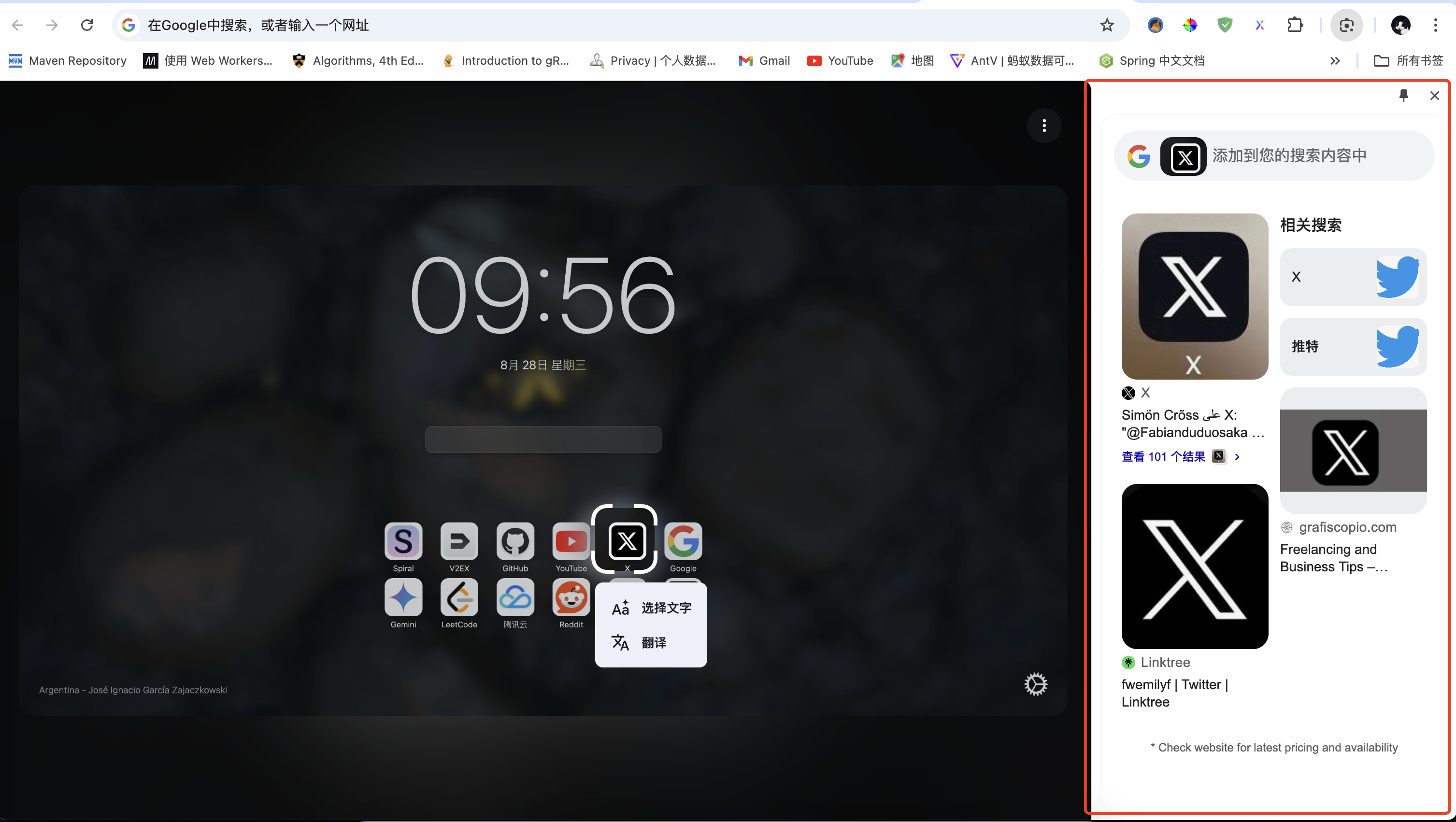
今天打开 Google 浏览器后收到了更新提示,主要有两个新的,一个是叫智能镜头,另一个是在地址栏中输入 @后会有一个与 gemini 对话的快捷方式,选择后可以直接在地址栏中输入问题,回车后直接跳转到 Gemini 网页进行回答。 image.png image.png image.png
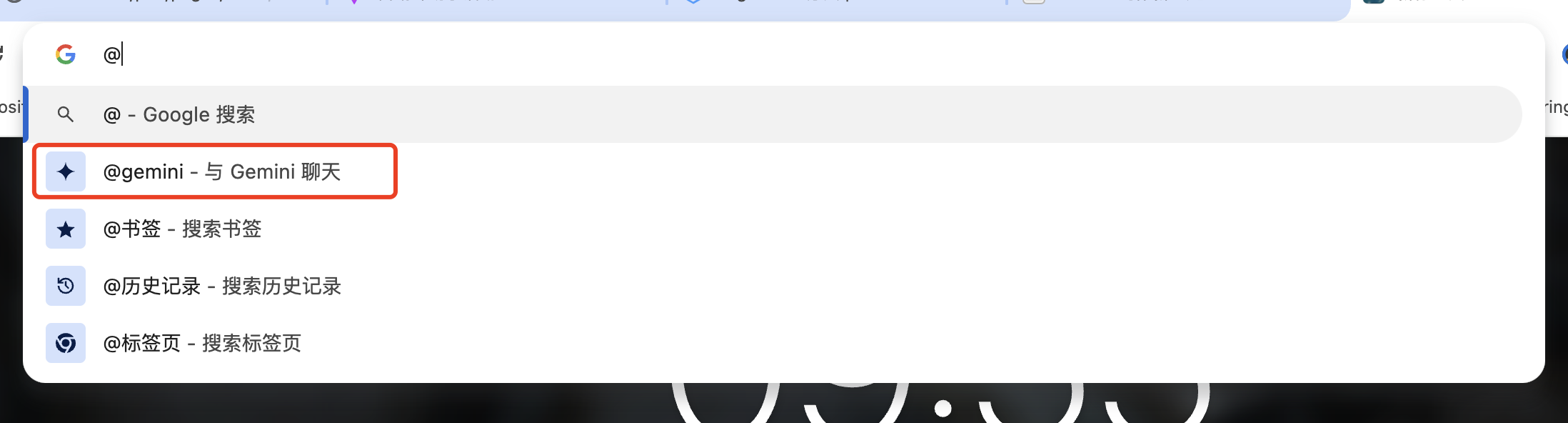
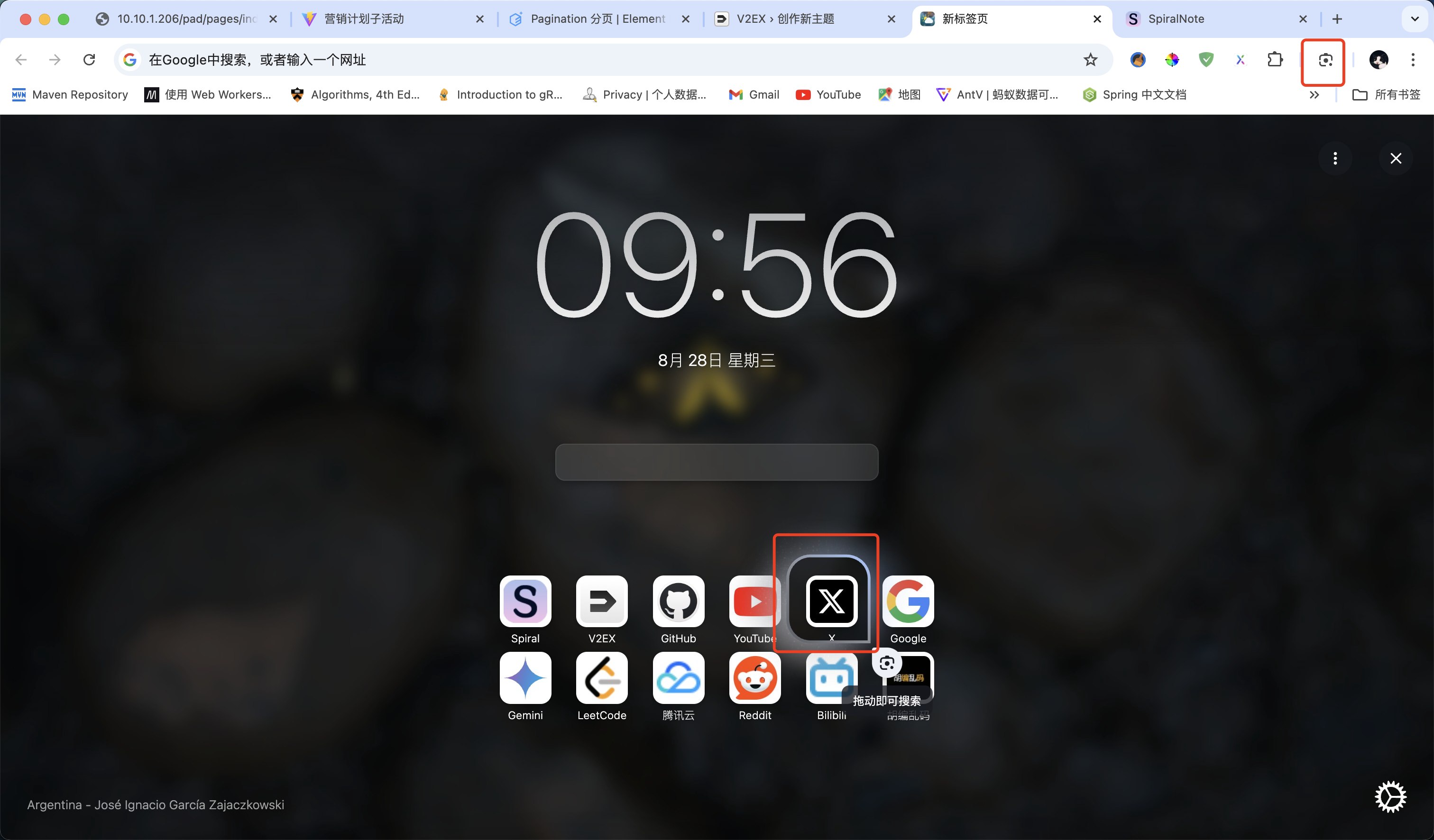
其中第二个 Gemini 这个快捷方式觉得没啥可说的,第一个智能镜头大家怎么看,和淘宝或者京东的摄像头搜索原理上有什么区别或者有什么新的玩法吗?

Featured Replies

No posts to show

创建帐户或登录来提出意见

Configure browser push notifications

Chrome (Android)
  1. Tap the lock icon next to the address bar.
  2. Tap Permissions → Notifications.
  3. Adjust your preference.
Chrome (Desktop)
  1. Click the padlock icon in the address bar.
  2. Select Site settings.
  3. Find Notifications and adjust your preference.