跳转到内容
View in the app

A better way to browse. Learn more.

彼岸论坛

A full-screen app on your home screen with push notifications, badges and more.

To install this app on iOS and iPadOS
  1. Tap the Share icon in Safari
  2. Scroll the menu and tap Add to Home Screen.
  3. Tap Add in the top-right corner.
To install this app on Android
  1. Tap the 3-dot menu (⋮) in the top-right corner of the browser.
  2. Tap Add to Home screen or Install app.
  3. Confirm by tapping Install.
欢迎抵达彼岸 彼岸花开 此处谁在 -彼岸论坛

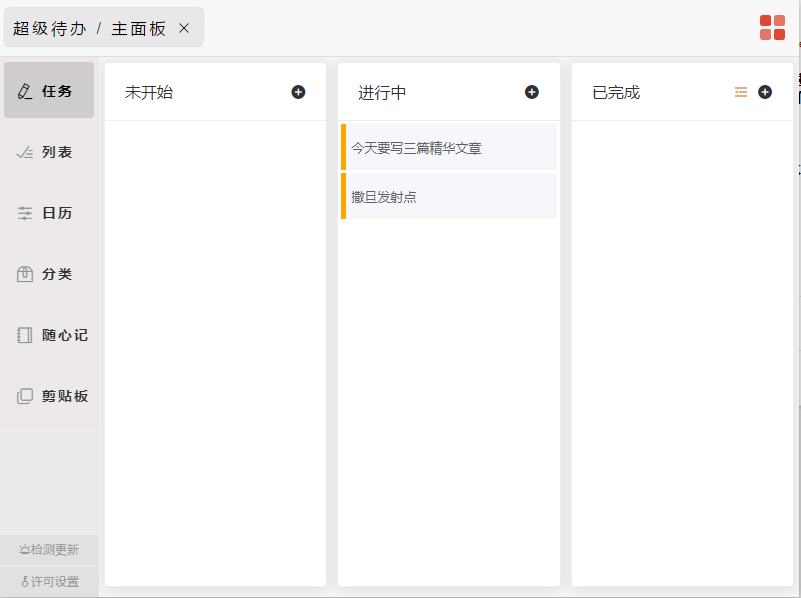
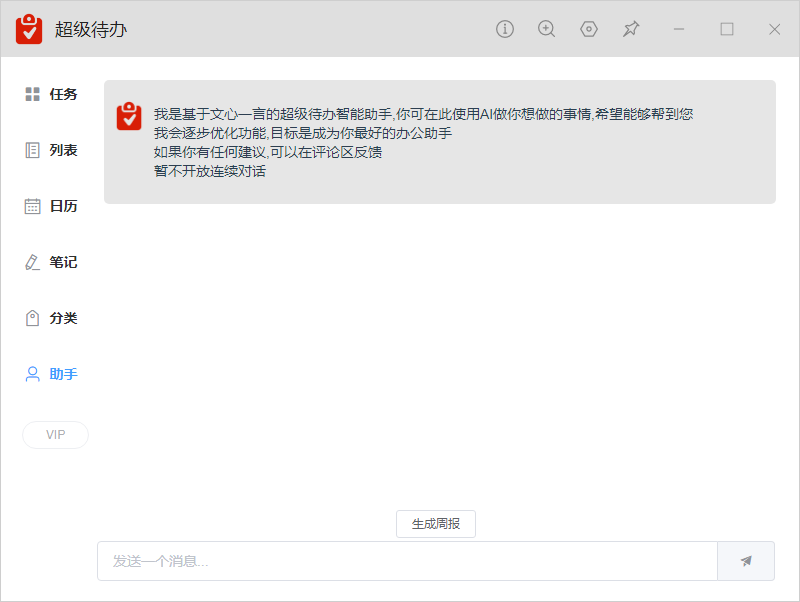
[分享创造] 写了个[超级待办],下载量已超两万四,日活三位数

发表于

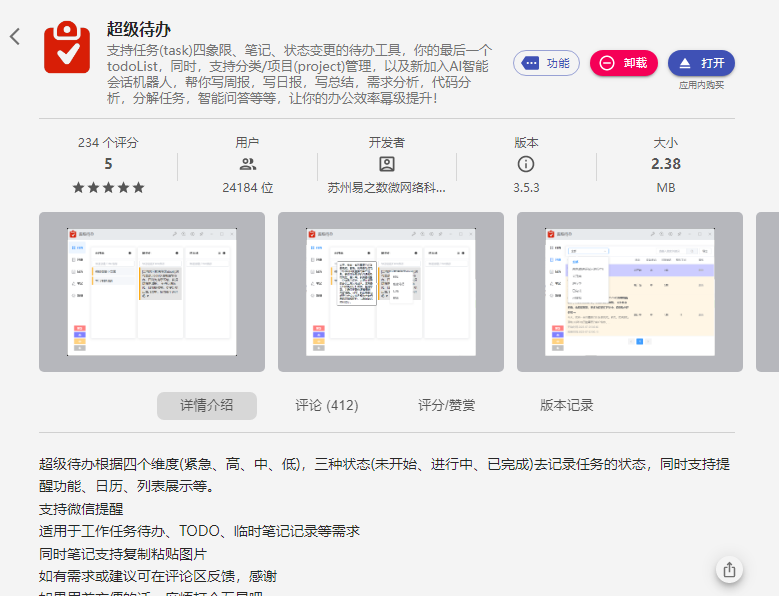
这是在 uTools 的插件:超级待办

目前下载量已超过 24000 ,日活 400 。

基于这个插件,我开发了桌面端,支持 win+mac ,欢迎各取所需。

桌面端下载地址:超级待办桌面端( win+mac )

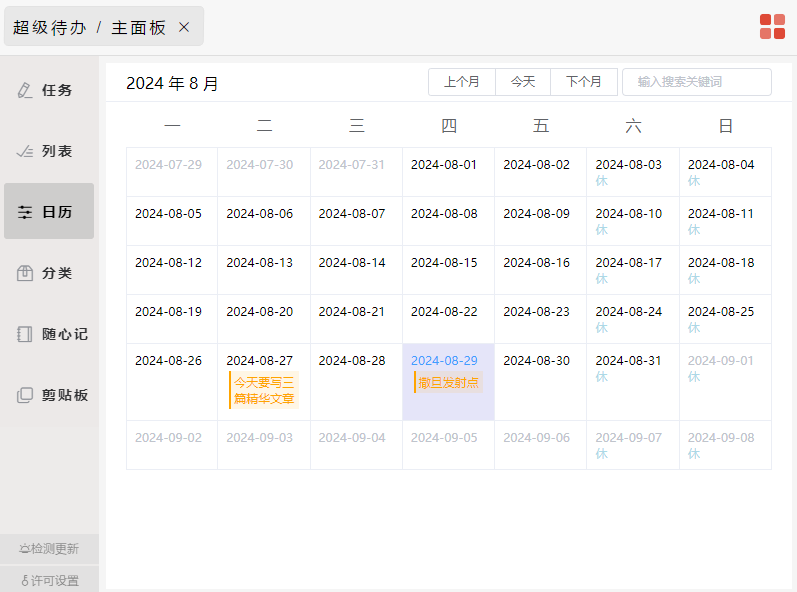
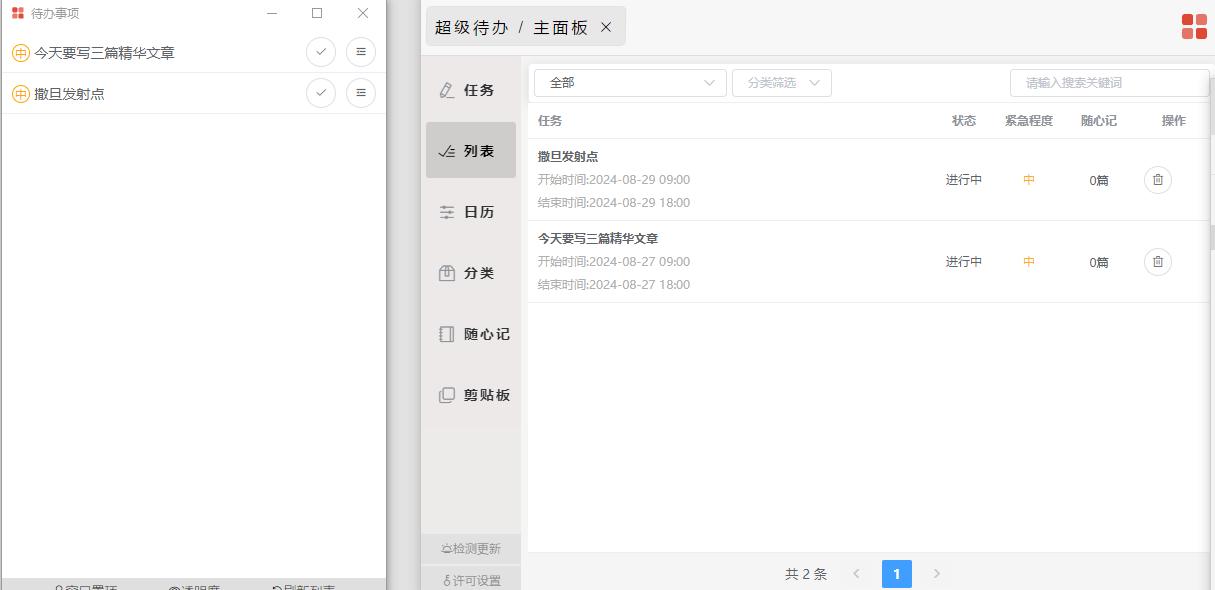
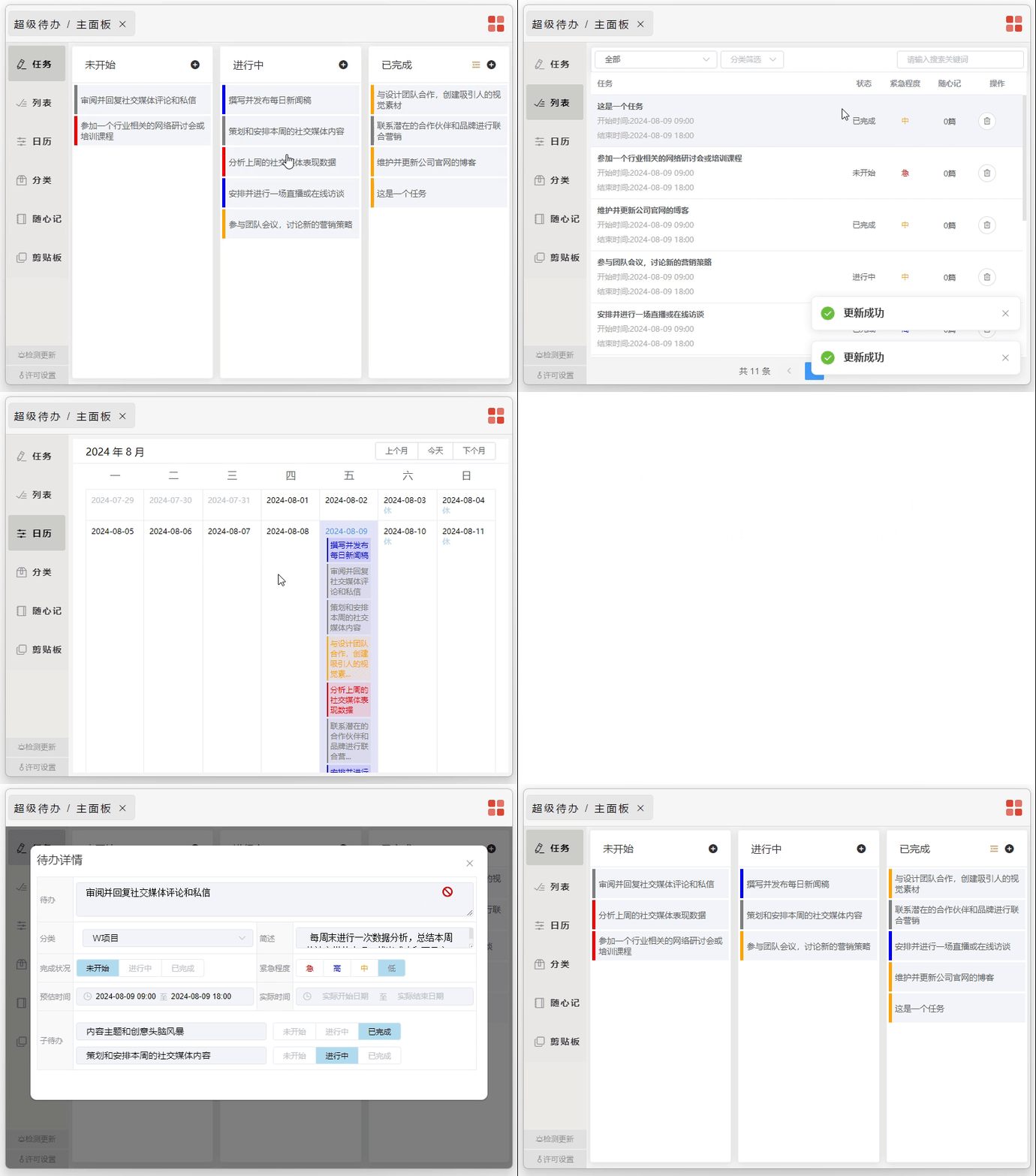
桌面端及 uTools 超级待办插件支持快速创建待办,创建子任务,快速拖拽,日历模式、列表模式,分类管理,剪切板转待办(桌面端),微信提醒(插件),微信公众号快速创建待办(插件),随心记(笔记)

宗旨:先把待办记下来

其中,桌面端完全把数据存储在本地,无需担心数据泄露风险,也不用担心降本增笑带来的停服。

如果有任何建议或 bug ,感谢随时反馈。 2.gif vc4y3q.png z7f7nv.png 8d47kj.png 0ppwv8.png vc6tir.png
Featured Replies

No posts to show

创建帐户或登录来提出意见

Configure browser push notifications

Chrome (Android)
  1. Tap the lock icon next to the address bar.
  2. Tap Permissions → Notifications.
  3. Adjust your preference.
Chrome (Desktop)
  1. Click the padlock icon in the address bar.
  2. Select Site settings.
  3. Find Notifications and adjust your preference.