跳转到内容
View in the app

A better way to browse. Learn more.

彼岸论坛

A full-screen app on your home screen with push notifications, badges and more.

To install this app on iOS and iPadOS
  1. Tap the Share icon in Safari
  2. Scroll the menu and tap Add to Home Screen.
  3. Tap Add in the top-right corner.
To install this app on Android
  1. Tap the 3-dot menu (⋮) in the top-right corner of the browser.
  2. Tap Add to Home screen or Install app.
  3. Confirm by tapping Install.
欢迎抵达彼岸 彼岸花开 此处谁在 -彼岸论坛

[Apple] 最新 Bitwarden 在 macOS safari 上无法使用

发表于

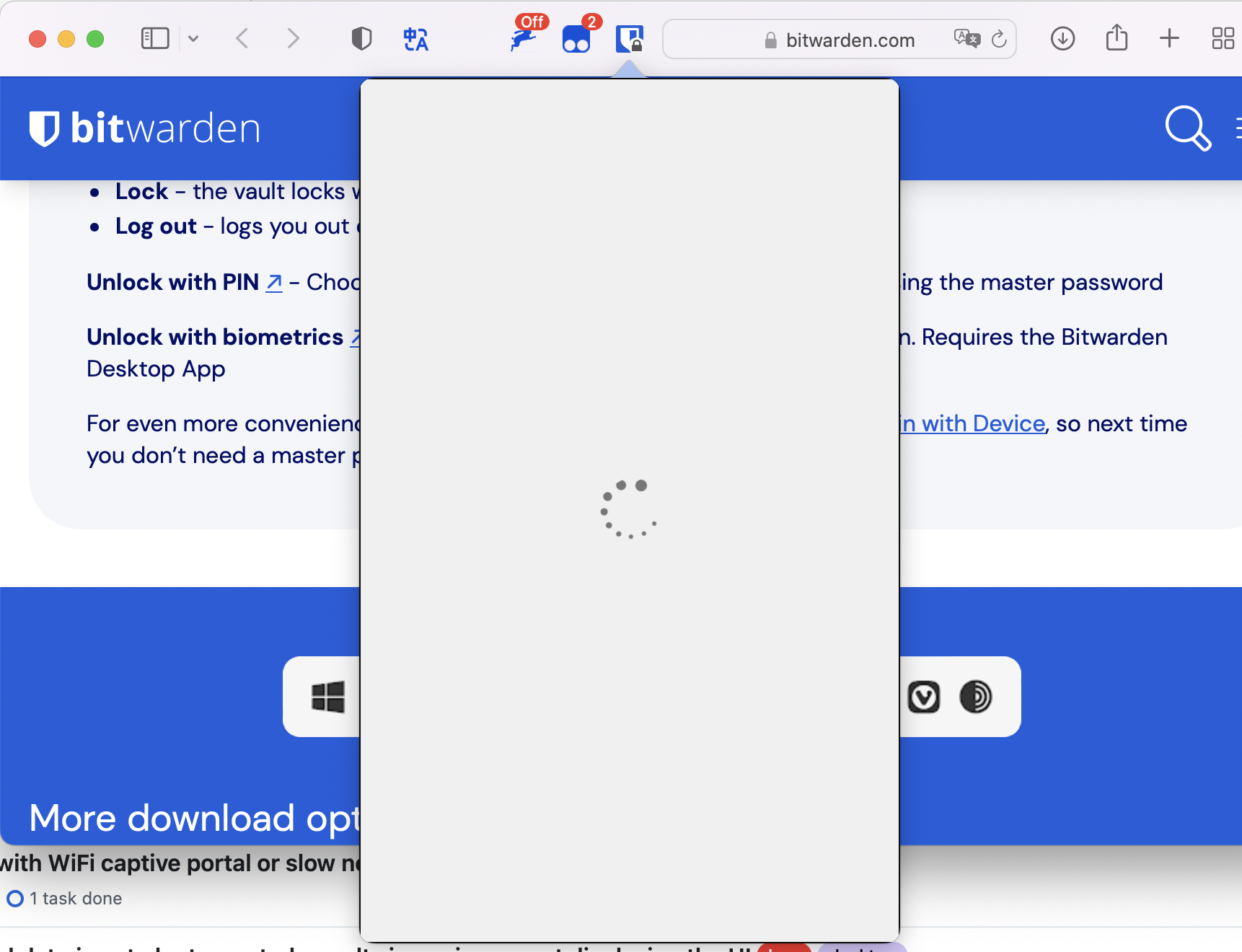
前天手贱更新了 btiwarden ,safari 上点 bitwarden 解锁,就一直转菊花,重装也是一样的问题,现在没法用了😓 chrome 和 bitwarden 的应用程序倒是好的,只有 safari 上不能使用,就是无法进入登录的界面,用了各种代理也不行。有人知道怎么回事吗? 我是 Monterey12.6.1 MBA 16G M1 2024-09-16 10.39.59.png
Featured Replies

No posts to show

创建帐户或登录来提出意见

Configure browser push notifications

Chrome (Android)
  1. Tap the lock icon next to the address bar.
  2. Tap Permissions → Notifications.
  3. Adjust your preference.
Chrome (Desktop)
  1. Click the padlock icon in the address bar.
  2. Select Site settings.
  3. Find Notifications and adjust your preference.