跳转到内容
View in the app

A better way to browse. Learn more.

彼岸论坛

A full-screen app on your home screen with push notifications, badges and more.

To install this app on iOS and iPadOS
  1. Tap the Share icon in Safari
  2. Scroll the menu and tap Add to Home Screen.
  3. Tap Add in the top-right corner.
To install this app on Android
  1. Tap the 3-dot menu (⋮) in the top-right corner of the browser.
  2. Tap Add to Home screen or Install app.
  3. Confirm by tapping Install.
欢迎抵达彼岸 彼岸花开 此处谁在 -彼岸论坛

[JavaScript] ProcessOn 为什么导出有水印!(利用 SVG 转 PNG 处理)

发表于

processon-svg2png 项目

ProcessOn

一个非常好用的思维导图网站,但是为什么导出有水印!为了解决这个问题于是有了这个项目

功能

  • 支持按钮拖拽
  • 支持将流程图 svg 转成 png 下载
  • 支持修改自定义文字
  • 下载 svg (开发中)

安装/使用方法

安装并使用这款插件,需要你的浏览器装有油猴Tampermonkey插件。

GitHub 地址
在 Github 上正式发布的版本, 最稳定

或者在Tampermonkey的 greasyfork 中搜索 Processon-SVG2PNG 辅助器 下载

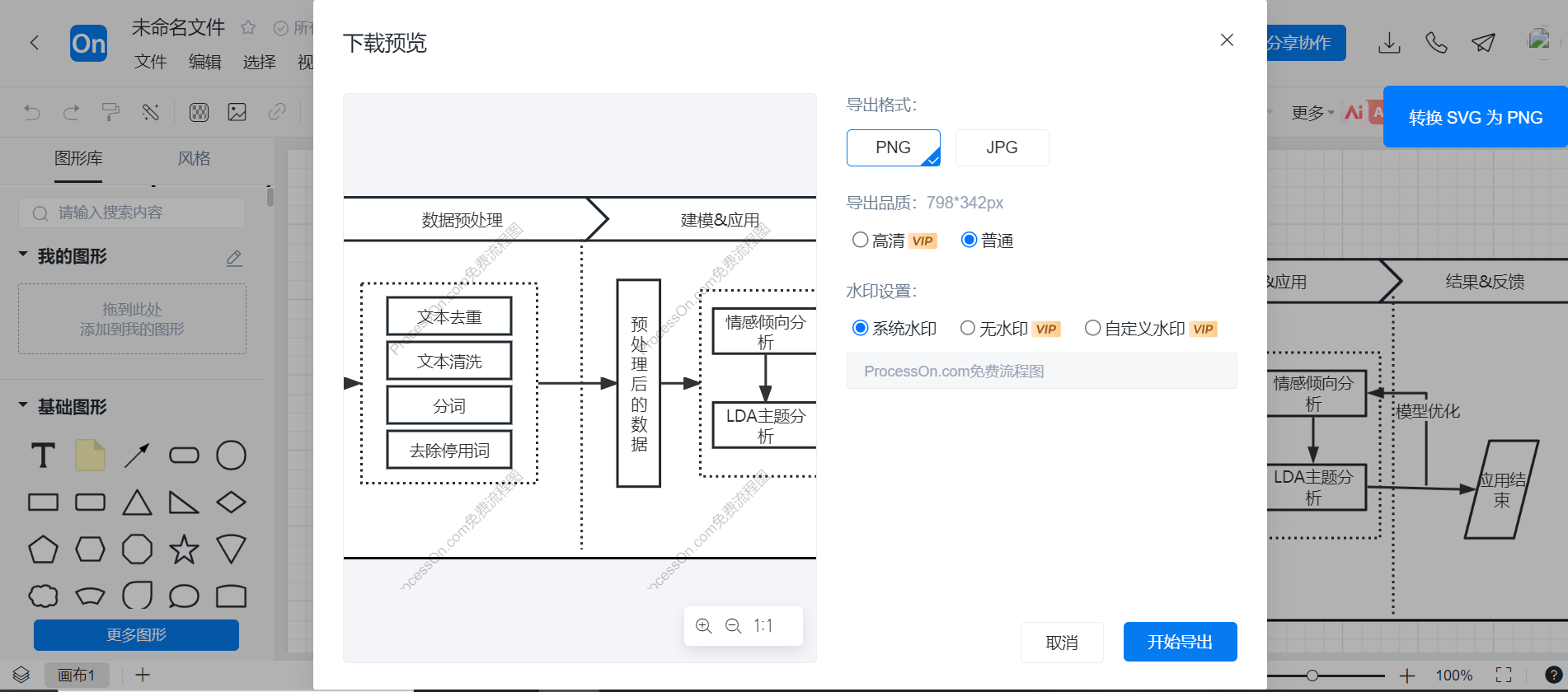
  • 在需要导出的流程图中点击导出,再点击插件按钮 image-20240925115016206

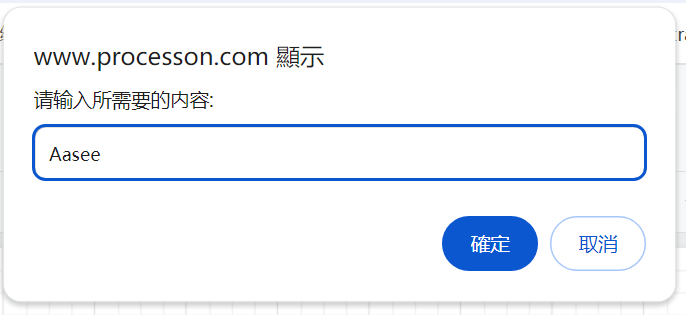
  • 可以选择是否修改水印 image-20240925115035142

  • 设置水印 image-20240925115118395

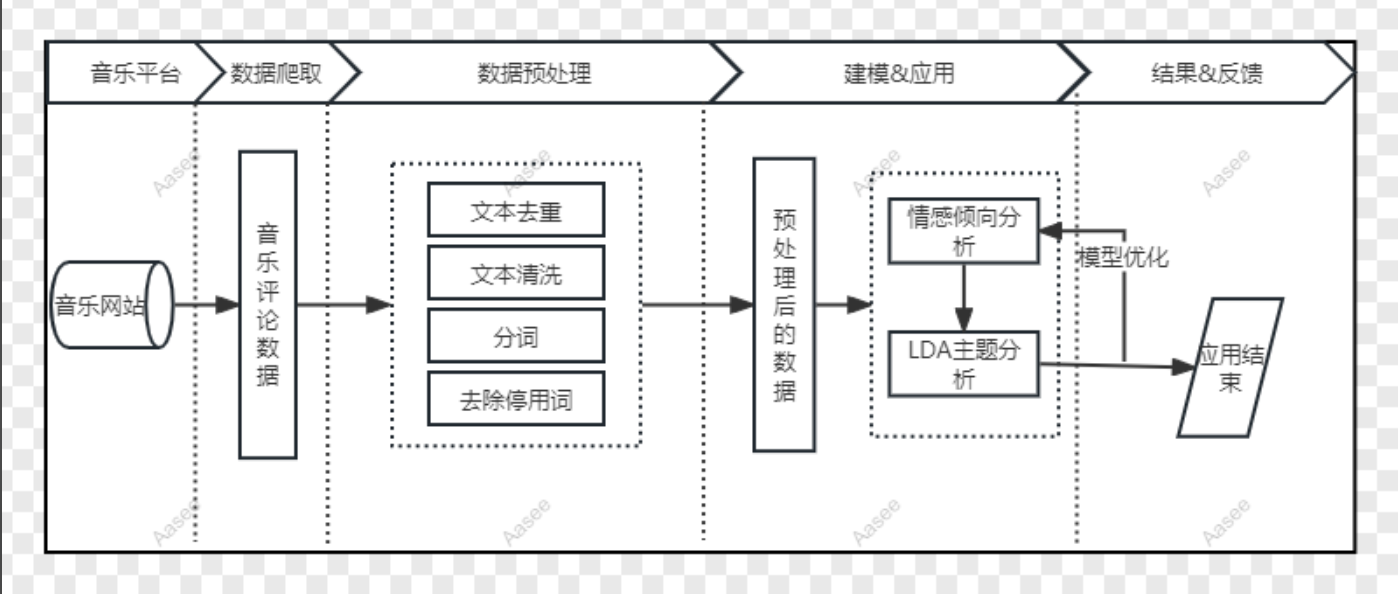
  • 最终生成的结果 image-20240925115045474

⚠️注意

本项目仅供个人技术学习交流

Featured Replies

No posts to show

创建帐户或登录来提出意见

Configure browser push notifications

Chrome (Android)
  1. Tap the lock icon next to the address bar.
  2. Tap Permissions → Notifications.
  3. Adjust your preference.
Chrome (Desktop)
  1. Click the padlock icon in the address bar.
  2. Select Site settings.
  3. Find Notifications and adjust your preference.