跳转到内容
View in the app

A better way to browse. Learn more.

彼岸论坛

A full-screen app on your home screen with push notifications, badges and more.

To install this app on iOS and iPadOS
  1. Tap the Share icon in Safari
  2. Scroll the menu and tap Add to Home Screen.
  3. Tap Add in the top-right corner.
To install this app on Android
  1. Tap the 3-dot menu (⋮) in the top-right corner of the browser.
  2. Tap Add to Home screen or Install app.
  3. Confirm by tapping Install.
欢迎抵达彼岸 彼岸花开 此处谁在 -彼岸论坛

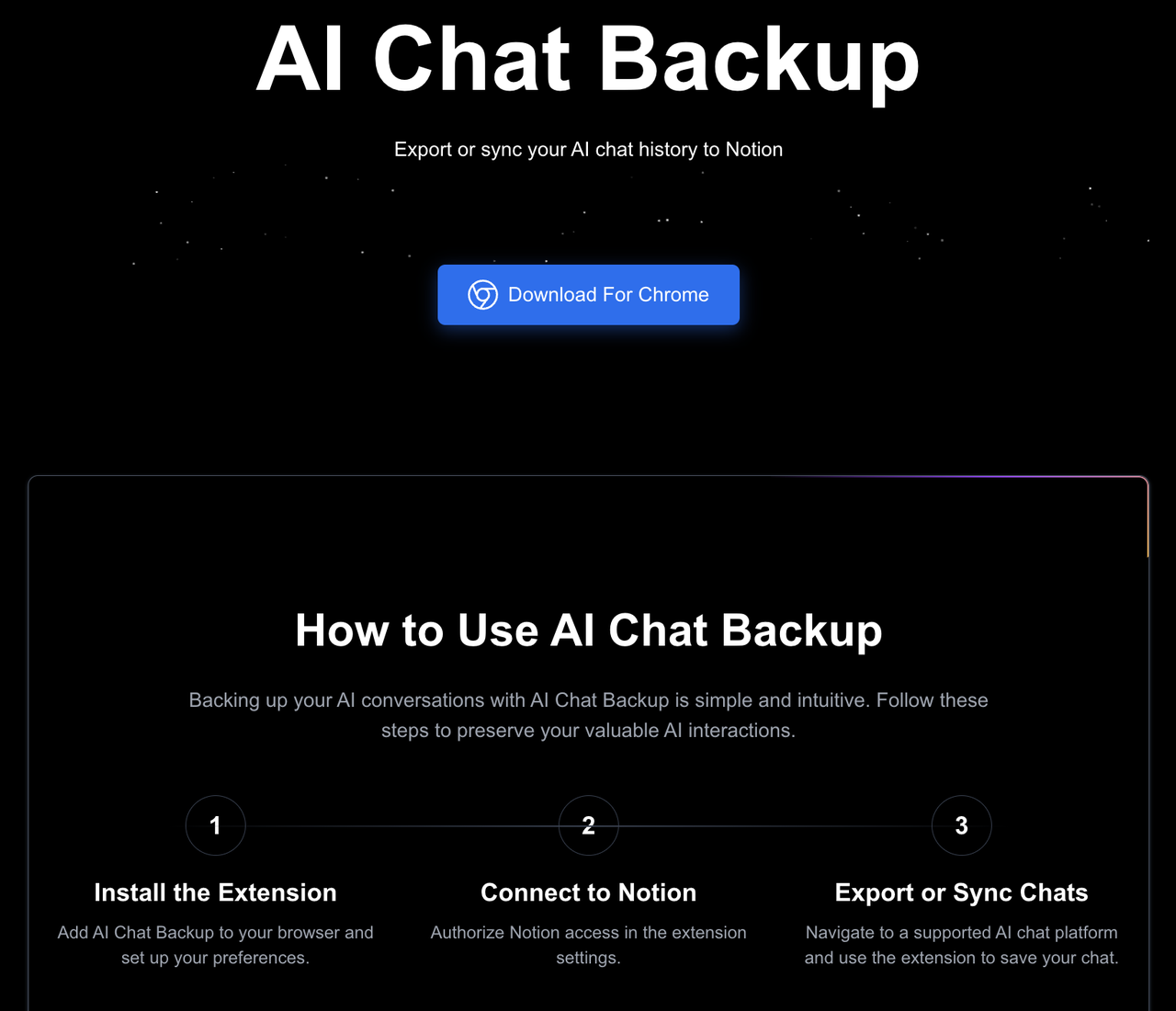
[分享发现] 前端小白,完全由 AI(Claude)辅助开发的 Chrome 扩展和官网介绍

发表于

开了一个 Claude 会员,两周时间,一个前端小白利用业余时间,完全靠 AI 完成了一个"AI 聊天记录备份"的 Chrome 扩展和他的官网介绍,不得不说,要我自己写,基本上是不太可能的,Claude 的表现大大超过了我的预期, 当然,今天也试试 Chatgpt,只能说 AI 改变世界.

这个 Chrome 扩展现在已经支持 ChatGPT,Claude,Gemini,Perplexity,Poe 平台对话记录的导出和同步,大家有什么问题可以随时问问,觉得好用,还请给个评价,再次感谢 AI Chat Backup
Featured Replies

No posts to show

创建帐户或登录来提出意见

Configure browser push notifications

Chrome (Android)
  1. Tap the lock icon next to the address bar.
  2. Tap Permissions → Notifications.
  3. Adjust your preference.
Chrome (Desktop)
  1. Click the padlock icon in the address bar.
  2. Select Site settings.
  3. Find Notifications and adjust your preference.