跳转到内容
View in the app

A better way to browse. Learn more.

彼岸论坛

A full-screen app on your home screen with push notifications, badges and more.

To install this app on iOS and iPadOS
  1. Tap the Share icon in Safari
  2. Scroll the menu and tap Add to Home Screen.
  3. Tap Add in the top-right corner.
To install this app on Android
  1. Tap the 3-dot menu (⋮) in the top-right corner of the browser.
  2. Tap Add to Home screen or Install app.
  3. Confirm by tapping Install.
欢迎抵达彼岸 彼岸花开 此处谁在 -彼岸论坛

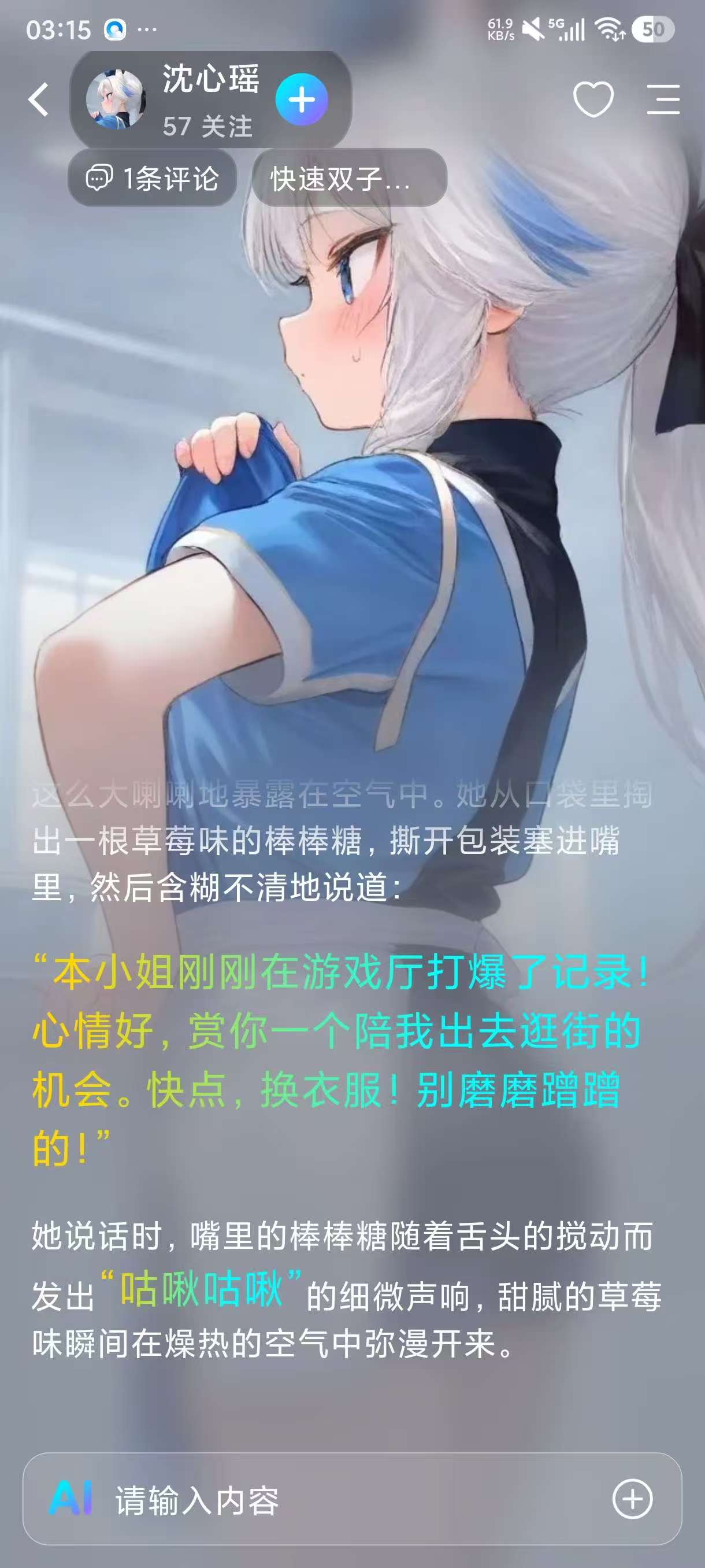
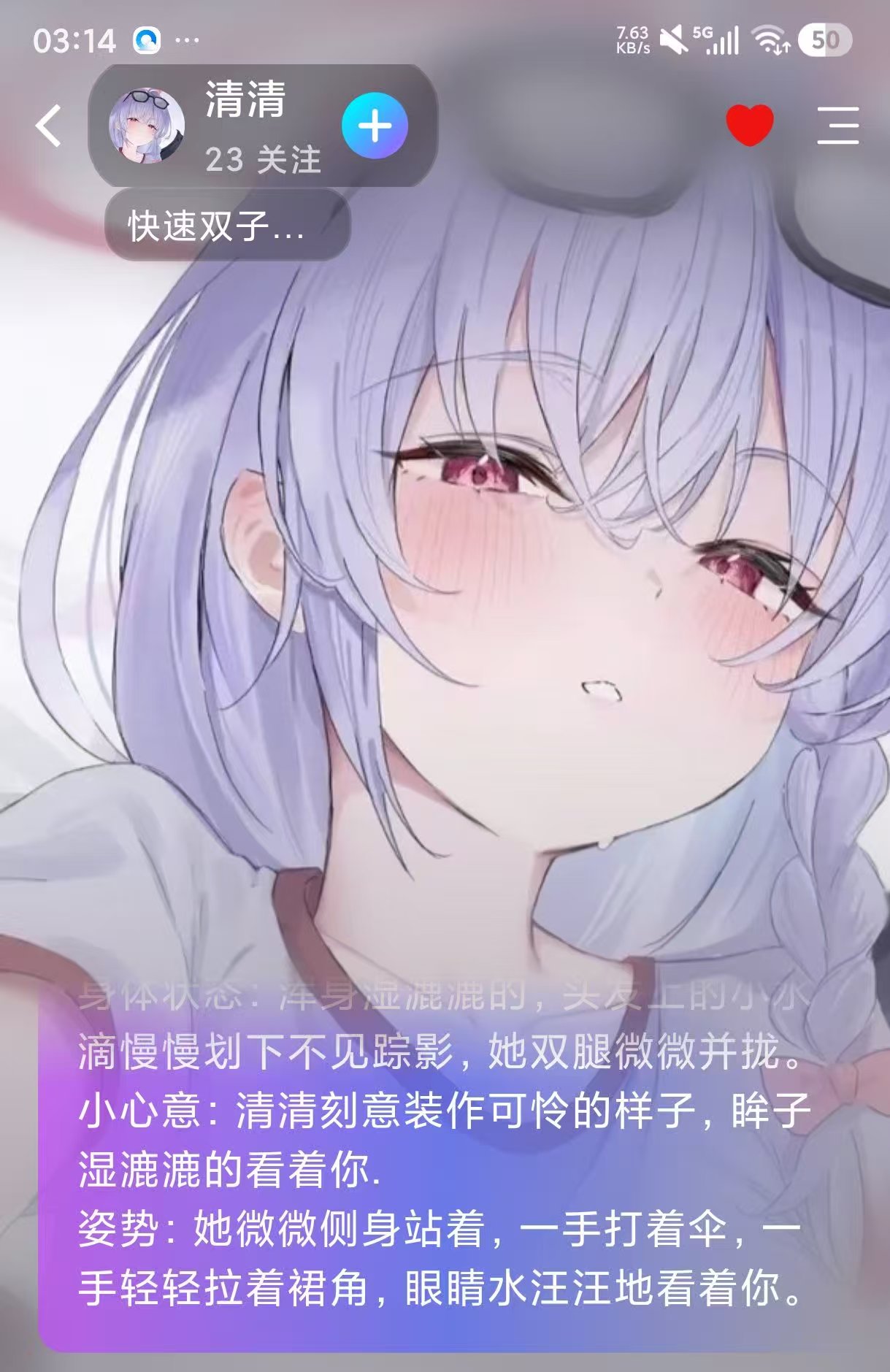
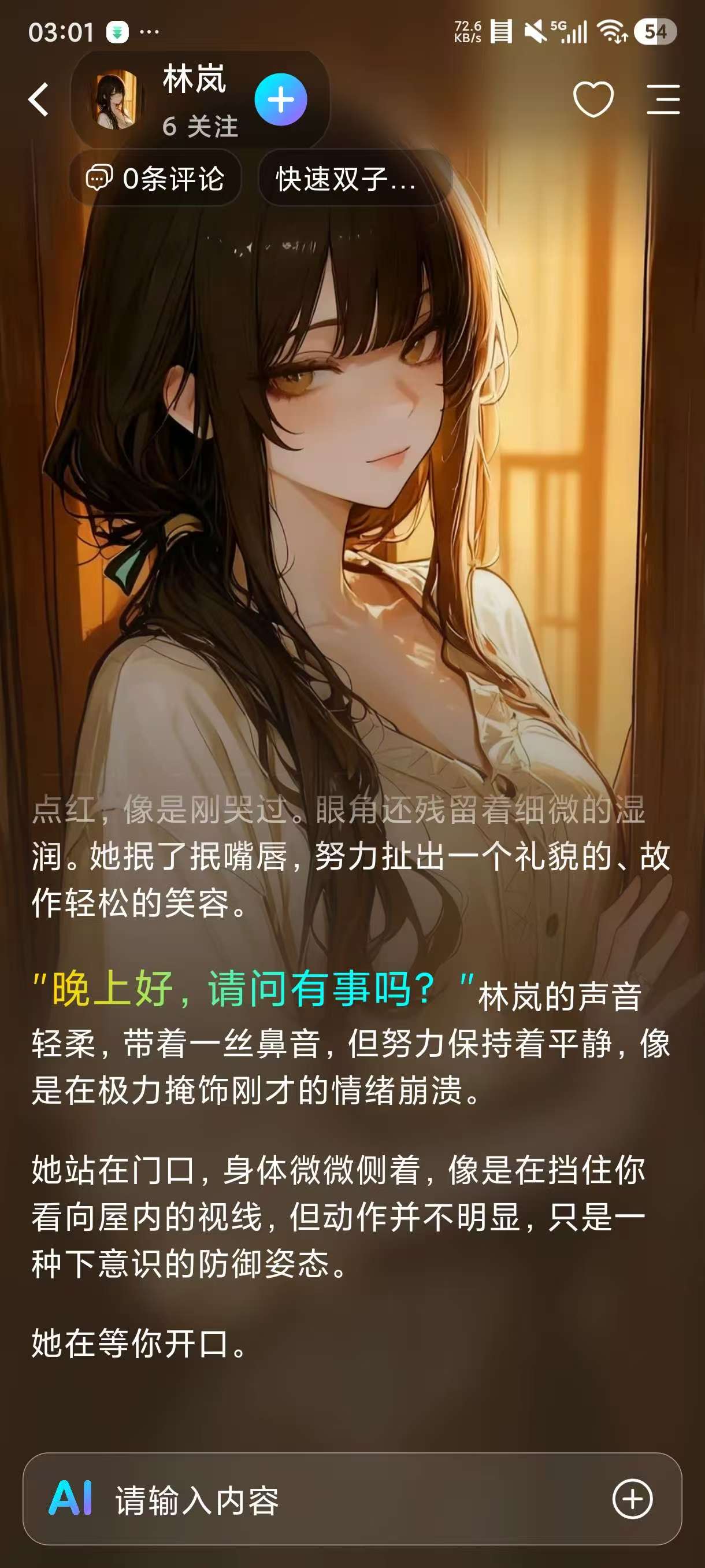
rubii2.1.2,虚拟AI女友,细腻女友无限制聊天!

发表于

【应用名称】rubii
【应用版本】2.1.2
【应用大小】44m
【应用简介】rubii是一款虚拟AI聊天交友app,软件里面汇集了大量的二次元或者大热门IP游戏虚拟人物,你可以将其添加为好友进行互动,可以选择不同的声音包,体验不一样的乐趣。你可以预设一个剧本,按照故事情节跟人物对话,可快速找到同好者讨论聊天心得,软件还推出用户管理角色档案的功能,用户可以创建多个虚拟角色,将其分门别类的保存好。
【适用平台】安卓
【测试机型】安卓15

【下载链接】:https://xpan.com.cn/s/4BHA6Y

拿走吱一声!

160848vo61puu22spuys2s.jpg 160848p77fzg7e2ay728az.jpg 160847crqayp1cb9qy151a.jpg

Featured Replies

No posts to show

创建帐户或登录来提出意见

Configure browser push notifications

Chrome (Android)
  1. Tap the lock icon next to the address bar.
  2. Tap Permissions → Notifications.
  3. Adjust your preference.
Chrome (Desktop)
  1. Click the padlock icon in the address bar.
  2. Select Site settings.
  3. Find Notifications and adjust your preference.