跳转到内容
View in the app

A better way to browse. Learn more.

彼岸论坛

A full-screen app on your home screen with push notifications, badges and more.

To install this app on iOS and iPadOS
  1. Tap the Share icon in Safari
  2. Scroll the menu and tap Add to Home Screen.
  3. Tap Add in the top-right corner.
To install this app on Android
  1. Tap the 3-dot menu (⋮) in the top-right corner of the browser.
  2. Tap Add to Home screen or Install app.
  3. Confirm by tapping Install.
欢迎抵达彼岸 彼岸花开 此处谁在 -彼岸论坛

白鸽软件盒,软件游戏影视应有尽有!

发表于

白鸽软件盒可以为广大用户带来高质量的丰富应用资源,这里无论是自制游戏、魔改游戏还是冷门少见的学习资料实用工具都应有尽有,全部资源免费提供为爱发电,用户可以放心下载直装,首页还有免费流量卡、饿了么领券等福利礼包等你来领取。
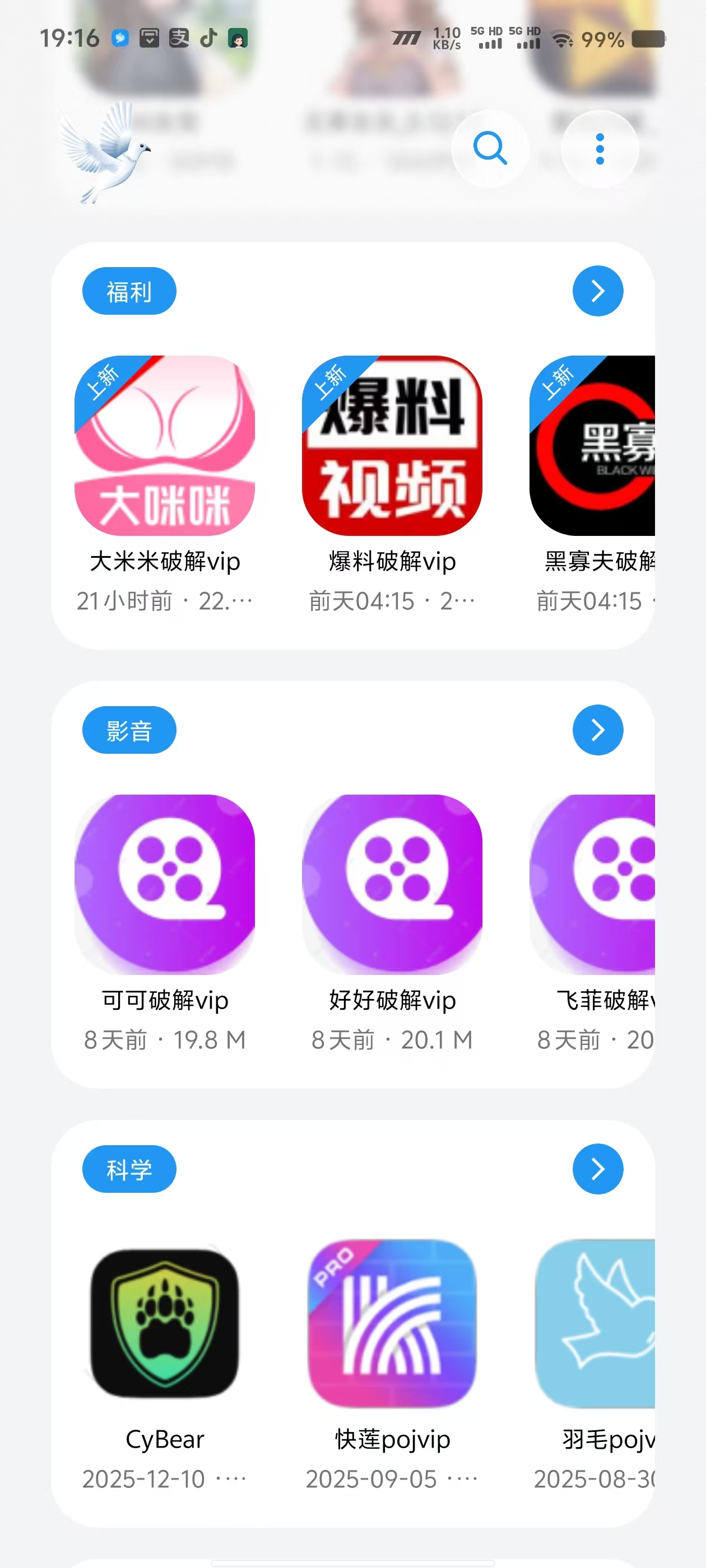
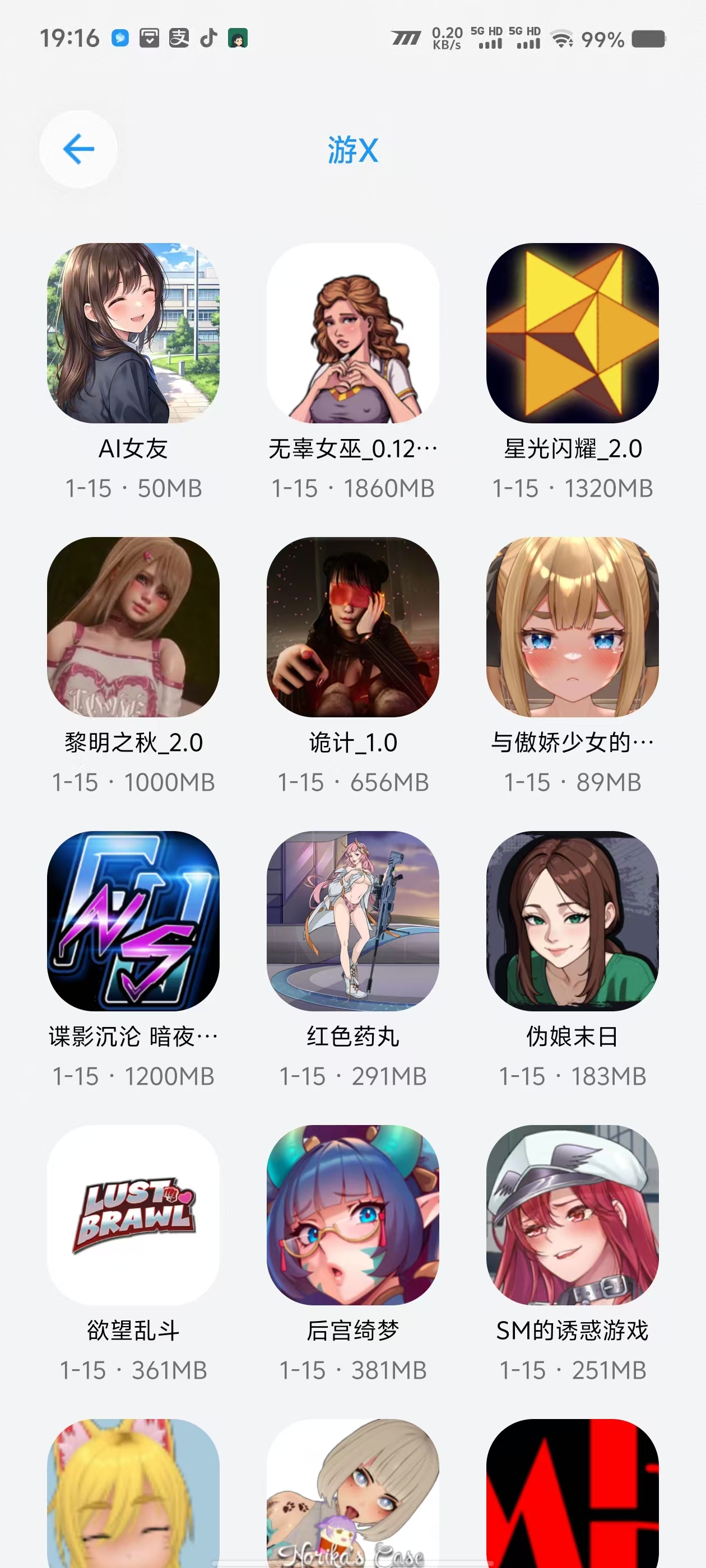
下载链接:https://pan.quark.cn/s/4104bd82a4d0

拿走吱一声!

191912eqqfhnohofqyfffk.jpg 191913t0xqpnokwnikyxfp.jpg 191915e6kzdagdhh14l97h.jpg

Featured Replies

No posts to show

创建帐户或登录来提出意见

Configure browser push notifications

Chrome (Android)
  1. Tap the lock icon next to the address bar.
  2. Tap Permissions → Notifications.
  3. Adjust your preference.
Chrome (Desktop)
  1. Click the padlock icon in the address bar.
  2. Select Site settings.
  3. Find Notifications and adjust your preference.