跳转到内容
View in the app

A better way to browse. Learn more.

彼岸论坛

A full-screen app on your home screen with push notifications, badges and more.

To install this app on iOS and iPadOS
  1. Tap the Share icon in Safari
  2. Scroll the menu and tap Add to Home Screen.
  3. Tap Add in the top-right corner.
To install this app on Android
  1. Tap the 3-dot menu (⋮) in the top-right corner of the browser.
  2. Tap Add to Home screen or Install app.
  3. Confirm by tapping Install.
欢迎抵达彼岸 彼岸花开 此处谁在 -彼岸论坛

TikTok_43.0.3成年版,解除封锁无限制!解锁全部视频

发表于

抖音国际版最新版本正式发布!作为全球热门短视频平台,海量各地精彩内容随心浏览,快乐不分国界即刻畅享,轻松记录日常点滴、发现全球趣味瞬间,和亿万用户一同解锁缤纷天地,插件2.29去广告解除封锁,解锁全部地区,建议用邮箱注册登录.
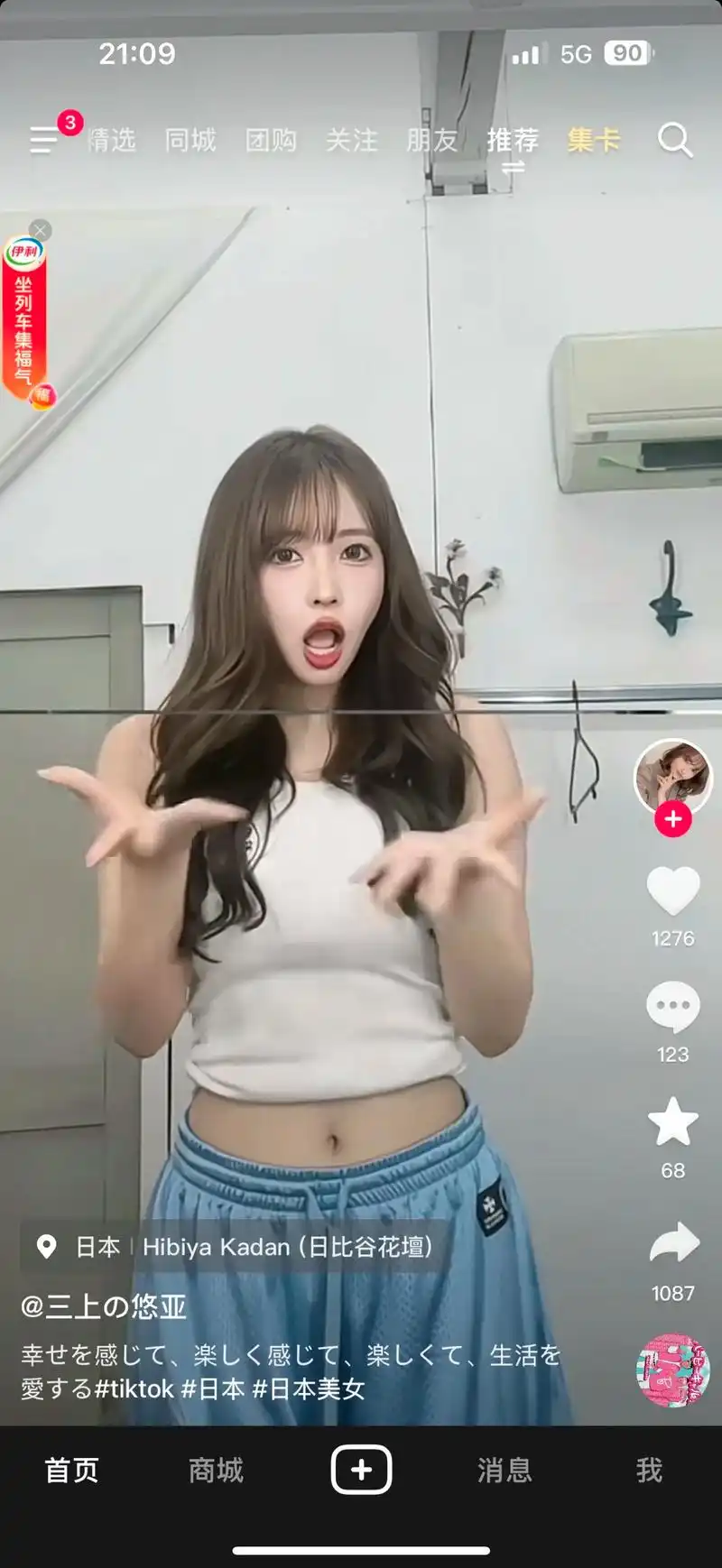
更新内容:
- 此版本可与其他mod或Play Store中的原版一起安装
- 它包含不同的服务器部分,主要面向中亚地区的用户,因此功能可能存在差异

下载链接:https://pan.quark.cn/s/ca79d6d6c63e

拿走吱一声!
115716yubndg6d2sdzmq1s.jpg 115713pf6lupqj86u2jl08.png 115715a2asz4qeq0eu900i.png

Featured Replies

No posts to show

创建帐户或登录来提出意见

Configure browser push notifications

Chrome (Android)
  1. Tap the lock icon next to the address bar.
  2. Tap Permissions → Notifications.
  3. Adjust your preference.
Chrome (Desktop)
  1. Click the padlock icon in the address bar.
  2. Select Site settings.
  3. Find Notifications and adjust your preference.