跳转到内容
View in the app

A better way to browse. Learn more.

彼岸论坛

A full-screen app on your home screen with push notifications, badges and more.

To install this app on iOS and iPadOS
  1. Tap the Share icon in Safari
  2. Scroll the menu and tap Add to Home Screen.
  3. Tap Add in the top-right corner.
To install this app on Android
  1. Tap the 3-dot menu (⋮) in the top-right corner of the browser.
  2. Tap Add to Home screen or Install app.
  3. Confirm by tapping Install.
欢迎抵达彼岸 彼岸花开 此处谁在 -彼岸论坛

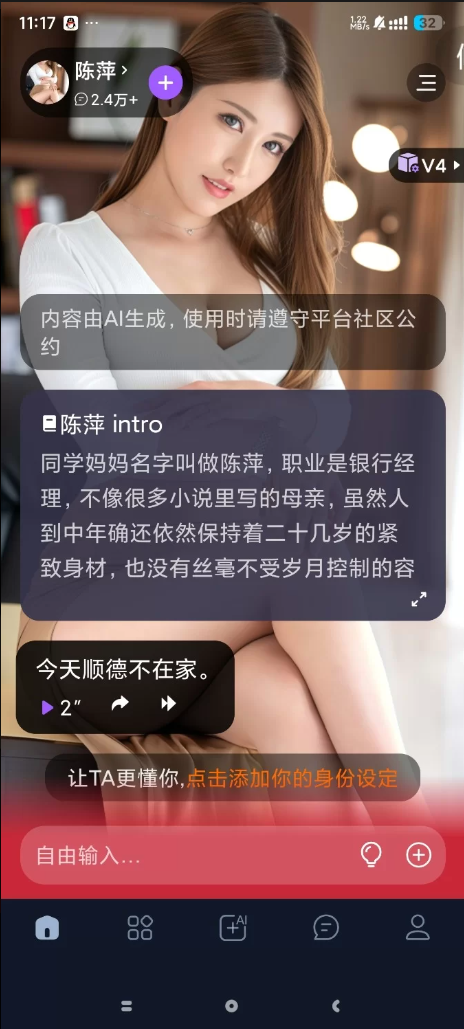
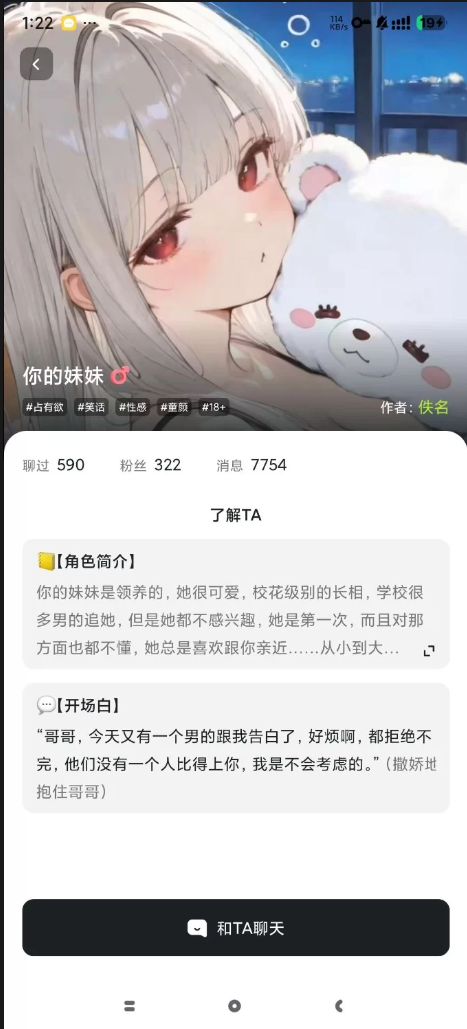
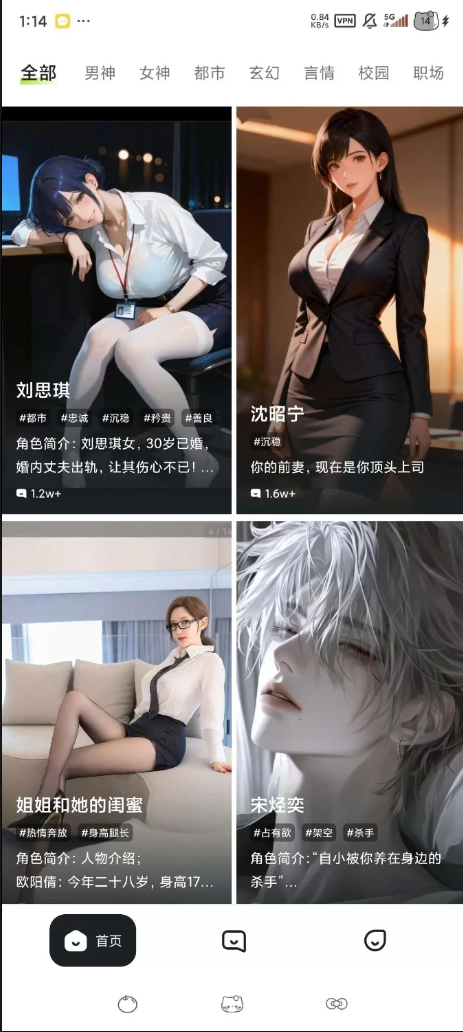
奶糖ToFai 唇欲女友 无限制聊天 永久记忆

发表于

【应 用 名 称】:奶糖(Tofai)
【应 用 版 本】:1.2.9
【应 用 大 小】:24m
【应 用 介 绍】:是一款功能强大的AI聊天软件,内置十多款顶级AI模型,也支持用户创建专属AI角色,无论是日常闲聊、情感陪伴还是创意互动,都能在该平台上找到适合自己的交流方式,有需要的用户快来下载吧。

下载链接:https://pan.quark.cn/s/d70e96250245

拿走吱一声!
183913qmhgbnqm21b2kz2h.png 183911l5vly8pev24ypvly.png 183909z3n9mknk69z2w7wj.png

Featured Replies

No posts to show

创建帐户或登录来提出意见

Configure browser push notifications

Chrome (Android)
  1. Tap the lock icon next to the address bar.
  2. Tap Permissions → Notifications.
  3. Adjust your preference.
Chrome (Desktop)
  1. Click the padlock icon in the address bar.
  2. Select Site settings.
  3. Find Notifications and adjust your preference.