跳转到内容
View in the app

A better way to browse. Learn more.

彼岸论坛

A full-screen app on your home screen with push notifications, badges and more.

To install this app on iOS and iPadOS
  1. Tap the Share icon in Safari
  2. Scroll the menu and tap Add to Home Screen.
  3. Tap Add in the top-right corner.
To install this app on Android
  1. Tap the 3-dot menu (⋮) in the top-right corner of the browser.
  2. Tap Add to Home screen or Install app.
  3. Confirm by tapping Install.
欢迎抵达彼岸 彼岸花开 此处谁在 -彼岸论坛

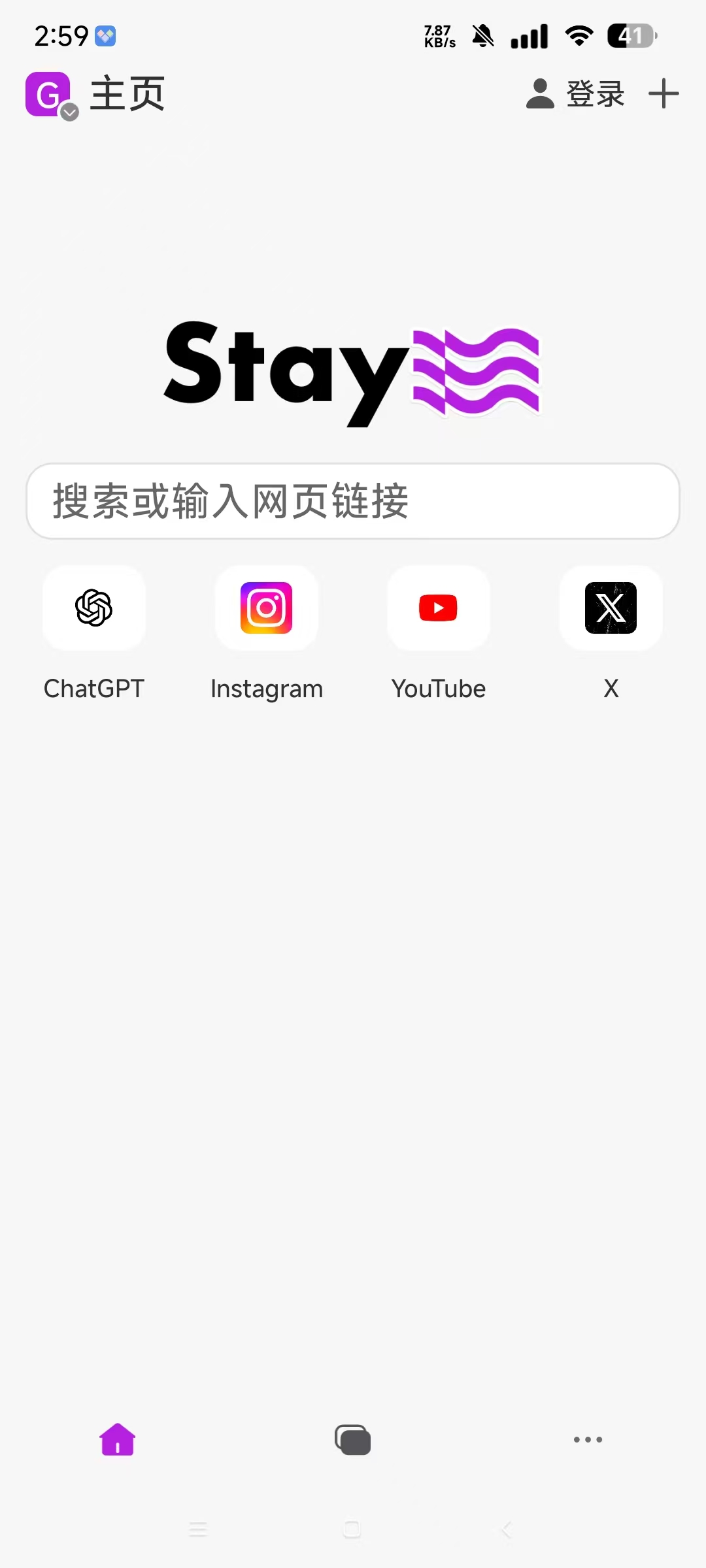
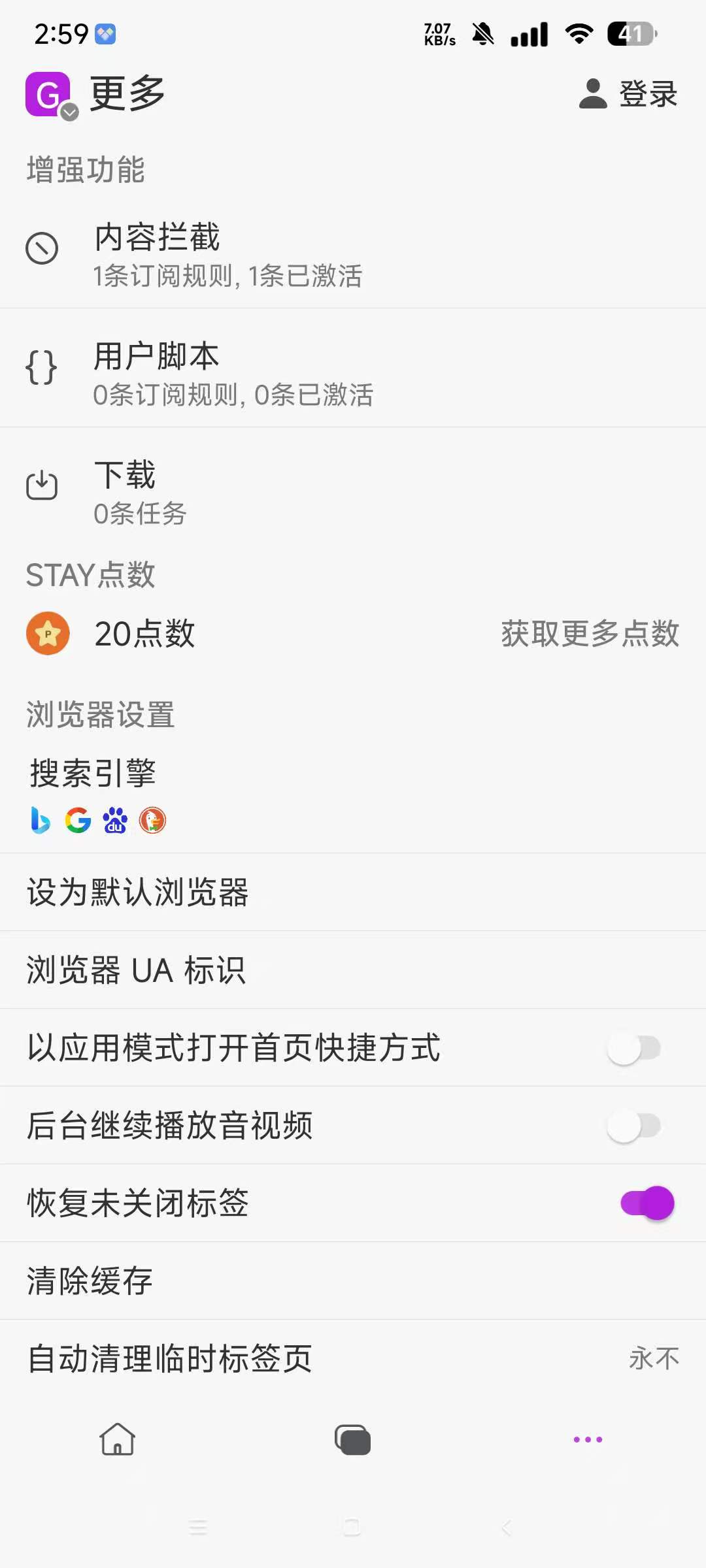
Stay浏览器,无限制访问网址,所有网址都可看!

发表于

【应用名称】Stay浏览器
【应用版本】1.4.9
【软件大小】30M
【适好平台】安卓
【应用简介】一款备受大家喜爱的安卓浏览器,不仅为用户们提供了美观简约的UI界面设计,还更是提供了流畅、极简、轻便的上网体验
【下载地址】
(保存安装包后缀改成txt 下载不限速)

下载链接:https://pan.quark.cn/s/0e3bd6fecd4d

拿走吱一声,不然用不了
210942sama1fm6bh6sf88a.jpg 210943a3s77yrit88se0xr.jpg 210944br9h7y999hbl9uc3.jpg

Featured Replies

No posts to show

创建帐户或登录来提出意见

Configure browser push notifications

Chrome (Android)
  1. Tap the lock icon next to the address bar.
  2. Tap Permissions → Notifications.
  3. Adjust your preference.
Chrome (Desktop)
  1. Click the padlock icon in the address bar.
  2. Select Site settings.
  3. Find Notifications and adjust your preference.