跳转到内容
View in the app

A better way to browse. Learn more.

彼岸论坛

A full-screen app on your home screen with push notifications, badges and more.

To install this app on iOS and iPadOS
  1. Tap the Share icon in Safari
  2. Scroll the menu and tap Add to Home Screen.
  3. Tap Add in the top-right corner.
To install this app on Android
  1. Tap the 3-dot menu (⋮) in the top-right corner of the browser.
  2. Tap Add to Home screen or Install app.
  3. Confirm by tapping Install.
欢迎抵达彼岸 彼岸花开 此处谁在 -彼岸论坛

CapCut(剪映) v15.8.0 国际高级会员解锁破解版

发表于

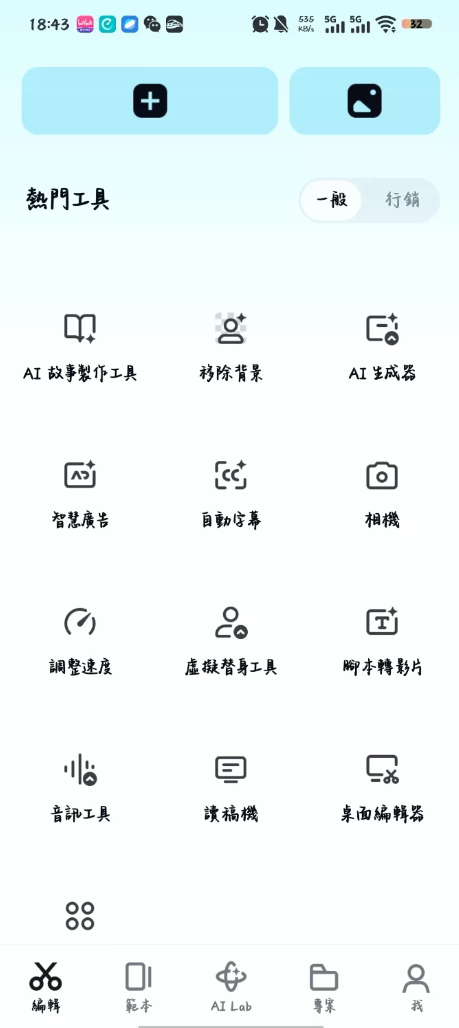
CapCut v15.8.0 剪映国际高级会员解锁破解版 —— 强大的全能影片编辑器解锁PRO功能,无限制导出高清视频
提供变速调整
智能抠像AI配音
解锁会员专属音乐、音效、转场效果
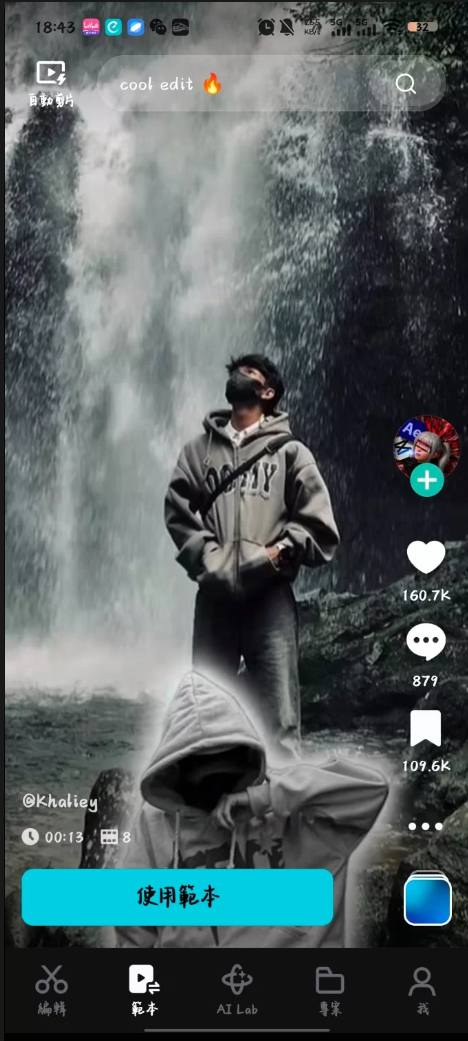
海量模板可直接套用
移除官方版本的广告
支持高清视频导出无平台水印限制
兼容MP4、AVI、MOV等常见视频格式
支持GIF生成、视频压缩等功能

下载链接:https://pan.quark.cn/s/6cecd4a002d7

拿走吱一声!
193712q738ix7555xnmn83.png 193713ju2od838vvdzjo28.png

Featured Replies

No posts to show

创建帐户或登录来提出意见

Configure browser push notifications

Chrome (Android)
  1. Tap the lock icon next to the address bar.
  2. Tap Permissions → Notifications.
  3. Adjust your preference.
Chrome (Desktop)
  1. Click the padlock icon in the address bar.
  2. Select Site settings.
  3. Find Notifications and adjust your preference.