跳转到内容
View in the app

A better way to browse. Learn more.

彼岸论坛

A full-screen app on your home screen with push notifications, badges and more.

To install this app on iOS and iPadOS
  1. Tap the Share icon in Safari
  2. Scroll the menu and tap Add to Home Screen.
  3. Tap Add in the top-right corner.
To install this app on Android
  1. Tap the 3-dot menu (⋮) in the top-right corner of the browser.
  2. Tap Add to Home screen or Install app.
  3. Confirm by tapping Install.
欢迎抵达彼岸 彼岸花开 此处谁在 -彼岸论坛

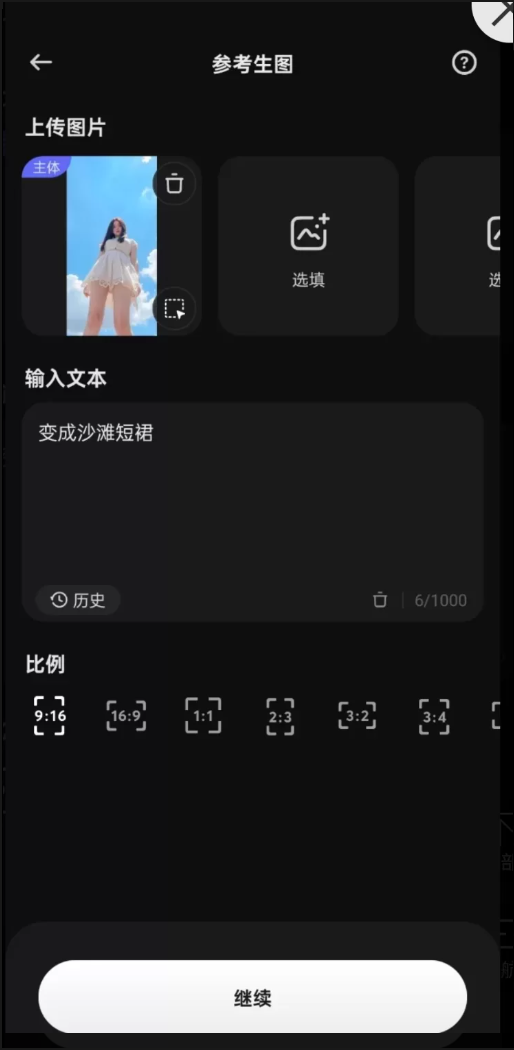
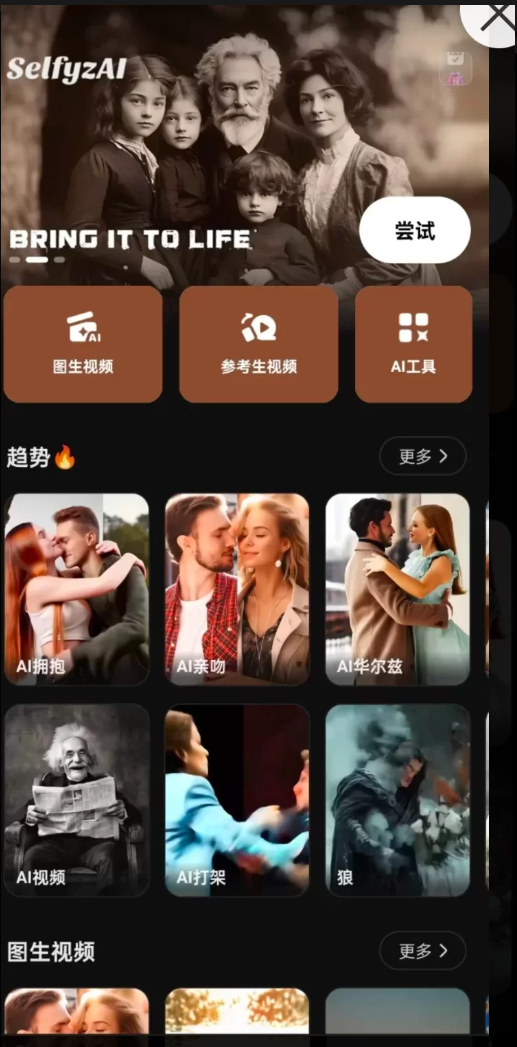
SelfyzAl AI无限制次数,可ai去衣换衣亲吻拥抱等等功能众多

发表于

SelfyzAI凭借其高质量图像扩展.创意功能支持以及良好的用户体验,在满足专业和个人用户多样化需求的同时,也为创意产业和社会数字娱乐生态带来了积极的影响。
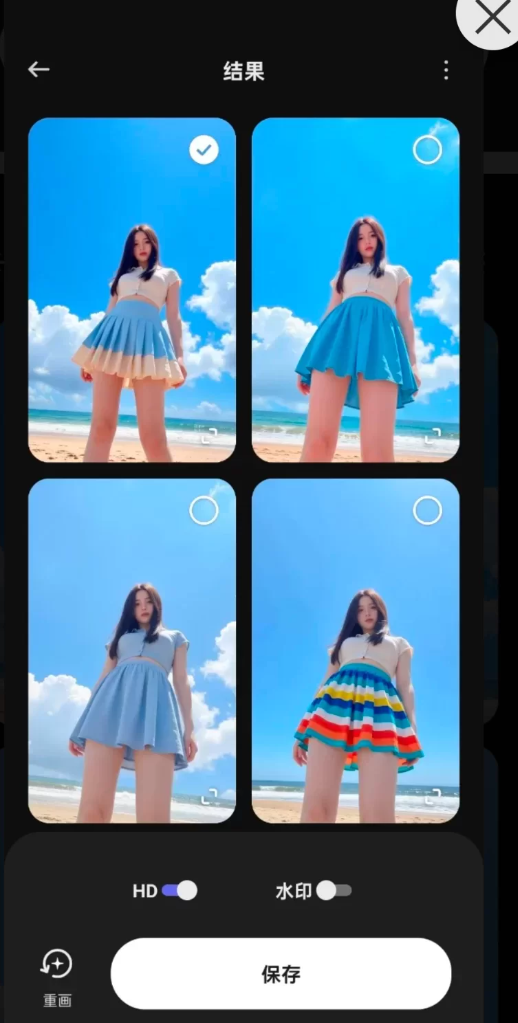
无论是从功能特性.技术实现还是市场价值的角度来看,这款软件都展现出了极高的实用价值和技术实力。

夸克链接:https://xpan.com.cn/s/TKF23H


拿走吱一声!
201756civktiar5v0kyvy4.png 201756ir4yor2bddo39k0r.png 201756r3i0q1kg8mu3t0sj.png

Featured Replies

No posts to show

创建帐户或登录来提出意见

Configure browser push notifications

Chrome (Android)
  1. Tap the lock icon next to the address bar.
  2. Tap Permissions → Notifications.
  3. Adjust your preference.
Chrome (Desktop)
  1. Click the padlock icon in the address bar.
  2. Select Site settings.
  3. Find Notifications and adjust your preference.