跳转到内容
View in the app

A better way to browse. Learn more.

彼岸论坛

A full-screen app on your home screen with push notifications, badges and more.

To install this app on iOS and iPadOS
  1. Tap the Share icon in Safari
  2. Scroll the menu and tap Add to Home Screen.
  3. Tap Add in the top-right corner.
To install this app on Android
  1. Tap the 3-dot menu (⋮) in the top-right corner of the browser.
  2. Tap Add to Home screen or Install app.
  3. Confirm by tapping Install.
欢迎抵达彼岸 彼岸花开 此处谁在 -彼岸论坛

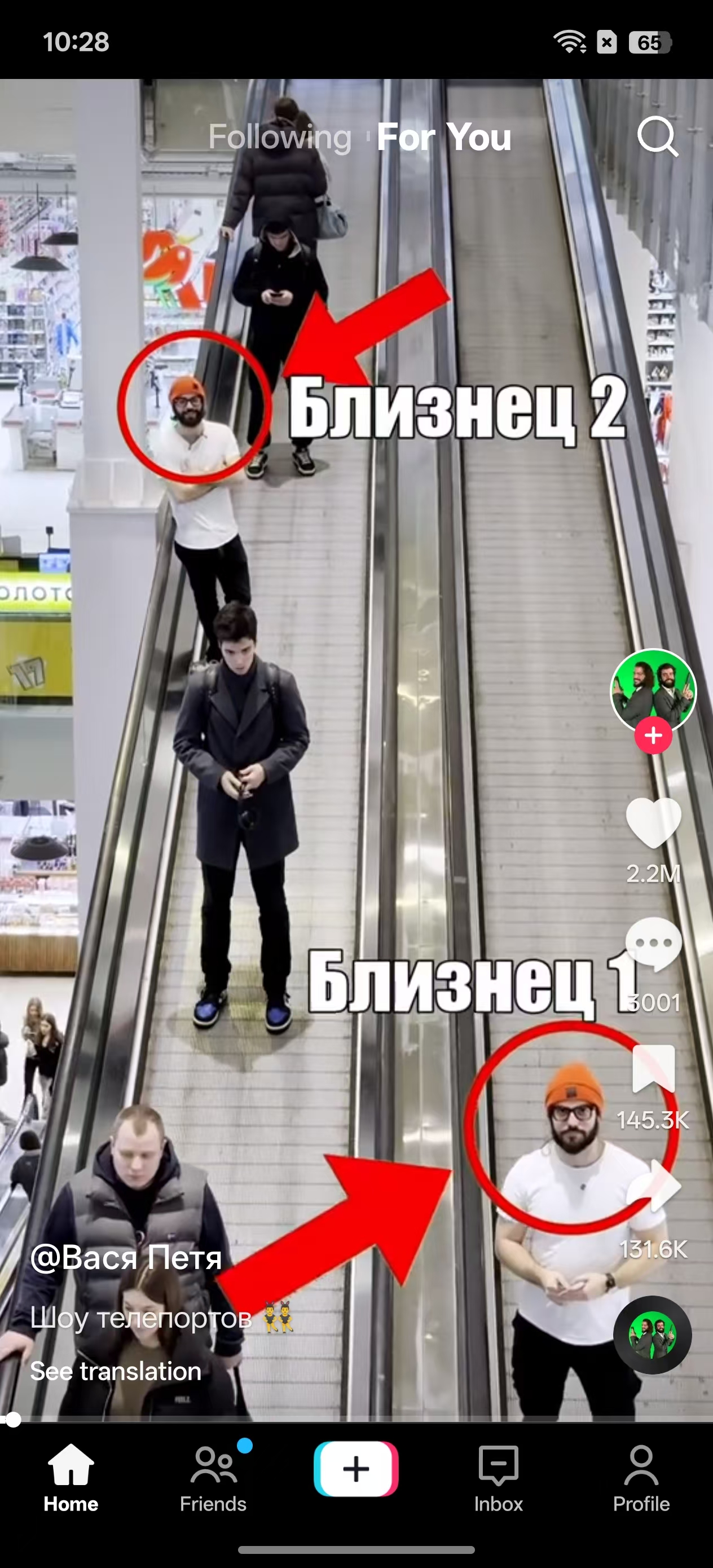
tiktok抖音国际版v43.7.4高级版!

发表于

【应用名称】:TikTok
【应用版本】:v43.7.3
【应用大小】:204m
【适用平台】:安卓

简介:抖音国际版最新App上线:全球热门短视频平台,支持浏览各地精彩内容,让快乐突破地域限制,也可轻松记录日常、发现他人趣味,共赏缤纷世界,去广告解除封锁,解锁全部地区,建议用邮箱注册登录.

更新内容:
新增通过机器人下载媒体
绕过所有下载限制
启用故事下载按钮
修复从评论下载照片时崩溃问题
更改评论照片下载文件夹为 Pictures/TikTok
绕过标签限制
修复长帖按时间隐藏问题
修复动态流从推荐中移除并默认启用
修复代码审计

下载链接:https://xpan.com.cn/s/8VR7MG

拿走吱一声!
124158pgfn3vv9jgqnw81g.jpg 124158mkvbkdr5442qz9h5.jpg 124157ptr2rw4qwdpqa4ow.jpg

Featured Replies

No posts to show

创建帐户或登录来提出意见

Configure browser push notifications

Chrome (Android)
  1. Tap the lock icon next to the address bar.
  2. Tap Permissions → Notifications.
  3. Adjust your preference.
Chrome (Desktop)
  1. Click the padlock icon in the address bar.
  2. Select Site settings.
  3. Find Notifications and adjust your preference.