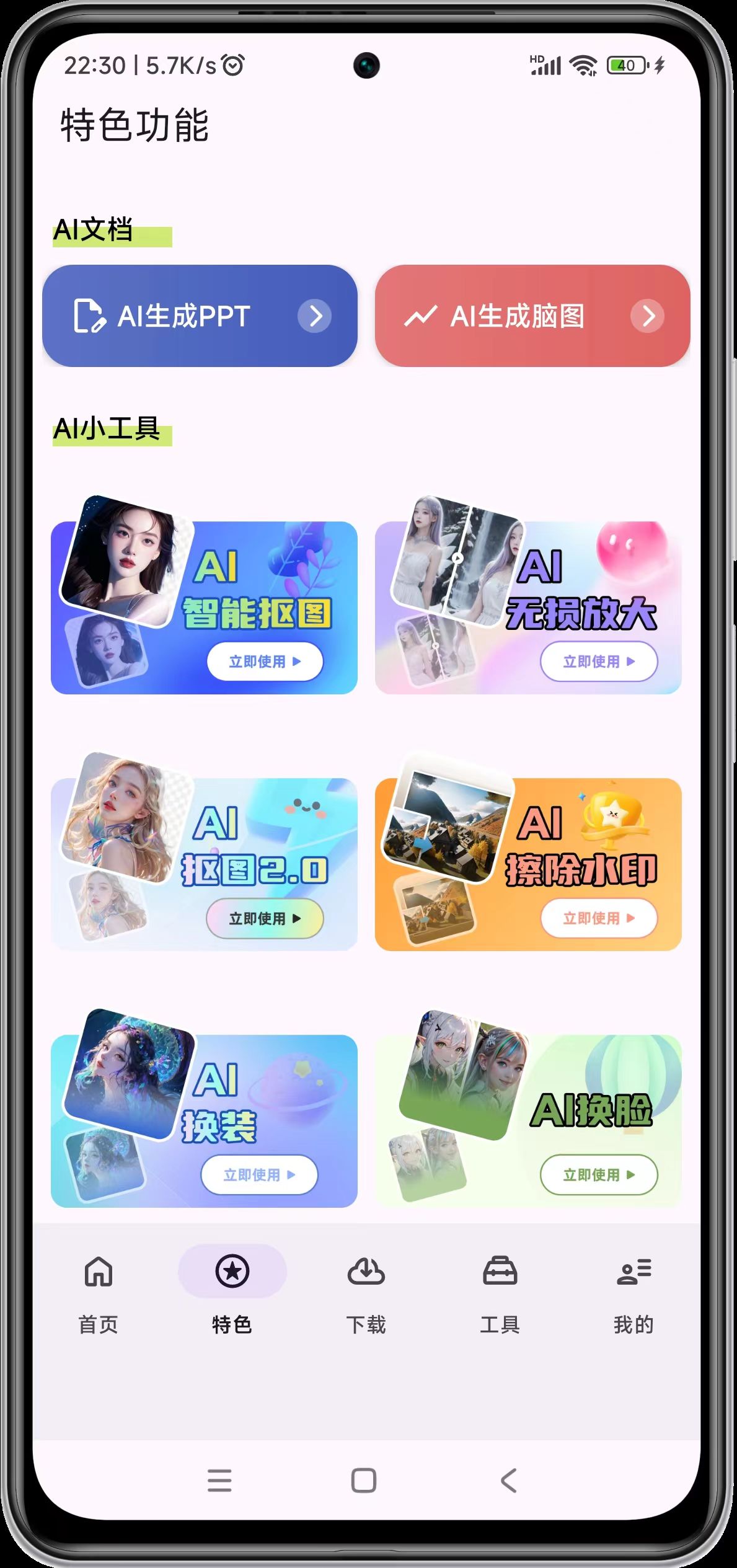
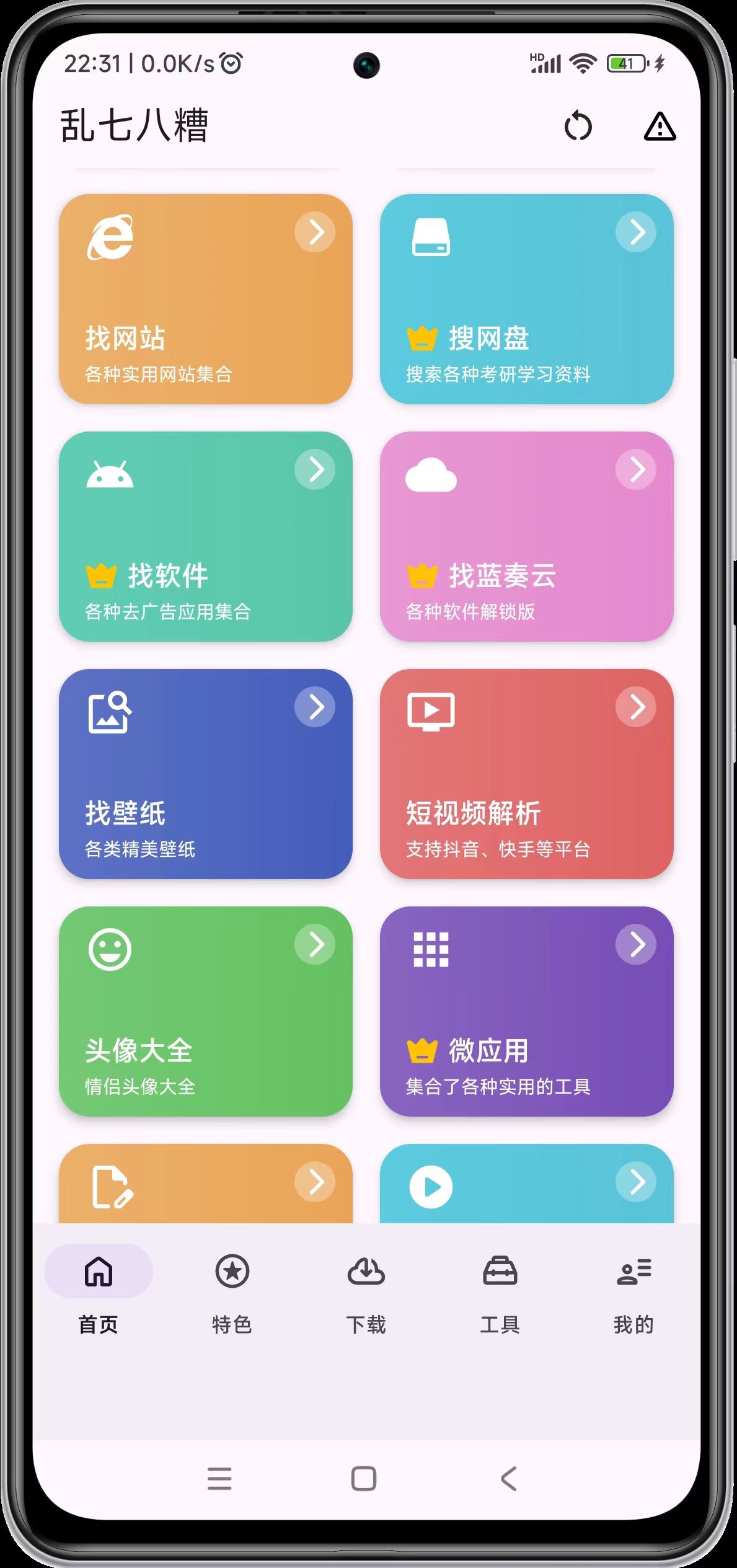
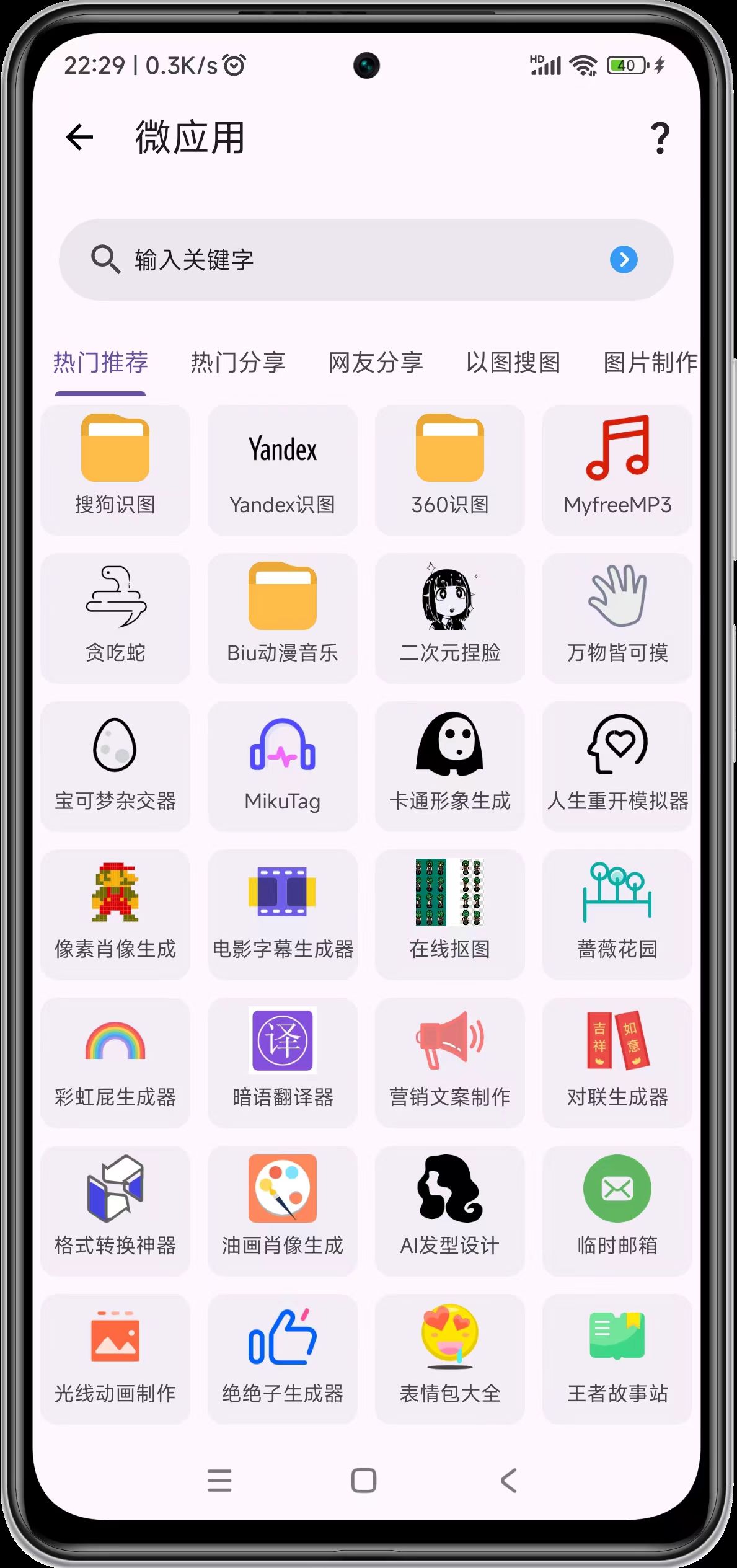
发表于 13小时前13小时 【应用名称】:乱七八糟【应用版本】:1.4.05【应用大小】:61.2M【测试机型】:一加 ace2pro【版本介绍】:这款名为“乱七八糟”的聚合型工具类应用,整合了丰富实用的功能模块,旨在为用户提供一站式便捷服务。主界面采用一目了然的布局,涵盖“找网站”“搜网盘”“找软件”等高频需求入口,支持迅速跳转至目标资源;特色功能页则聚焦智能化场景,提供“AI生成PPT”“AI智能抠图”“AI无损放大”等生产力工具,助力用户有效完成图文创作与设计。微应用模块进一步拓展使用场景,包含“识图翻译”“格式转换”“头像生成”等28款轻量化工具,覆盖图像处理、文字办公、娱乐创意等多元需求,用户可通过搜索栏或标签分类快速定位所需功能。应用界面简洁直观,操作流畅,兼顾实用性与趣味性,是增强日常效率的可靠工具集。下载链接:https://pan.quark.cn/s/db877014f5a4拿走吱一声!
【应用名称】:乱七八糟
【应用版本】:1.4.05
【应用大小】:61.2M
【测试机型】:一加 ace2pro
【版本介绍】:这款名为“乱七八糟”的聚合型工具类应用,整合了丰富实用的功能模块,旨在为用户提供一站式便捷服务。主界面采用一目了然的布局,涵盖“找网站”“搜网盘”“找软件”等高频需求入口,支持迅速跳转至目标资源;特色功能页则聚焦智能化场景,提供“AI生成PPT”“AI智能抠图”“AI无损放大”等生产力工具,助力用户有效完成图文创作与设计。微应用模块进一步拓展使用场景,包含“识图翻译”“格式转换”“头像生成”等28款轻量化工具,覆盖图像处理、文字办公、娱乐创意等多元需求,用户可通过搜索栏或标签分类快速定位所需功能。应用界面简洁直观,操作流畅,兼顾实用性与趣味性,是增强日常效率的可靠工具集。
下载链接:https://pan.quark.cn/s/db877014f5a4
拿走吱一声!