跳转到内容
View in the app

A better way to browse. Learn more.

彼岸论坛

A full-screen app on your home screen with push notifications, badges and more.

To install this app on iOS and iPadOS
  1. Tap the Share icon in Safari
  2. Scroll the menu and tap Add to Home Screen.
  3. Tap Add in the top-right corner.
To install this app on Android
  1. Tap the 3-dot menu (⋮) in the top-right corner of the browser.
  2. Tap Add to Home screen or Install app.
  3. Confirm by tapping Install.
欢迎抵达彼岸 彼岸花开 此处谁在 -彼岸论坛

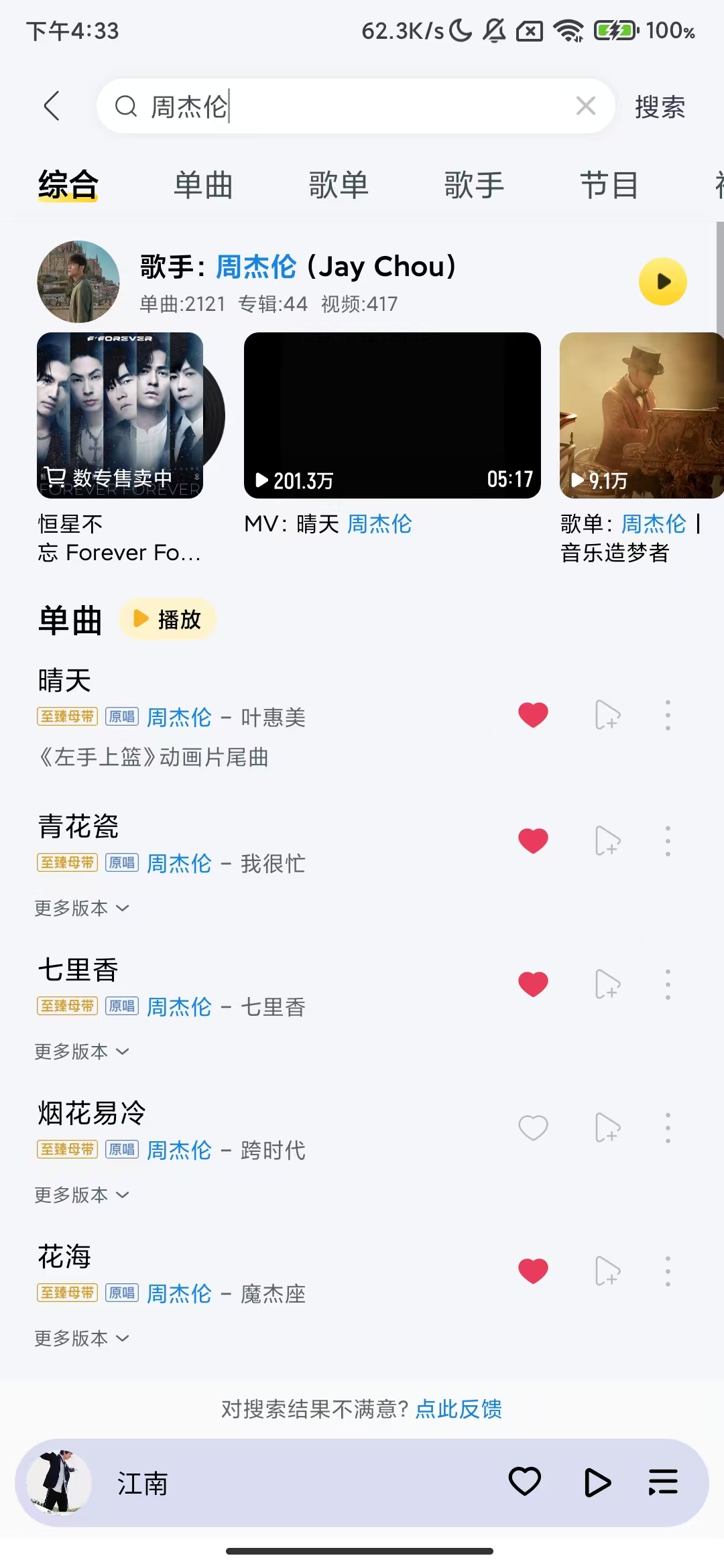
酷我音乐12.0.6.4,解锁豪华VIP会员版!

发表于

软件名称 酷我音乐
软件大小201.60mb
软件版本12.0.6.4
适用版本安卓
软件介绍
▪️ 解锁豪华VIP会员权限
▪️ 支持全量正版音乐免费听
▪️ 支持无损音质下载服务
▪️ 优化播放体验,音质更完美

使用提示:
▪️ 覆盖安装请卸载旧版
▪️ 提示更新请忽略

下载链接:https://pan.quark.cn/s/541b08f6a029

拿走吱一声!
201451gjrcnuuzixbihzxb.jpg 201452yx2xy1dxfxq5p2df.jpg 201453v7280yyshs7jtz04.jpg


Featured Replies

No posts to show

创建帐户或登录来提出意见

Configure browser push notifications

Chrome (Android)
  1. Tap the lock icon next to the address bar.
  2. Tap Permissions → Notifications.
  3. Adjust your preference.
Chrome (Desktop)
  1. Click the padlock icon in the address bar.
  2. Select Site settings.
  3. Find Notifications and adjust your preference.