跳转到内容
View in the app

A better way to browse. Learn more.

彼岸论坛

A full-screen app on your home screen with push notifications, badges and more.

To install this app on iOS and iPadOS
  1. Tap the Share icon in Safari
  2. Scroll the menu and tap Add to Home Screen.
  3. Tap Add in the top-right corner.
To install this app on Android
  1. Tap the 3-dot menu (⋮) in the top-right corner of the browser.
  2. Tap Add to Home screen or Install app.
  3. Confirm by tapping Install.
欢迎抵达彼岸 彼岸花开 此处谁在 -彼岸论坛

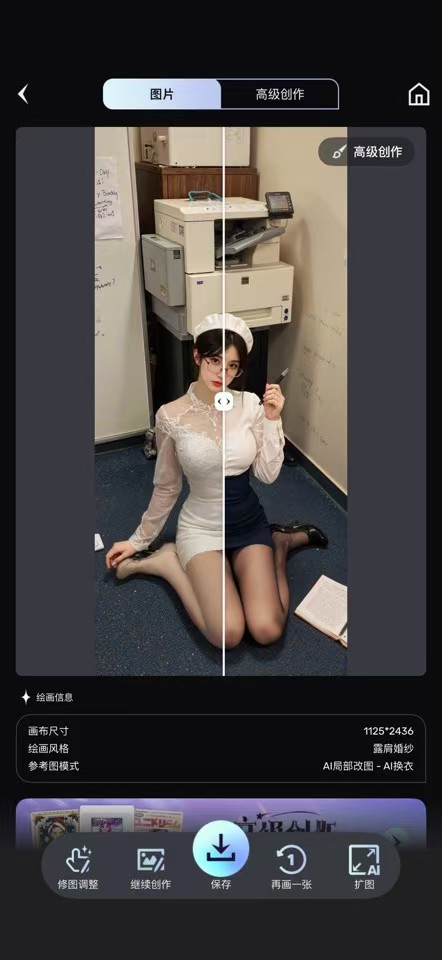
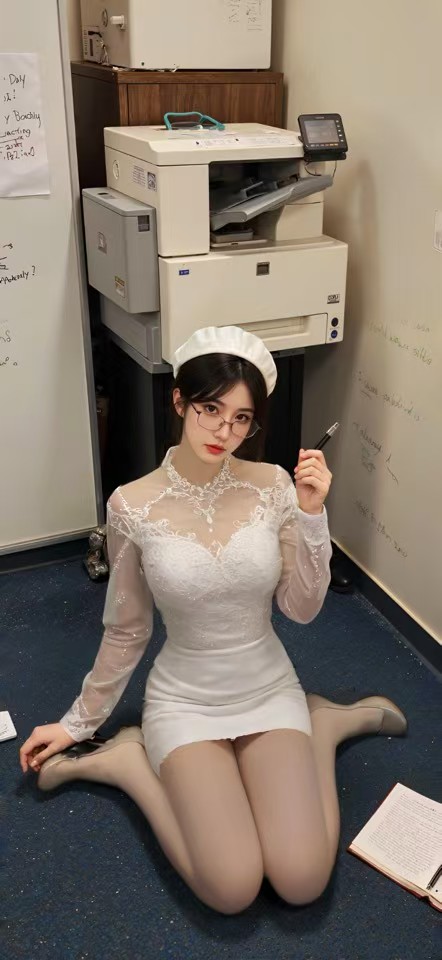
Ai智能绘画qu衣,以图画图,AI扩图!无违禁词

发表于

会员版[滑稽]之前发过老版本的,这几天又看到这个软件了,再分享一下.


【版本特性】:-Bug Fixed

【软件版本】:6.8.6

【软件名称】:uni

【软件介绍】: “人工智能绘画,无限的可能性,全部在Unidream”

Unidream是一款多功能的人工智能绘画工具应用程序,只需输入文本或上传图像,即可快速创建自己的梦幻艺术作品。無論您是初學者還是專業藝術家,Unidream都能幫助您毫不費力地創造和探索無盡的創造力。


下载链接:https://pan.quark.cn/s/f654ca0c2fce

拿走吱一声!
171909ngg96s5a1a1g3gua.jpg 171909yf9dt3w55d53j9ht.jpg 171909xvto5onvacoxoq22.jpg


Featured Replies

No posts to show

创建帐户或登录来提出意见

Configure browser push notifications

Chrome (Android)
  1. Tap the lock icon next to the address bar.
  2. Tap Permissions → Notifications.
  3. Adjust your preference.
Chrome (Desktop)
  1. Click the padlock icon in the address bar.
  2. Select Site settings.
  3. Find Notifications and adjust your preference.