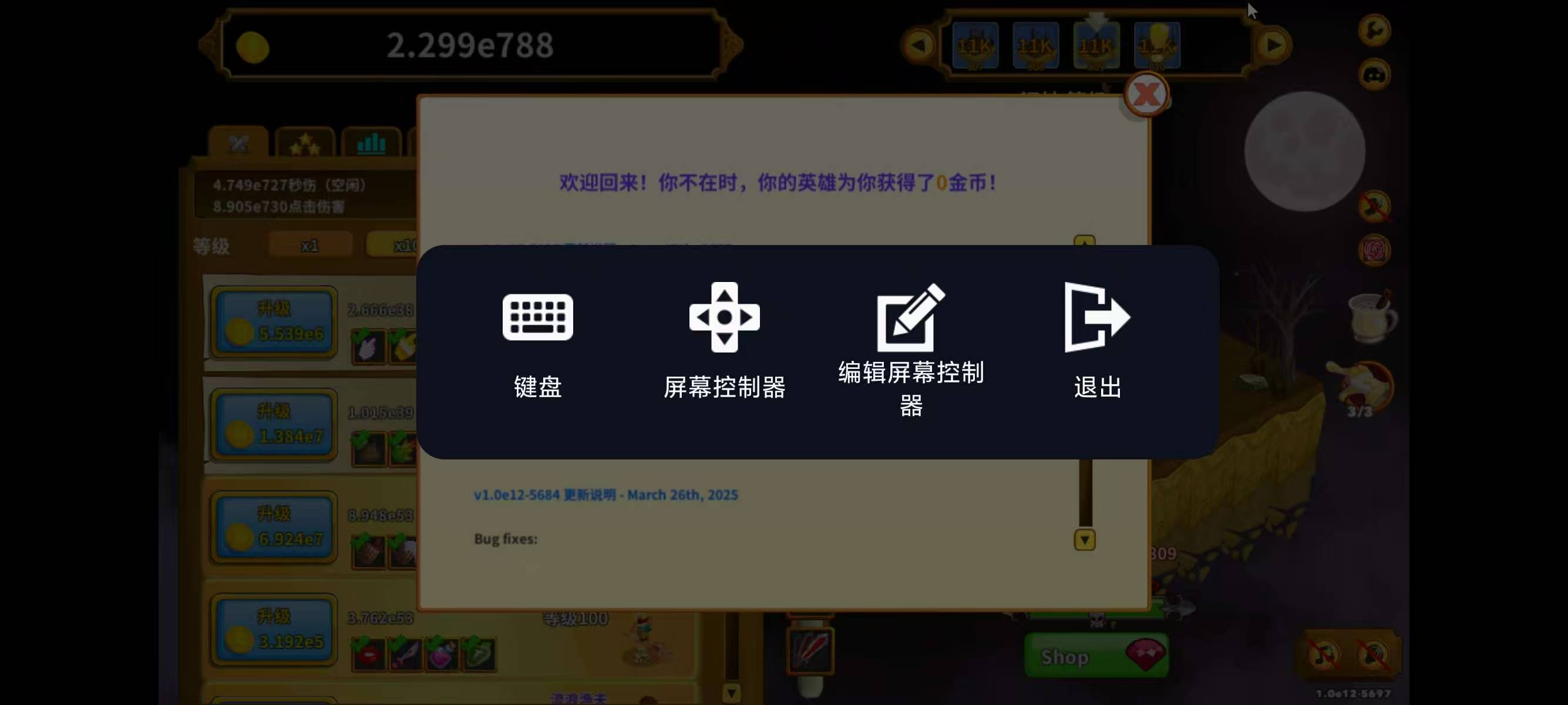
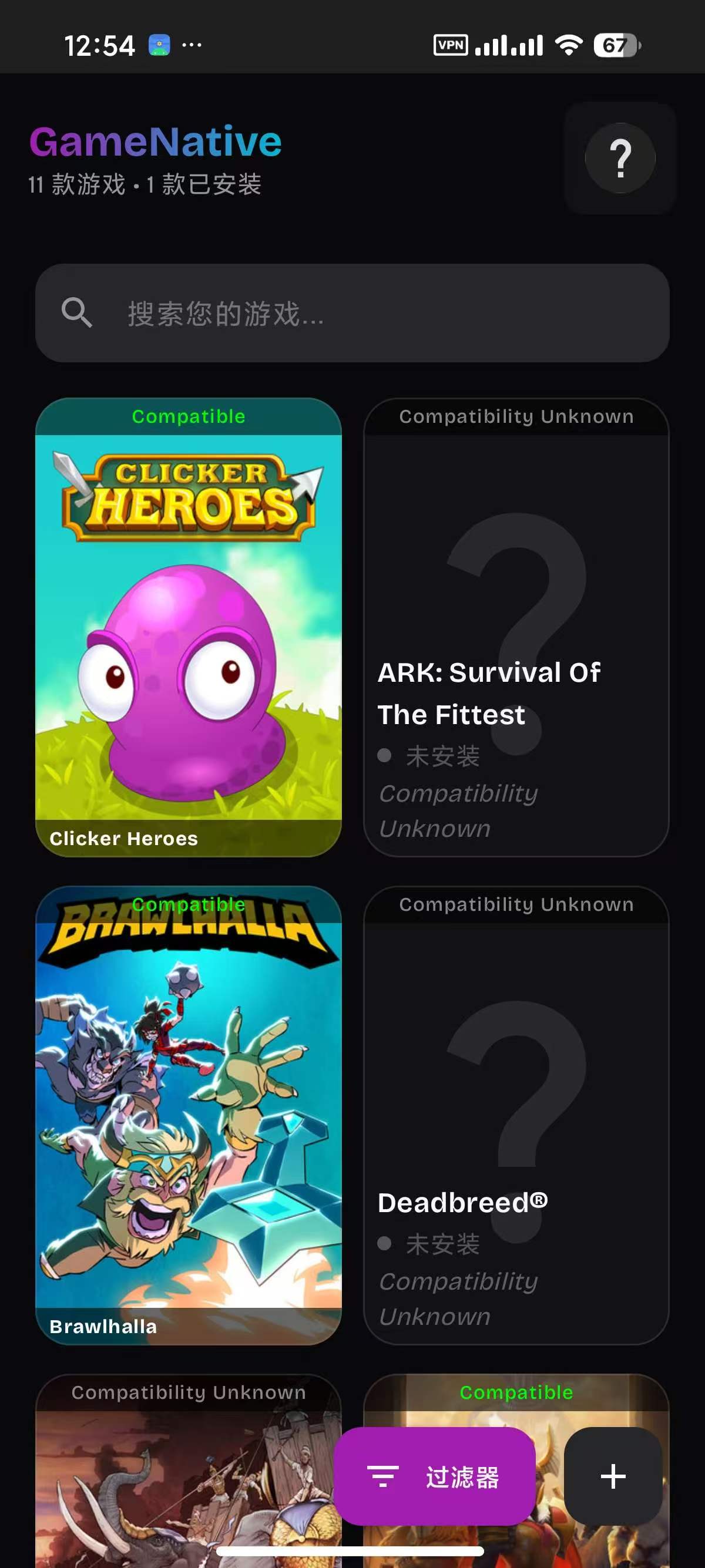
发表于 10小时前10小时 【应用名称】:GameNative 【应用版本】:0.8.0【应用大小】:520 MB 【适用平台】:Android 【使用说明】:需要登录steam账号【软件介绍】 GameNative 是一款允许您在 Android 设备上直接运行 Steam 游戏的应用程序。请注意,GameNative 仍处于早期阶段,因此并非所有游戏都能正常运行,某些游戏可能需要一些调整才能获得最佳体验。使用步骤如下:1. 下载并安装 APK 文件到您的 Android 设备。2. 登录您的 Steam 帐户。3. 安装您想要玩的游戏。4. 点击“play”并享受游戏。【下载地址】:https://pan.quark.cn/s/084a44d2f97f拿走不吱声,都是小坤子!!正版,得到更好的正版服务。如有侵权请与我联系处理。
【应用名称】:GameNative
【应用版本】:0.8.0
【应用大小】:520 MB
【适用平台】:Android
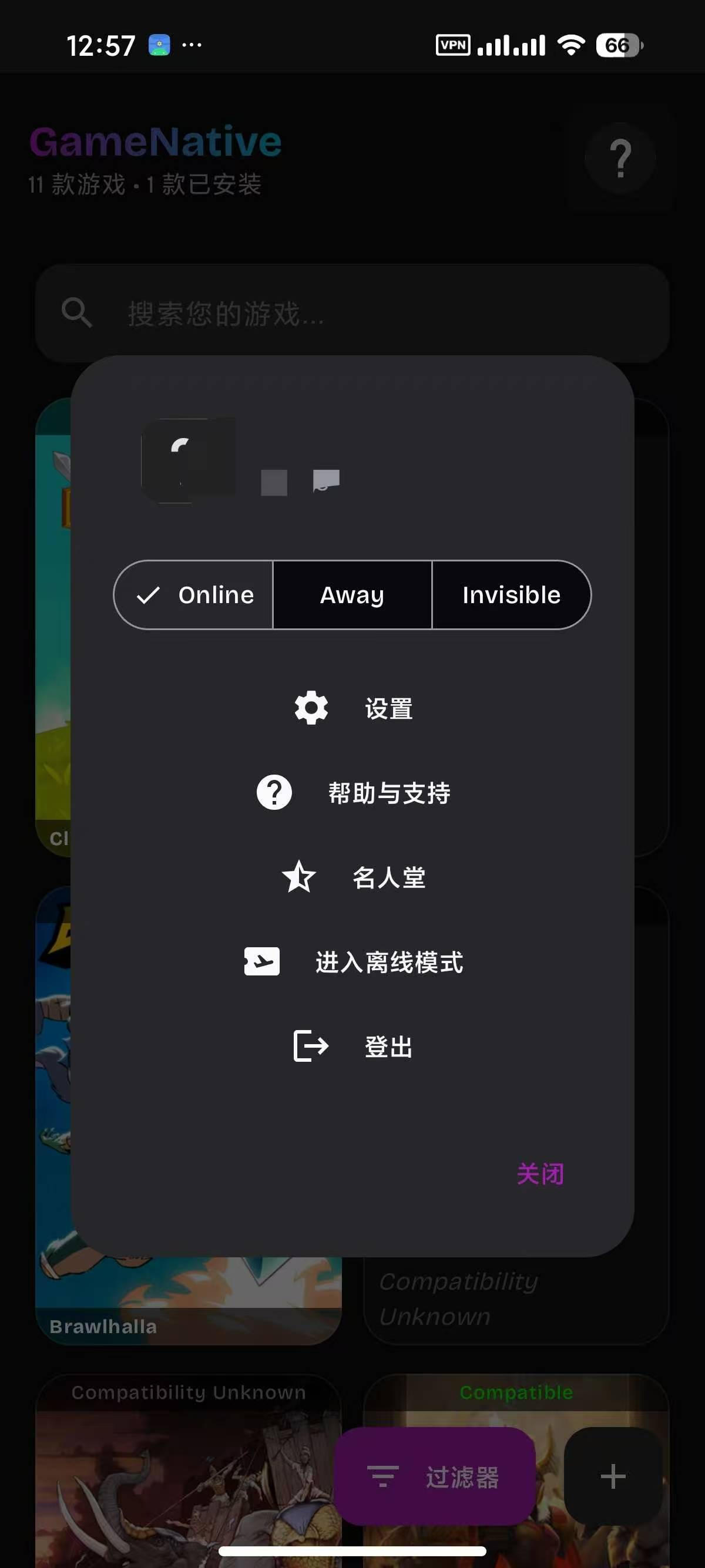
【使用说明】:需要登录steam账号
【软件介绍】
GameNative 是一款允许您在 Android 设备上直接运行 Steam 游戏的应用程序。请注意,GameNative 仍处于早期阶段,因此并非所有游戏都能正常运行,某些游戏可能需要一些调整才能获得最佳体验。使用步骤如下:
1. 下载并安装 APK 文件到您的 Android 设备。
2. 登录您的 Steam 帐户。
3. 安装您想要玩的游戏。
4. 点击“play”并享受游戏。
【下载地址】:https://pan.quark.cn/s/084a44d2f97f
拿走不吱声,都是小坤子!!正版,得到更好的正版服务。
如有侵权请与我联系处理。