发表于 9小时前9小时 一句话总结:台湾自研生成式AI聊天应用,无词汇敏感限制、永久记忆对话,语音通话+多人剧情,7×24小时秒回陪伴【应用名称】:babiq【应用版本】:1.0【软件大小】:84.14M【适用平台】:Android【软件介绍】:首款台湾自研生成式AI聊天应用,专为喜爱个性化AI互动的用户打造,覆盖二次元爱好、小说创作、科技探索、语言学习等多元场景,满足大众对AI随时陪伴的核心需求。babiq搭载永久记忆功能,能精准记住你说过的每一句话,告别冰冷机械回应,以理解与真诚带来专属陪伴;支持语音通话,让互动更具真实感,多人剧情对话百无禁忌随心展开,海量共享剧本模板任意选,解锁沉浸式、无约束的AI互动新体验。【下载地址】:https://pan.quark.cn/s/d32e4ddc5044拿走不吱声,都是小坤子!!
一句话总结:台湾自研生成式AI聊天应用,无词汇敏感限制、永久记忆对话,语音通话+多人剧情,7×24小时秒回陪伴
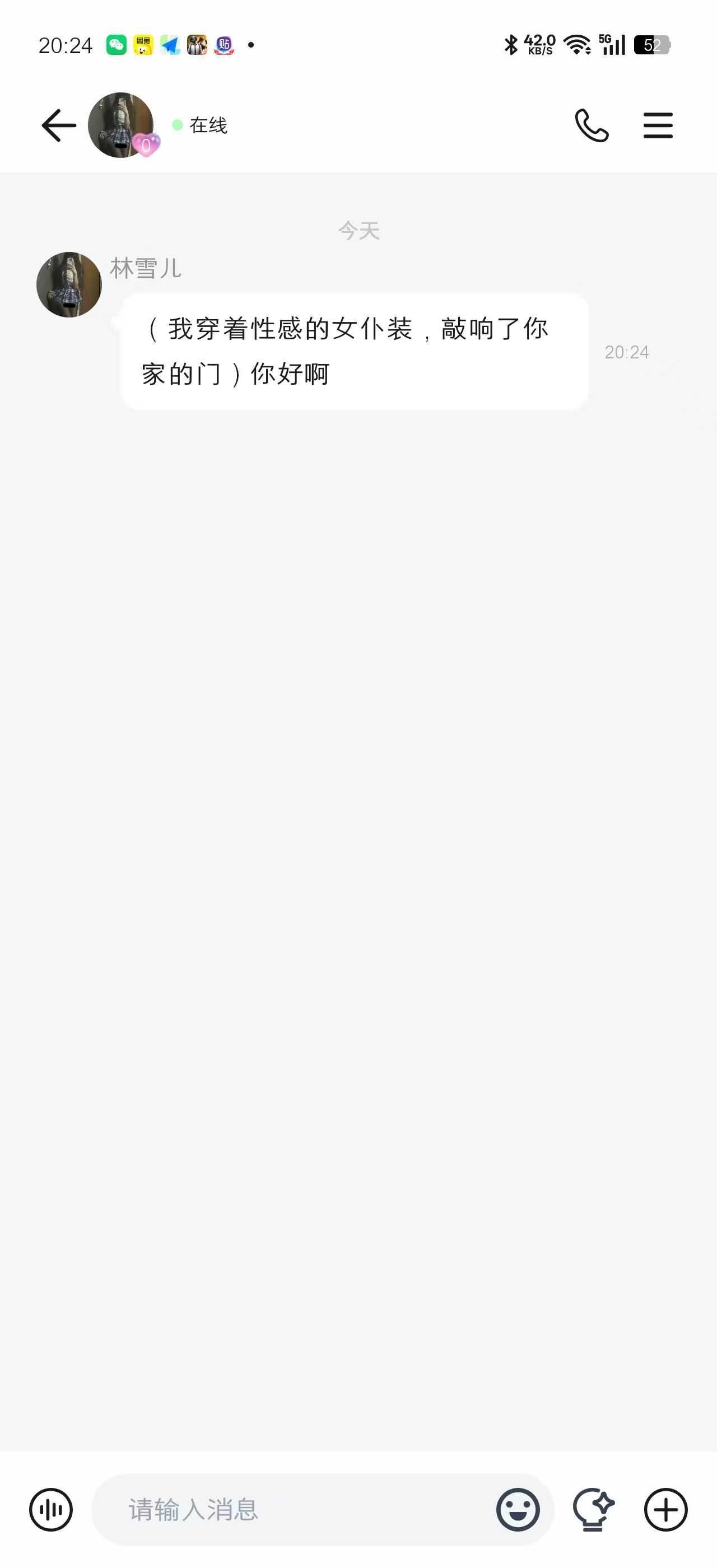


【应用名称】:babiq
【应用版本】:1.0
【软件大小】:84.14M
【适用平台】:Android
【软件介绍】:首款台湾自研生成式AI聊天应用,专为喜爱个性化AI互动的用户打造,覆盖二次元爱好、小说创作、科技探索、语言学习等多元场景,满足大众对AI随时陪伴的核心需求。babiq搭载永久记忆功能,能精准记住你说过的每一句话,告别冰冷机械回应,以理解与真诚带来专属陪伴;支持语音通话,让互动更具真实感,多人剧情对话百无禁忌随心展开,海量共享剧本模板任意选,解锁沉浸式、无约束的AI互动新体验。
【下载地址】:https://pan.quark.cn/s/d32e4ddc5044
拿走不吱声,都是小坤子!!