跳转到内容
View in the app

A better way to browse. Learn more.

彼岸论坛

A full-screen app on your home screen with push notifications, badges and more.

To install this app on iOS and iPadOS
  1. Tap the Share icon in Safari
  2. Scroll the menu and tap Add to Home Screen.
  3. Tap Add in the top-right corner.
To install this app on Android
  1. Tap the 3-dot menu (⋮) in the top-right corner of the browser.
  2. Tap Add to Home screen or Install app.
  3. Confirm by tapping Install.
欢迎抵达彼岸 彼岸花开 此处谁在 -彼岸论坛

OpenClaw小龙虾ai官方下载正版v10.0安卓版

发表于

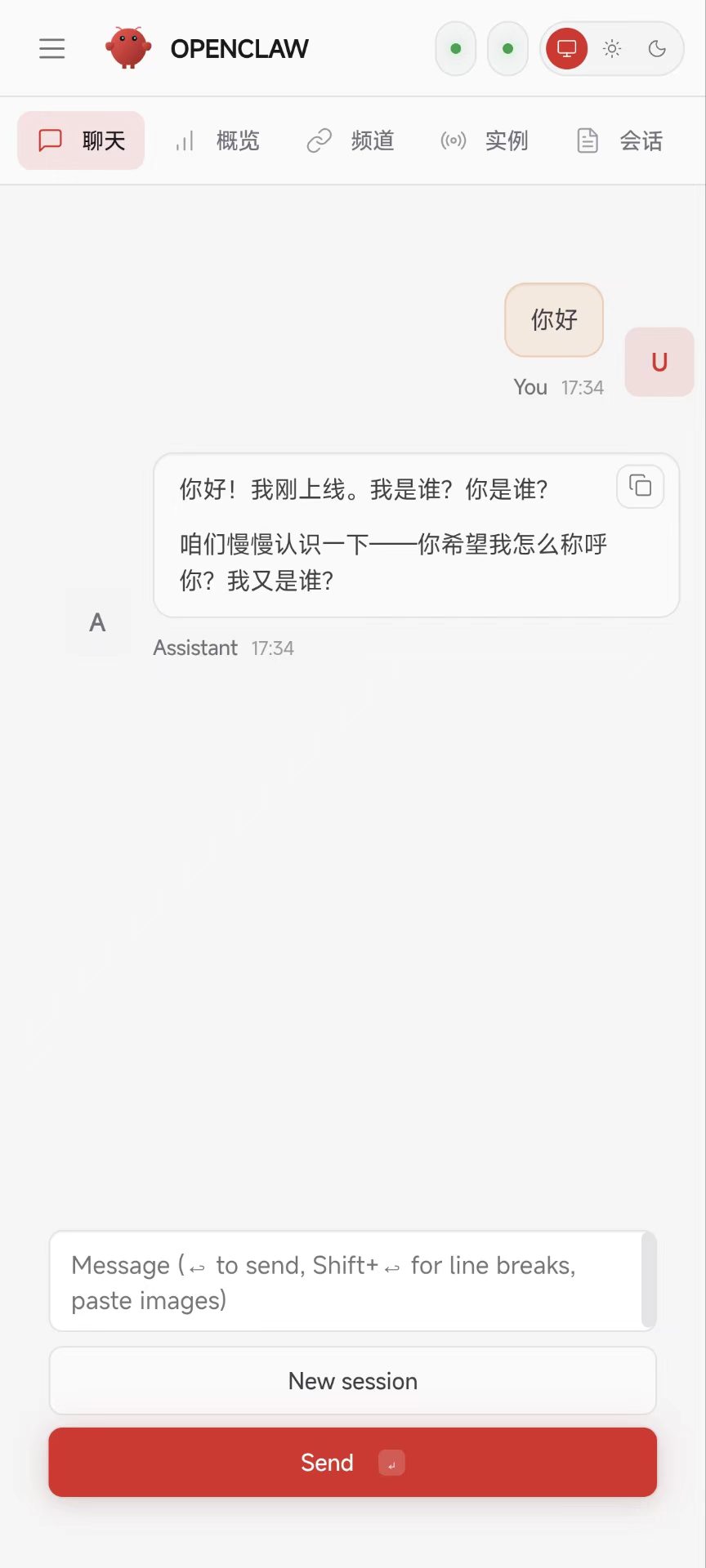
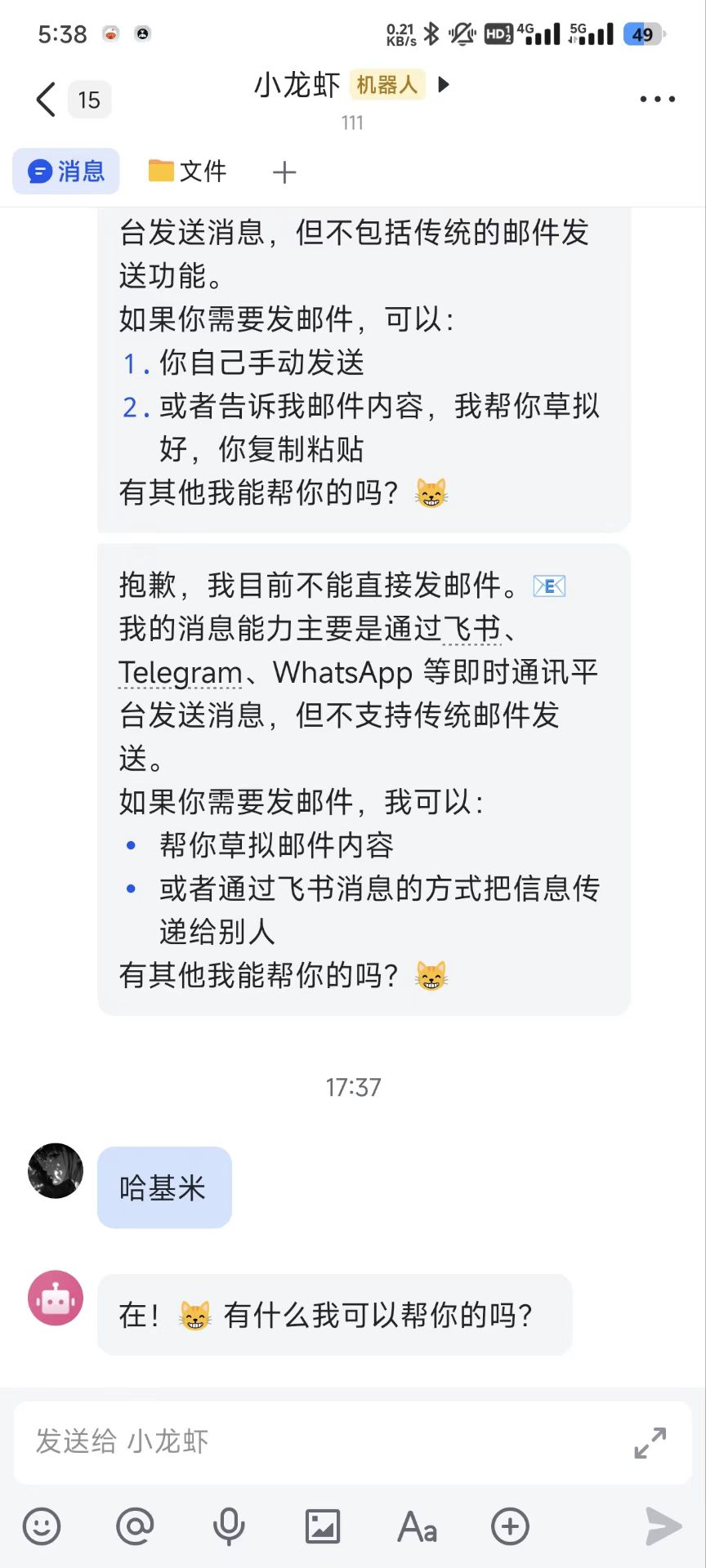
龙虾Al是一款一键部署安装助手,核心定位是解决OpenClaw传统安装繁琐的痛点,专为不懂命令行、不想浪费时间在技术细节上的普通用户与职场人设计。它将OpenClaw完整安装流程全自动化,无需手动输入命令、记忆参数,全程图形化操作,轻松实现AI智能助手部署,让用户快速体验邮件处理、文件管理、电脑自动操作等强大功能,兼顾便捷性与隐私安全,是Windows用户高效使用AI助手的必备工具。
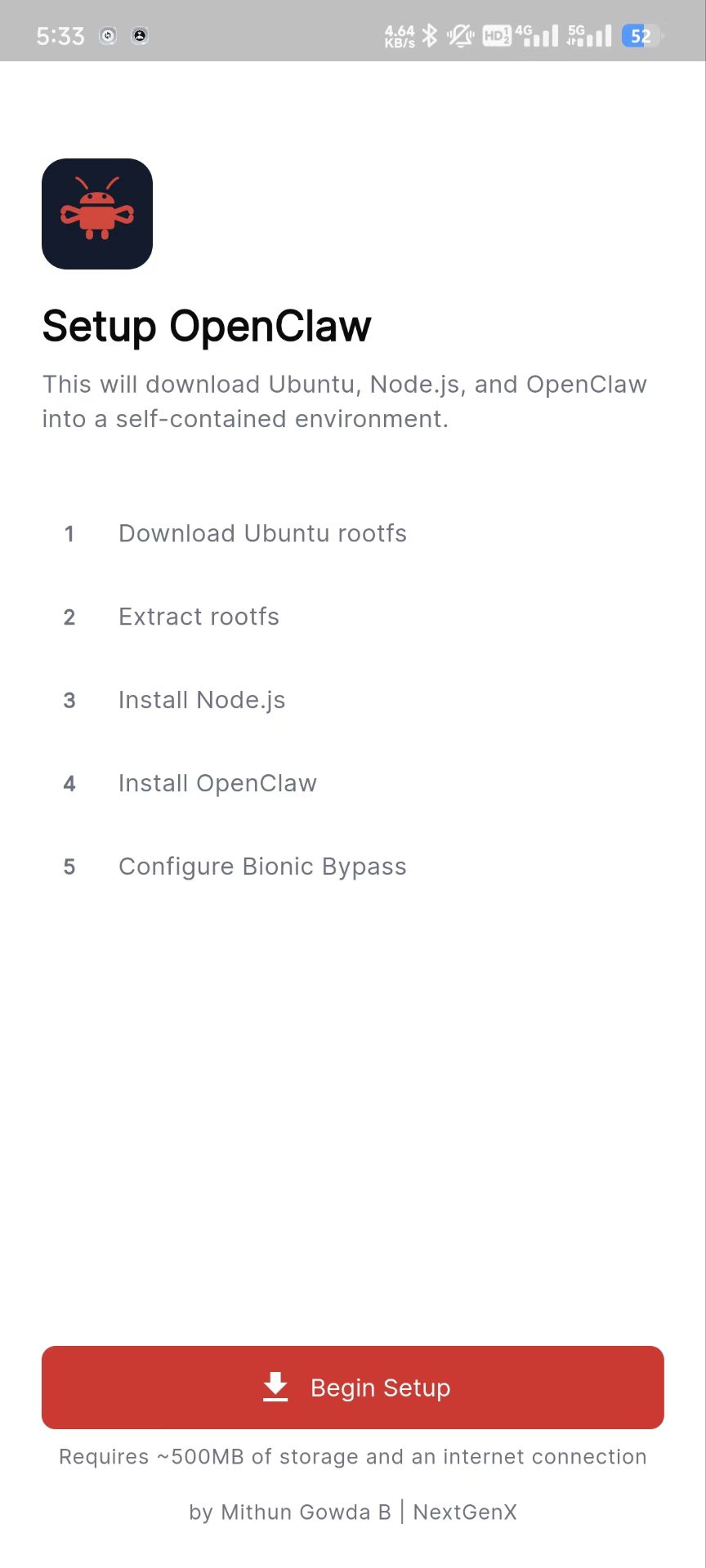
下载链接:https://pan.quark.cn/s/90993869df6b

拿走吱一声!
182333ky0qw6xkwbn8lwk9.jpg 182333gn4h9nwnddrawj76.jpg 182334rn4unahgigni8228.jpg

Featured Replies

没有可显示的帖子

创建帐户或登录来提出意见

Account

导航

搜索

Configure browser push notifications

Chrome (Android)
  1. Tap the lock icon next to the address bar.
  2. Tap Permissions → Notifications.
  3. Adjust your preference.
Chrome (Desktop)
  1. Click the padlock icon in the address bar.
  2. Select Site settings.
  3. Find Notifications and adjust your preference.