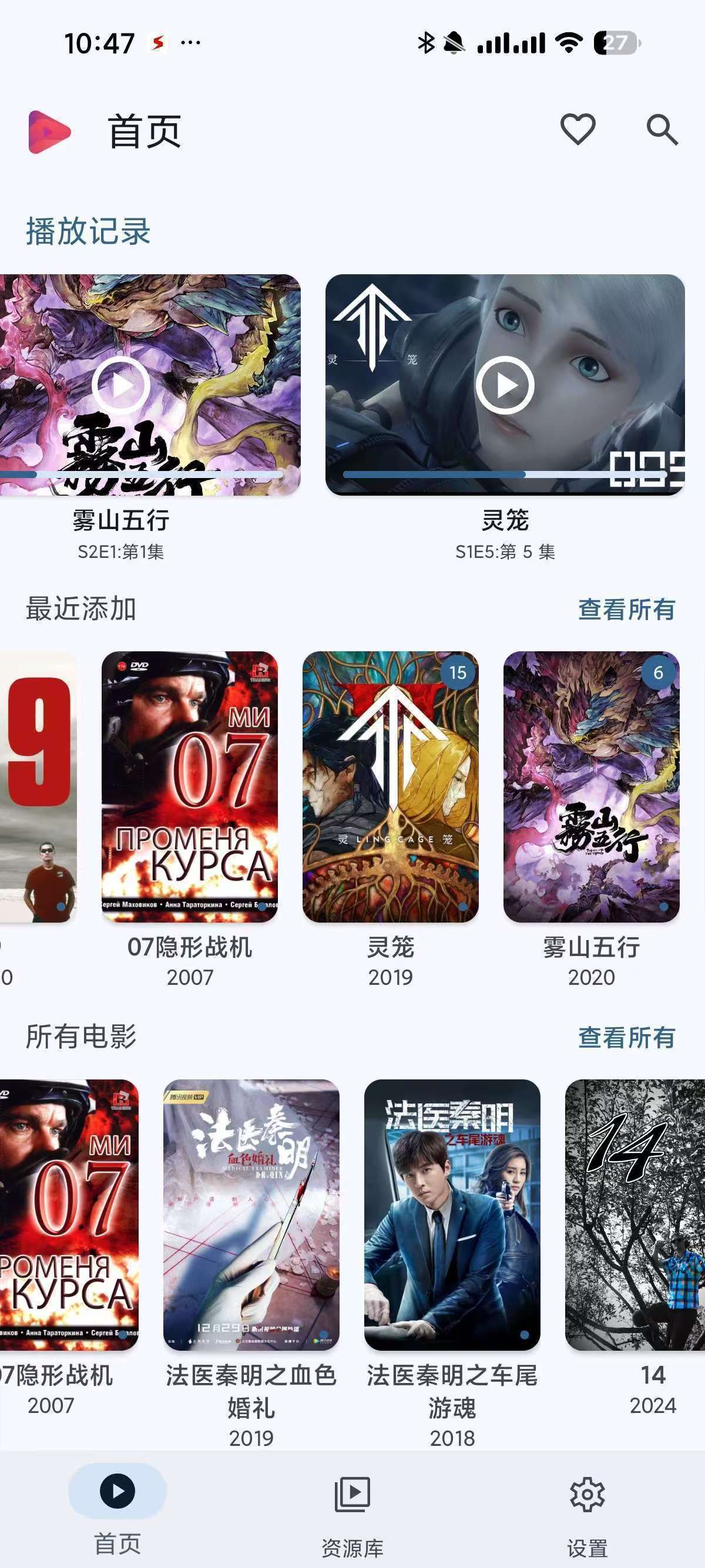
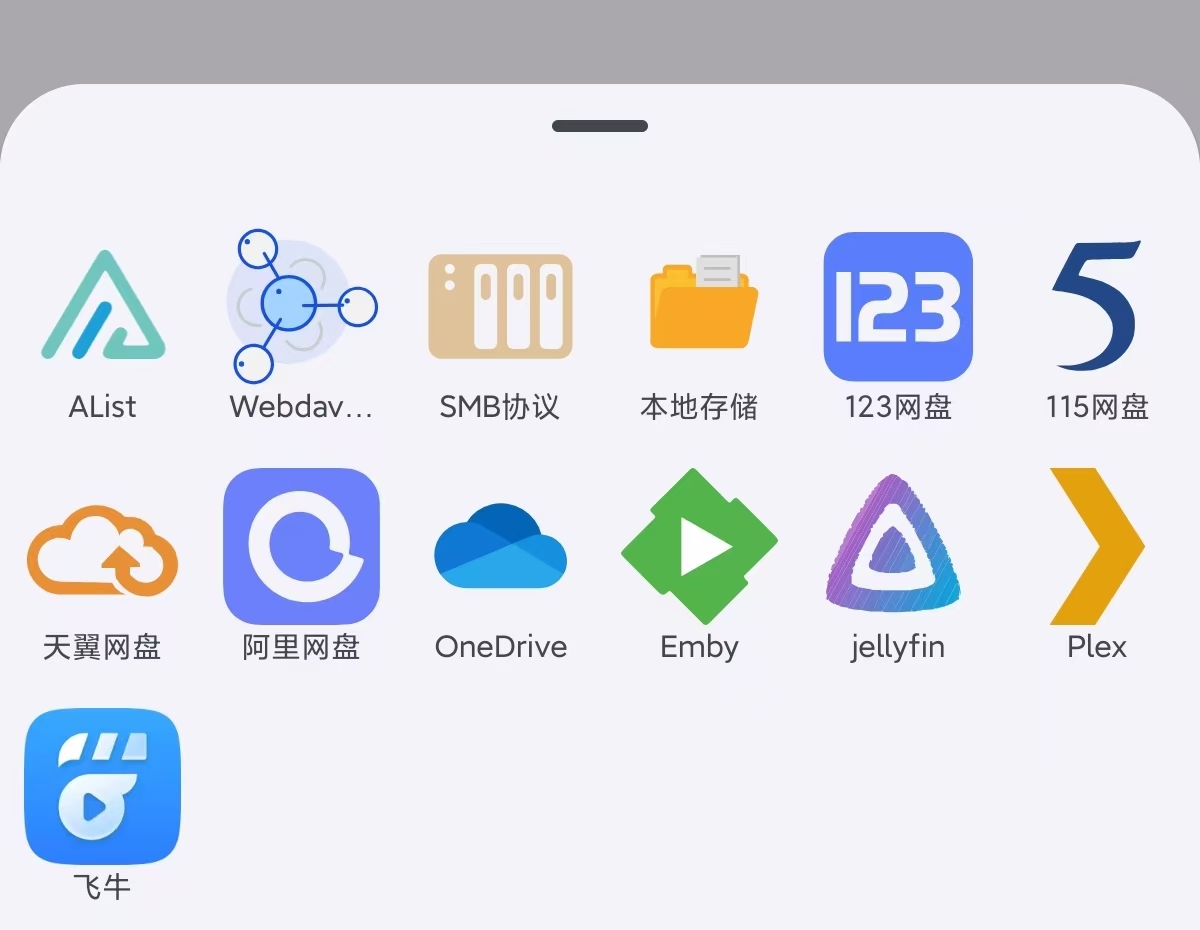
发表于 8小时前8小时 支持自动海报墙刮削、倍速播放、字幕和音轨切换等功能【应用名称】:AfuseKt 【应用版本】:3.0.0-beta【应用大小】:104 MB 【适用平台】:Android 【软件介绍】 AfuseKt是一款专为安卓用户设计的强大在线视频播放器,支持从阿里云盘、Alist、WebDAV等多个平台播放视频内容。它拥有自动海报墙刮削功能,能自动生成影片信息与海报墙,提供优质的视觉体验。此外,AfuseKt还支持多种实用功能如倍速播放、字幕切换、音轨切换等,并且可以使用第三方播放器进行播放。其强大的视频解码能力充分利用设备硬件,确保高清视频流畅播放,是观看多来源视频的理想选择。刮削格式:电影: 不要中英文混合命名,最好带有年份,有两种方式1: 名称.年份.格式2: 名称(年份).格式剧集:(请特注意!!!!)电视剧命名必须包含 S01E01 (S01代表第一季,E01代表第一集,中间不要有任何分割和符号,不区分大小写),如果您剧集文件名称中不包含S01E01那将会被识别成电影,这就会导致无法修改成剧集,无所在编辑找到相关剧集信息1: 名称.S01E01.年份.格式2: 名称(年份).S01E01.格式【下载地址】 :https://pan.quark.cn/s/bc98b0626cf7拿走吱一声!
支持自动海报墙刮削、倍速播放、字幕和音轨切换等功能

【应用名称】:AfuseKt
【应用版本】:3.0.0-beta
【应用大小】:104 MB
【适用平台】:Android
【软件介绍】
AfuseKt是一款专为安卓用户设计的强大在线视频播放器,支持从阿里云盘、Alist、WebDAV等多个平台播放视频内容。它拥有自动海报墙刮削功能,能自动生成影片信息与海报墙,提供优质的视觉体验。此外,AfuseKt还支持多种实用功能如倍速播放、字幕切换、音轨切换等,并且可以使用第三方播放器进行播放。其强大的视频解码能力充分利用设备硬件,确保高清视频流畅播放,是观看多来源视频的理想选择。
刮削格式:
电影: 不要中英文混合命名,最好带有年份,有两种方式
1: 名称.年份.格式
2: 名称(年份).格式
剧集:
(请特注意!!!!)电视剧命名必须包含 S01E01 (S01代表第一季,E01代表第一集,中间不要有任何分割和符号,不区分大小写),如果您剧集文件名称中不包含S01E01那将会被识别成电影,这就会导致无法修改成剧集,无所在编辑找到相关剧集信息
1: 名称.S01E01.年份.格式
2: 名称(年份).S01E01.格式
【下载地址】 :https://pan.quark.cn/s/bc98b0626cf7
拿走吱一声!