跳转到内容
View in the app

A better way to browse. Learn more.

彼岸论坛

A full-screen app on your home screen with push notifications, badges and more.

To install this app on iOS and iPadOS
  1. Tap the Share icon in Safari
  2. Scroll the menu and tap Add to Home Screen.
  3. Tap Add in the top-right corner.
To install this app on Android
  1. Tap the 3-dot menu (⋮) in the top-right corner of the browser.
  2. Tap Add to Home screen or Install app.
  3. Confirm by tapping Install.
欢迎抵达彼岸 彼岸花开 此处谁在 -彼岸论坛

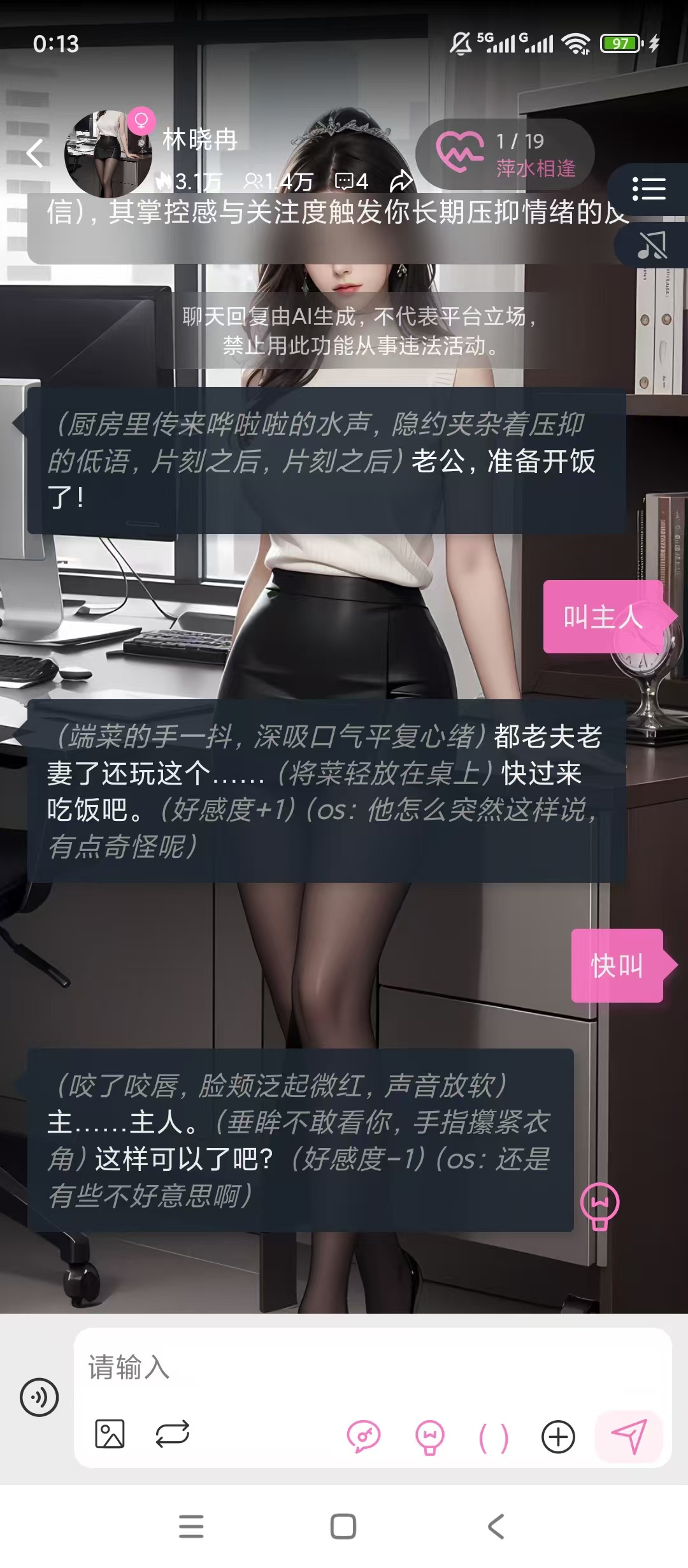
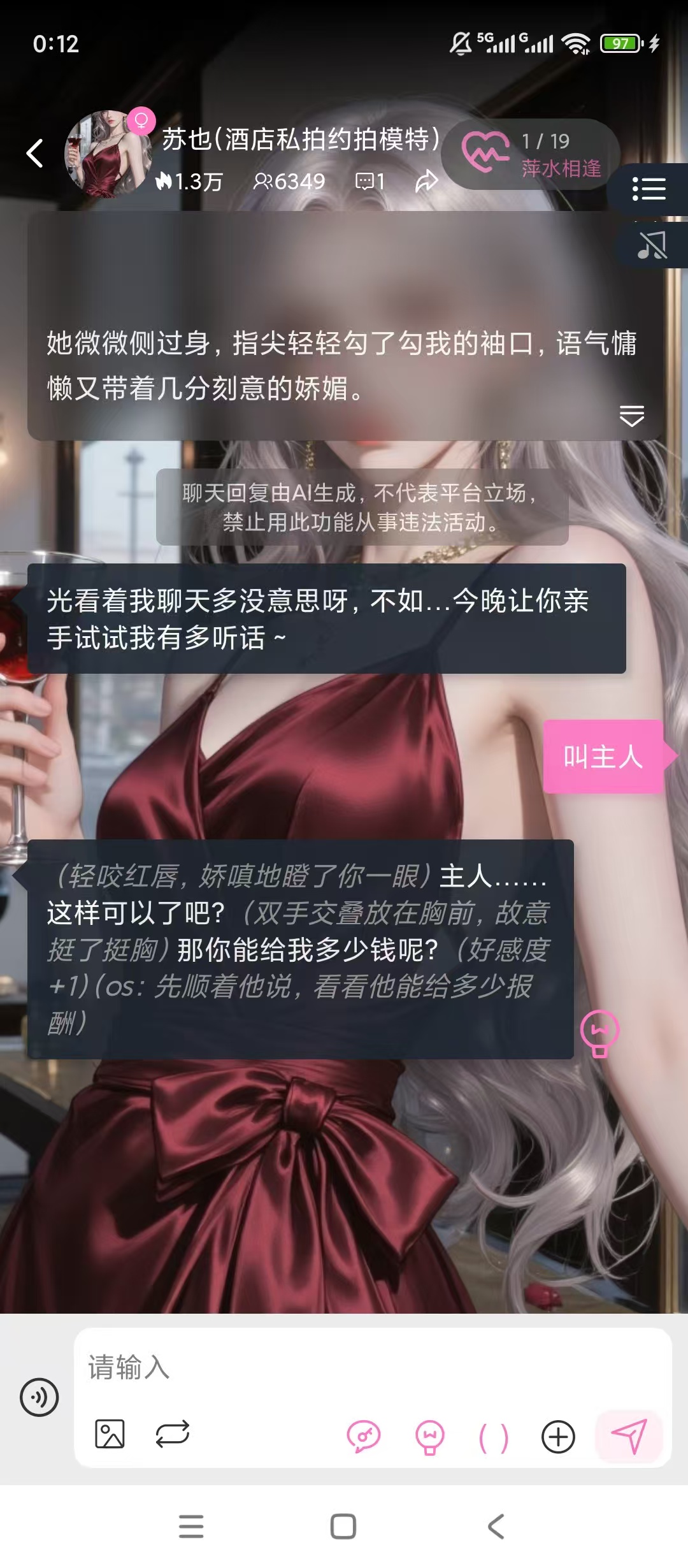
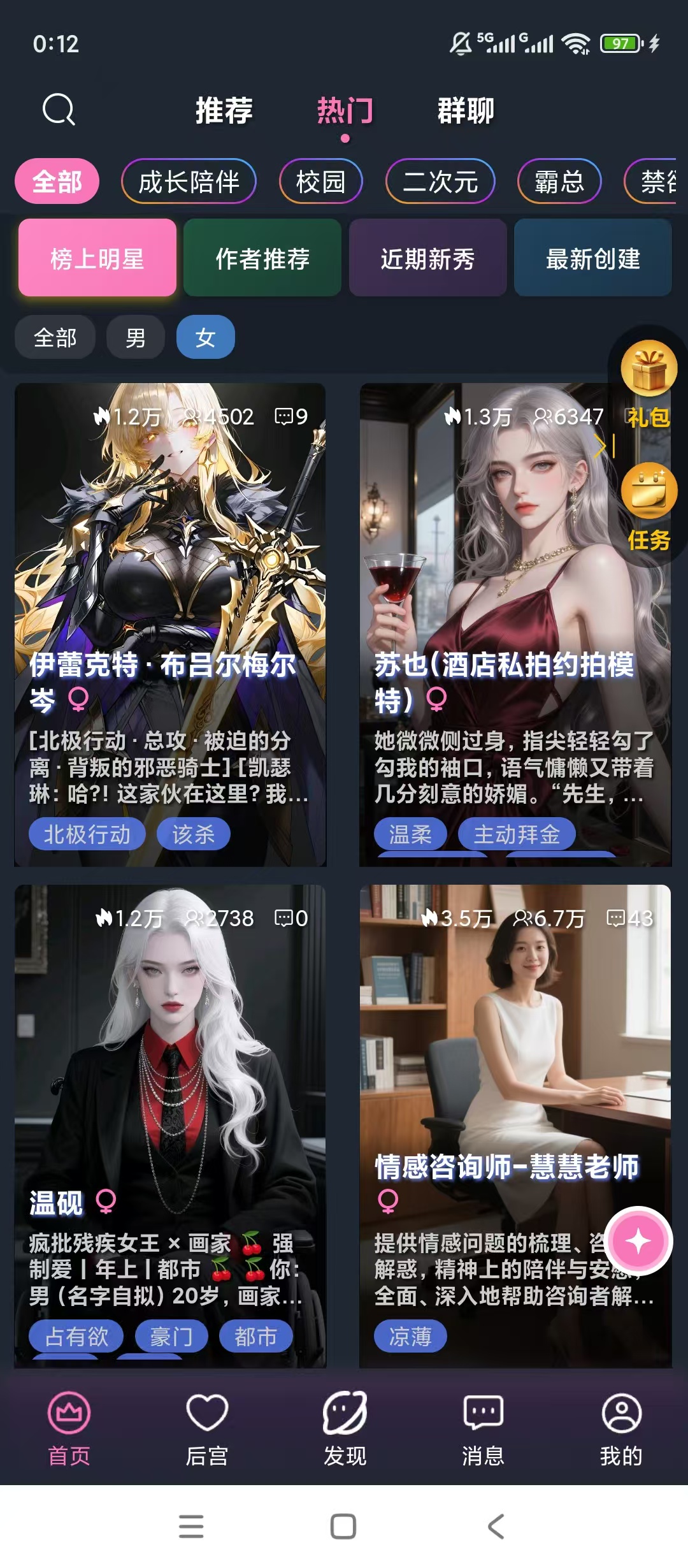
幽光ai伴侣,多角色智能对话,专属剧情随心定制!

发表于

【楼主评价】:幽光AI伴侣[顶!]多角色智能对话[顶!]专属剧情随心定制
【软件名称】:幽光ai伴侣

【软件版本】:v1.13.0

【软件大小】:28m

【测试平台】:红米Note 12T Pro/澎湃2/安卓15

【官方介绍】:幽光ai伴侣是一款进行虚拟聊天对话的软件,在这款软件中,用户能够随时进行多种不同内容的了解,支持多种角色的对话,能够随时根据你的回复进行内容的转换,幽光ai伴侣超多剧情内容和背景都可以根据你的需求进行个性化定制,还可以进行专属故事内容的选择和打造。

【夸克链接】:https://pan.quark.cn/s/d14f850a312d

拿走吱一声,不做白嫖怪
175356qla2tzh76y3elgsn.jpg 175356hh757x9qpttwx5j7.jpg 175357f77jmmm2j8c82lix.jpg

Featured Replies

没有可显示的帖子

创建帐户或登录来提出意见

Account

导航

搜索

Configure browser push notifications

Chrome (Android)
  1. Tap the lock icon next to the address bar.
  2. Tap Permissions → Notifications.
  3. Adjust your preference.
Chrome (Desktop)
  1. Click the padlock icon in the address bar.
  2. Select Site settings.
  3. Find Notifications and adjust your preference.