跳转到内容
View in the app

A better way to browse. Learn more.

彼岸论坛

A full-screen app on your home screen with push notifications, badges and more.

To install this app on iOS and iPadOS
  1. Tap the Share icon in Safari
  2. Scroll the menu and tap Add to Home Screen.
  3. Tap Add in the top-right corner.
To install this app on Android
  1. Tap the 3-dot menu (⋮) in the top-right corner of the browser.
  2. Tap Add to Home screen or Install app.
  3. Confirm by tapping Install.
欢迎抵达彼岸 彼岸花开 此处谁在 -彼岸论坛

资源大师Plus V1.4.3,解锁VIP高级版

发表于

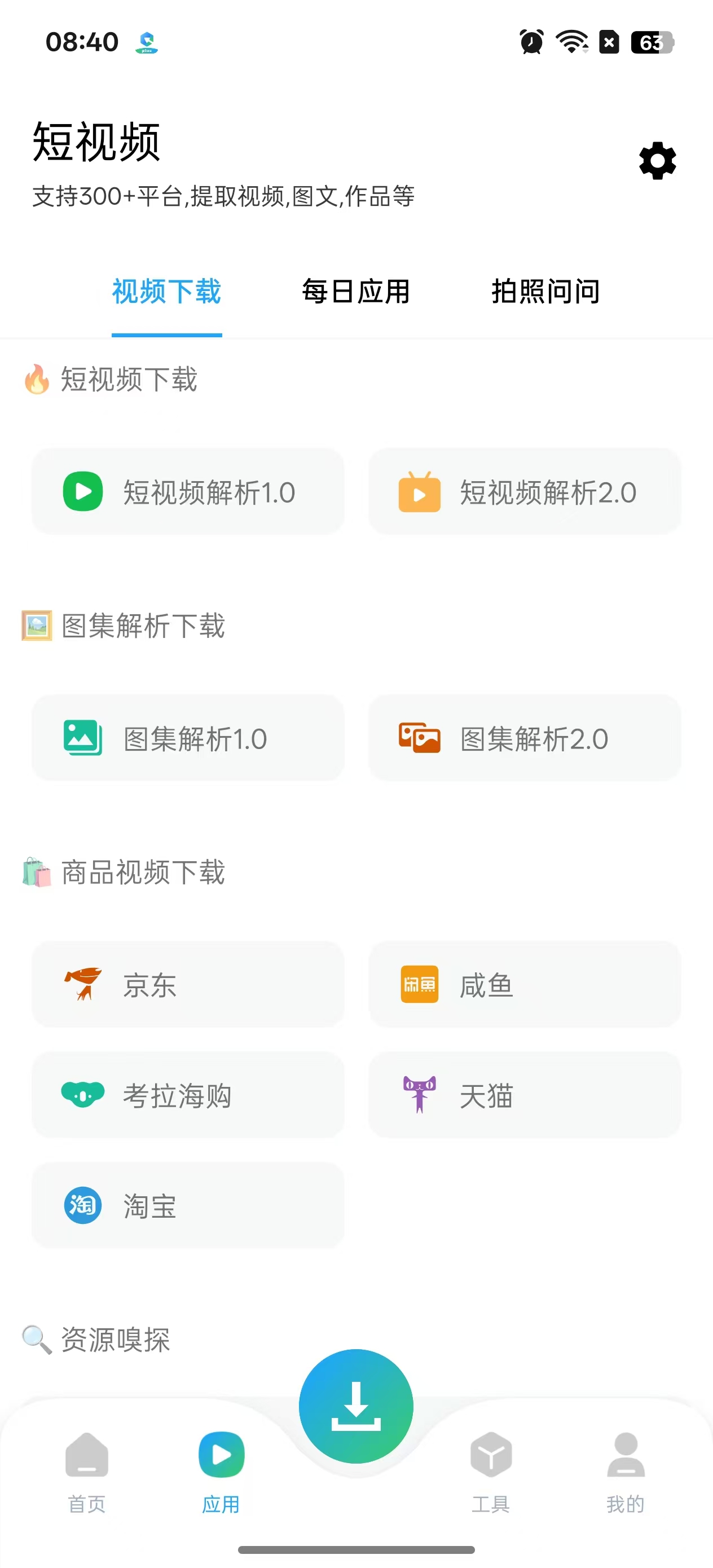
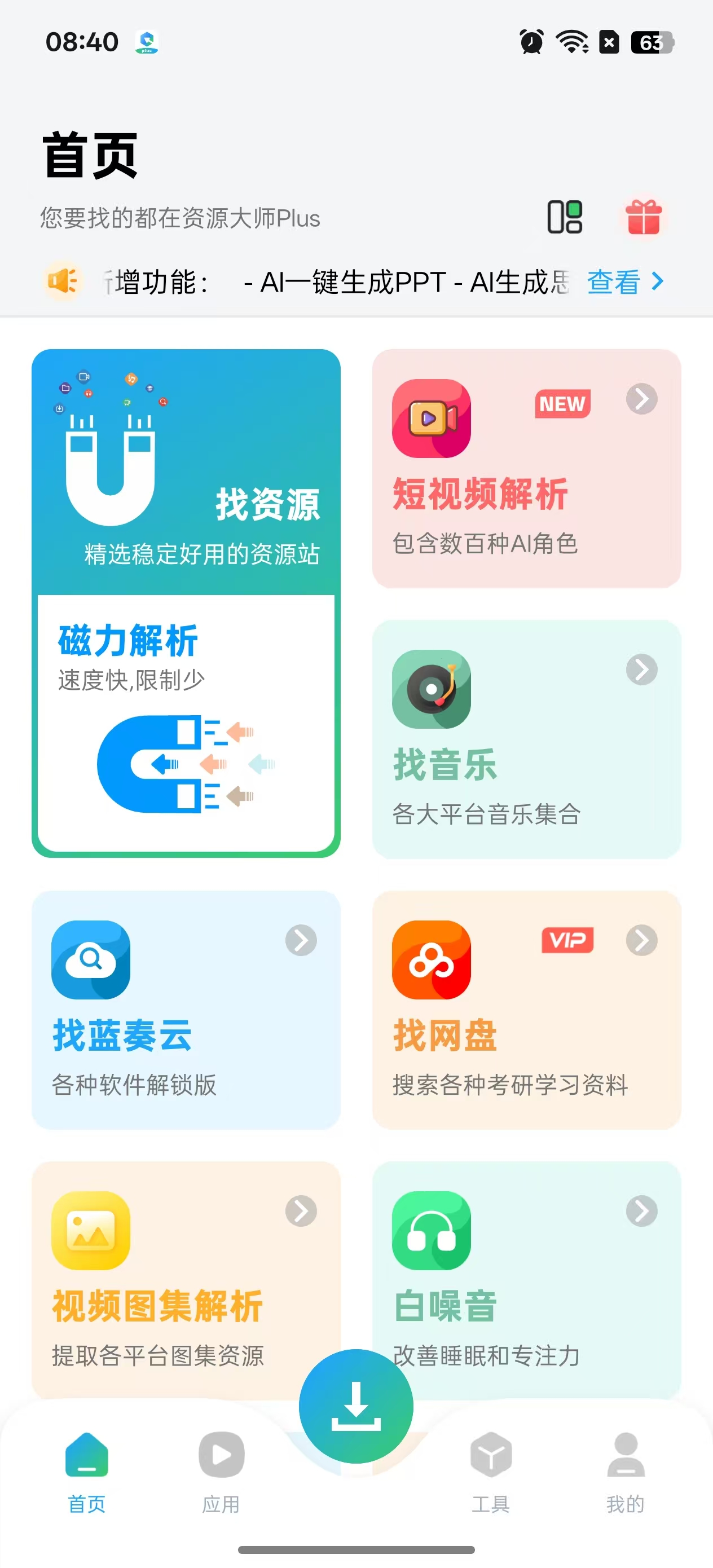
资源大师是一款集磁力搜索与播放下载、多平台音乐搜索下载、图片影视搜索与一体的免费全能资源搜索工具。
特点描述
1.磁力解析,精选稳定好用的磁力站
2.全网影片,全平台影视资源一键搜索
3.音乐集合,全网海量音乐资源一网打尽
4.实用网站,各类奇奇怪怪的实用网站集合
5.纯净应用,所有应用全部去除广告简洁清爽

下载链接:https://pan.quark.cn/s/fdef4214a963

拿走吱一声!
173210in4engefftdxzmez.jpg 173210q41011o4yo3q1gss.jpg

Featured Replies

没有可显示的帖子

创建帐户或登录来提出意见

Account

导航

搜索

Configure browser push notifications

Chrome (Android)
  1. Tap the lock icon next to the address bar.
  2. Tap Permissions → Notifications.
  3. Adjust your preference.
Chrome (Desktop)
  1. Click the padlock icon in the address bar.
  2. Select Site settings.
  3. Find Notifications and adjust your preference.