发表于 4月17日4月17日 无敏感聊天,各色美女御姐人设集结完毕,等你来解锁专属趣味互动剧情!【应用名称】:Saylo【应用包名】:com.xverse.aistory【应用版本】:2.4.0【应用大小】:83.93MB【适用平台】:安卓【版本说明】:最新版【官方介绍】:SayloAI聊天软件是一款依托先进AI技术的互动交流平台,界面简洁明快且占用空间小。它融合了角色扮演、故事创作与实时AI对话功能,让用户能够创建心仪的虚拟人物,并与之进行沉浸式的交流,体验丰富多彩的剧本,为用户提供一个充满创意与互动的交流空间。软件亮点1、利用先进的自然语言处理和机器学习技术,打造出可靠且智能的聊天伴侣。2、精准理解复杂的语义指令,适用于多样化的对话场景,提供贴切的回应。3、拥有广博的知识库并能感知情绪,确保回复既自然又流畅,满足用户的每一个疑问。下载地址:https://pan.quark.cn/s/4099963fb534拿走吱一声不然闪退用不了
无敏感聊天,各色美女御姐人设集结完毕,等你来解锁专属趣味互动剧情!
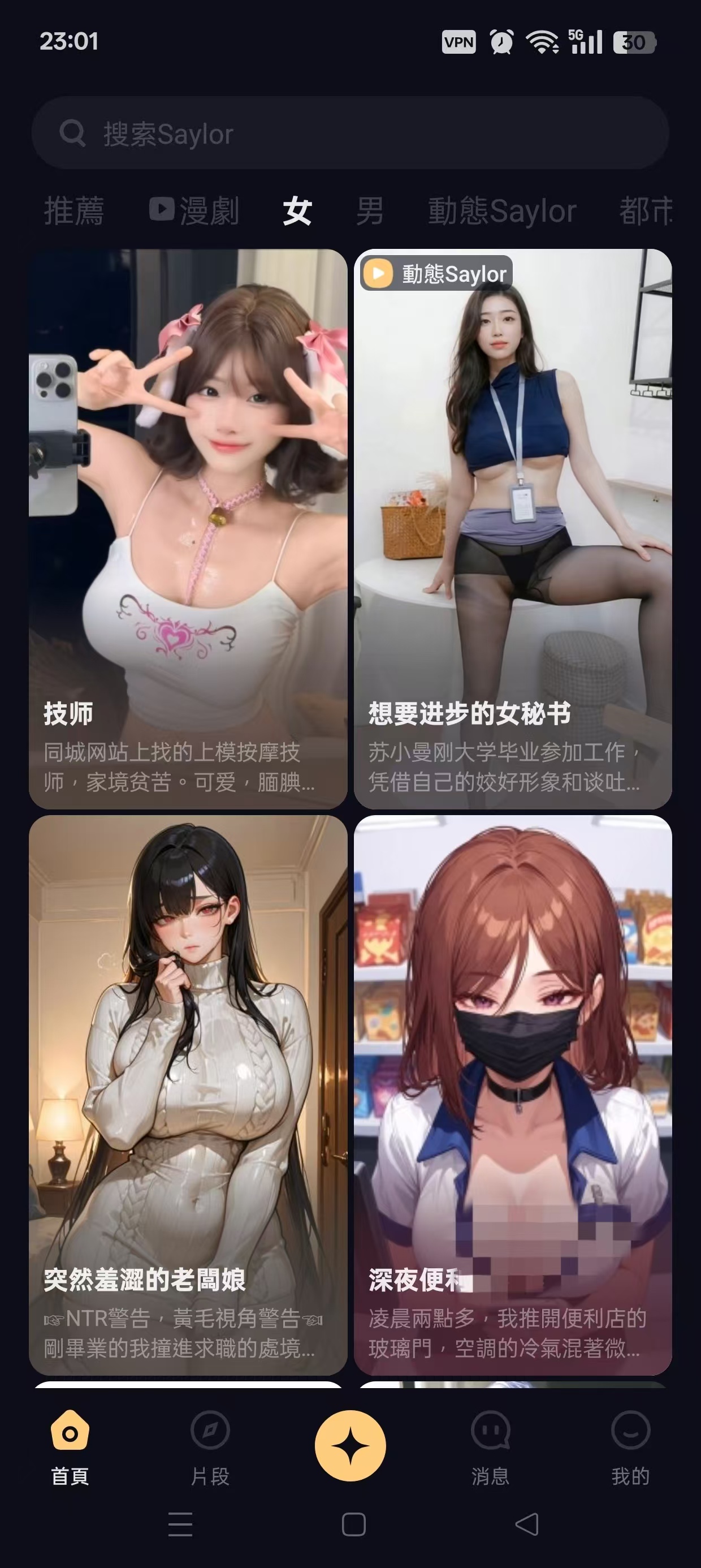
【应用名称】:Saylo
【应用包名】:com.xverse.aistory
【应用版本】:2.4.0
【应用大小】:83.93MB
【适用平台】:安卓
【版本说明】:最新版
【官方介绍】:SayloAI聊天软件是一款依托先进AI技术的互动交流平台,界面简洁明快且占用空间小。它融合了角色扮演、故事创作与实时AI对话功能,让用户能够创建心仪的虚拟人物,并与之进行沉浸式的交流,体验丰富多彩的剧本,为用户提供一个充满创意与互动的交流空间。
软件亮点
1、利用先进的自然语言处理和机器学习技术,打造出可靠且智能的聊天伴侣。
2、精准理解复杂的语义指令,适用于多样化的对话场景,提供贴切的回应。
3、拥有广博的知识库并能感知情绪,确保回复既自然又流畅,满足用户的每一个疑问。
下载地址:https://pan.quark.cn/s/4099963fb534
拿走吱一声不然闪退用不了