跳转到内容
View in the app

A better way to browse. Learn more.

彼岸论坛

A full-screen app on your home screen with push notifications, badges and more.

To install this app on iOS and iPadOS
  1. Tap the Share icon in Safari
  2. Scroll the menu and tap Add to Home Screen.
  3. Tap Add in the top-right corner.
To install this app on Android
  1. Tap the 3-dot menu (⋮) in the top-right corner of the browser.
  2. Tap Add to Home screen or Install app.
  3. Confirm by tapping Install.
欢迎抵达彼岸 彼岸花开 此处谁在 -彼岸论坛

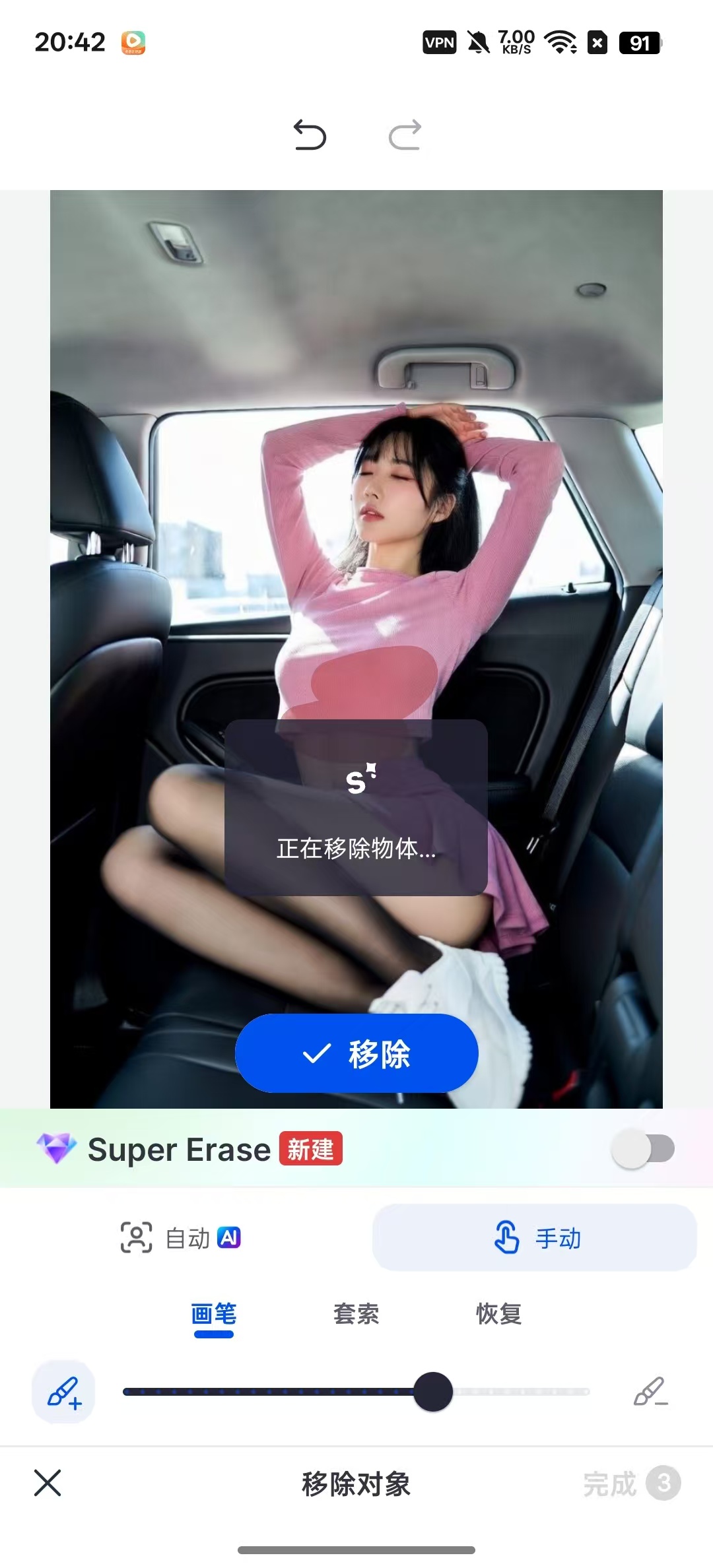
SnapEdit,AI一键擦除衣服,变性感美女!

发表于

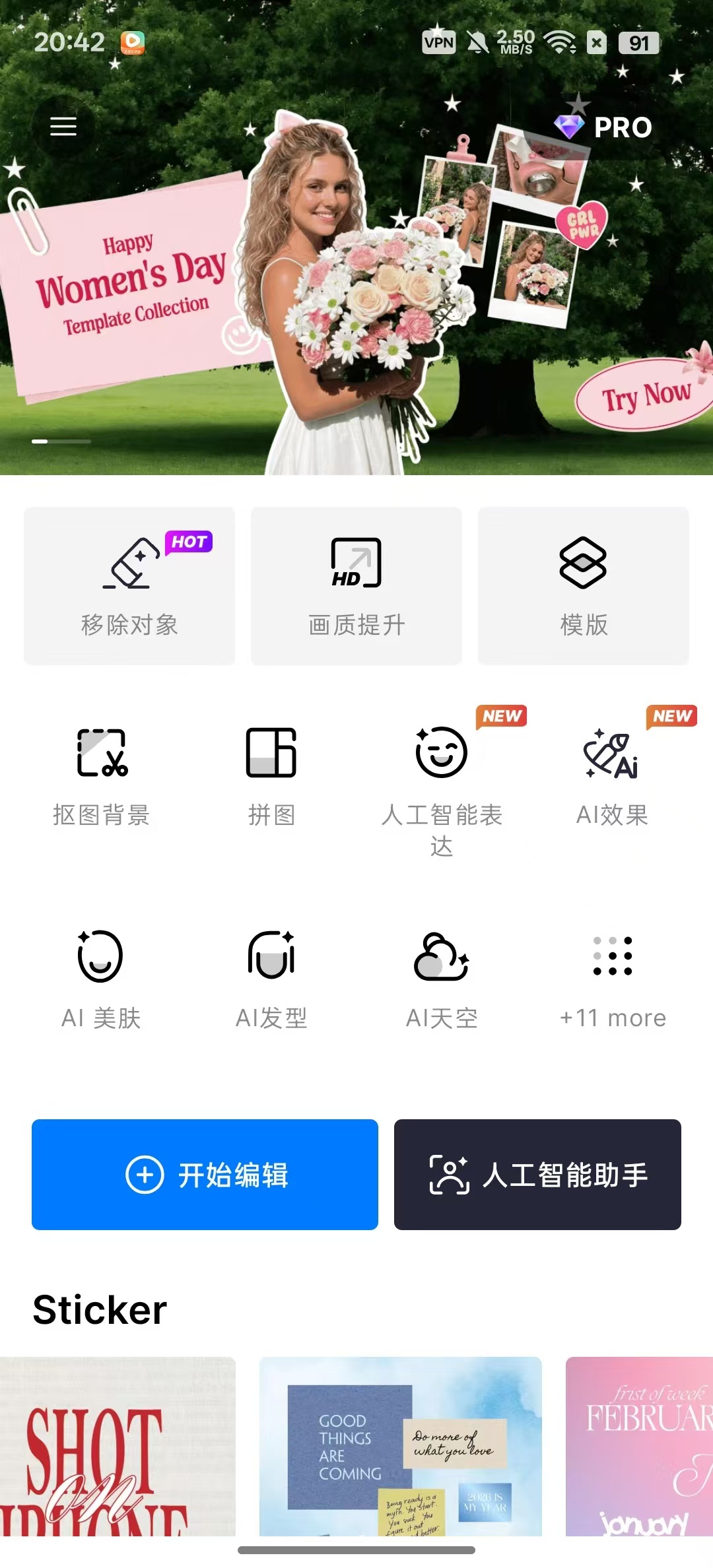
【应用名称】SnapEdit
【应用版本】7.6.2
【软件大小】65m
【适用平台】安卓
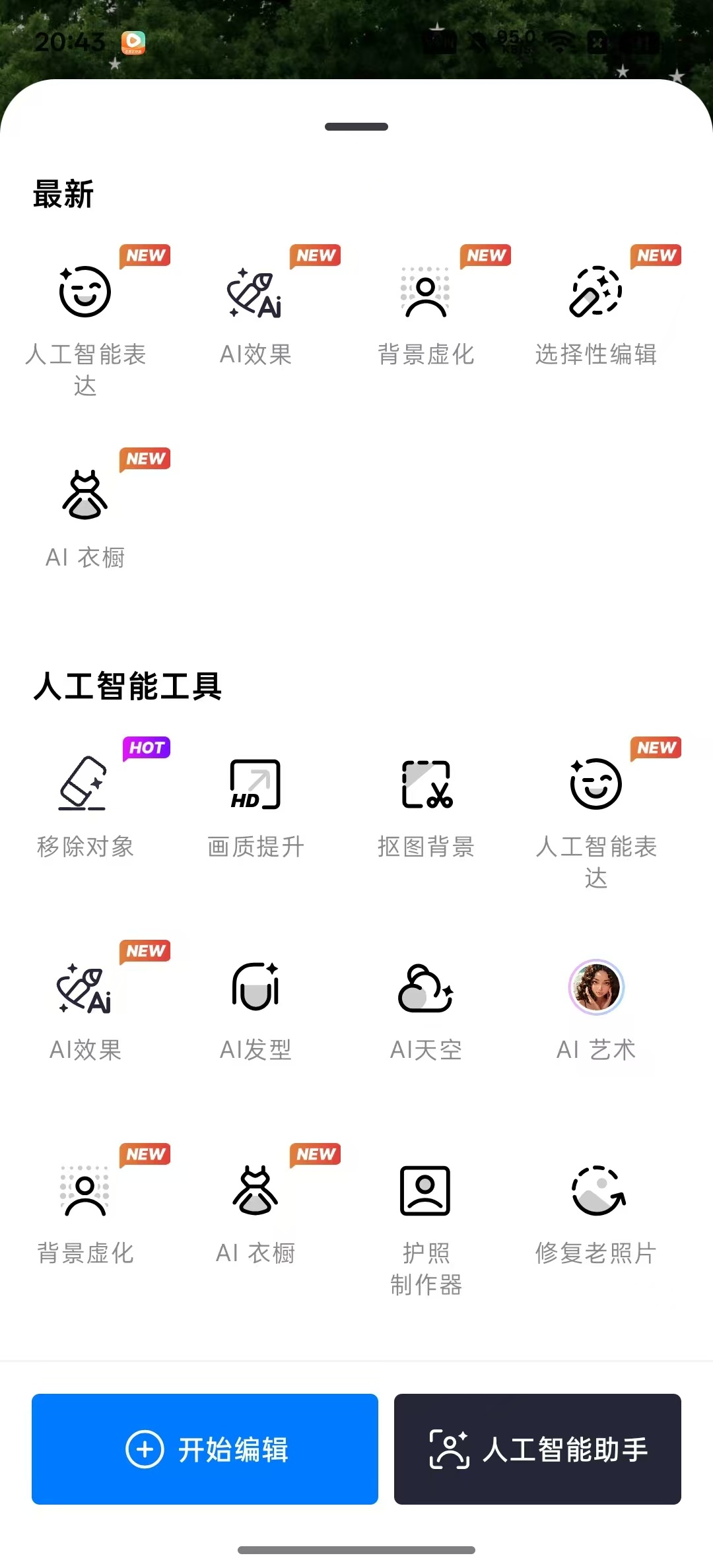
【应用简介】SnapEdit是一款AI智能修图应用,一键去除路人、水印、电线等多余元素,智能抠图换背景,快速修复模糊与老旧照片。操作简单无需专业技巧,一键提升画质、优化色彩,满足日常修图、自媒体创作等需求,轻松打造专业级大片。

【下载地址】:https://pan.quark.cn/s/293abbb14755


拿走吱一声,不做白嫖怪
155110sgzux4glfxlnnnzl.jpg 155110m93t711cr8xr1ca3.jpg 155110qbbc240z03v04x6b.jpg

Featured Replies

没有可显示的帖子

创建帐户或登录来提出意见

Account

导航

搜索

Configure browser push notifications

Chrome (Android)
  1. Tap the lock icon next to the address bar.
  2. Tap Permissions → Notifications.
  3. Adjust your preference.
Chrome (Desktop)
  1. Click the padlock icon in the address bar.
  2. Select Site settings.
  3. Find Notifications and adjust your preference.