跳转到内容
View in the app

A better way to browse. Learn more.

彼岸论坛

A full-screen app on your home screen with push notifications, badges and more.

To install this app on iOS and iPadOS
  1. Tap the Share icon in Safari
  2. Scroll the menu and tap Add to Home Screen.
  3. Tap Add in the top-right corner.
To install this app on Android
  1. Tap the 3-dot menu (⋮) in the top-right corner of the browser.
  2. Tap Add to Home screen or Install app.
  3. Confirm by tapping Install.
欢迎抵达彼岸 彼岸花开 此处谁在 -彼岸论坛

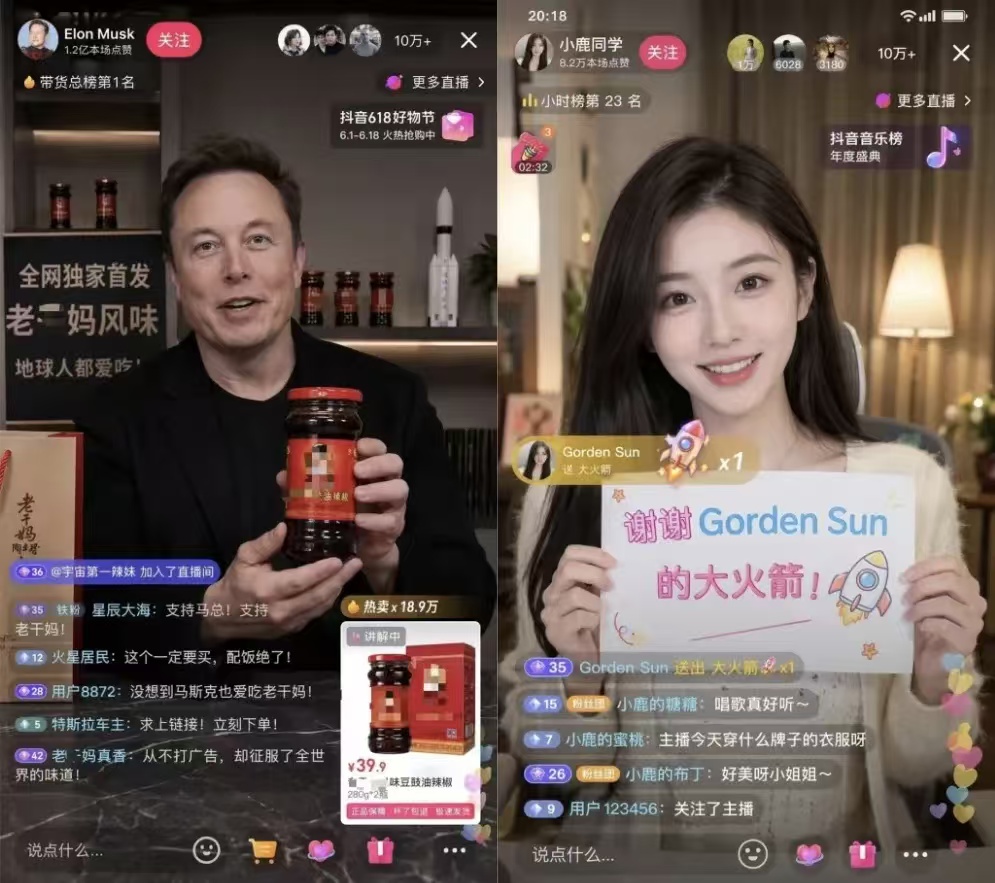
Chat GPT,无需魔法,阿烨独家教程,一键生成各种图!

发表于

相信现在很火的chat gpt2.0生成图片大家都刷到了,奈何没有魔法,今天阿晔教大家没有魔法也可以用上

【资源名称】:Chat GPT image2.0
【资源大小】:260MB(含教程)
【资源版本】:1.0
【测试机型】:vivo S17 Pro./win11
【资源介绍】:无需各种魔法和各种各样的违规操作,就可以玩遍最新的chat gpt image2.0 手机版和电脑版是一样的操作流程,一样的兼容,有什么不会的问我里面有教程

【下载链接】:https://pan.quark.cn/s/79f448bedfa2

拿走吱一声,要不然用不了!
拿走吱一声,要不然用不了!
拿走吱一声,要不然用不了!
120352pko1e1kk85kzngkb.jpg 120351luo0q5ifituhch2f.jpg 120353c98w9sm4st4n9kes.jpg

Featured Replies

没有可显示的帖子

创建帐户或登录来提出意见

Account

导航

搜索

Configure browser push notifications

Chrome (Android)
  1. Tap the lock icon next to the address bar.
  2. Tap Permissions → Notifications.
  3. Adjust your preference.
Chrome (Desktop)
  1. Click the padlock icon in the address bar.
  2. Select Site settings.
  3. Find Notifications and adjust your preference.