跳转到内容
View in the app

A better way to browse. Learn more.

彼岸论坛

A full-screen app on your home screen with push notifications, badges and more.

To install this app on iOS and iPadOS
  1. Tap the Share icon in Safari
  2. Scroll the menu and tap Add to Home Screen.
  3. Tap Add in the top-right corner.
To install this app on Android
  1. Tap the 3-dot menu (⋮) in the top-right corner of the browser.
  2. Tap Add to Home screen or Install app.
  3. Confirm by tapping Install.
欢迎抵达彼岸 彼岸花开 此处谁在 -彼岸论坛

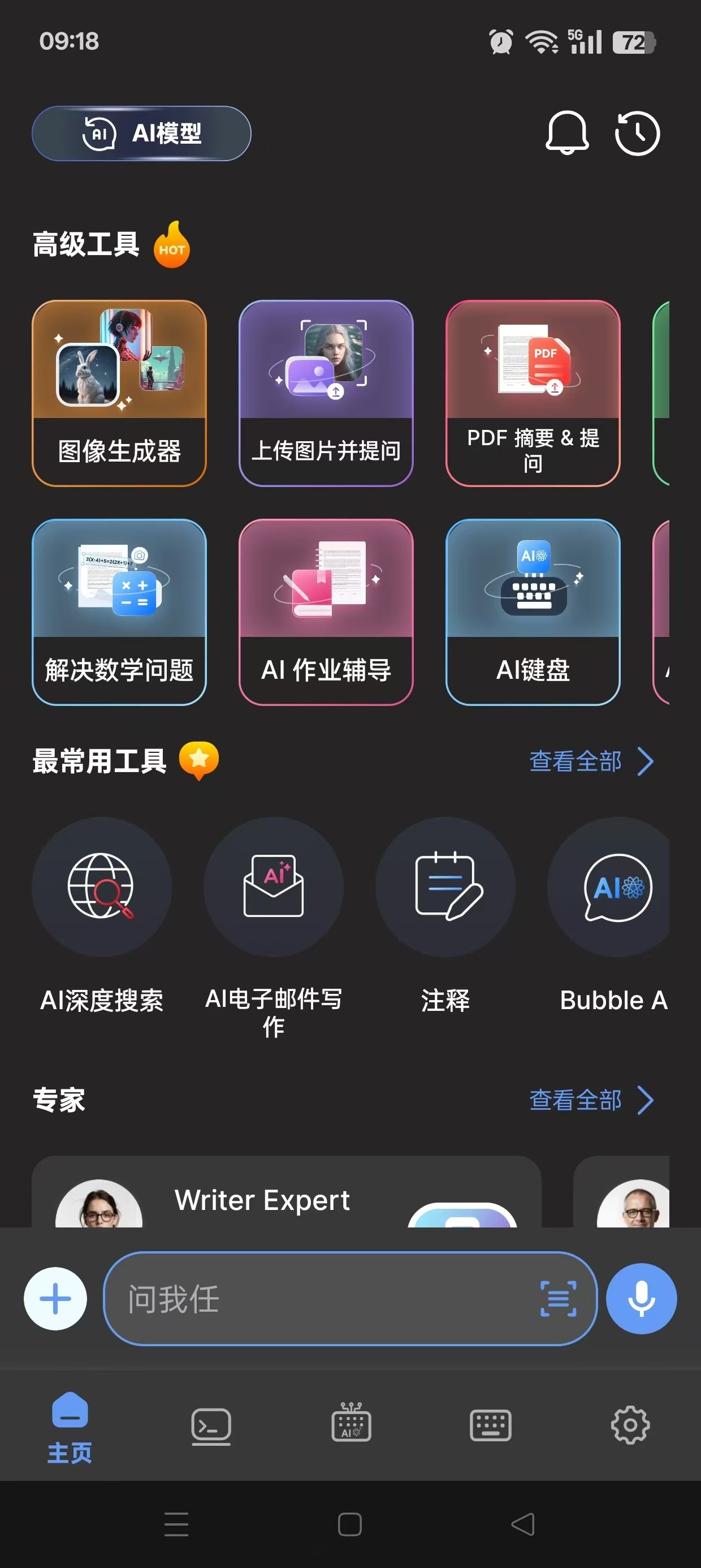
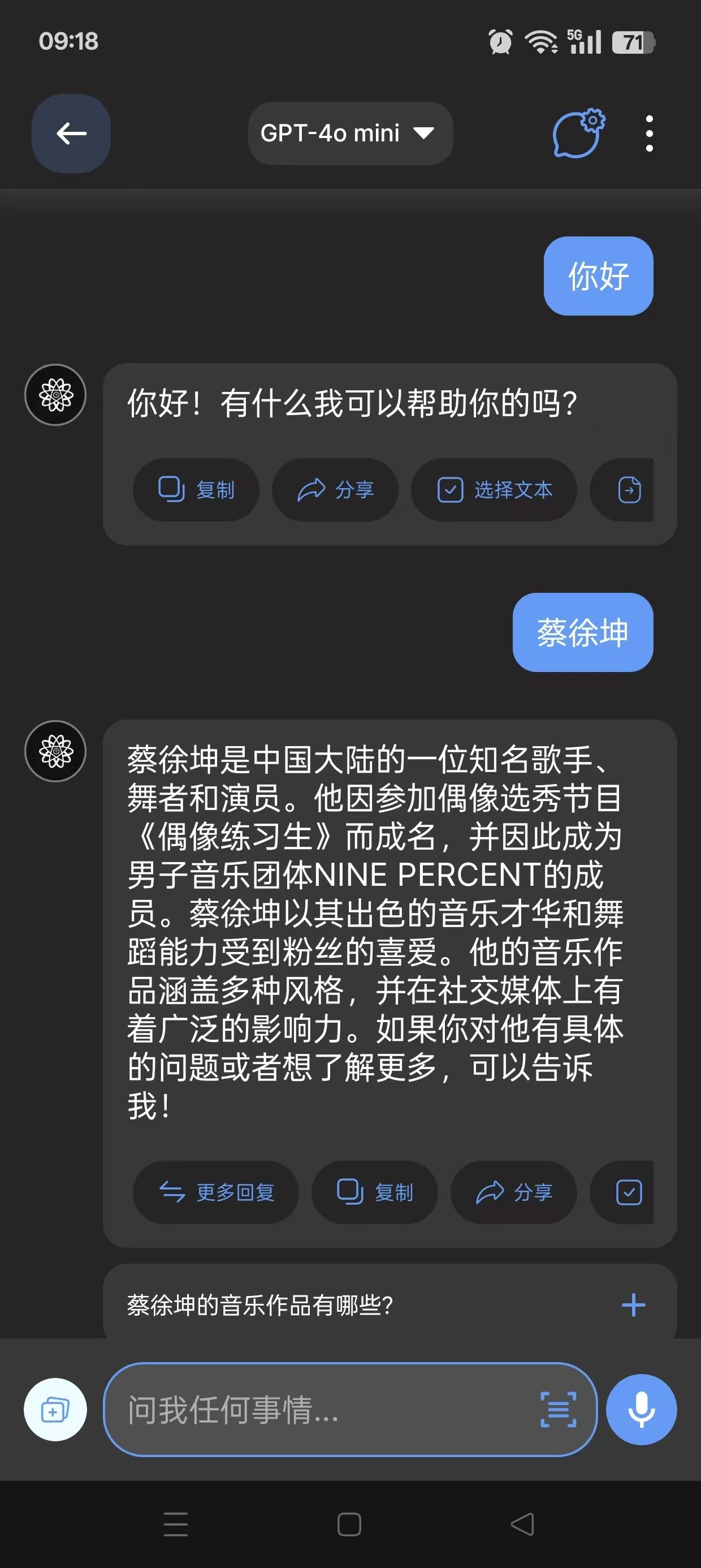
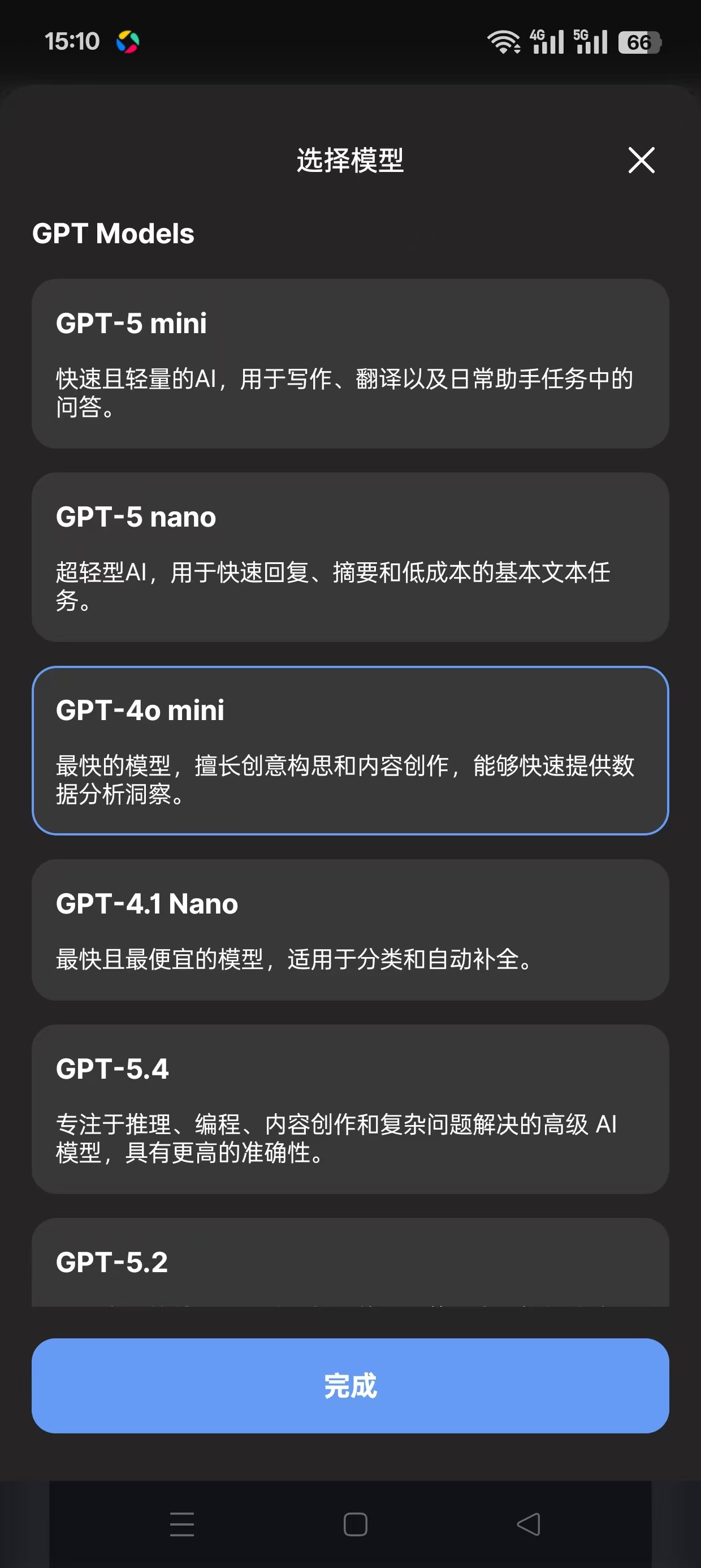
AI Chat,内置grok等主流AI,解锁高级版!

发表于

免翻内置多种国外高级模型支持AI绘画
【软件名称】:AI Chat

【软件版本】:113.0

【软件大小】:112m

【适用平台】:安卓

【软件介绍】:

AI Chat – 帮助提高工作效率的智能助手,通过智能对话的综合解决方案体验 GPT-4o 技术的强大功能。该应用采用先进的人工智能设计,旨在为用户提供突破性的工具和支持。

【下载地址】 :https://pan.quark.cn/s/95f3480da38b

拿走不吱声,白嫖的都是小坤子!!!
173219ipobe6kc99d69ddp.jpg 173220e0l181d4hqzhy004.jpg 173221yv81czcsck1rk3z0.jpg

Featured Replies

没有可显示的帖子

创建帐户或登录来提出意见

Account

导航

搜索

Configure browser push notifications

Chrome (Android)
  1. Tap the lock icon next to the address bar.
  2. Tap Permissions → Notifications.
  3. Adjust your preference.
Chrome (Desktop)
  1. Click the padlock icon in the address bar.
  2. Select Site settings.
  3. Find Notifications and adjust your preference.