跳转到内容
View in the app

A better way to browse. Learn more.

彼岸论坛

A full-screen app on your home screen with push notifications, badges and more.

To install this app on iOS and iPadOS
  1. Tap the Share icon in Safari
  2. Scroll the menu and tap Add to Home Screen.
  3. Tap Add in the top-right corner.
To install this app on Android
  1. Tap the 3-dot menu (⋮) in the top-right corner of the browser.
  2. Tap Add to Home screen or Install app.
  3. Confirm by tapping Install.
欢迎抵达彼岸 彼岸花开 此处谁在 -彼岸论坛

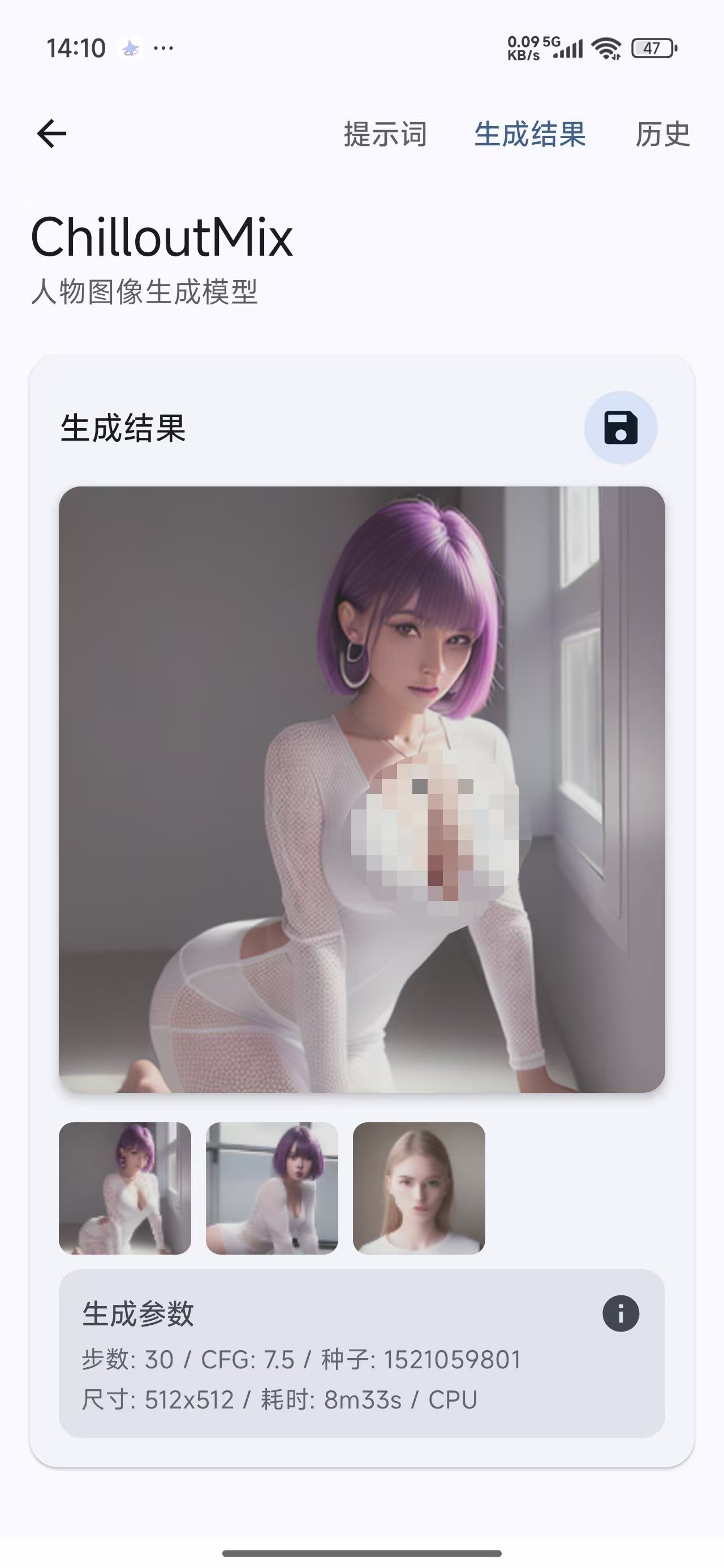
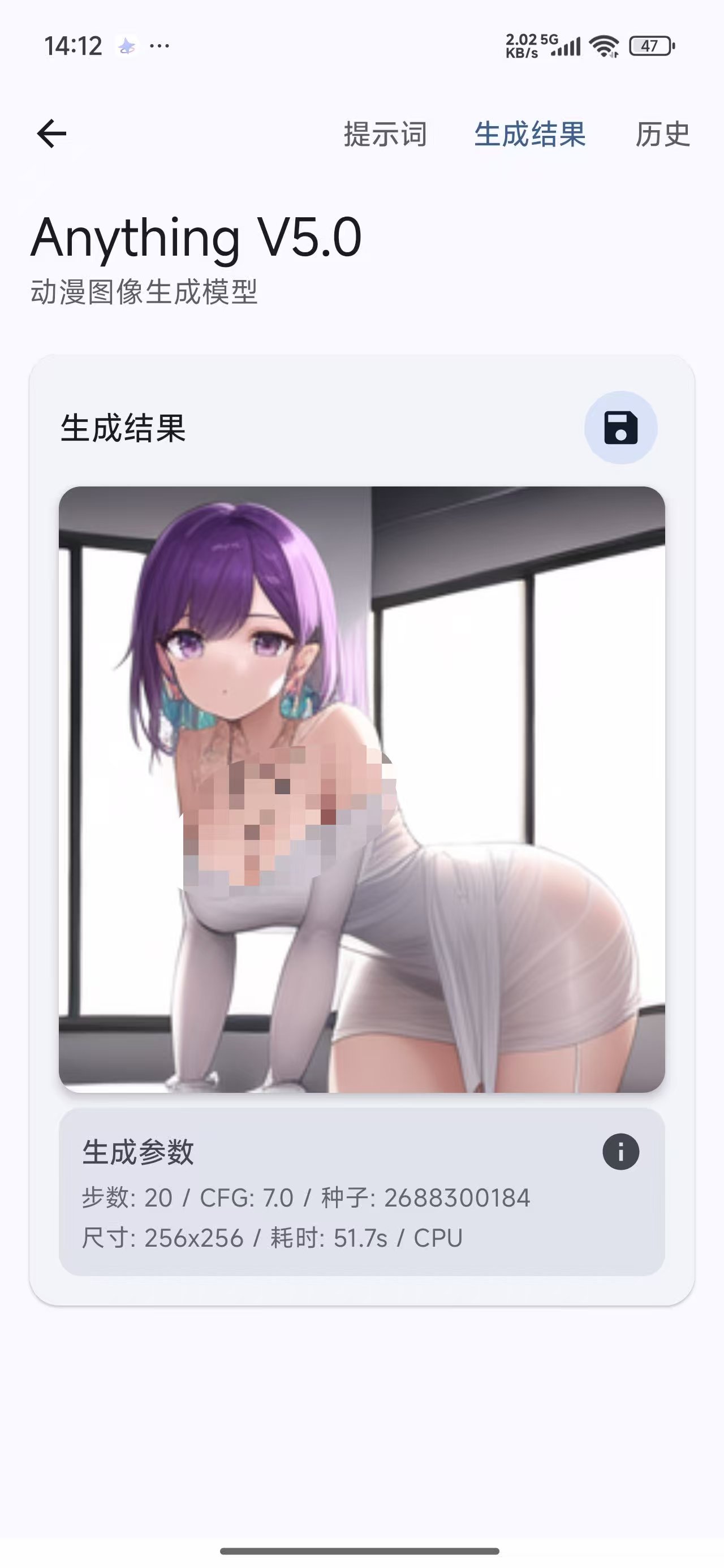
手机本地AI生图,无任何限制,不限次数无视敏感!

发表于

本地离线生成 无水印无限创作
【软件名称】:Local Dream

【软件版本】:2.4.0-alpha

【软件大小】:53.40M

【适用平台】:安卓

Local Dream是安卓端本地离线AI绘画工具,手机本地运行Stable Diffusion模型
纯本地运行,不上传数据,隐私安全有保障
支持文生图、图生图、高清修复、局部重绘
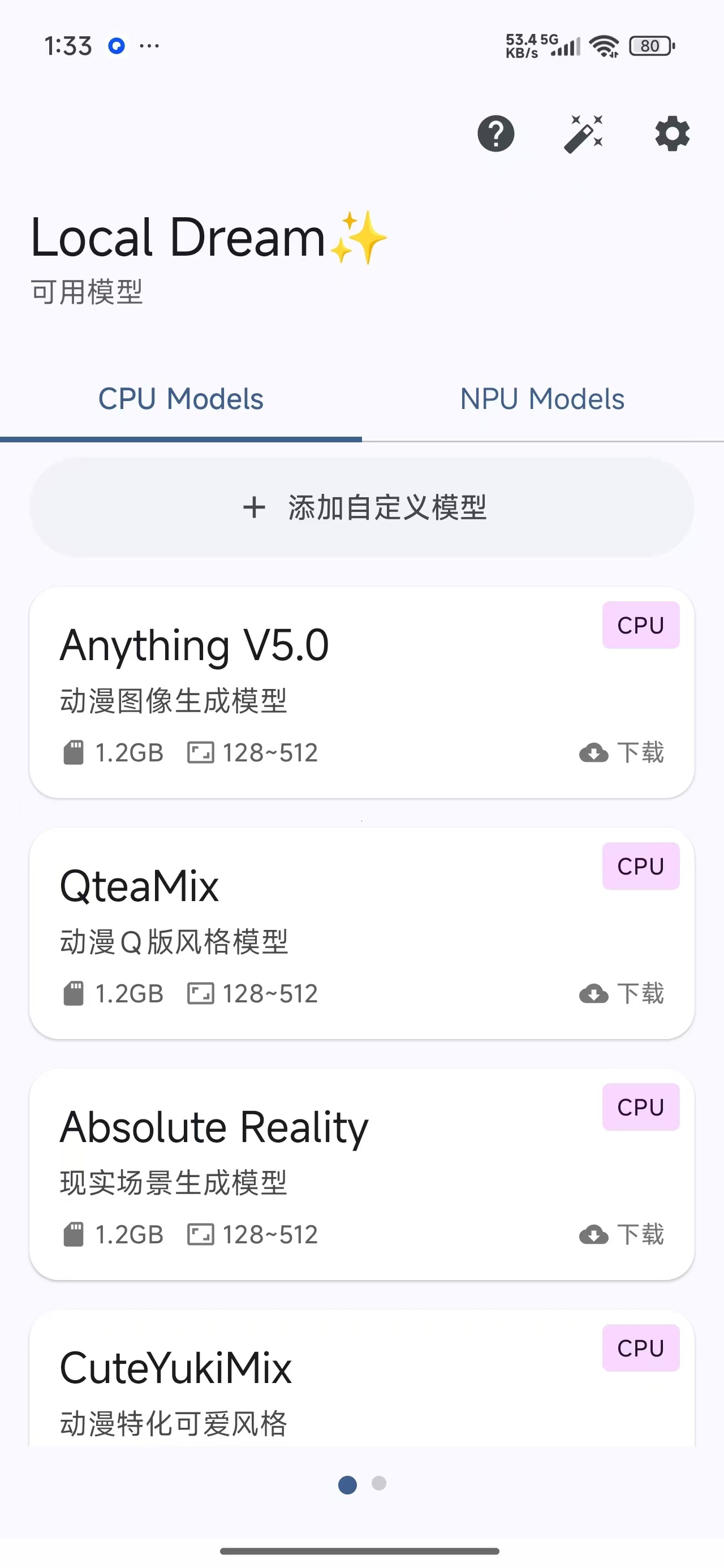
内置多款主流模型,支持自定义模型导入
无广告、无会员、无水印,生成次数无限制
界面简洁,参数可调,骁龙机型加速更流畅

【下载地址】 :https://pan.quark.cn/s/b07266fac5e2

拿走不吱声,白嫖的都是小坤子!!!
123127qlql5dasjqqsjszu.jpg 123127jjbo17hvbbhh6ojj.jpg 123126vqtgeqqb515es55b.jpg

Featured Replies

没有可显示的帖子

创建帐户或登录来提出意见

Account

导航

搜索

Configure browser push notifications

Chrome (Android)
  1. Tap the lock icon next to the address bar.
  2. Tap Permissions → Notifications.
  3. Adjust your preference.
Chrome (Desktop)
  1. Click the padlock icon in the address bar.
  2. Select Site settings.
  3. Find Notifications and adjust your preference.