跳转到内容
View in the app

A better way to browse. Learn more.

彼岸论坛

A full-screen app on your home screen with push notifications, badges and more.

To install this app on iOS and iPadOS
  1. Tap the Share icon in Safari
  2. Scroll the menu and tap Add to Home Screen.
  3. Tap Add in the top-right corner.
To install this app on Android
  1. Tap the 3-dot menu (⋮) in the top-right corner of the browser.
  2. Tap Add to Home screen or Install app.
  3. Confirm by tapping Install.
欢迎抵达彼岸 彼岸花开 此处谁在 -彼岸论坛

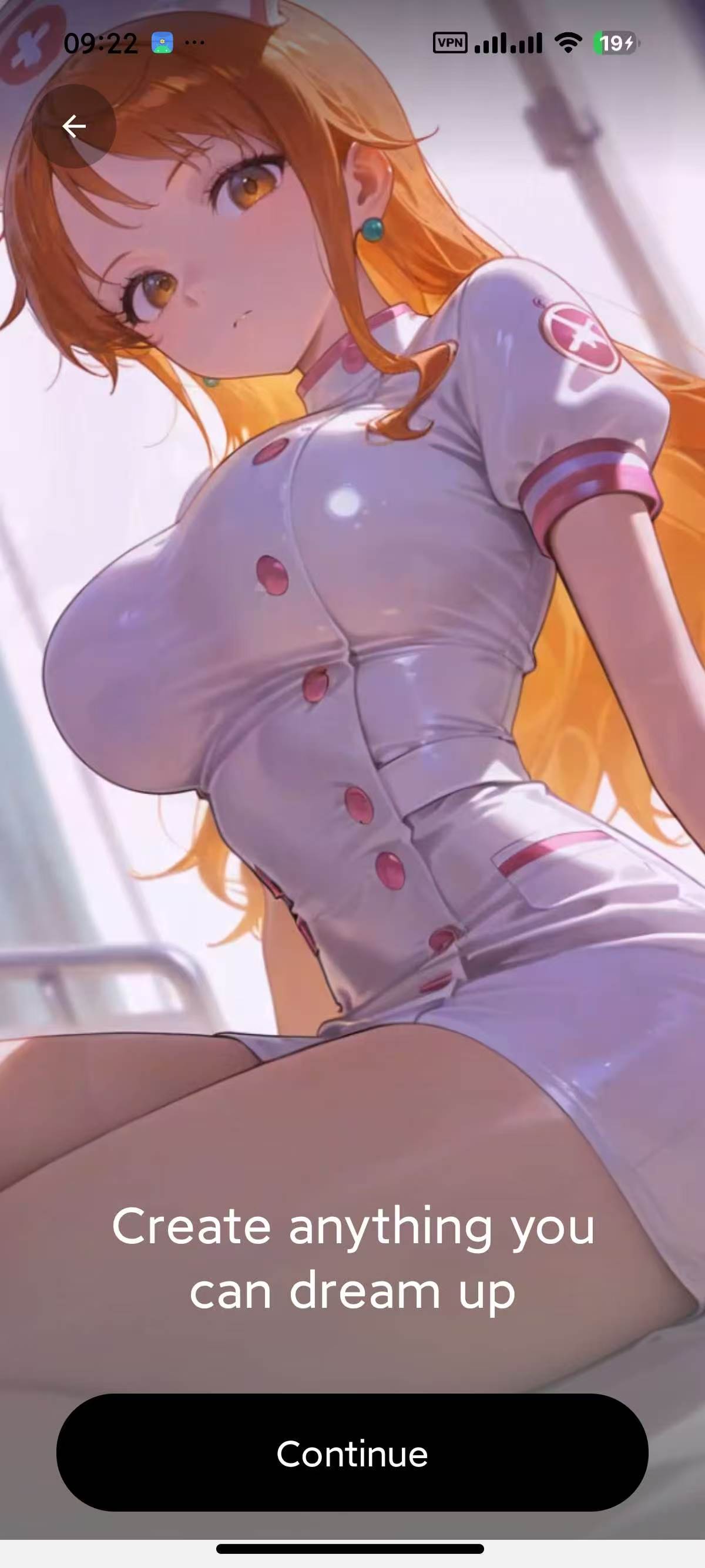
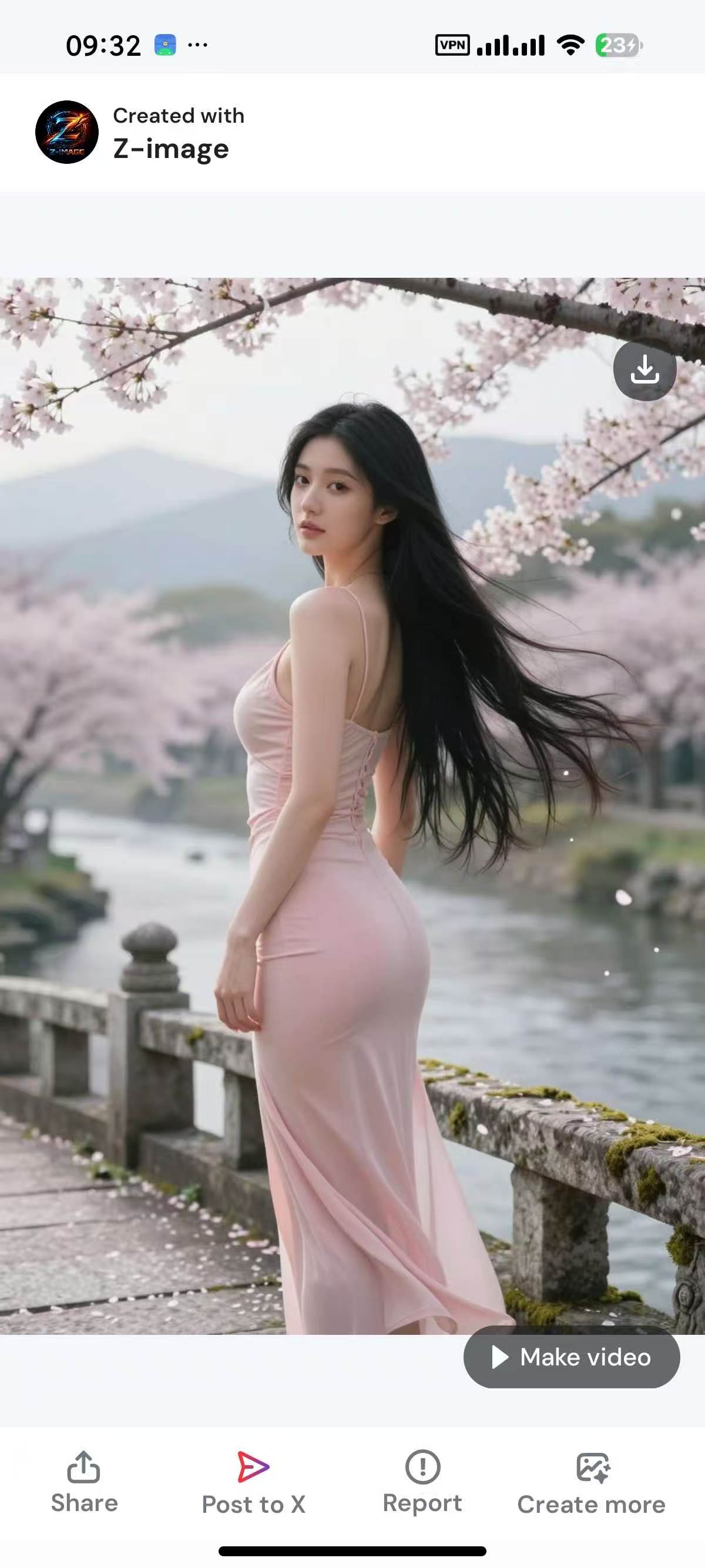
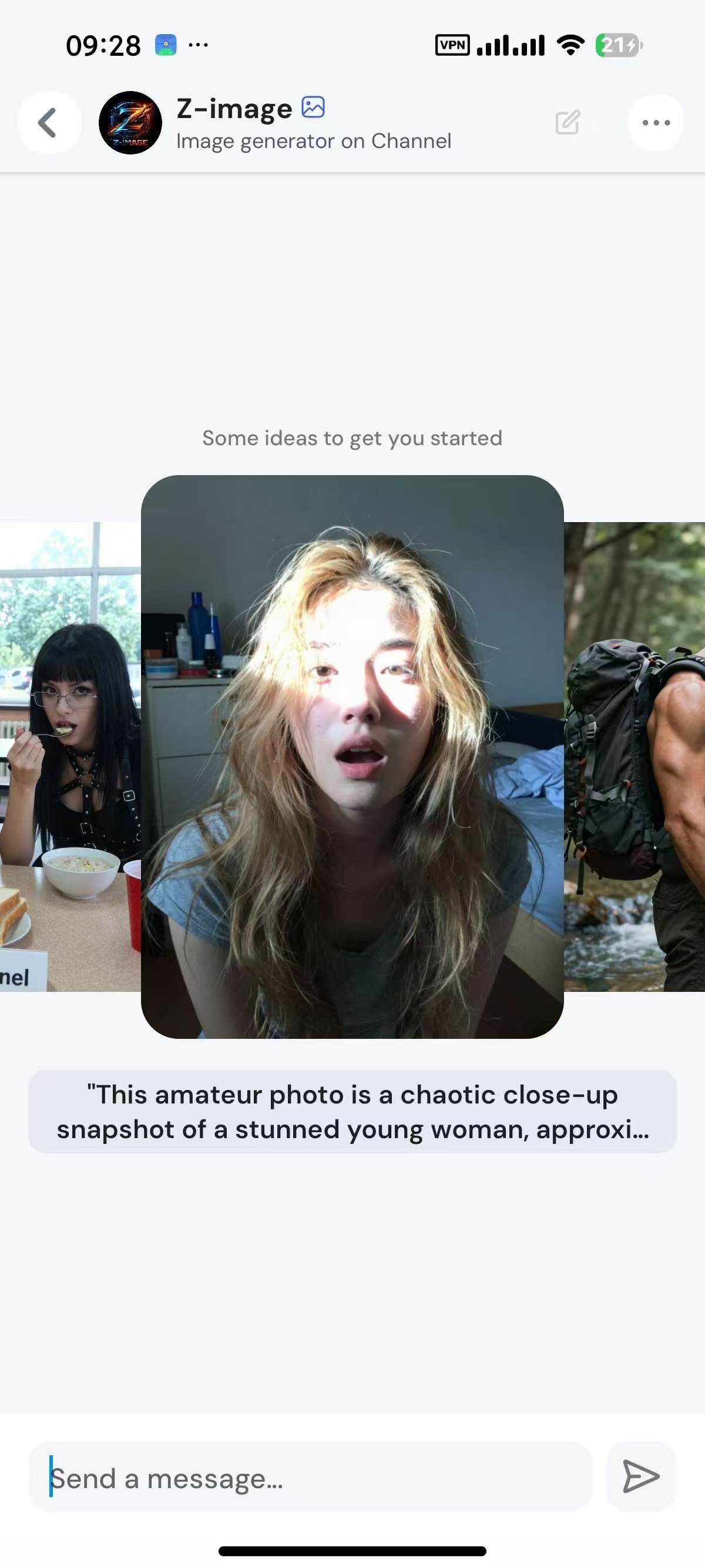
Channel AI 解锁版,无敏感聊天,内置无敏感生图无限制!

发表于

国内网可用,内置无敏感生图,Grok生图不行了,这个可以替代,生图质量也很高
【应用名称】:Channel AI  解锁版
【应用版本】:1.7.1.4020  
【应用大小】:73.64 MB  
【适用平台】:Android  
【使用说明】:  
【软件介绍】  
Channel AI 是一个集角色创建、图像生成、视频剪辑和聊天互动于一体的AI伴侣平台。它通过流体交互、长期记忆和高级定制功能,为用户提供了一个沉浸式的体验环境。无论是创造现实主义、动漫、卡通风格的角色,还是进行视觉创作和视频制作,Channel AI 都能帮助用户实现他们的创意愿景。  

【下载地址】  :https://pan.quark.cn/s/01890081ef5c

拿走不吱声,都是小坤子!!!
122431khhhonoq88jkgn1i.jpg 122431qpiiajk22iiulym2.jpg 122431ym6roe6aa6erz7cu.jpg

Featured Replies

没有可显示的帖子

创建帐户或登录来提出意见

Account

导航

搜索

Configure browser push notifications

Chrome (Android)
  1. Tap the lock icon next to the address bar.
  2. Tap Permissions → Notifications.
  3. Adjust your preference.
Chrome (Desktop)
  1. Click the padlock icon in the address bar.
  2. Select Site settings.
  3. Find Notifications and adjust your preference.