跳转到内容
View in the app

A better way to browse. Learn more.

彼岸论坛

A full-screen app on your home screen with push notifications, badges and more.

To install this app on iOS and iPadOS
  1. Tap the Share icon in Safari
  2. Scroll the menu and tap Add to Home Screen.
  3. Tap Add in the top-right corner.
To install this app on Android
  1. Tap the 3-dot menu (⋮) in the top-right corner of the browser.
  2. Tap Add to Home screen or Install app.
  3. Confirm by tapping Install.
欢迎抵达彼岸 彼岸花开 此处谁在 -彼岸论坛

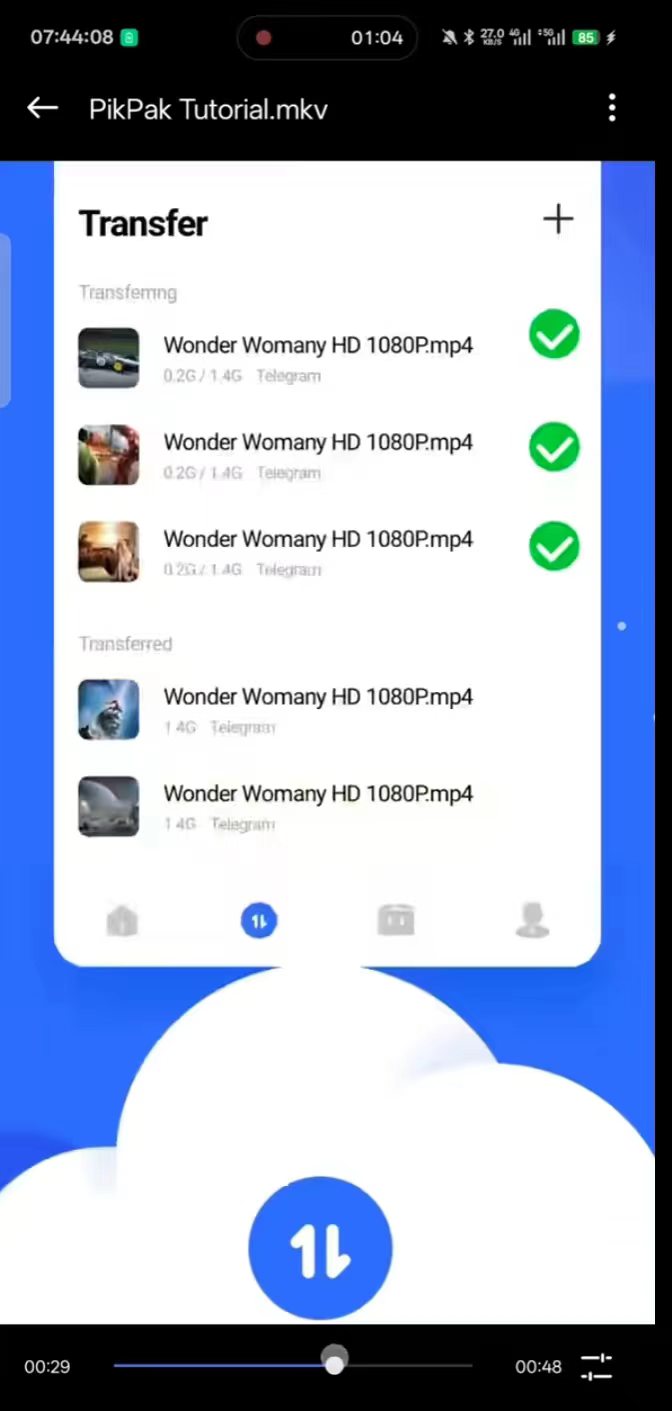
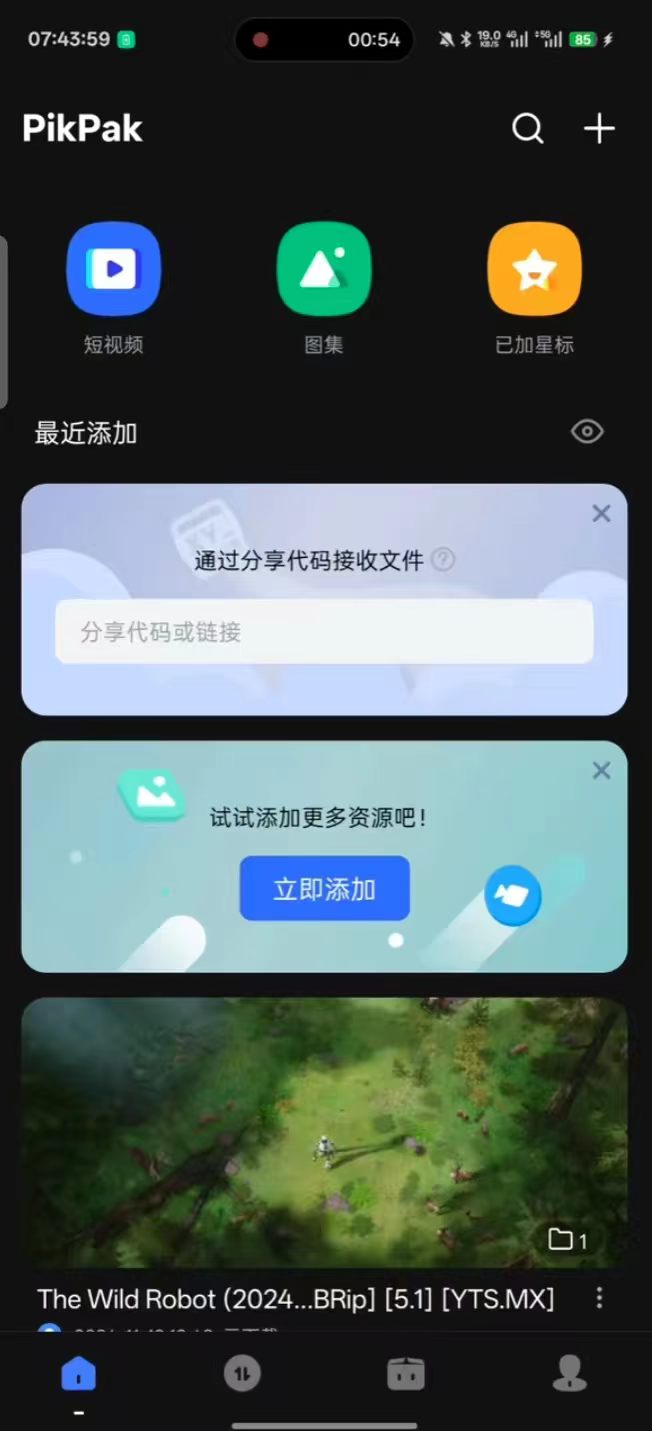
小作坊下料真的猛~永久激活Pikpak,速度媲美某雷!

发表于

软件名称:pikpak

软件版本:V1.0

软件语言:中文

软件大小:60MB

软件支持:安卓

【软件介绍】

   pikpak是一款非常好用的云盘磁力储存下载软件,支持多种磁力链接解析,在线可以直接秒播观看,无限制网速,同时支持多类型磁力链接下载,速度媲美某雷,还有超大云存储空间可以使用,赶紧下载试试吧

【软件下载】:https://pan.quark.cn/s/6d9ac8df89a4

有问题可以留言反馈,欢迎大家礼貌白嫖~
124833na6h6z22pyye5lbi.jpg 124833yaz34f4pa8lahq82.jpg

Featured Replies

没有可显示的帖子

创建帐户或登录来提出意见

Account

导航

搜索

Configure browser push notifications

Chrome (Android)
  1. Tap the lock icon next to the address bar.
  2. Tap Permissions → Notifications.
  3. Adjust your preference.
Chrome (Desktop)
  1. Click the padlock icon in the address bar.
  2. Select Site settings.
  3. Find Notifications and adjust your preference.