跳转到内容
View in the app

A better way to browse. Learn more.

彼岸论坛

A full-screen app on your home screen with push notifications, badges and more.

To install this app on iOS and iPadOS
  1. Tap the Share icon in Safari
  2. Scroll the menu and tap Add to Home Screen.
  3. Tap Add in the top-right corner.
To install this app on Android
  1. Tap the 3-dot menu (⋮) in the top-right corner of the browser.
  2. Tap Add to Home screen or Install app.
  3. Confirm by tapping Install.
欢迎抵达彼岸 彼岸花开 此处谁在 -彼岸论坛

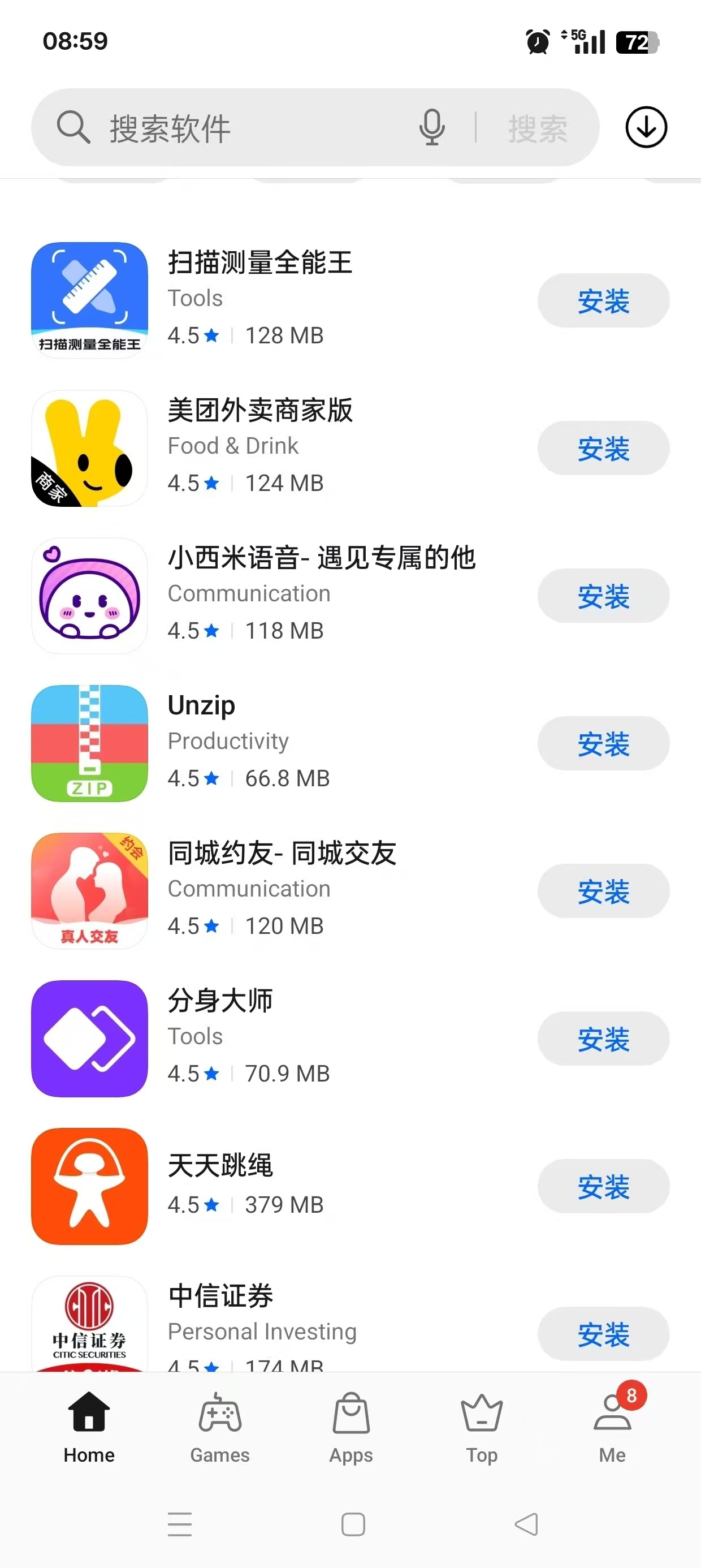
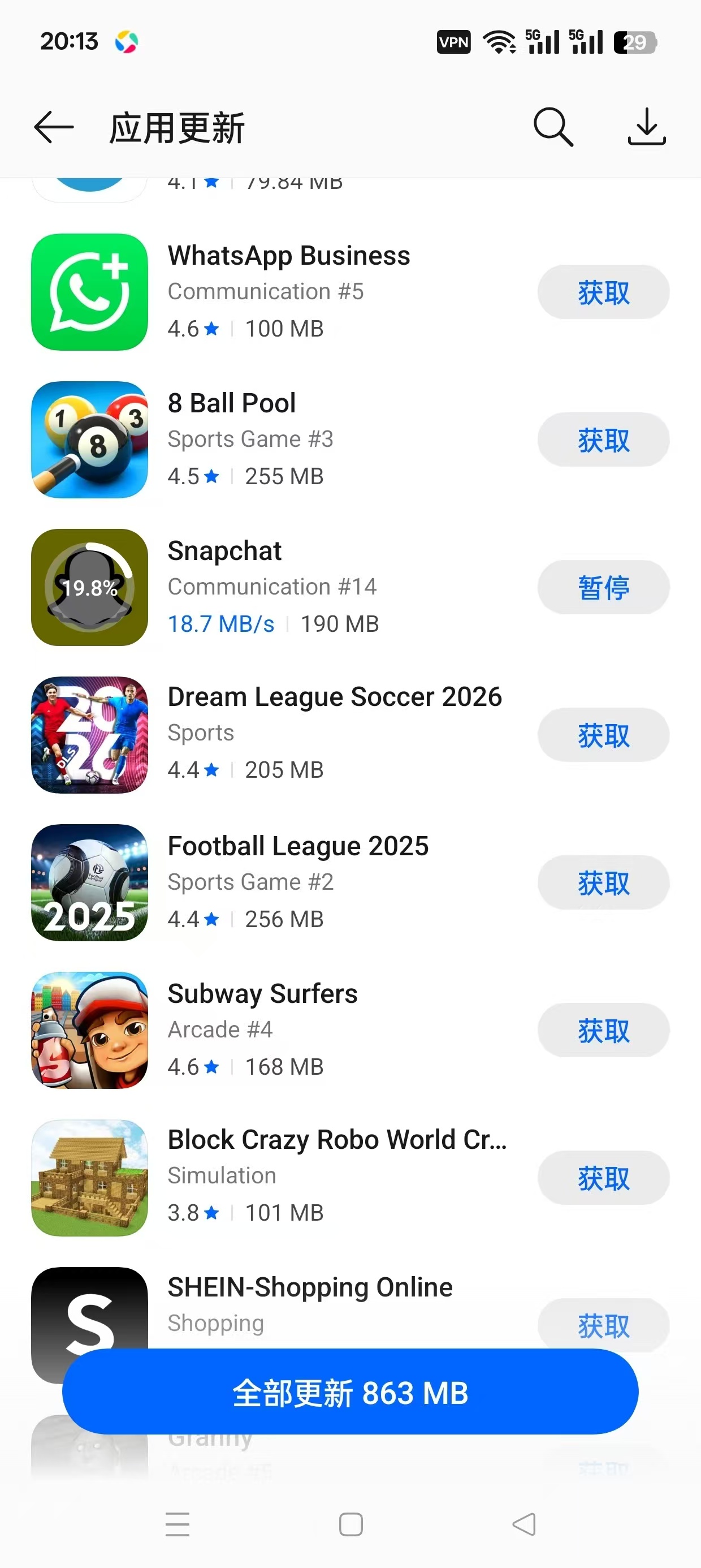
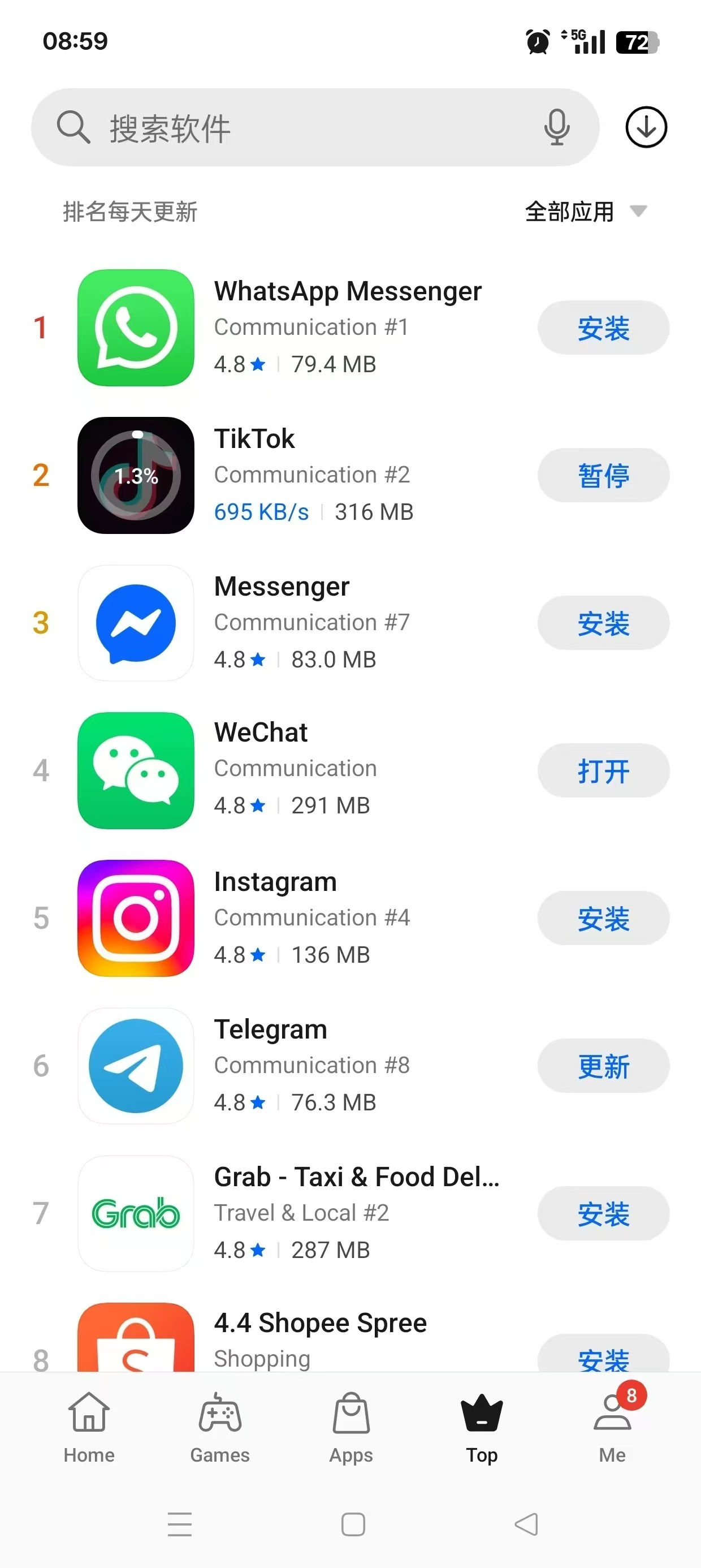
应用商店国际版,下载国外软件游戏,免翻!

发表于

【软件名称】:软件商店

【软件版本】:26.3.5_GL

【软件大小】:45m

【适用平台】:安卓

【软件介绍】:一款实用的手机应用下载平台,汇集了大量精选软件供用户下载使用。根据用户的下载习惯,智能推荐更多好用的应用,并支持语音搜索功能,使查找和下载应用更加方便快捷。此外,它还能自动删除不需要的安装包以节省手机空间。提供一站式的手机应用管理,让用户更方便地控制手机中的应用。

【下载地址】 :https://pan.quark.cn/s/93cec99276c1

拿走不吱声,白嫖的都是小坤子!!
183447b8lwoj6lzwxsboq6.jpg 183447jthhdrdjqzhrr5oh.jpg 183448dxfz5hk5113f4qhx.jpg

Featured Replies

没有可显示的帖子

创建帐户或登录来提出意见

Account

导航

搜索

Configure browser push notifications

Chrome (Android)
  1. Tap the lock icon next to the address bar.
  2. Tap Permissions → Notifications.
  3. Adjust your preference.
Chrome (Desktop)
  1. Click the padlock icon in the address bar.
  2. Select Site settings.
  3. Find Notifications and adjust your preference.