发表于 5月31日5月31日 【资源名称】:WPS Office 2023专业版【资源大小】:355.7MB【资源版本】:2023 v12.8.2.21555【测试机型】:Windows 系统测试【资源介绍】:WPS2023专业增强版:免激活、去水印、永久授权、完整功能优化增强版1. 基于官方WPS2023专业版打包,自动调用安装脚本写入终身授权序列号 TJ3GN-9NTGQ-GLF7C-YEN8X-TJWML2. 集成VBA组件、终身授权序列号、安装完毕即WPS永久激活专业增强版3. 去广告优化、去我的电脑WPS云盘、保留账户登陆和云同步上传下载﹂去界面左侧:日历、WPS便签、会议、统计表单 (广告)﹂去应用中心:分享协作功能网页入口(会议、统计表单)﹂彻底去升级:无版本更新提示,检查更新永远都是最新版4. 安装过程自动剔除桌面和我的电脑WPS云盘虚拟盘符入口5. 安装过程自动禁用WPS办公助手和其资源管理器右键菜单6. 安装过程自动删除升级组件并移除检查升级的计划任务项+. 安装过程自动清理旧授权文件并阻止检测新授权文件验证【下载地址】:https://pan.quark.cn/s/52605058534b拿走吱一声,要不然用不了!
【资源名称】:WPS Office 2023专业版

【资源大小】:355.7MB
【资源版本】:2023 v12.8.2.21555
【测试机型】:Windows 系统测试
【资源介绍】:WPS2023专业增强版:免激活、去水印、永久授权、完整功能优化增强版
1. 基于官方WPS2023专业版打包,自动调用安装脚本写入终身授权序列号 TJ3GN-9NTGQ-GLF7C-YEN8X-TJWML
2. 集成VBA组件、终身授权序列号、安装完毕即WPS永久激活专业增强版
3. 去广告优化、去我的电脑WPS云盘、保留账户登陆和云同步上传下载
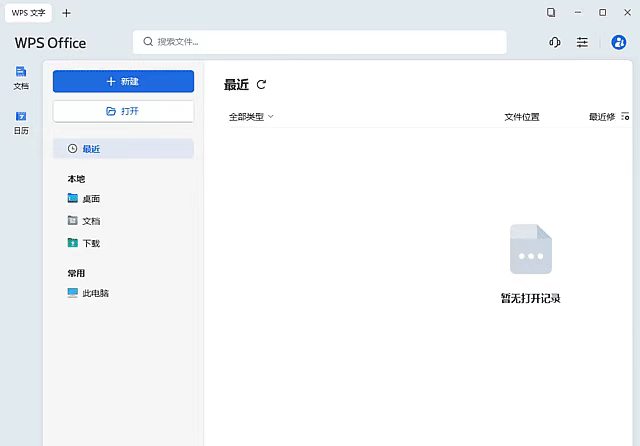
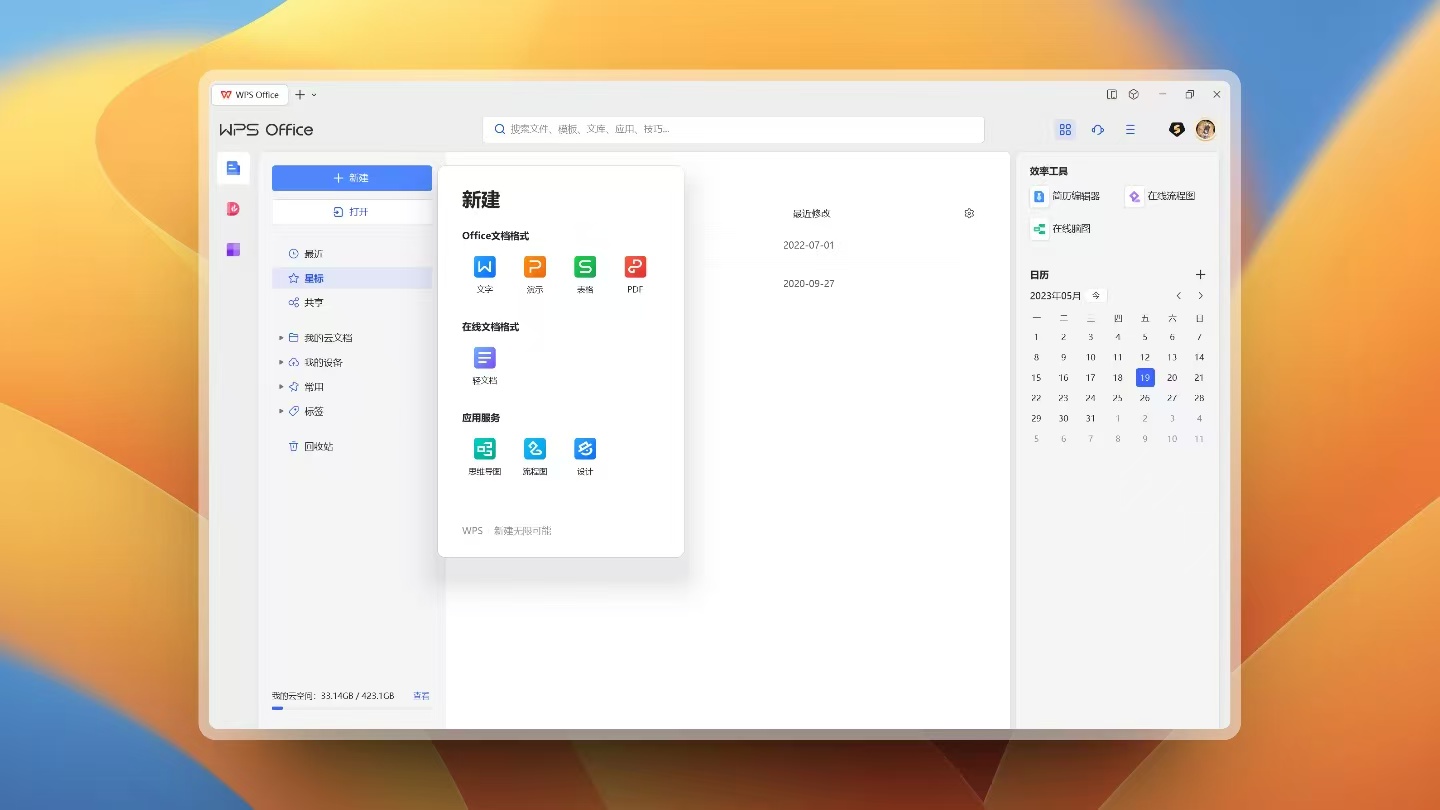
﹂去界面左侧:日历、WPS便签、会议、统计表单 (广告)
﹂去应用中心:分享协作功能网页入口(会议、统计表单)
﹂彻底去升级:无版本更新提示,检查更新永远都是最新版
4. 安装过程自动剔除桌面和我的电脑WPS云盘虚拟盘符入口
5. 安装过程自动禁用WPS办公助手和其资源管理器右键菜单
6. 安装过程自动删除升级组件并移除检查升级的计划任务项
+. 安装过程自动清理旧授权文件并阻止检测新授权文件验证
【下载地址】:https://pan.quark.cn/s/52605058534b
拿走吱一声,要不然用不了!