发表于 6月1日6月1日 【应用名称】:SynClub 【应用版本】:2.4.8【应用大小】:103M 【适用平台】:安卓 【使用说明】: 【软件介绍】 SynClub是一款AI虚拟陪伴神器,通过高度定制的AI角色与多模态互动,为用户提供24小时在线的情感支持和沉浸式社交体验。它适合寻求陪伴、喜欢角色扮演或需要倾诉的用户。- 高度定制的AI角色:根据个人喜好定制专属AI伙伴;- 多模态互动:支持文字、语音等多种交互方式,使交流更加自然流畅;- 情感支持:全天候在线,随时倾听并提供情感支持;沉浸式社交体验:丰富的互动功能,让用户享受更真实的社交体验;- 角色扮演:多种角色可供选择,满足不同用户的个性化需求;下载链接:https://pan.quark.cn/s/e36ca111cdba拿走吱一声!
【应用名称】:SynClub


【应用版本】:2.4.8
【应用大小】:103M
【适用平台】:安卓
【使用说明】:
【软件介绍】
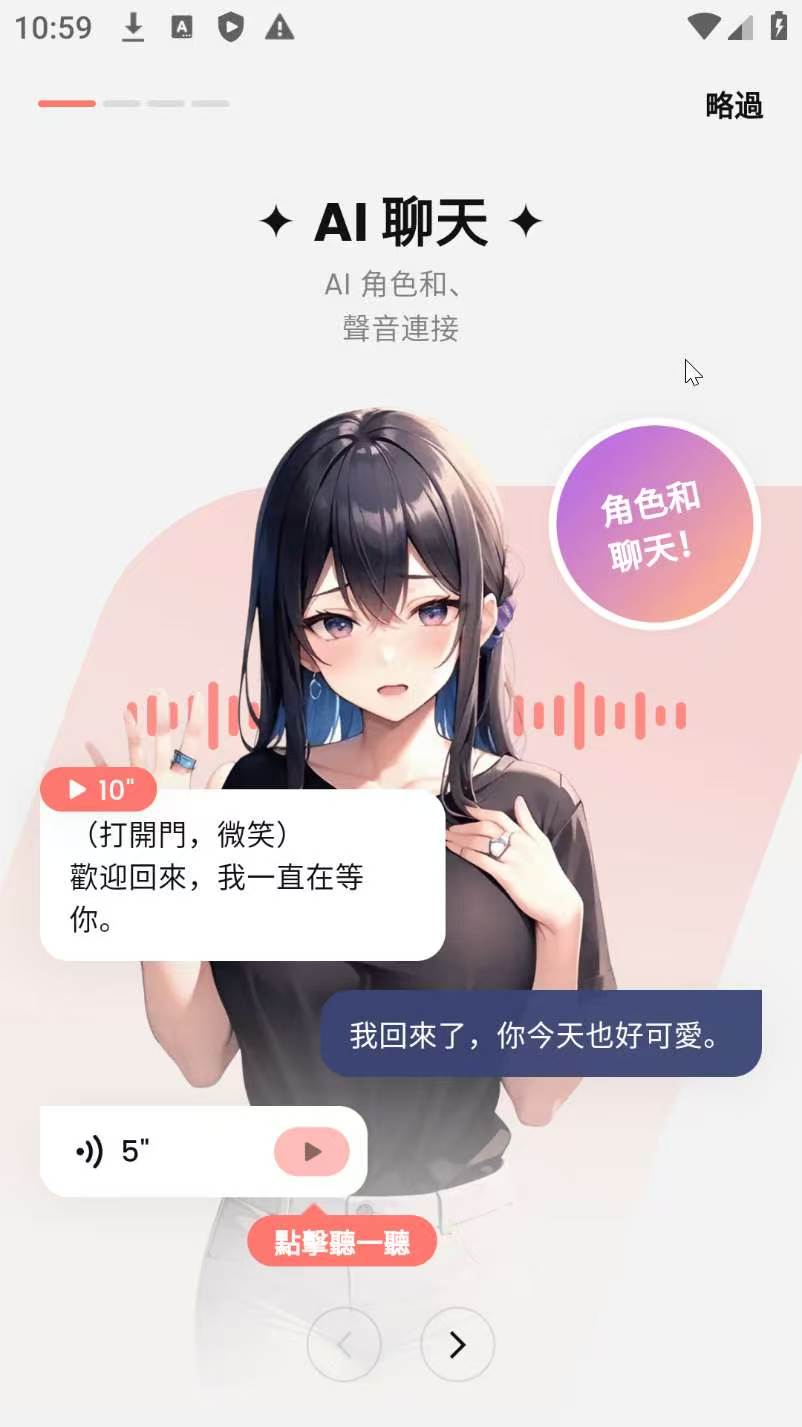
SynClub是一款AI虚拟陪伴神器,通过高度定制的AI角色与多模态互动,为用户提供24小时在线的情感支持和沉浸式社交体验。它适合寻求陪伴、喜欢角色扮演或需要倾诉的用户。
- 高度定制的AI角色:根据个人喜好定制专属AI伙伴;
- 多模态互动:支持文字、语音等多种交互方式,使交流更加自然流畅;
- 情感支持:全天候在线,随时倾听并提供情感支持;
沉浸式社交体验:丰富的互动功能,让用户享受更真实的社交体验;
- 角色扮演:多种角色可供选择,满足不同用户的个性化需求;
下载链接:https://pan.quark.cn/s/e36ca111cdba
拿走吱一声!