发表于 6月23日6月23日 【资源名称】:ai人脸替换工具【资源版本】:v8.6【资源大小】:40g【测试机型】:win11 MAC【资源介绍】:使用方法:1. 首先该软件完全免费,且无需安装,下载后解压,运行 AI人脸替换工具离线版.exe 就可以打开使用。2. 打开后如下图所示,我们需要做的就是选择:(1)人脸图片选择(2)目标视频 / 图片 选择(3)选择 显卡或者CPU 进行处理。(英伟达显卡选择显卡处理,其他选择CPU处理)处理效果:1. 人脸正向及侧脸45度,仰脸45度,低头45度 都能够完美实现替换,并且会自动进行高清修复,比原视频更加清晰!2. 将含有人像的视频 旋转到正位(也就是 图片中人像和视频中人像为同方向),效果更加出色且处理速度也更快!3. 效果太逼真,请按规定使用支持设备:Windows 10 / Windows 11 /注意事项:1. 如果选择显卡运行出现错误提示,可能是显卡不符合或者是显卡容量选择问题,可以切换为CPU处理。2. 人脸图片和目标视频 的文件夹名称不能有中文,使用数字或者字母命名都可以。设置好以后,点击开始生成就可以了。合成速度与设备性能息息相关,尤其是显卡,速度差距明显,所以能用显卡尽量还是显卡跑~【下载链接】:https://pan.quark.cn/s/68f0e2930dbd拿走吱一声,白嫖的都是小黑子
【资源名称】:ai人脸替换工具

【资源版本】:v8.6
【资源大小】:40g
【测试机型】:win11 MAC
【资源介绍】:
使用方法:
1. 首先该软件完全免费,且无需安装,下载后解压,运行 AI人脸替换工具离线版.exe 就可以打开使用。
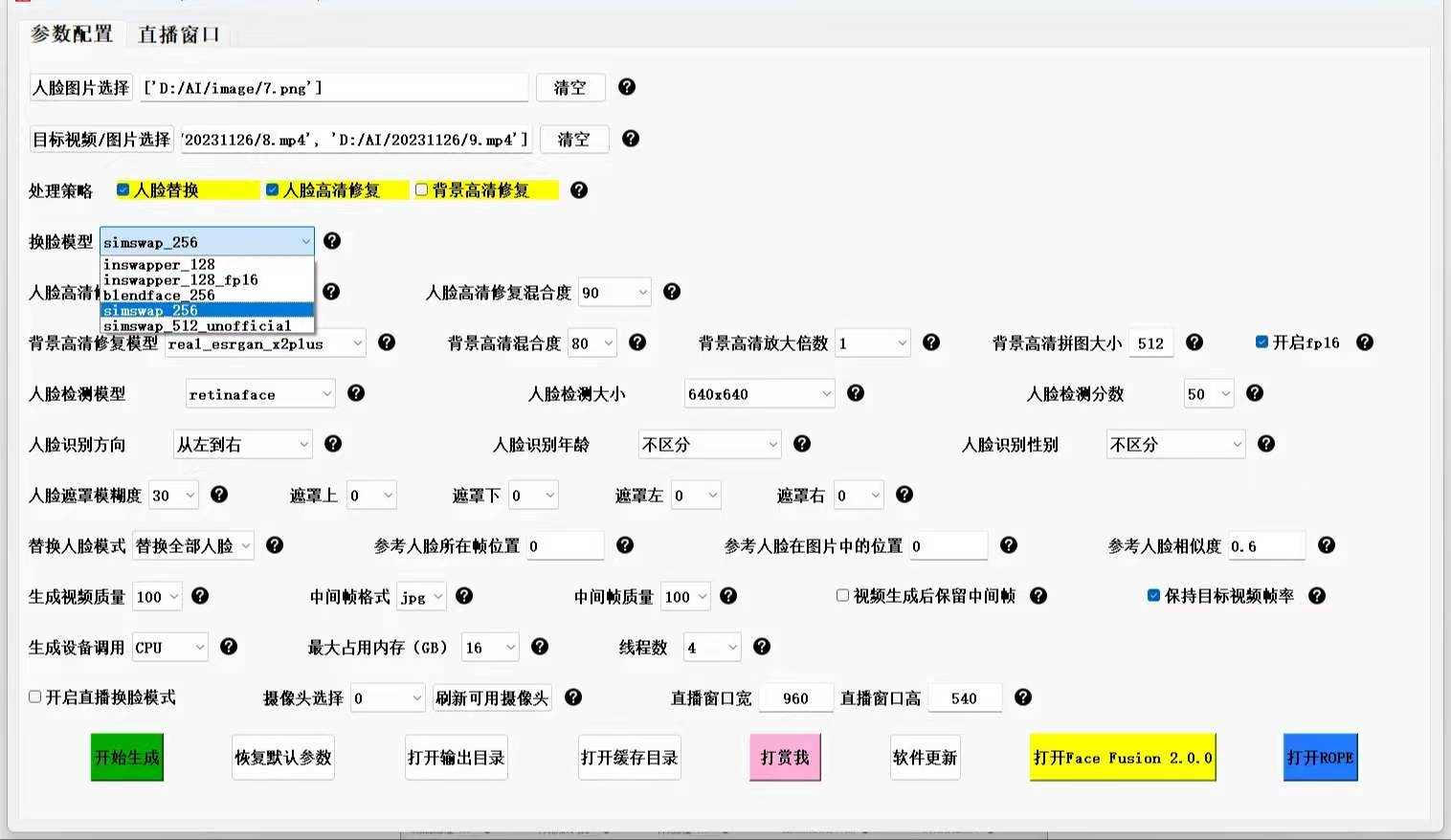
2. 打开后如下图所示,我们需要做的就是选择:
(1)人脸图片选择
(2)目标视频 / 图片 选择
(3)选择 显卡或者CPU 进行处理。(英伟达显卡选择显卡处理,其他选择CPU处理)
处理效果:
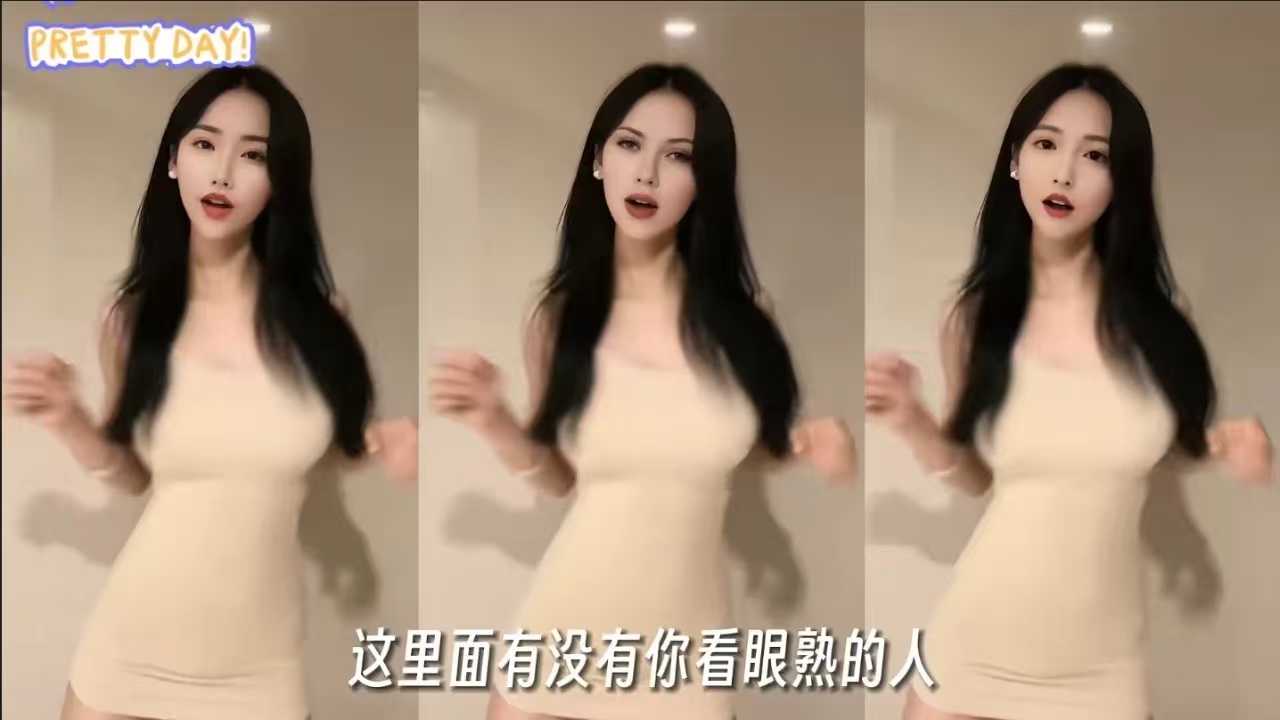
1. 人脸正向及侧脸45度,仰脸45度,低头45度 都能够完美实现替换,并且会自动进行高清修复,比原视频更加清晰!
2. 将含有人像的视频 旋转到正位(也就是 图片中人像和视频中人像为同方向),效果更加出色且处理速度也更快!
3. 效果太逼真,请按规定使用
支持设备:Windows 10 / Windows 11 /
注意事项:
1. 如果选择显卡运行出现错误提示,可能是显卡不符合或者是显卡容量选择问题,可以切换为CPU处理。
2. 人脸图片和目标视频 的文件夹名称不能有中文,使用数字或者字母命名都可以。
设置好以后,点击开始生成就可以了。合成速度与设备性能息息相关,尤其是显卡,速度差距明显,所以能用显卡尽量还是显卡跑~
【下载链接】:https://pan.quark.cn/s/68f0e2930dbd
拿走吱一声,白嫖的都是小黑子