跳转到内容
View in the app

A better way to browse. Learn more.

彼岸论坛

A full-screen app on your home screen with push notifications, badges and more.

To install this app on iOS and iPadOS
  1. Tap the Share icon in Safari
  2. Scroll the menu and tap Add to Home Screen.
  3. Tap Add in the top-right corner.
To install this app on Android
  1. Tap the 3-dot menu (⋮) in the top-right corner of the browser.
  2. Tap Add to Home screen or Install app.
  3. Confirm by tapping Install.
欢迎抵达彼岸 彼岸花开 此处谁在 -彼岸论坛

AI全能帮手全免费,无限AI文生图,无限AI生成视频!

发表于

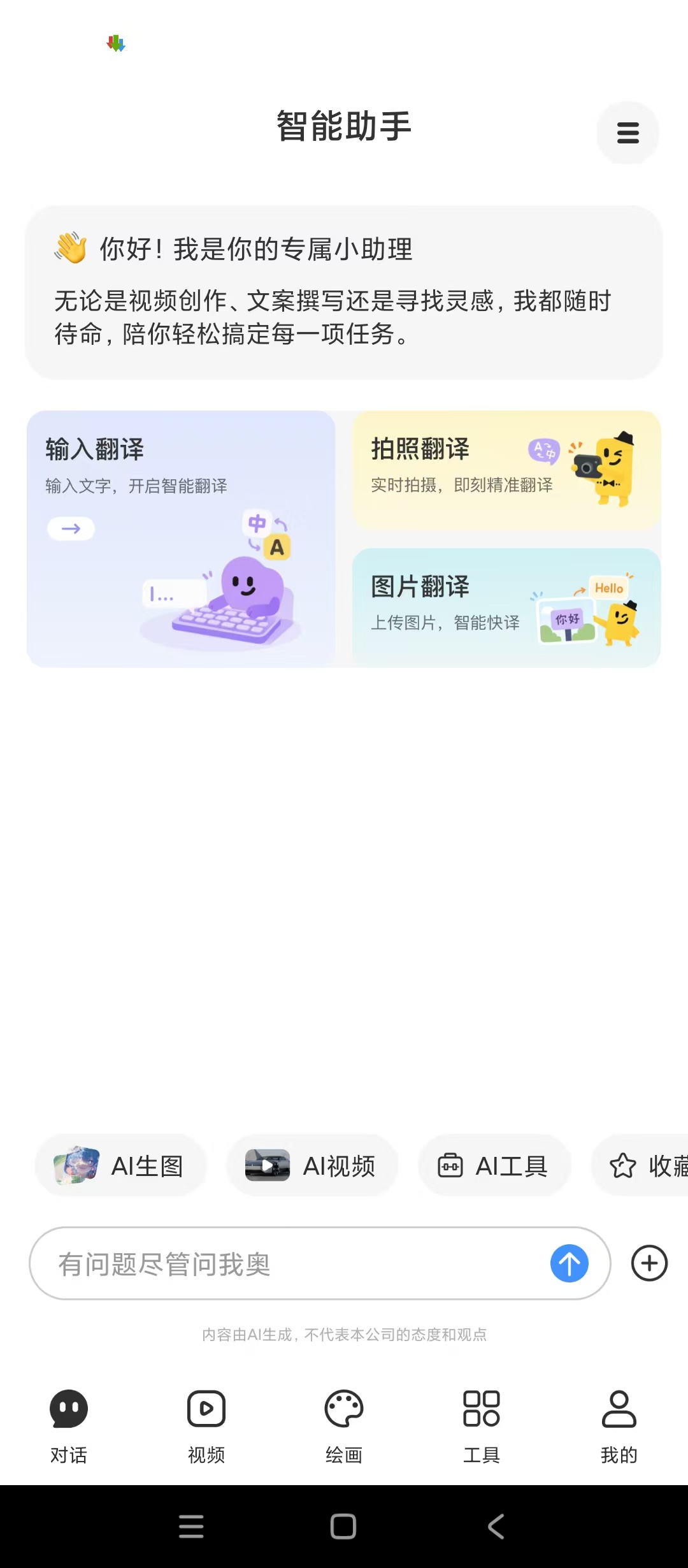
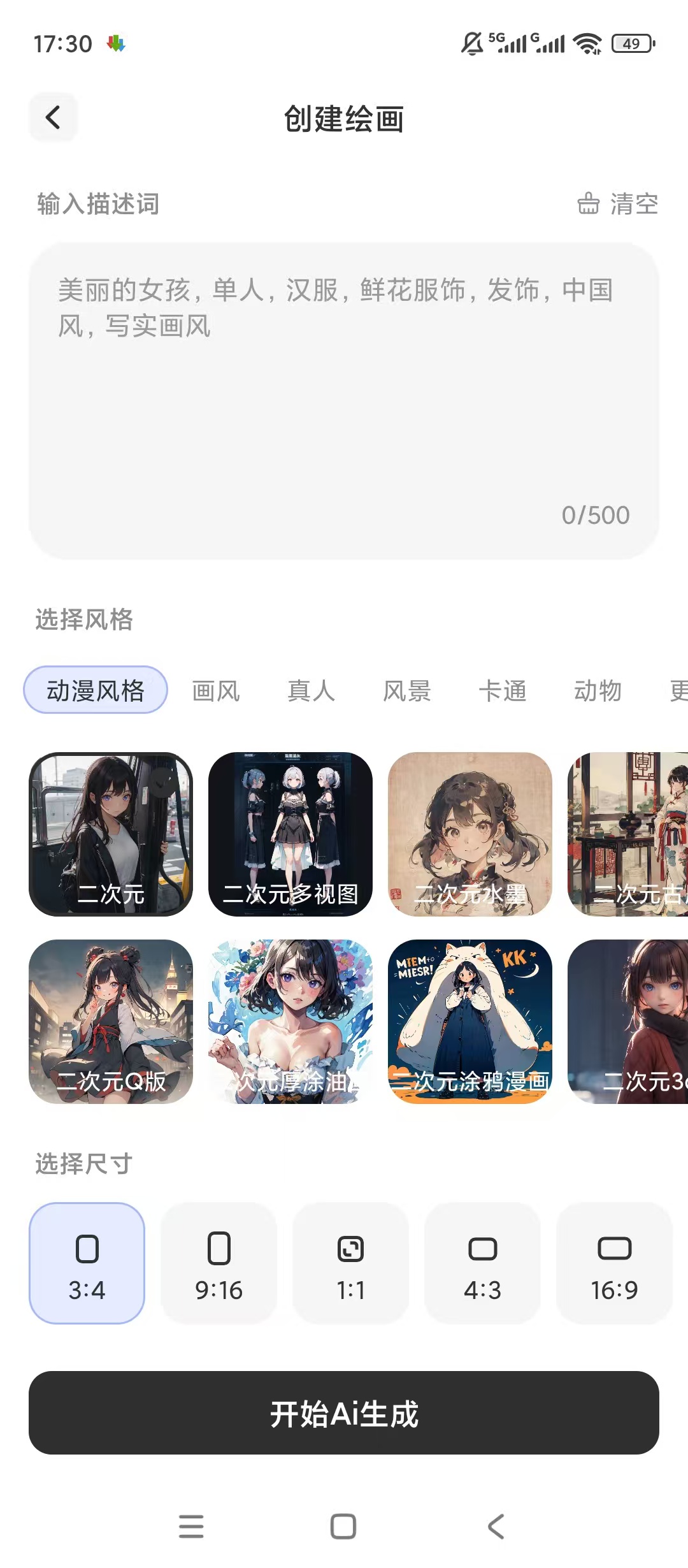
【楼主评价】:AI全能帮手全免费[顶!]全场景AI问答助手[顶!]视频绘图写真制作工具
【软件名称】:AI全能帮手全免费

【软件版本】:v1.0.1

【测试平台】:红米Note 12T Pro/澎湃2/安卓15

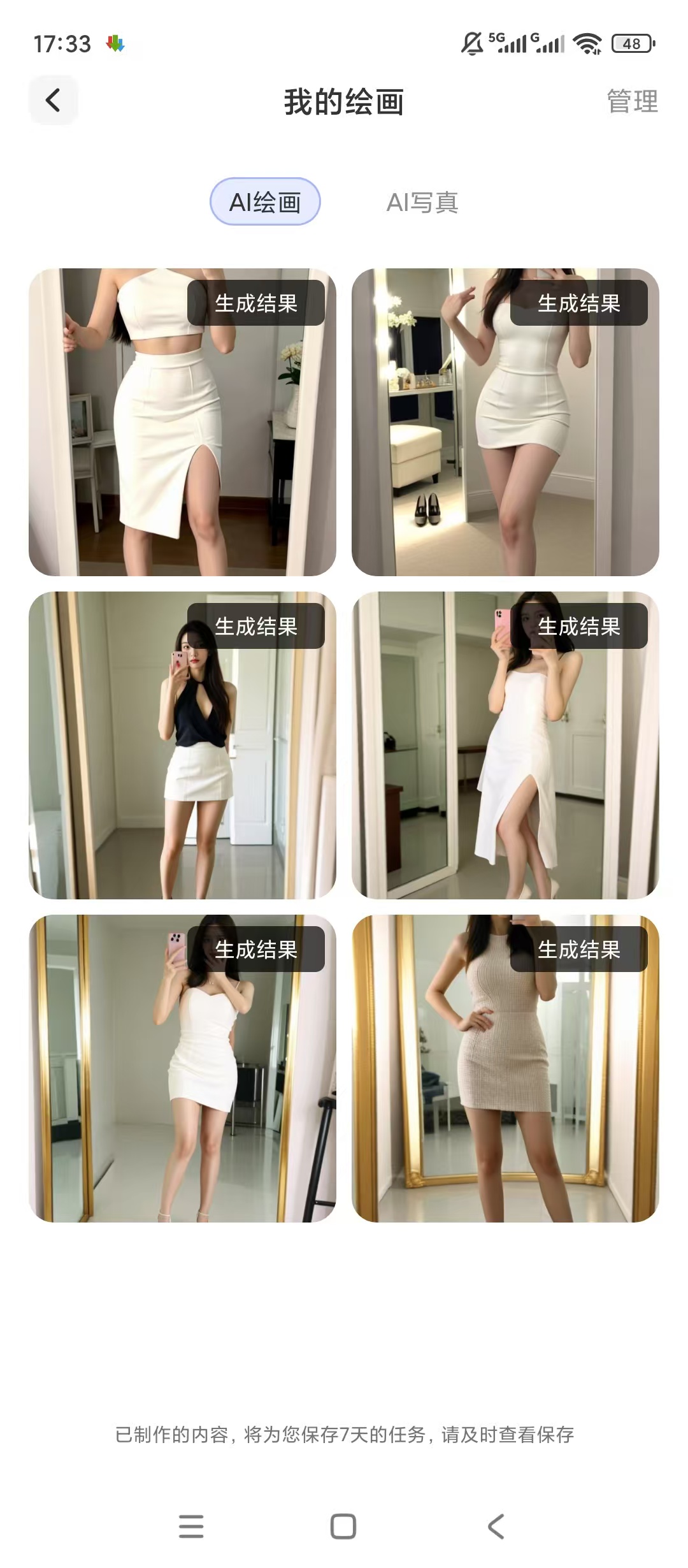
【软件介绍】:综合免费AI工具,解答学习工作生活各类问题,可文字生成短视频、多风格画作,套用模板生成氛围感写真,云端存储全部创作作品,可随时查看取用。

【下载链接】:https://pan.quark.cn/s/791e29b28cd9

拿走吱一声,不做白嫖怪

125112bwmms3p448w5oy38.jpg 125112y3z154m3dxgc1to5.jpg 125113jghla2xil8lthlty.jpg

Featured Replies

没有可显示的帖子

创建帐户或登录来提出意见

Account

导航

搜索

搜索

Configure browser push notifications

Chrome (Android)
  1. Tap the lock icon next to the address bar.
  2. Tap Permissions → Notifications.
  3. Adjust your preference.
Chrome (Desktop)
  1. Click the padlock icon in the address bar.
  2. Select Site settings.
  3. Find Notifications and adjust your preference.