跳转到内容
View in the app

A better way to browse. Learn more.

彼岸论坛

A full-screen app on your home screen with push notifications, badges and more.

To install this app on iOS and iPadOS
  1. Tap the Share icon in Safari
  2. Scroll the menu and tap Add to Home Screen.
  3. Tap Add in the top-right corner.
To install this app on Android
  1. Tap the 3-dot menu (⋮) in the top-right corner of the browser.
  2. Tap Add to Home screen or Install app.
  3. Confirm by tapping Install.
欢迎抵达彼岸 彼岸花开 此处谁在 -彼岸论坛

无能的钥匙,WiFi万能钥匙会员模块,一键解锁会员!

发表于

【应用名称】无能的钥匙
【应用版本】1.5.8
【软件大小】20m
【适用平台】安卓
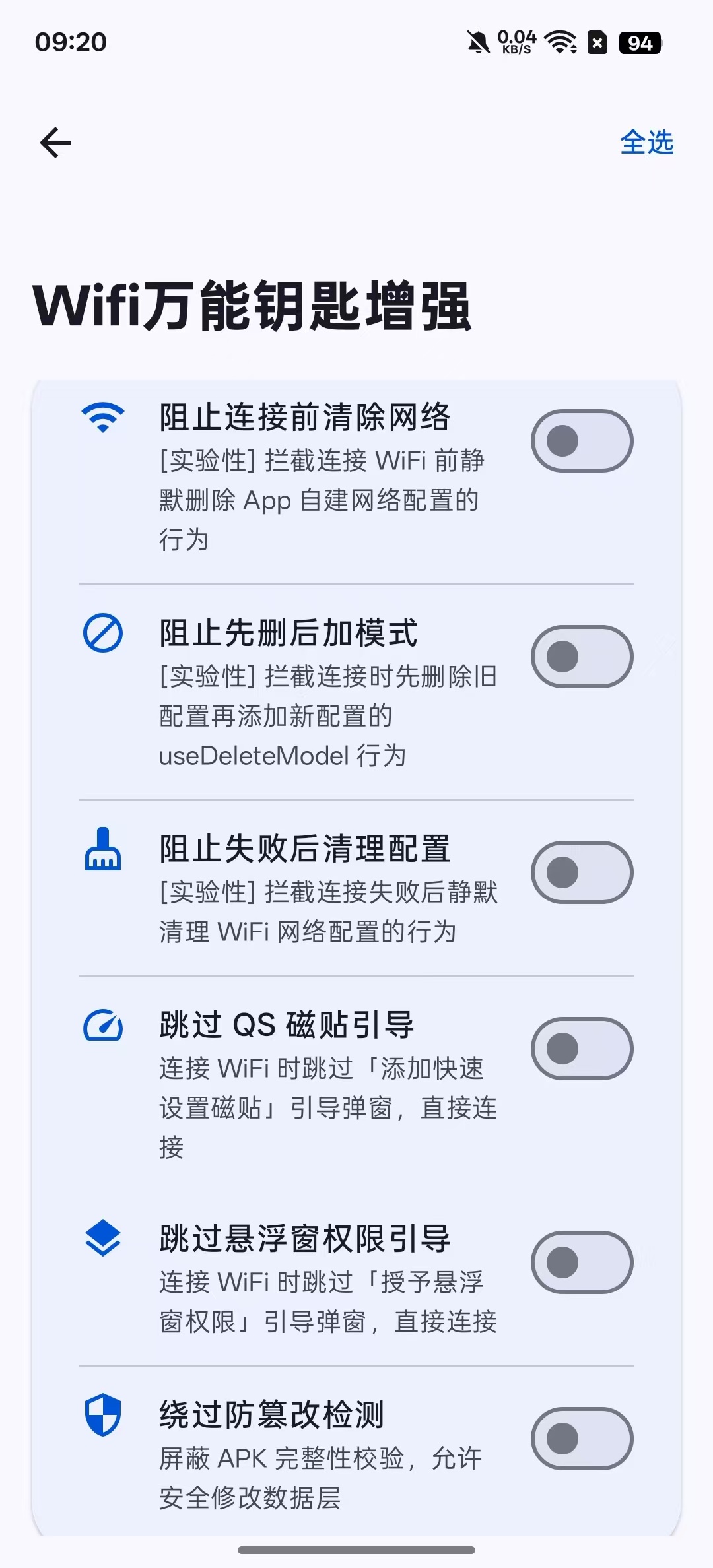
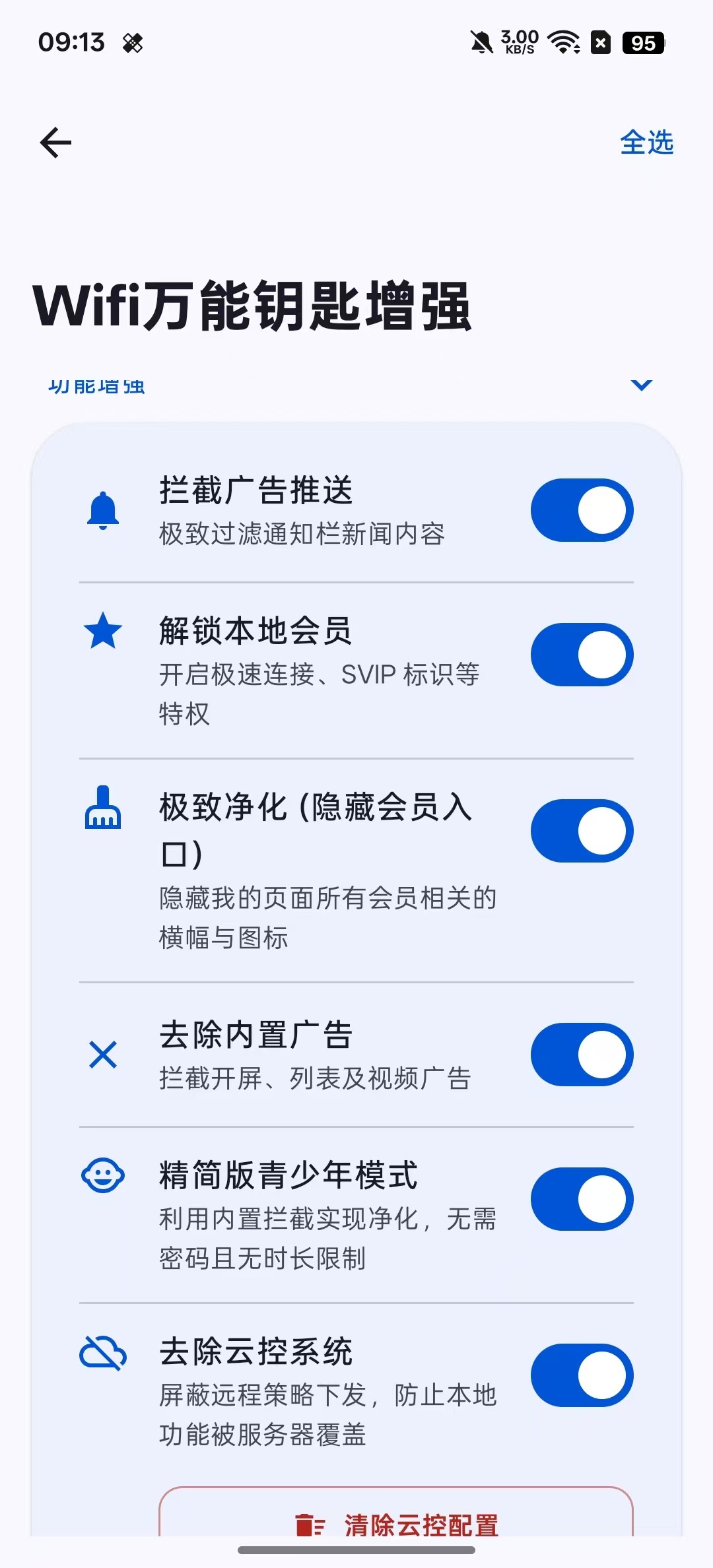
【应用简介】WiFi万能钥匙Xposed模块 - 本地SVIP解锁、去广告、底栏/工具栏精简

核心功能:
本地 SVIP 永久解锁:无需订阅,自动解锁所有 SVIP 功能
全模块去广告:移除开屏广告、列表广告、视频广告
底栏精简:可隐藏底部导航栏中的视频、附近、福利等标签页
工具栏精简:可隐藏首页工具栏中的垃圾清理、手机加速、网络测速等小组件
工具栏组件开关
支持独立控制以下工具栏组件的显示/隐藏

【下载地址】:https://pan.quark.cn/s/0c0857d46b3c


拿走吱一声,不做白嫖怪
120627as6jzkkgp4m6zef7.jpg 120628ovi296t6ljtv97j6.jpg

Featured Replies

没有可显示的帖子

创建帐户或登录来提出意见

Account

导航

搜索

搜索

Configure browser push notifications

Chrome (Android)
  1. Tap the lock icon next to the address bar.
  2. Tap Permissions → Notifications.
  3. Adjust your preference.
Chrome (Desktop)
  1. Click the padlock icon in the address bar.
  2. Select Site settings.
  3. Find Notifications and adjust your preference.