跳转到内容
View in the app

A better way to browse. Learn more.

彼岸论坛

A full-screen app on your home screen with push notifications, badges and more.

To install this app on iOS and iPadOS
  1. Tap the Share icon in Safari
  2. Scroll the menu and tap Add to Home Screen.
  3. Tap Add in the top-right corner.
To install this app on Android
  1. Tap the 3-dot menu (⋮) in the top-right corner of the browser.
  2. Tap Add to Home screen or Install app.
  3. Confirm by tapping Install.
欢迎抵达彼岸 彼岸花开 此处谁在 -彼岸论坛

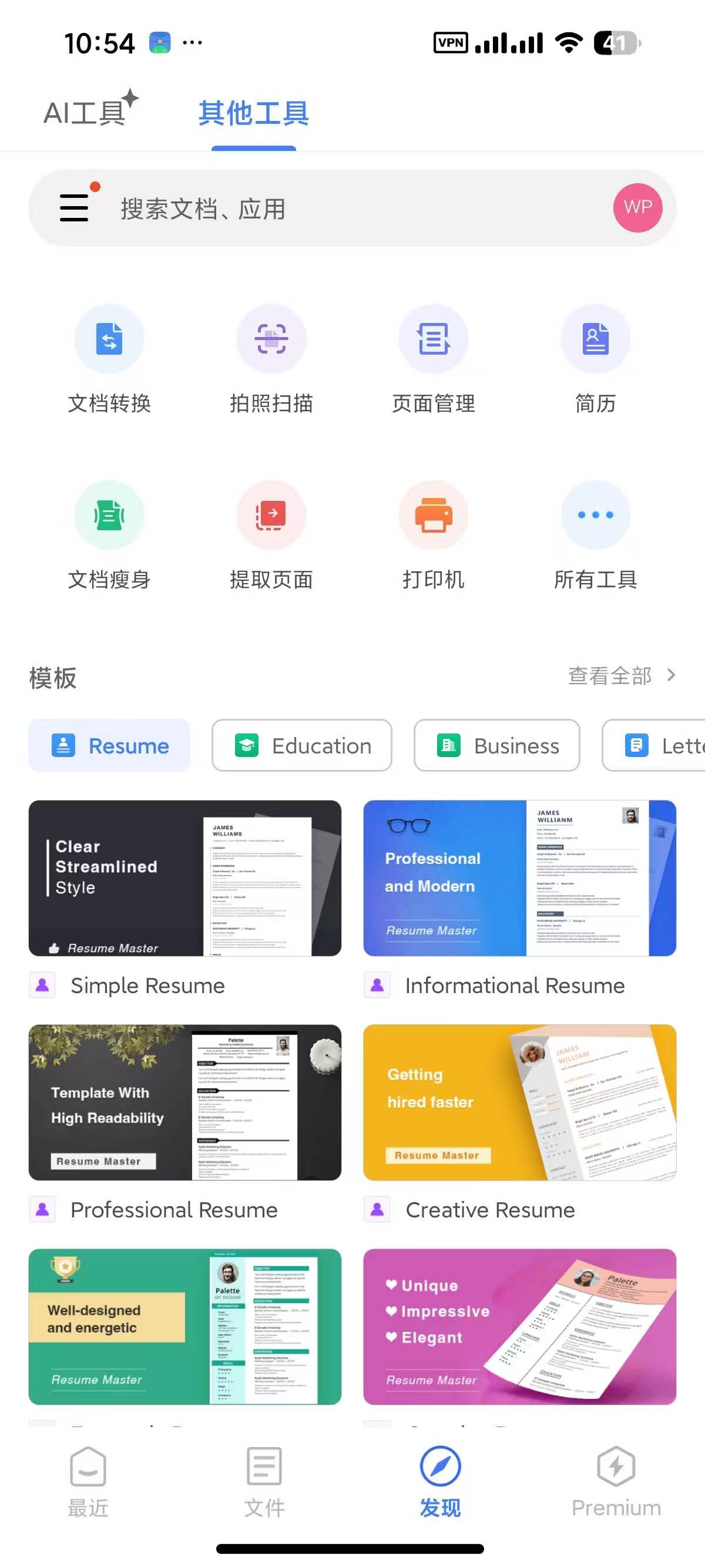
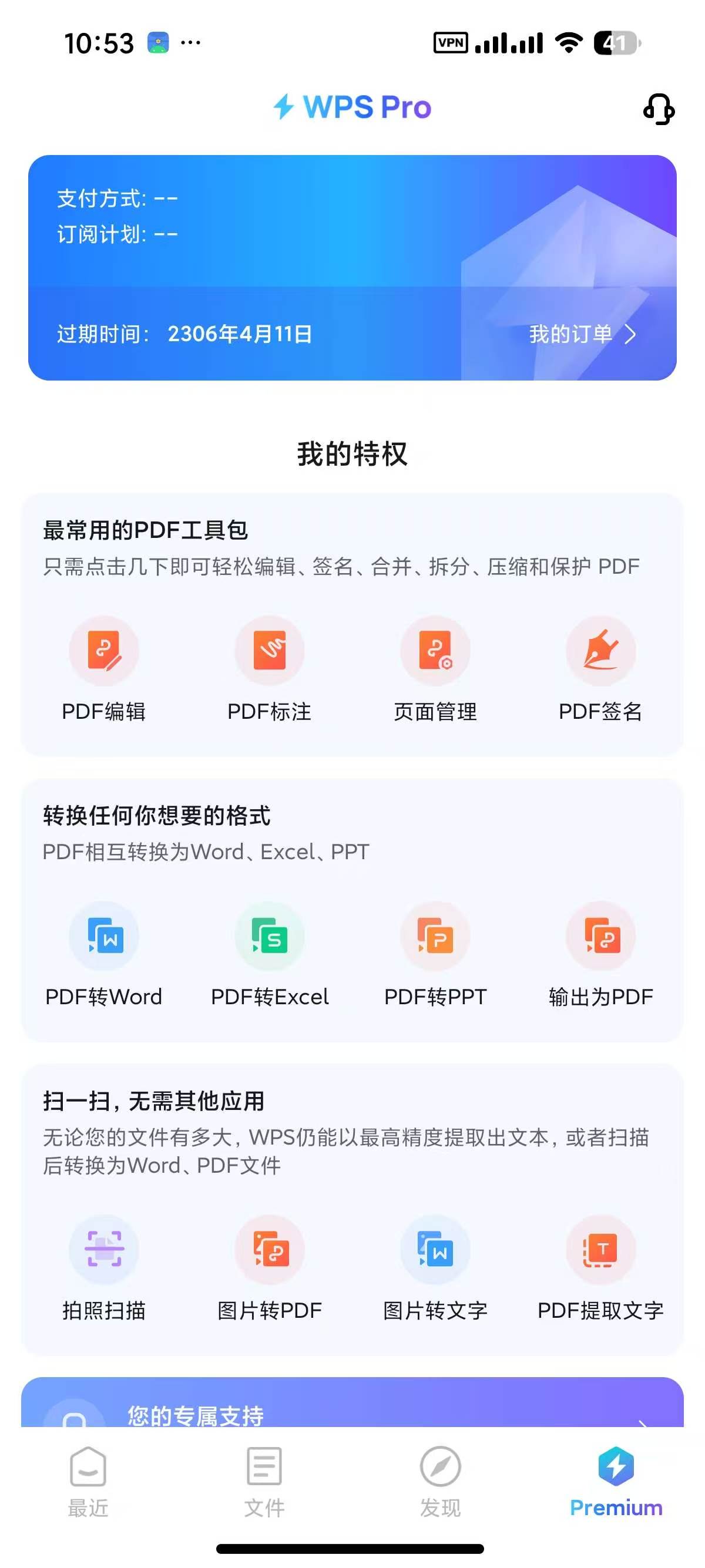
WPS Office26.6.3会员版,已解锁会员功能!

发表于

【应用名称】:WPS Office  
【应用版本】:26.6.3 1602
【应用大小】:176 MB  
【适用平台】:Android  
【软件介绍】  
WPS Office是一款集Word,PDF,Sheet,PowerPoint,表格,文档,云存储,模板库和在线编辑与共享于一体的多功能免费办公套件。它支持多种语言和文件格式,提供强大的PDF编辑工具,并且拥有便捷的云存储功能,让您的文档随身携带,随时随地进行编辑。

【下载地址】:https://pan.quark.cn/s/dff733d7c253

拿走吱一声!
122313lylj3zoj11s005fi.jpg 122316fpq52nnbjjdy5b4s.jpg 122317jpzx9pbgmupziy9u.jpg

Featured Replies

没有可显示的帖子

创建帐户或登录来提出意见

Account

导航

搜索

搜索

Configure browser push notifications

Chrome (Android)
  1. Tap the lock icon next to the address bar.
  2. Tap Permissions → Notifications.
  3. Adjust your preference.
Chrome (Desktop)
  1. Click the padlock icon in the address bar.
  2. Select Site settings.
  3. Find Notifications and adjust your preference.