跳转到内容
View in the app

A better way to browse. Learn more.

彼岸论坛

A full-screen app on your home screen with push notifications, badges and more.

To install this app on iOS and iPadOS
  1. Tap the Share icon in Safari
  2. Scroll the menu and tap Add to Home Screen.
  3. Tap Add in the top-right corner.
To install this app on Android
  1. Tap the 3-dot menu (⋮) in the top-right corner of the browser.
  2. Tap Add to Home screen or Install app.
  3. Confirm by tapping Install.
欢迎抵达彼岸 彼岸花开 此处谁在 -彼岸论坛

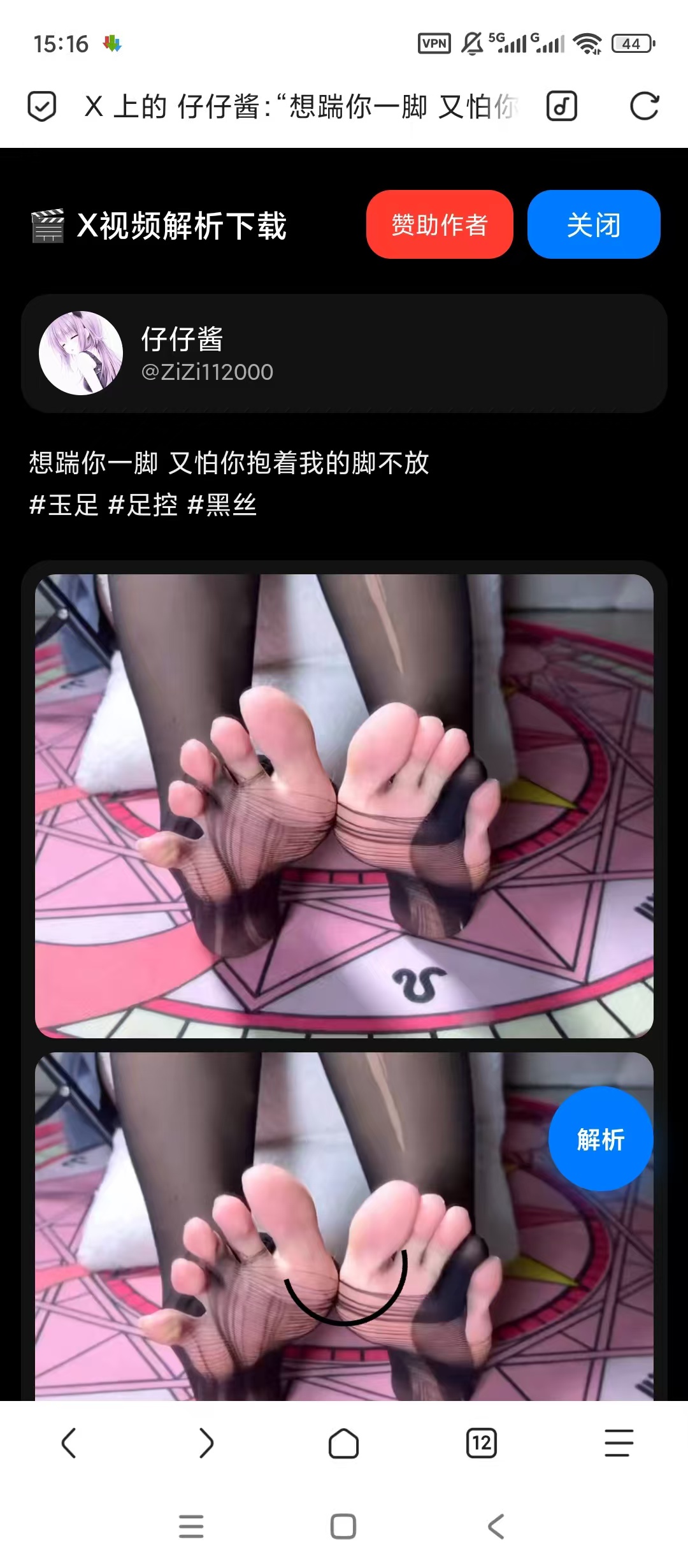
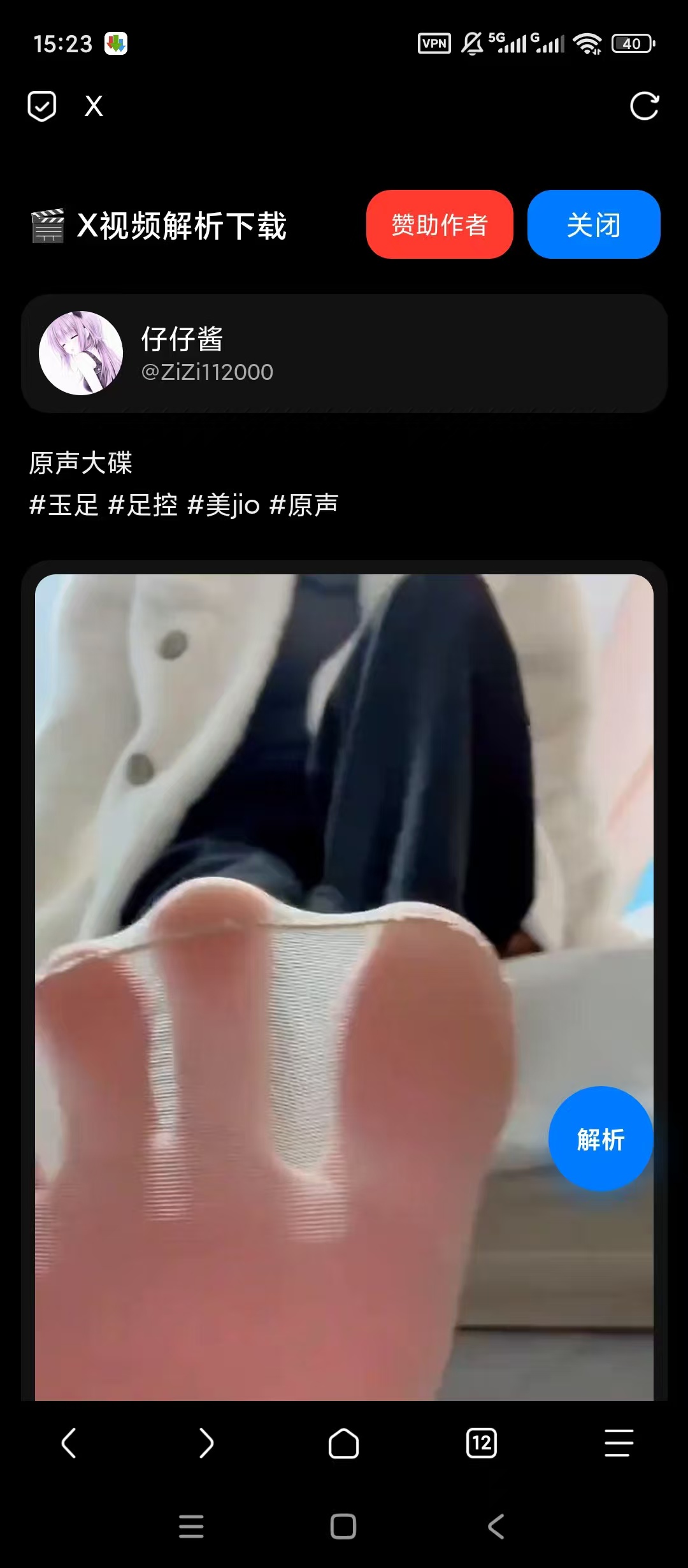
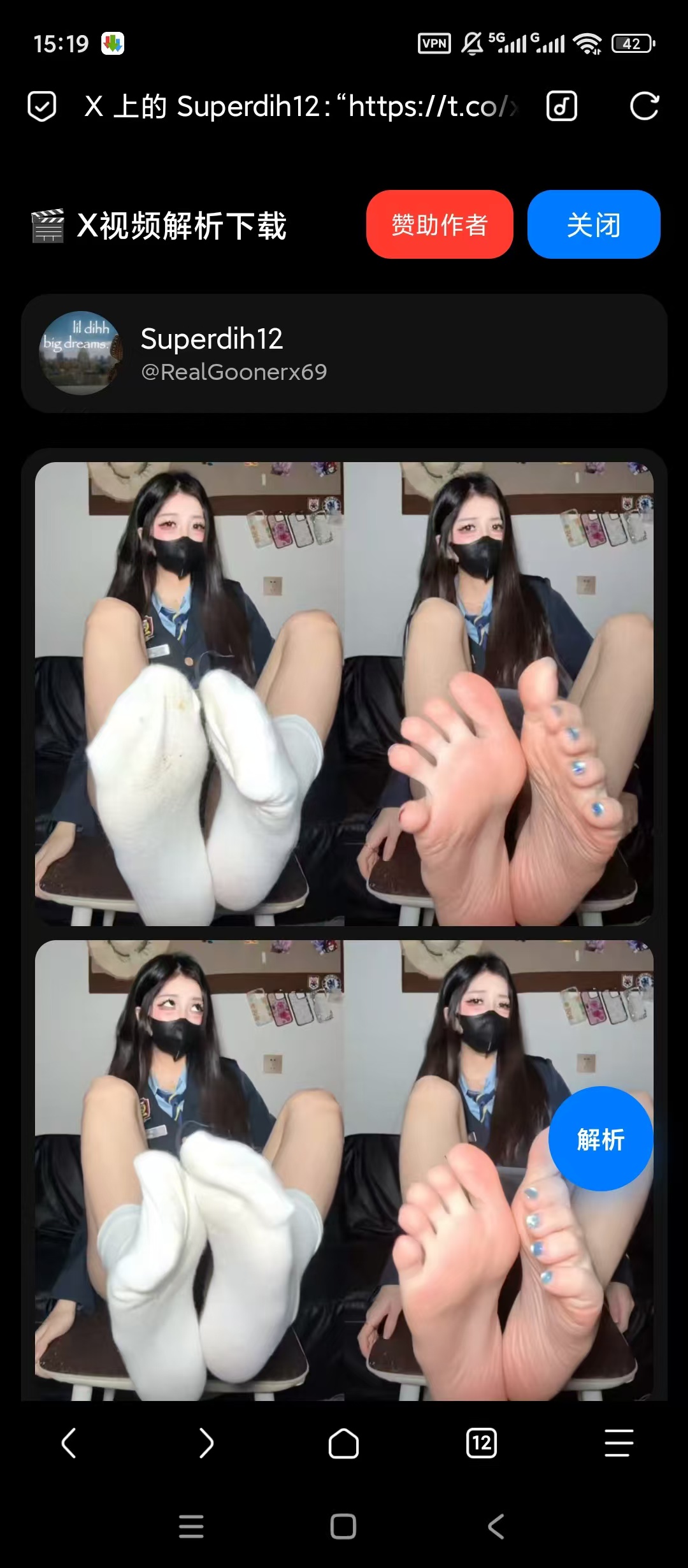
X解析插件,X视频解析下载,无水印!

发表于

【楼主评价】:X解析插件,X视频解析下载,无水印解析下载

【 软件名称】:X解析插件(适配一切可导入插件浏览器)
【 软件版本】:v1.0.0
【软件大小】:8.33KB
【测试平台】:红米Note 12T Pro/澎湃2/安卓15

【官方介绍】:操作简单 打开想要下载的页面 直接点解析

因为黑X不是内陆软件
所以需要魔法才能展示解析结果
如有软件用不了的请提出问题
上来就无脑喷的一律拉黑处理


【下载链接】:https://pan.quark.cn/s/28734bd4720e

拿走吱一声,不做白嫖怪
111552o004t00in0m0mkjd.jpg 111559sqiyqn30kyqikyy7.jpg 111609ma80xj5dir8x22r6.jpg


Featured Replies

没有可显示的帖子

创建帐户或登录来提出意见

Account

导航

搜索

搜索

Configure browser push notifications

Chrome (Android)
  1. Tap the lock icon next to the address bar.
  2. Tap Permissions → Notifications.
  3. Adjust your preference.
Chrome (Desktop)
  1. Click the padlock icon in the address bar.
  2. Select Site settings.
  3. Find Notifications and adjust your preference.