跳转到内容
View in the app

A better way to browse. Learn more.

彼岸论坛

A full-screen app on your home screen with push notifications, badges and more.

To install this app on iOS and iPadOS
  1. Tap the Share icon in Safari
  2. Scroll the menu and tap Add to Home Screen.
  3. Tap Add in the top-right corner.
To install this app on Android
  1. Tap the 3-dot menu (⋮) in the top-right corner of the browser.
  2. Tap Add to Home screen or Install app.
  3. Confirm by tapping Install.
欢迎抵达彼岸 彼岸花开 此处谁在 -彼岸论坛

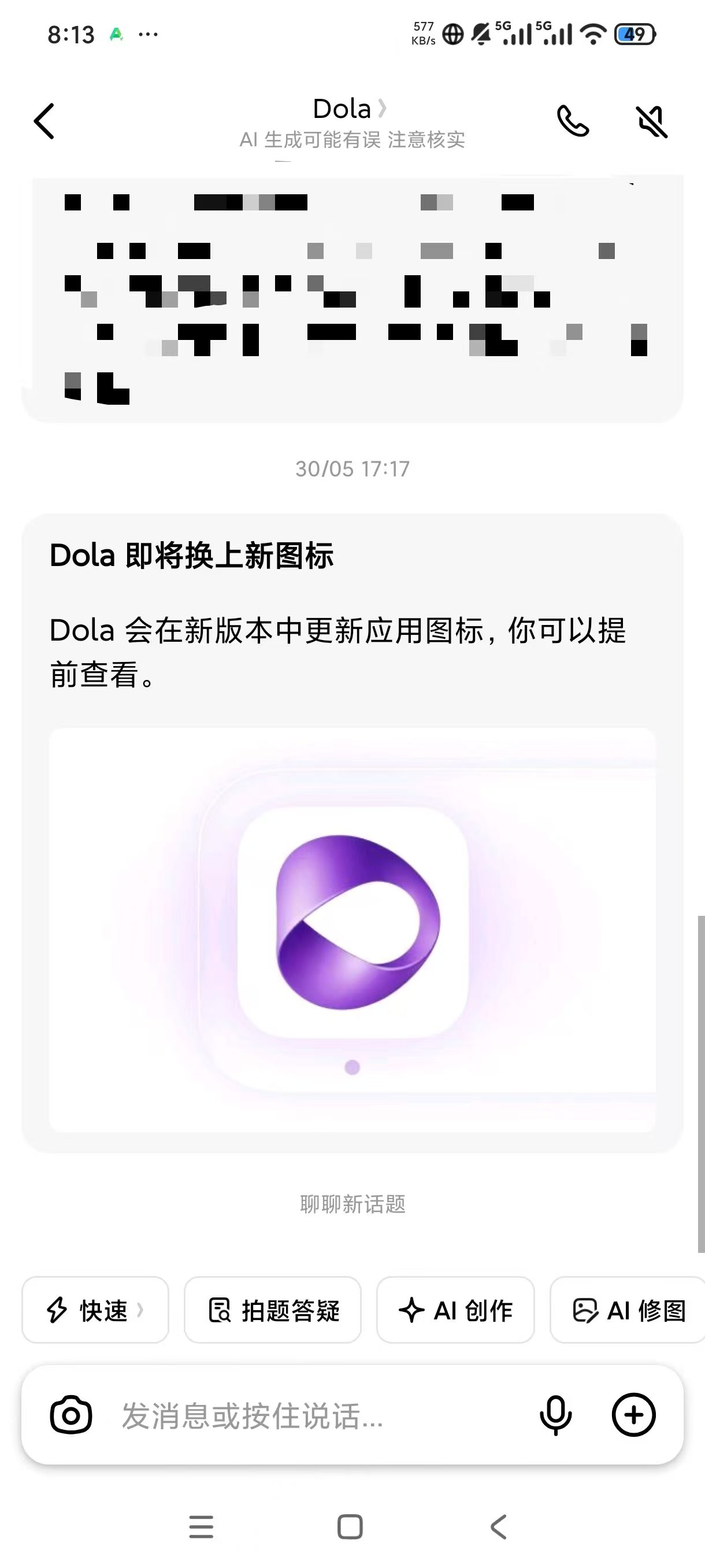
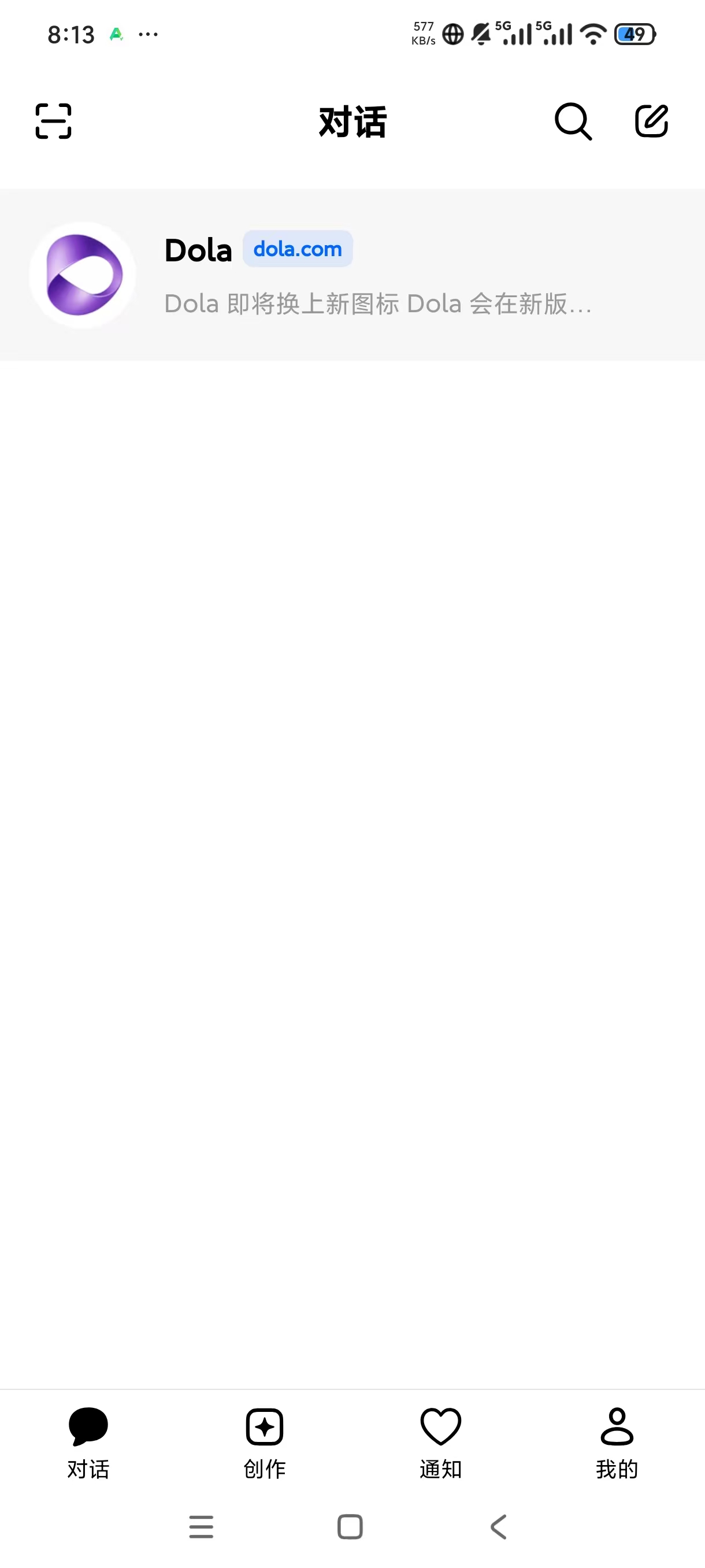
Dola豆包国际版,问答无限制最强AI

发表于

软件名称】Dola
 软件版本】14.3.0 14030005
软件大小】131.07M
【适用平台】安卓[软件简介]Dola(原名Cici)是字节跳动为海外市场打造的免费AI对话助手,具备语音交:互功能,能在移动端与电脑端灵活使用。学习辅导、内容创作和日常交流,Dola都能提供高效支持。用户能自定义AI机器人,用在知识学习、创意协作或情感陪伴等场景。国内用户推荐使用豆包,支持PC网页、客户端、 手机APP及浏览器插件,多端同步且完全免费。


下载链接:https://pan.quark.cn/s/73c1641d13bd

拿走吱一声!

162609y0f00tta4attxuvm.jpg 162601r8c8wju0ssfncb7w.jpg 162604t8aaauze8yra118v.jpg


Featured Replies

没有可显示的帖子

创建帐户或登录来提出意见

Account

导航

搜索

搜索

Configure browser push notifications

Chrome (Android)
  1. Tap the lock icon next to the address bar.
  2. Tap Permissions → Notifications.
  3. Adjust your preference.
Chrome (Desktop)
  1. Click the padlock icon in the address bar.
  2. Select Site settings.
  3. Find Notifications and adjust your preference.