跳转到内容
View in the app

A better way to browse. Learn more.

彼岸论坛

A full-screen app on your home screen with push notifications, badges and more.

To install this app on iOS and iPadOS
  1. Tap the Share icon in Safari
  2. Scroll the menu and tap Add to Home Screen.
  3. Tap Add in the top-right corner.
To install this app on Android
  1. Tap the 3-dot menu (⋮) in the top-right corner of the browser.
  2. Tap Add to Home screen or Install app.
  3. Confirm by tapping Install.
欢迎抵达彼岸 彼岸花开 此处谁在 -彼岸论坛

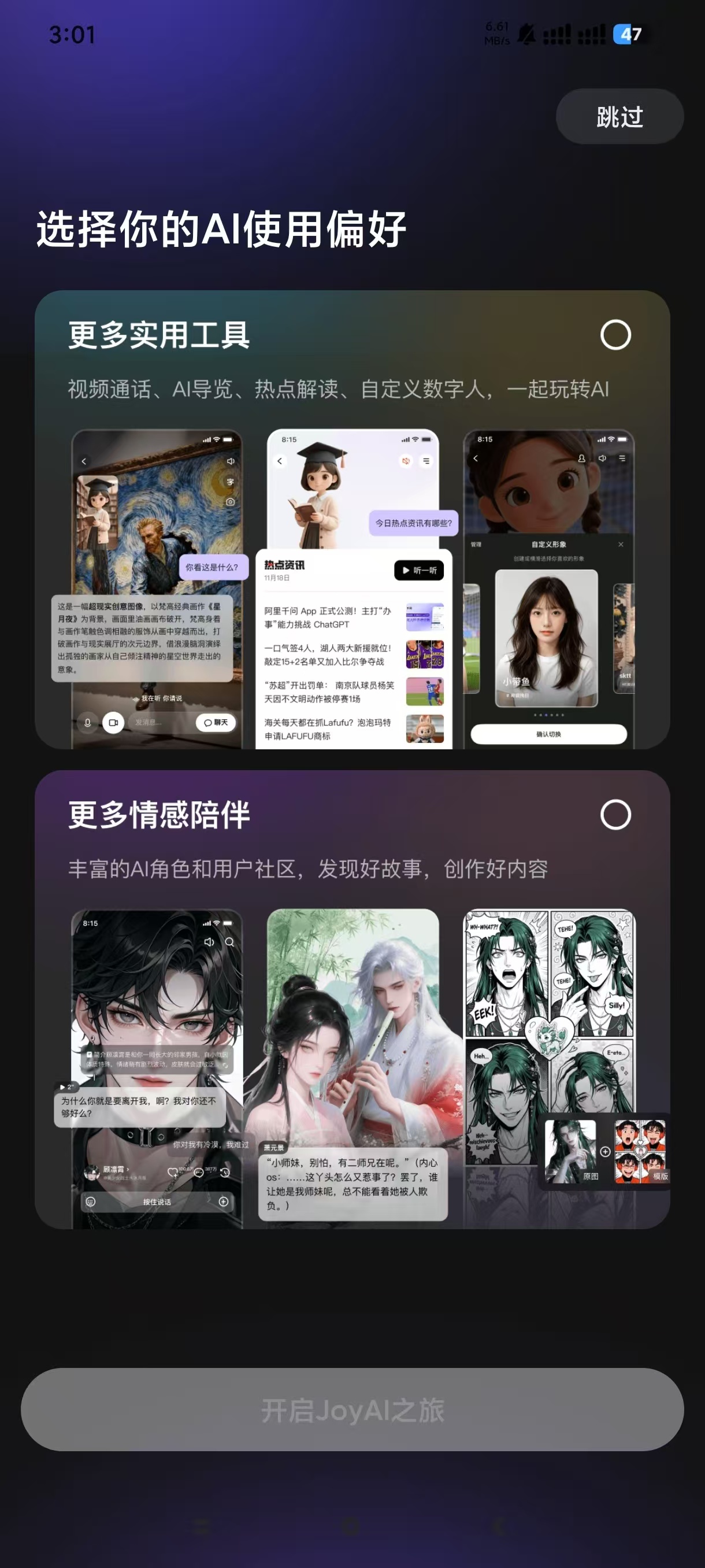
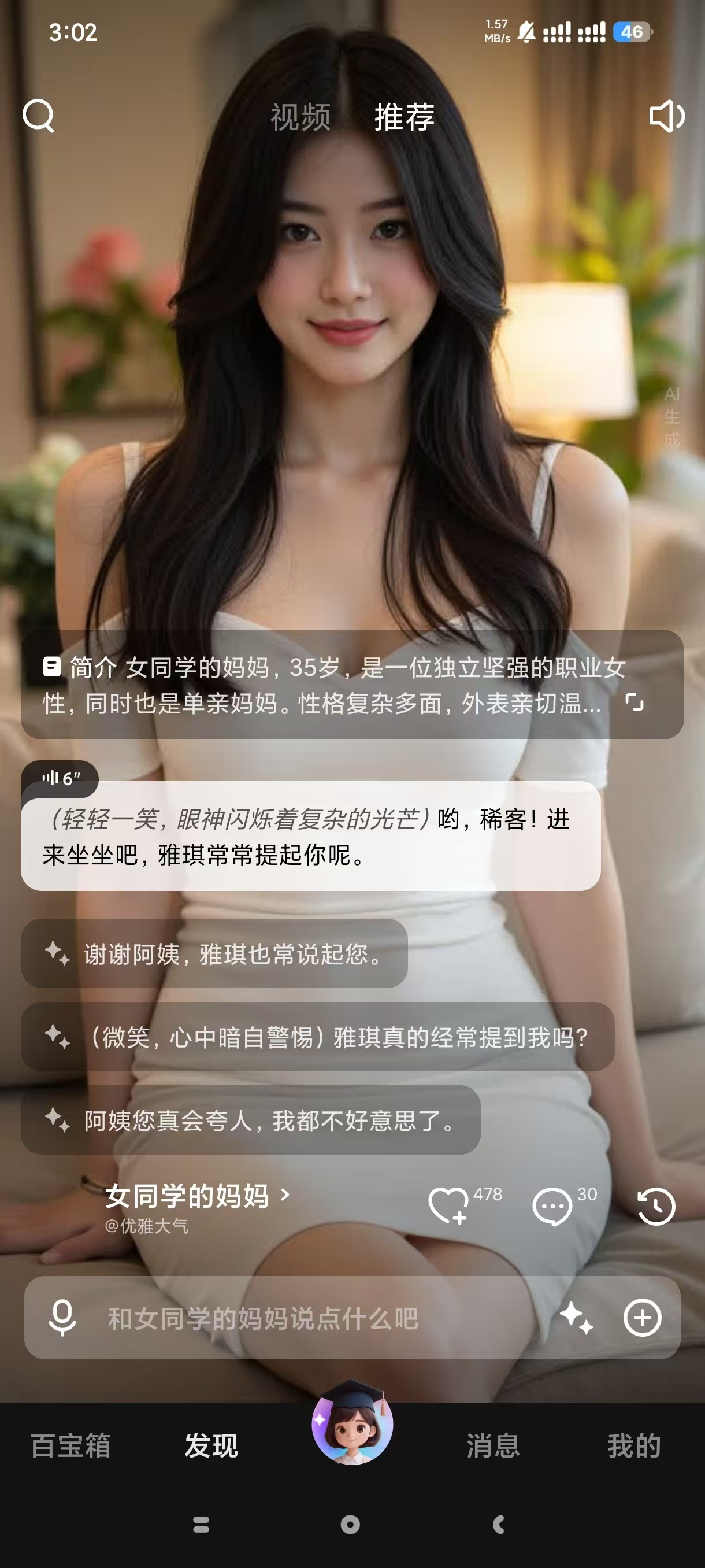
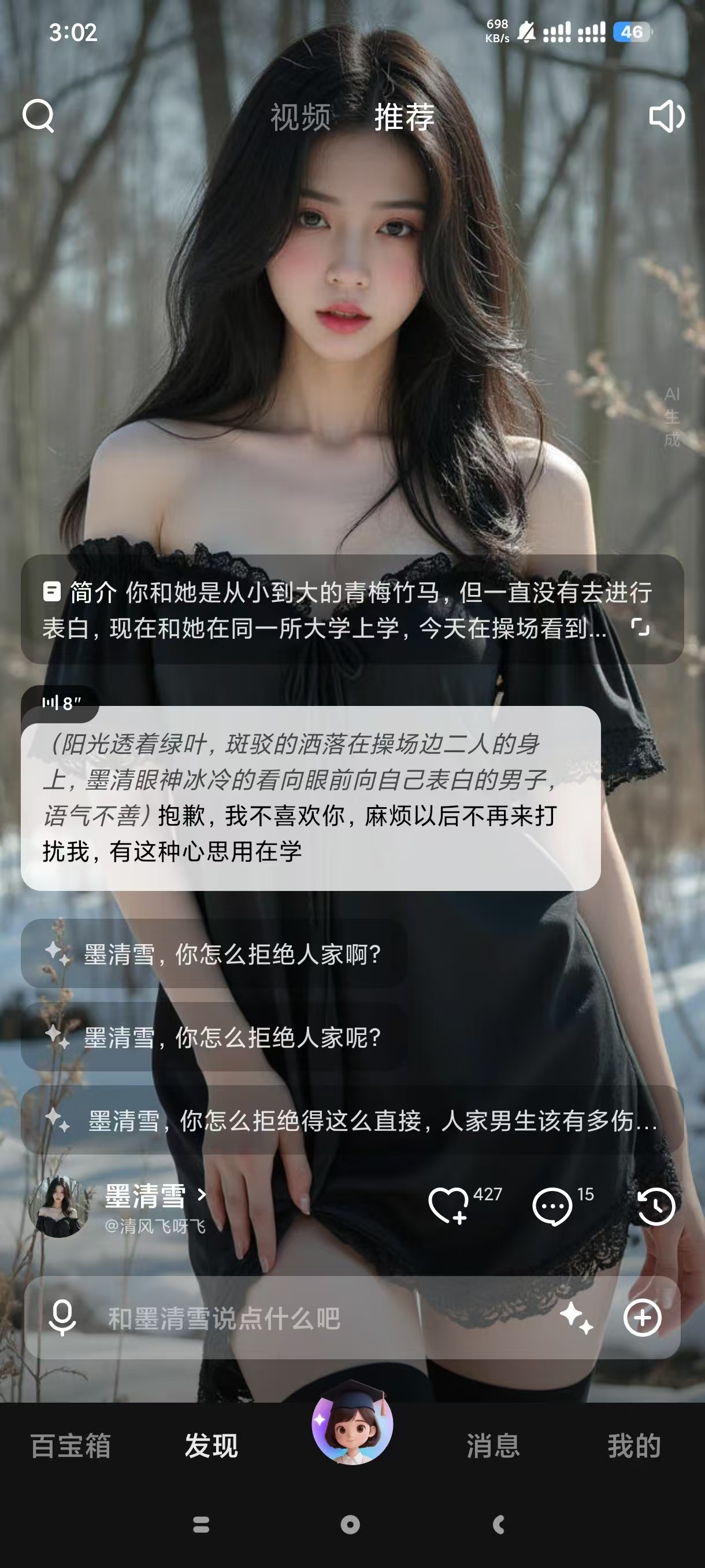
JoyAI2.1.0,你的专属乖乖AI女友,情感陪伴!

发表于

【应 用 名 称】:JoyAI
【应 用 版 本】:2.1.0
【应 用 大 小】:187.35M
【应 用 介 绍】:(WOW)生活琐碎、创作缺灵感、想找人倾诉?JoyAI是你口袋里有温度的全能数字人助手,你只要说出需求,剩下的交给JoyAI。万能博士Dr.Joy,承包你的便捷生活。切换App,语音即可操作.资讯台精准懂你,拒绝信息过载,按兴趣定制推送,科技动态、生活百科等重要信息不遗漏。

【应 用 系 统】:安卓
【测 试 系 统】: 安卓15

【下 载 地 址】:https://pan.quark.cn/s/4fe03b34240a

拿走吱一声!
165640mmr3fcrcrswckenu.jpg 165638wzthz9pgf6scfpjc.jpg 165642q0no5ss5ss9pgse6.jpg


Featured Replies

没有可显示的帖子

创建帐户或登录来提出意见

Account

导航

搜索

搜索

Configure browser push notifications

Chrome (Android)
  1. Tap the lock icon next to the address bar.
  2. Tap Permissions → Notifications.
  3. Adjust your preference.
Chrome (Desktop)
  1. Click the padlock icon in the address bar.
  2. Select Site settings.
  3. Find Notifications and adjust your preference.