跳转到内容
View in the app

A better way to browse. Learn more.

彼岸论坛

A full-screen app on your home screen with push notifications, badges and more.

To install this app on iOS and iPadOS
  1. Tap the Share icon in Safari
  2. Scroll the menu and tap Add to Home Screen.
  3. Tap Add in the top-right corner.
To install this app on Android
  1. Tap the 3-dot menu (⋮) in the top-right corner of the browser.
  2. Tap Add to Home screen or Install app.
  3. Confirm by tapping Install.
欢迎抵达彼岸 彼岸花开 此处谁在 -彼岸论坛

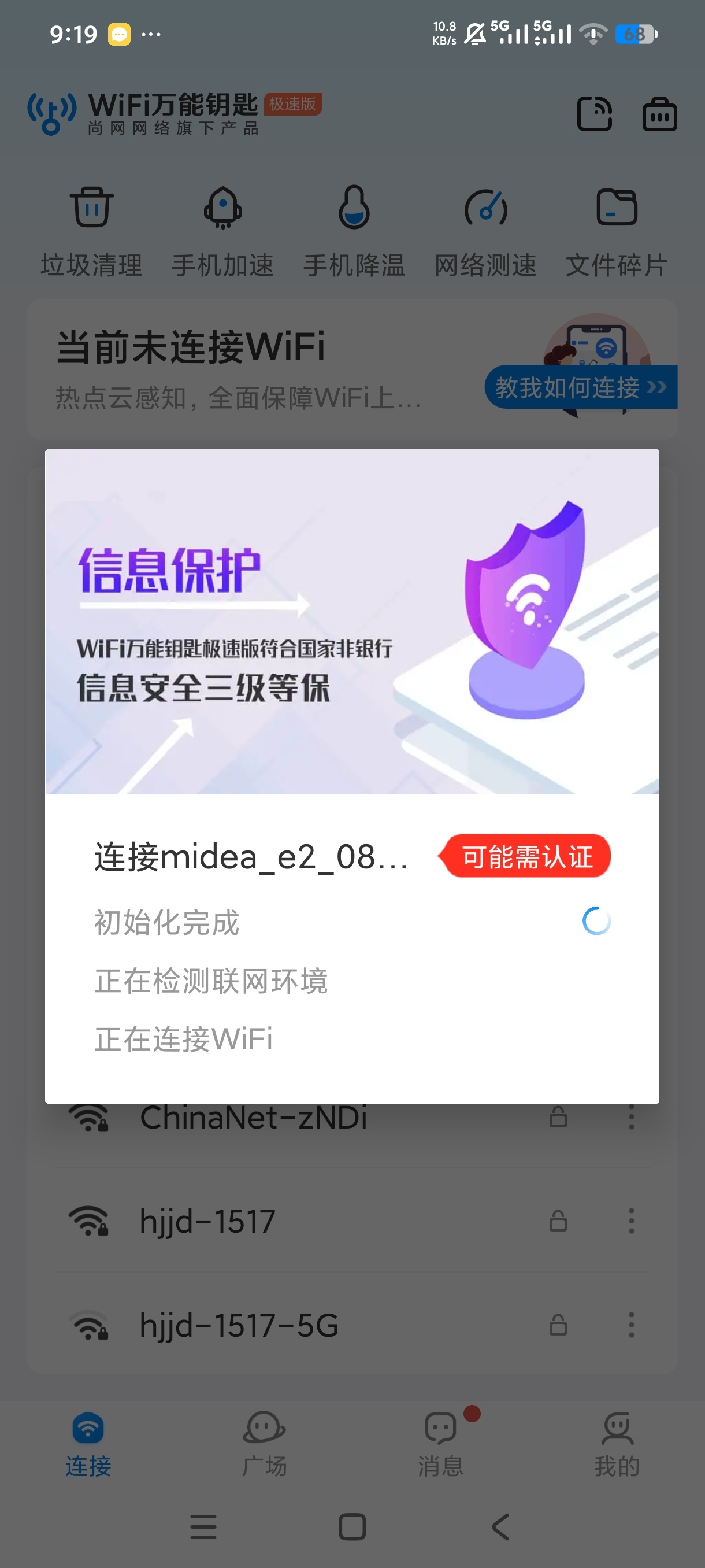
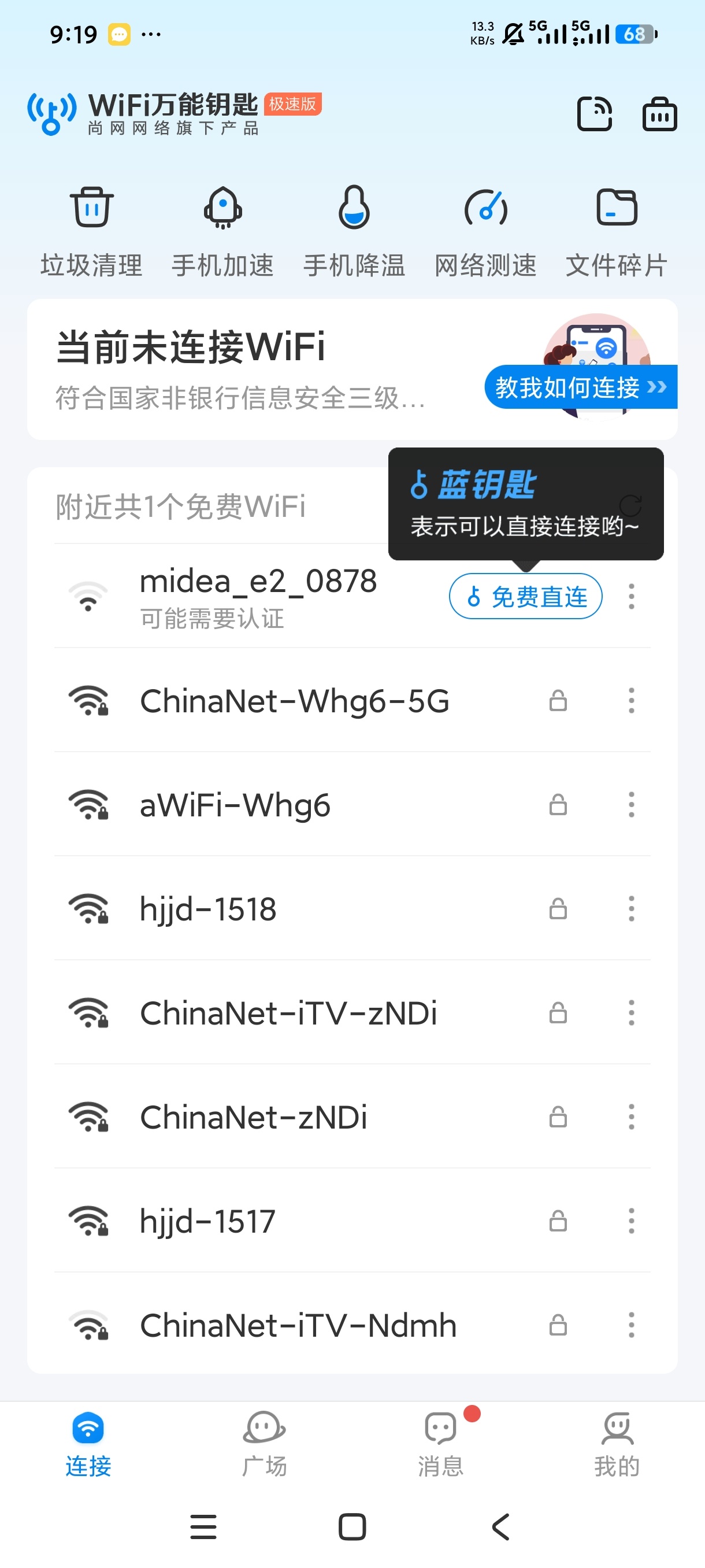
WiFi万能钥匙极速版,纯净无广告,免费连接无线网!

发表于

【应用名称】WiFi万能钥匙极速版【最新版】
【应用版本】6.9.17
【软件大小】72.61M
【适用平台】安卓
【应用简介】WiFi万能钥匙是一款无线网络连接辅助软件。它可搜索周边WiFi网络,部分能借助云端数据自动连接,方便快捷。还具备网络安全检测功能,一定程度保障上网安全。界面简洁,操作简单,能帮助用户在外出等场景下快速获取可用网络,提升上网便利性,但使用时也需注意网络安全风险。

首次进会闪退  第二次不会了

下载链接:https://pan.quark.cn/s/b170985eb678

拿走吱一声!
103707nwptlrmx5mpkvymx.jpg 103716meiyp772hpg3e1bt.jpg 103727njujy99kgxokjpgy.jpg


Featured Replies

没有可显示的帖子

创建帐户或登录来提出意见

Account

导航

搜索

搜索

Configure browser push notifications

Chrome (Android)
  1. Tap the lock icon next to the address bar.
  2. Tap Permissions → Notifications.
  3. Adjust your preference.
Chrome (Desktop)
  1. Click the padlock icon in the address bar.
  2. Select Site settings.
  3. Find Notifications and adjust your preference.