跳转到内容
View in the app

A better way to browse. Learn more.

彼岸论坛

A full-screen app on your home screen with push notifications, badges and more.

To install this app on iOS and iPadOS
  1. Tap the Share icon in Safari
  2. Scroll the menu and tap Add to Home Screen.
  3. Tap Add in the top-right corner.
To install this app on Android
  1. Tap the 3-dot menu (⋮) in the top-right corner of the browser.
  2. Tap Add to Home screen or Install app.
  3. Confirm by tapping Install.
欢迎抵达彼岸 彼岸花开 此处谁在 -彼岸论坛

推特最新精简高级版

发表于

说明:基于Piko-Morphe Patches自行编译,优化简体中文翻译并将“X、帖子”等文本调整为“Twitter、推文”。大幅缩减安装包体积,删除部分非必要服务与7个SO库,采用
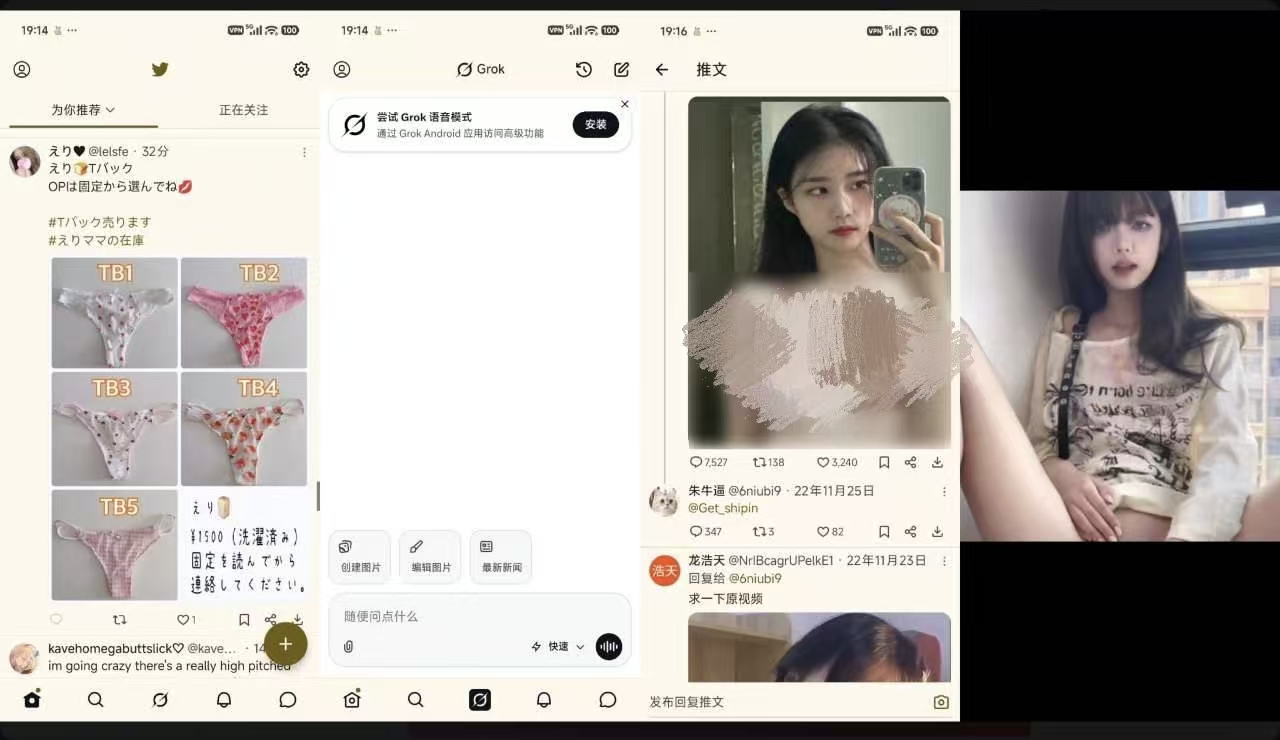
Monet 版本。本版已移除Pairip加固,并取消“分离XChat系统"及“更改应用图标”补丁。遇到LoginError等问题,可参考以往解决记录。

下载地址:https://pan.quark.cn/s/279057170003

拿走吱一声!

173023wu5qlhrb14rmbsq2.jpg

Featured Replies

没有可显示的帖子

创建帐户或登录来提出意见

Account

导航

搜索

搜索

Configure browser push notifications

Chrome (Android)
  1. Tap the lock icon next to the address bar.
  2. Tap Permissions → Notifications.
  3. Adjust your preference.
Chrome (Desktop)
  1. Click the padlock icon in the address bar.
  2. Select Site settings.
  3. Find Notifications and adjust your preference.