跳转到内容
View in the app

A better way to browse. Learn more.

彼岸论坛

A full-screen app on your home screen with push notifications, badges and more.

To install this app on iOS and iPadOS
  1. Tap the Share icon in Safari
  2. Scroll the menu and tap Add to Home Screen.
  3. Tap Add in the top-right corner.
To install this app on Android
  1. Tap the 3-dot menu (⋮) in the top-right corner of the browser.
  2. Tap Add to Home screen or Install app.
  3. Confirm by tapping Install.
欢迎抵达彼岸 彼岸花开 此处谁在 -彼岸论坛

乱七八糟_1.4.27_全能工具箱·资源搜索神器_解锁会员

发表于


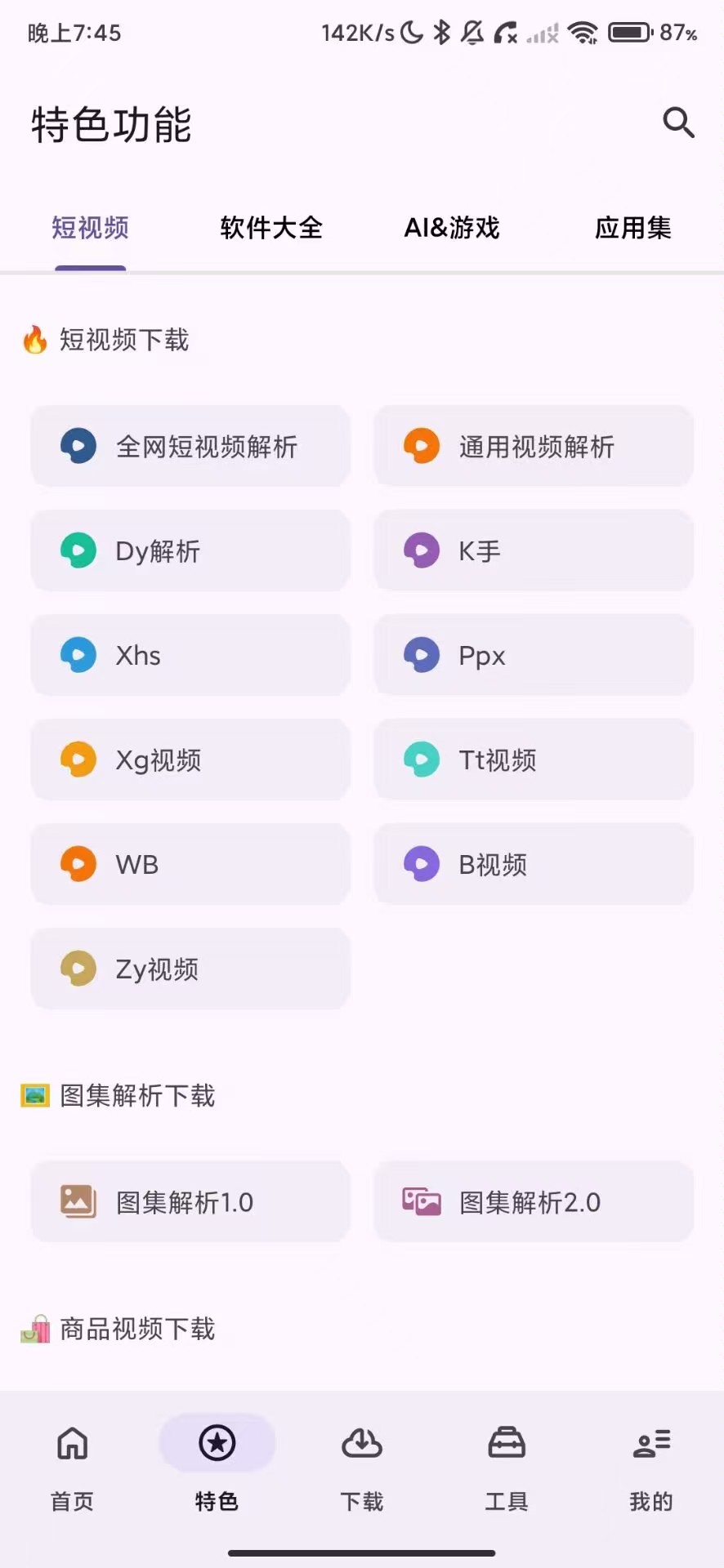
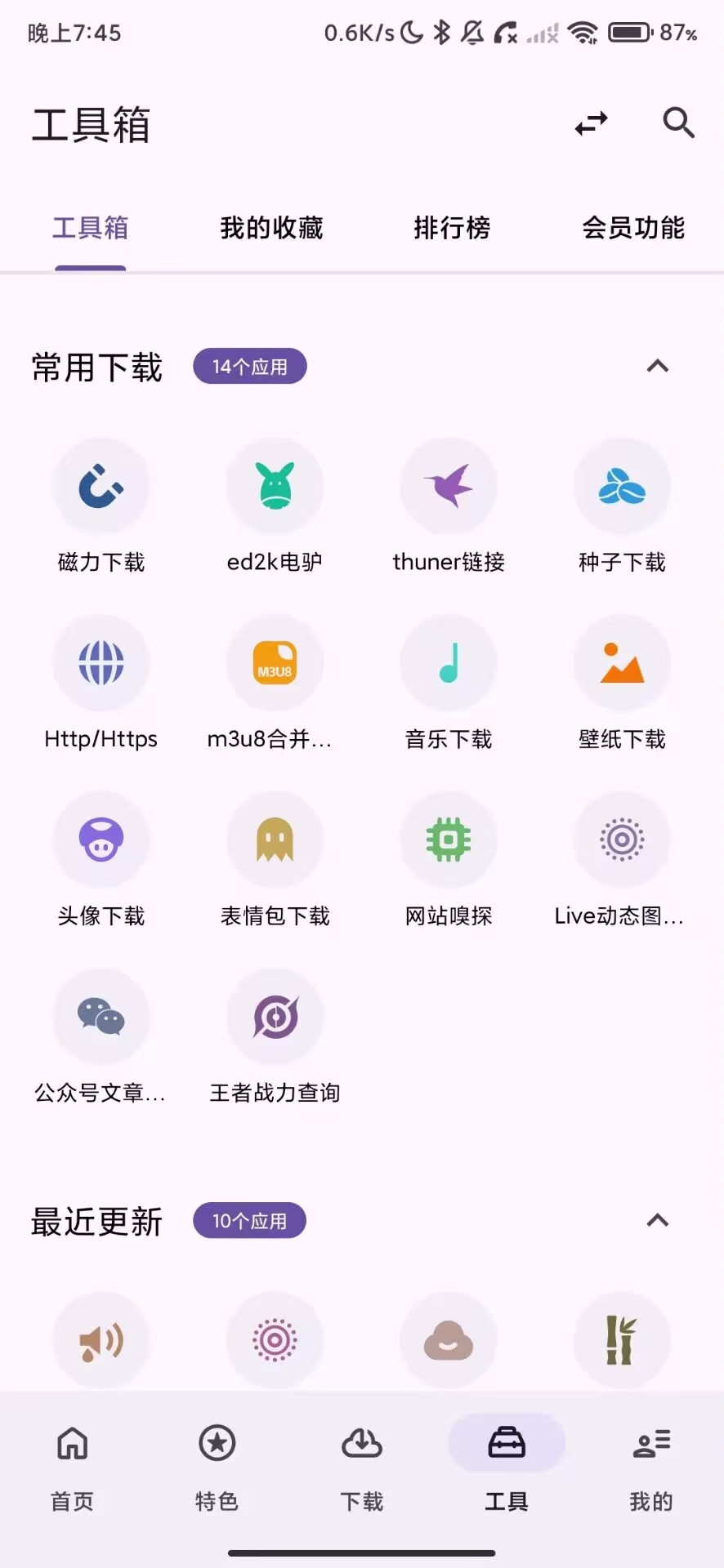
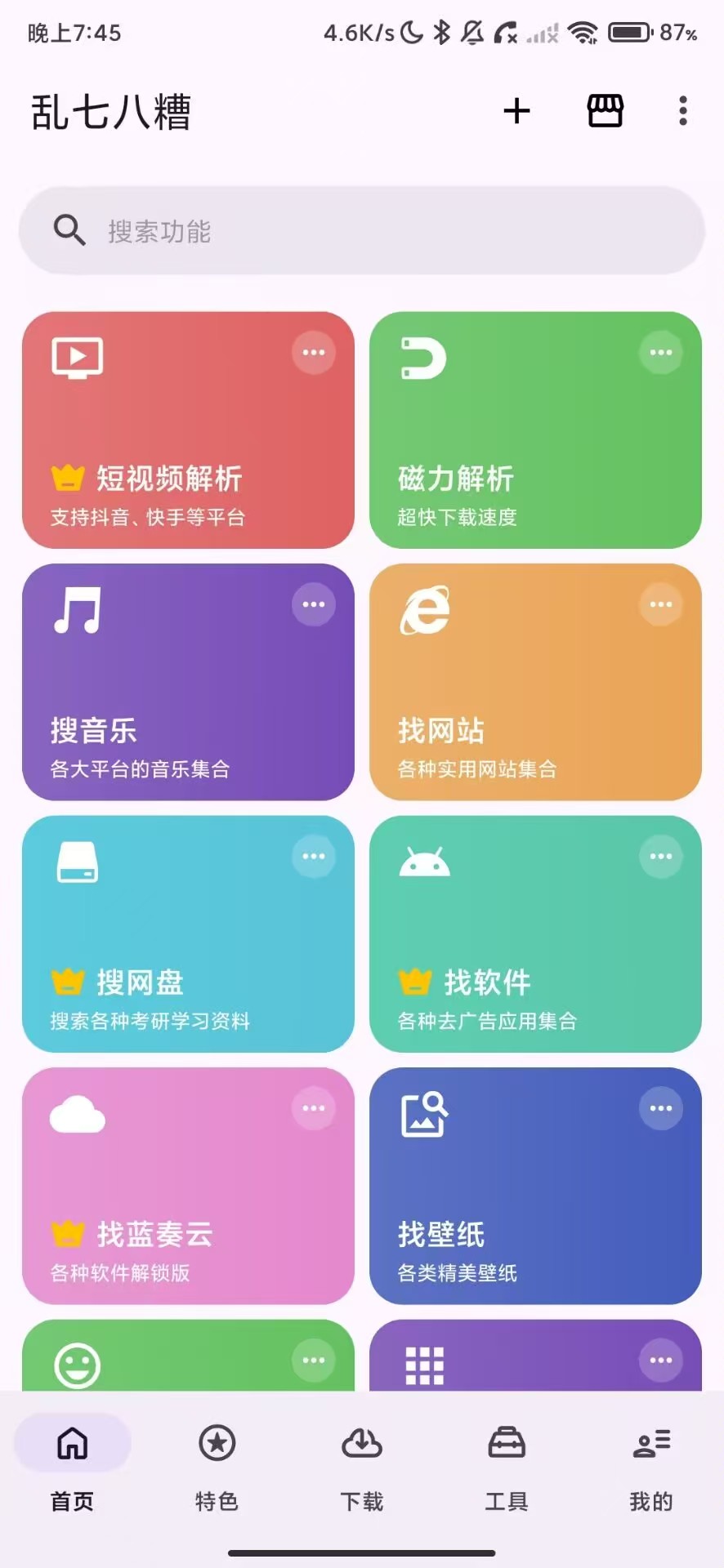
 软件名称乱七八糟软件大小82.28mb软件版本1.4.27适用版本安卓软件介绍乱七八糟是一款集合了数十款刚需功能的超级工具箱,集成了文件管理、系统优化、数据恢复及图片编辑等核心模块。全场景贴心适配日常办公与生活需求
修改内容去除广告解锁永久会员:

会员登录后生效,建议使用"免填信息一键登录

下载链接:https://pan.quark.cn/s/7bfc3eca645a

拿走吱一声!
105344dg99uzd1ospe600s.jpg 105341nbwbfouabj3pqocd.jpg 105348s463wodb3om1d1g1.jpg

Featured Replies

没有可显示的帖子

创建帐户或登录来提出意见

Account

导航

搜索

搜索

Configure browser push notifications

Chrome (Android)
  1. Tap the lock icon next to the address bar.
  2. Tap Permissions → Notifications.
  3. Adjust your preference.
Chrome (Desktop)
  1. Click the padlock icon in the address bar.
  2. Select Site settings.
  3. Find Notifications and adjust your preference.