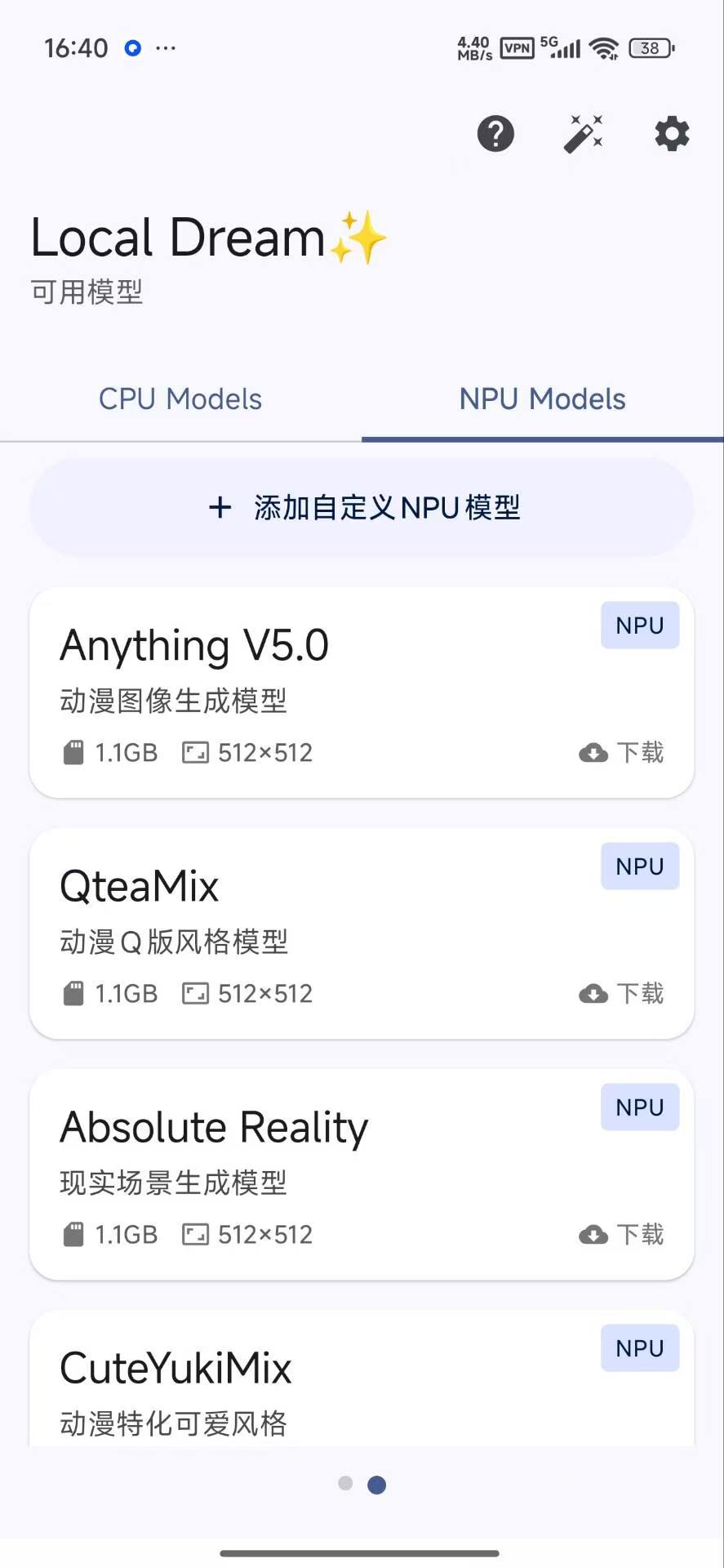
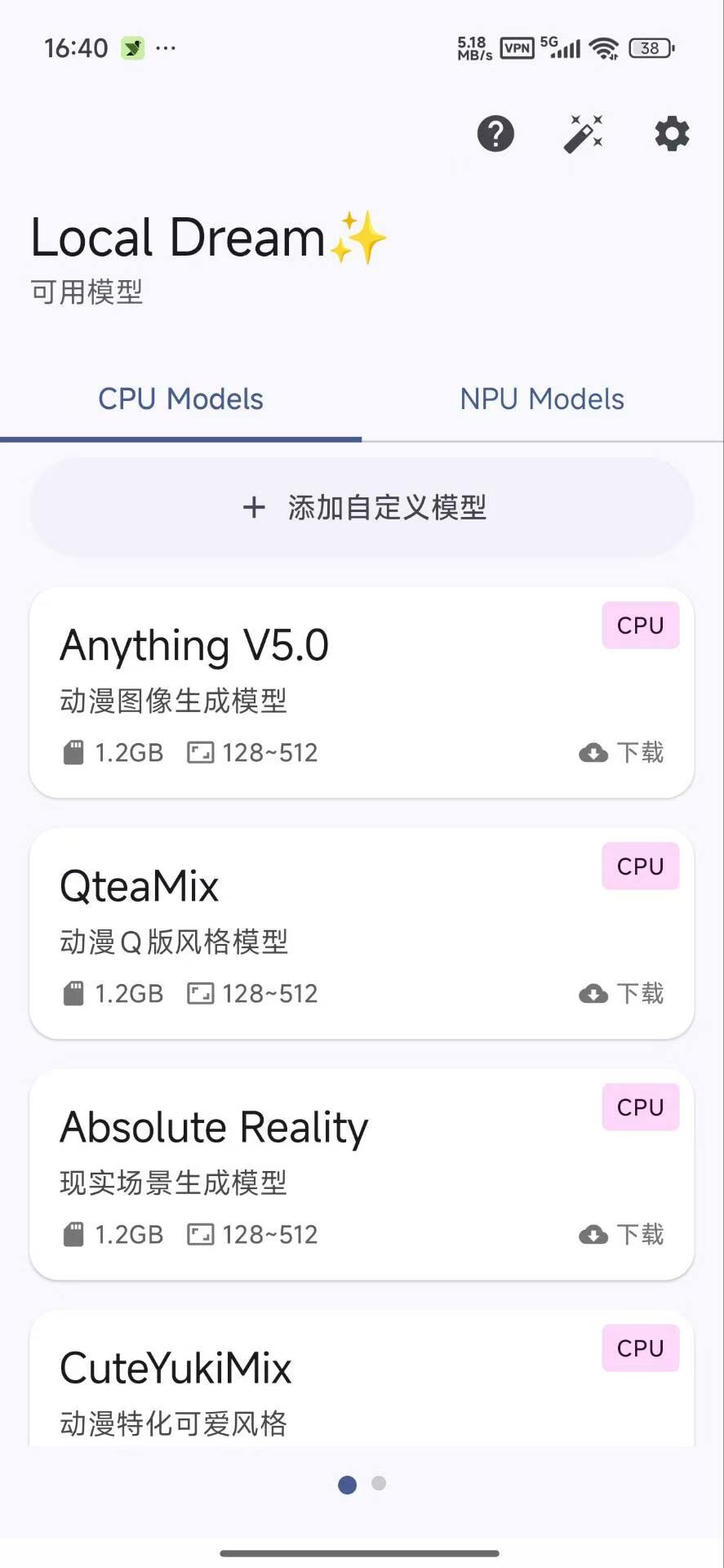
发表于 8月4日8月4日 一款本地离线AI绘图工具,内置SDXL模型,支持文生图、图生图、局部重绘、超分辨率修复等功能,无需联网即可完成AI图片生成。支持NPU硬件加速,可用于头像、壁纸、插画等多种创作场景,并新增设备互联、UltraFix超修补、Anima模型支持及多倍率放大功能,进一步提升生成效率与画质表现。使用说明:首次使用需下载对应模型,若下载失败可切换下载线路,必要时使用VPN完成模型下载。建议使用1024x1024分辨率获得最佳生成效果;支持局域网设备互联,可在其他设备调用本机模型进行生成,无需重复下载模型。Anima模型需单独导入,12GB内存设备建议开启DiT顺序加载以提高兼容性。下载链接:https://pan.quark.cn/s/7a02085cc8bc拿走吱一声!
一款本地离线AI绘图工具,内置SDXL模型,支持文生图、图生图、局部重绘、超分辨率修复等功能,无需联网即可完成AI图片生成。支持NPU硬件加速,可用于头像、壁纸、插画等多种创作场景,并新增设备互联、UltraFix超修补、Anima模型支持及多倍率放大功能,进一步提升生成效率与画质表现。
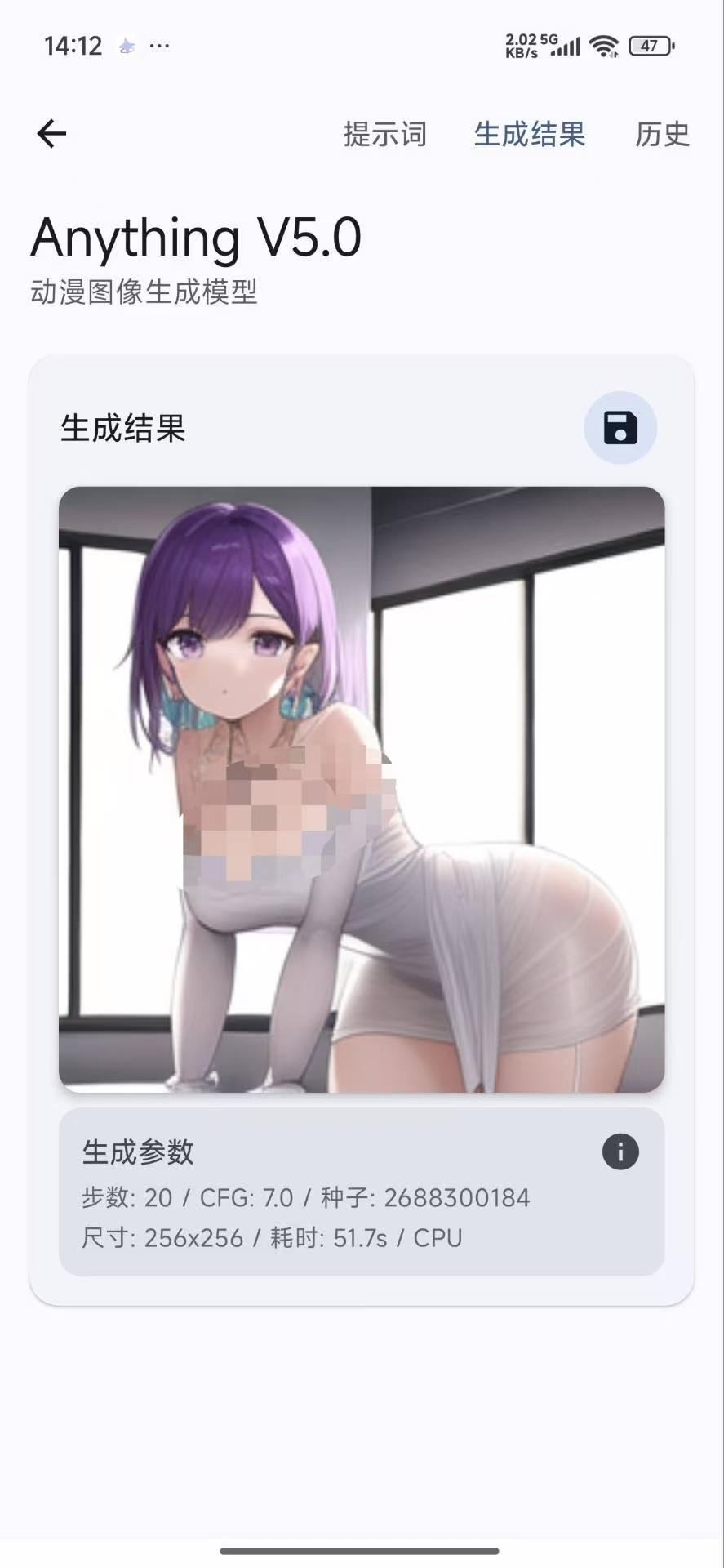
使用说明:
首次使用需下载对应模型,若下载失败可切换下载线路,必要时使用VPN完成模型下载。建议使用1024x1024分辨率获得最佳生成效果;支持局域网设备互联,可在其他设备调用本机模型进行生成,无需重复下载模型。Anima模型需单独导入,12GB内存设备建议开启DiT顺序加载以提高
兼容性。
下载链接:https://pan.quark.cn/s/7a02085cc8bc
拿走吱一声!